
Photos from current listings. Actual item, color, and included accessories may vary.
Rollo Label Printer Buying Guide
The Rollo label printer is a commercial-grade direct thermal 4x6 shipping label printer that uses USB connectivity and requires no ink or toner. The core trade-off is between genuine Rollo units (robust mechanism, native 4x6 support, reliable driver ecosystem) and generic direct thermal clones that often suffer from weaker platen rollers and inconsistent sensor calibration. Buy genuine Rollo if you print 4x6 shipping labels daily via USB; skip it if you need wireless printing, standalone batch operation, or non-4x6 label formats out of the box.
Median $152.92
Key takeaways
- Direct thermal printing requires no ink or toner — heat activates coated label stock, so per-label cost is paper only and there are no cartridges to replace.
- Native 4x6 inch (102 x 152 mm) label support at 203 dpi resolution matches the standard US shipping label format used by major carriers.
- USB-only connectivity means the printer must be tethered to a computer running Rollo software or a compatible driver; there is no Wi-Fi or Bluetooth on the standard model.
At a glance
- Category
- Label Makers & Supplies
- Last updated
- Nov 27, 2026
Current offers
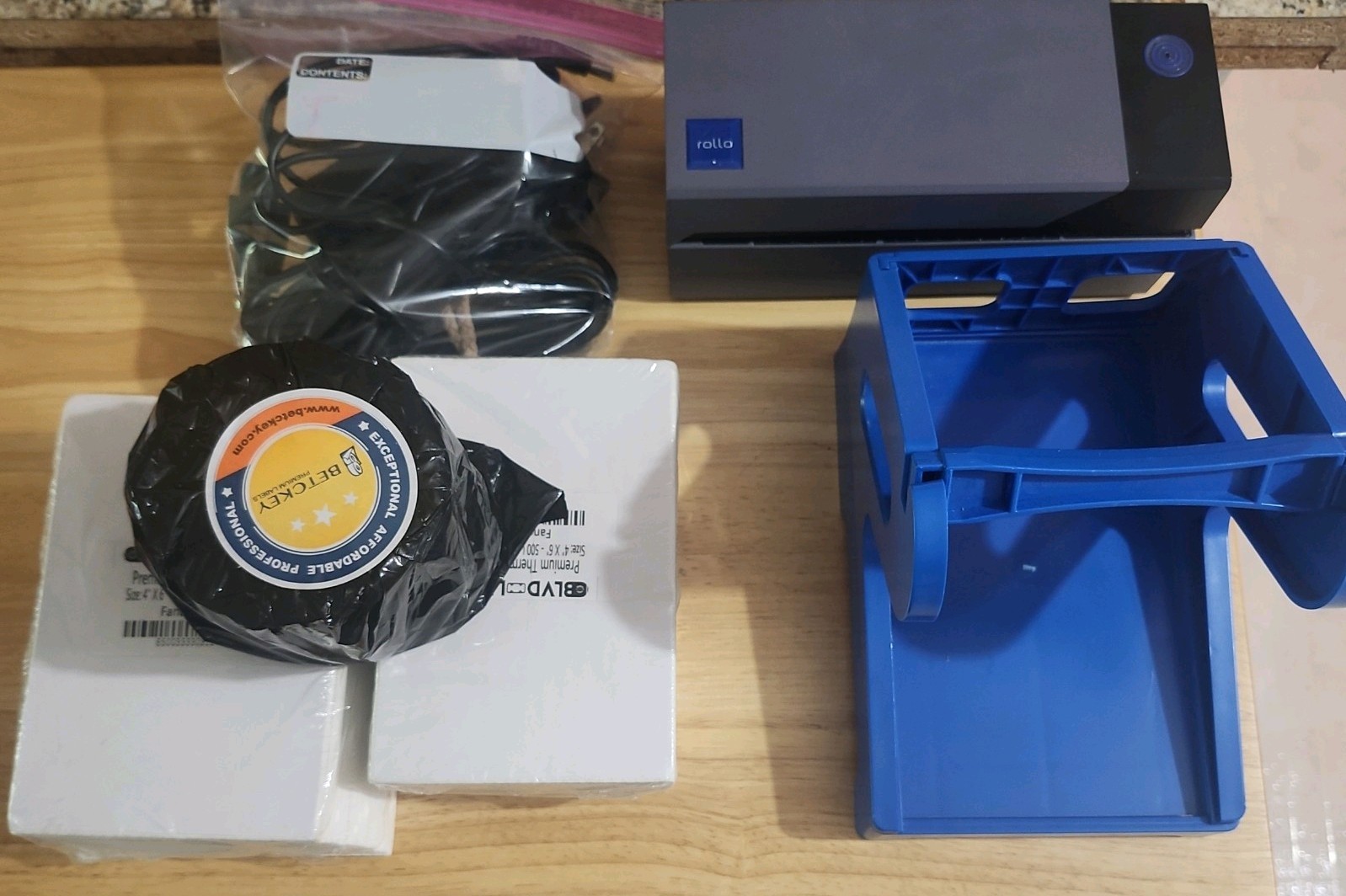 Genuine Rollo X1038 4x6 USB Commercial Grade Thermal Label Printer Bundle!$129.99View on eBay
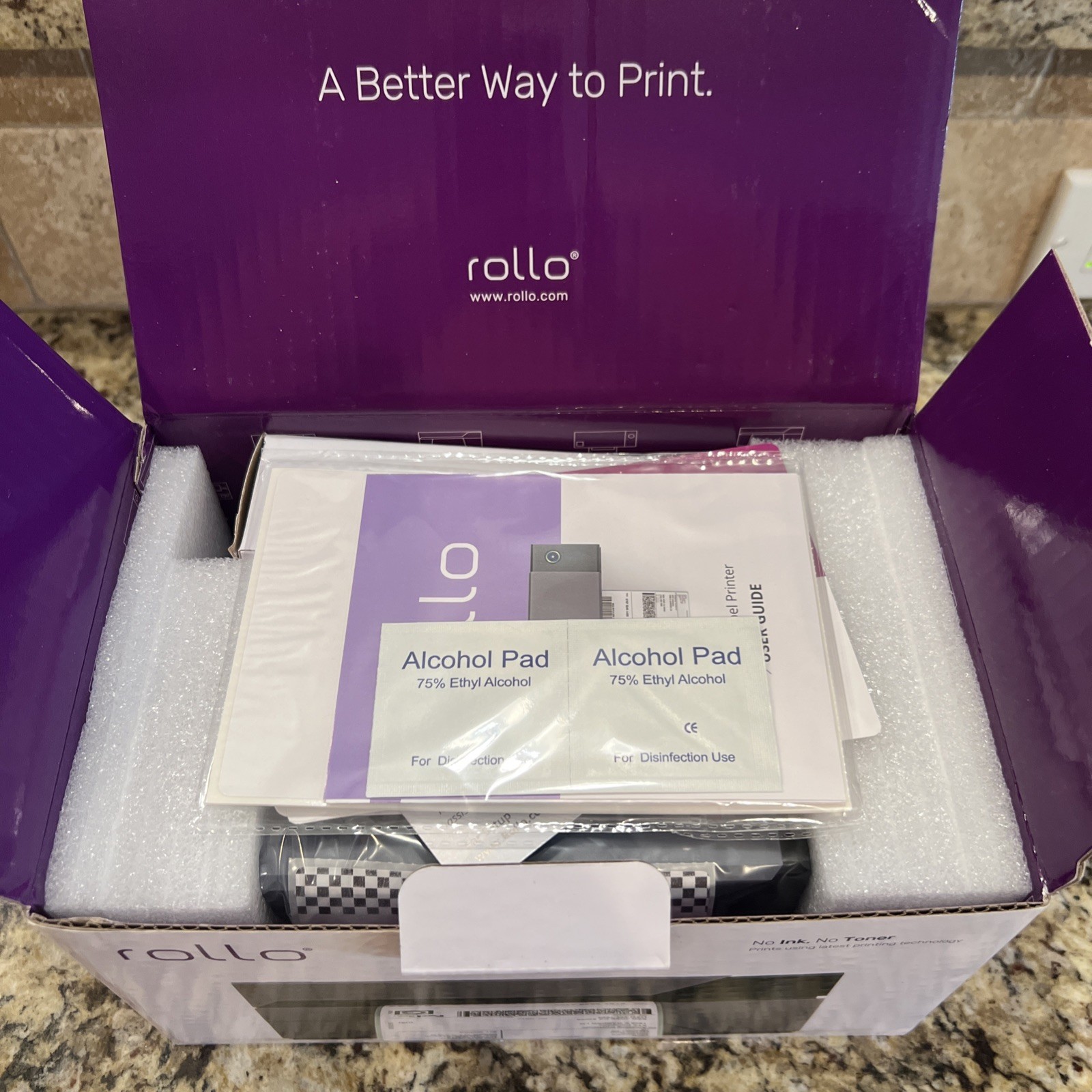 AUTHENTIC ROLLO Label Printer Commercial Grade Direct Thermal High Speed Printer$149.88View on eBay
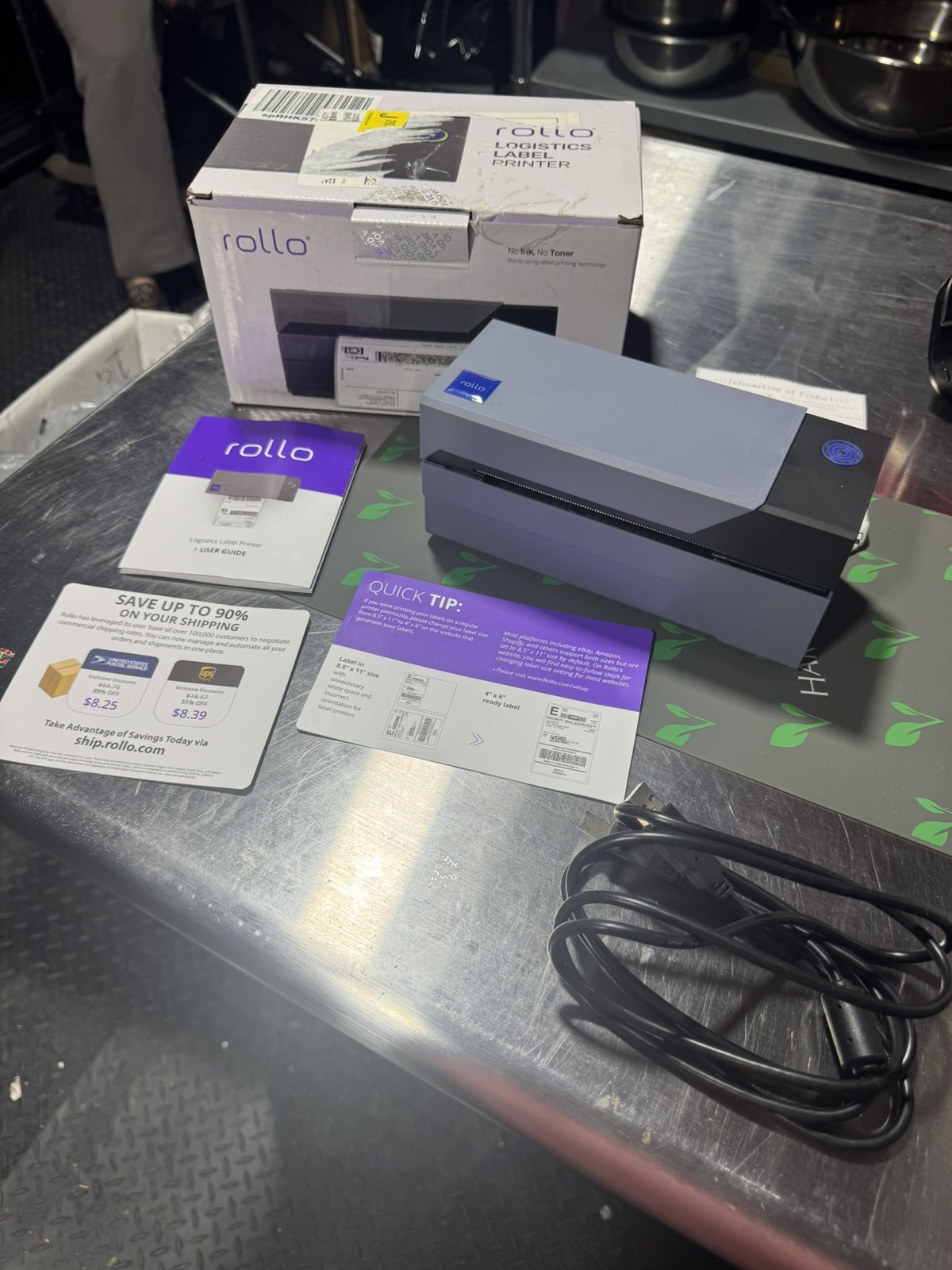 AUTHENTIC ROLLO Label Printer Commercial Grade Direct Thermal High Speed Printer$155.95View on eBay
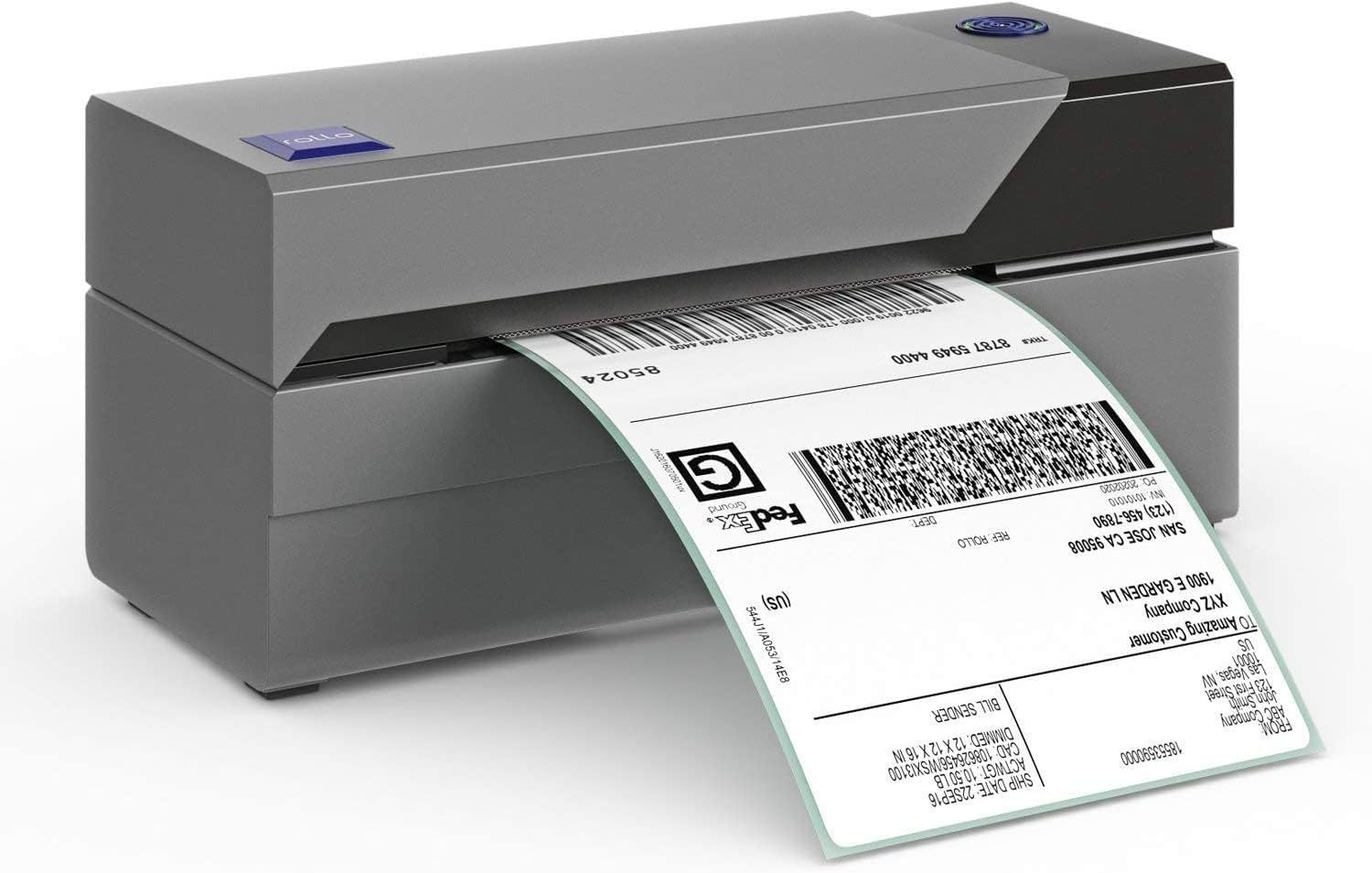 Rollo USB Shipping Label Printer - Commercial Grade 4x6 Thermal Printer | High$189.59View on eBay
Highlights
- Direct thermal printing requires no ink or toner — heat activates coated label stock, so per-label cost is paper only and there are no cartridges to replace.
- Native 4x6 inch (102 x 152 mm) label support at 203 dpi resolution matches the standard US shipping label format used by major carriers.
- USB-only connectivity means the printer must be tethered to a computer running Rollo software or a compatible driver; there is no Wi-Fi or Bluetooth on the standard model.
- Commercial-grade mechanism is rated for high daily volume, but the printhead is a consumable — sustained use on abrasive or low-grade thermal stock shortens its life.
Best use cases
- Best fit: e-commerce sellers printing 4x6 carrier shipping labels daily from a laptop or desktop via USB — the Rollo handles this workload reliably.
- Best fit: high-volume shippers who want to eliminate ink costs — direct thermal on 4x6 stock is the cheapest per-label method for shipping labels.
- Wrong fit: anyone needing to print from a phone, tablet, or over Wi-Fi — the standard Rollo is USB-only, so a wireless-capable model or network print server is required.
- Wrong fit: users who need multi-size labels (address, barcode, product) in one device without swapping stock — a multi-format desktop label maker is the better tool.
Buying tips
- Buy genuine Rollo stock or equivalent 4x6 direct thermal labels with a smooth topcoat — abrasive or uncoated stock accelerates printhead wear and degrades barcode contrast.
- Match label stock to your thermal printer type: direct thermal labels only; do not load thermal-transfer (ribbon-required) stock into a direct thermal Rollo.
- Confirm your computer OS is supported by the Rollo driver — Windows and macOS have native driver support; Linux and Chrome OS require community drivers with limited functionality.
- For sustained daily volume, budget for printhead replacement as a consumable and keep the platen roller clean — dust and adhesive buildup are the leading causes of print defects.
Specs
| Print Technology | Direct thermal (no ink/toner) |
|---|---|
| Max Label Width | 4x6 in (102 x 152 mm) |
| Connectivity | USB only (no Wi-Fi/Bluetooth) |
| Resolution | 203 dpi (8 dots/mm) |
Related searches
What to check before buying
- Measure your label stock: the Rollo is built for 4x6 inch labels; confirm your carrier labels match this format before buying.
- Check your computer port: you need an available USB-A port (or a USB-A to USB-C adapter) and a machine that can run the Rollo driver.
- Verify your workspace has a stable flat surface near your computer — the printer is tethered by USB cable, so cable reach limits placement.
- Confirm your power outlet matches the included adapter's voltage and plug type for your region before first use.
FAQ
Data sources: eBay / Amazon listings and product attribute feeds. Updated Nov 27, 2026.
Some links on this page are affiliate links. If you buy after clicking one, we may earn a commission at no extra cost to you. This does not change which products appear here or their order. Affiliate disclosure.