
Photos from current listings. Actual item, color, and included accessories may vary.
Product Label Printer Buying Guide
Product label printers are dedicated desktop devices that print durable adhesive labels for barcodes, SKUs, ingredients, and shelf tags—unlike general office printers, they use direct-thermal or thermal-transfer media optimized for smudge-resistant, scannable output. The core trade-off is print technology and media chemistry: direct-thermal is cheap and simple but fades with heat and UV, while thermal-transfer with resin/wax ribbons delivers archival, chemical-resistant labels at higher consumable cost. The decision rule: buy direct-thermal only for indoor short-life retail and shipping labels; choose thermal-transfer when labels must survive moisture, abrasion, freezing, or multi-year retail display.
Median $64.99 · New & pre-owned listings
Key takeaways
- Direct-thermal printers burn heat-sensitive paper without ribbon; output fades in sunlight, heat, or abrasion and is best for shipping and short-cycle retail tags.
- Thermal-transfer printers use wax, wax-resin, or full-resin ribbons; resin ribbons on synthetic stock resist water, chemicals, and smearing for multi-year barcode and compliance labels.
- Print resolution splits the segment: 203 dpi handles large text and 1D barcodes, while 300 dpi is required for dense 2D codes, small ingredient text, and jewelry-scale labels.
At a glance
- Category
- Label Makers & Supplies
- Last updated
- Nov 29, 2026
Current offers
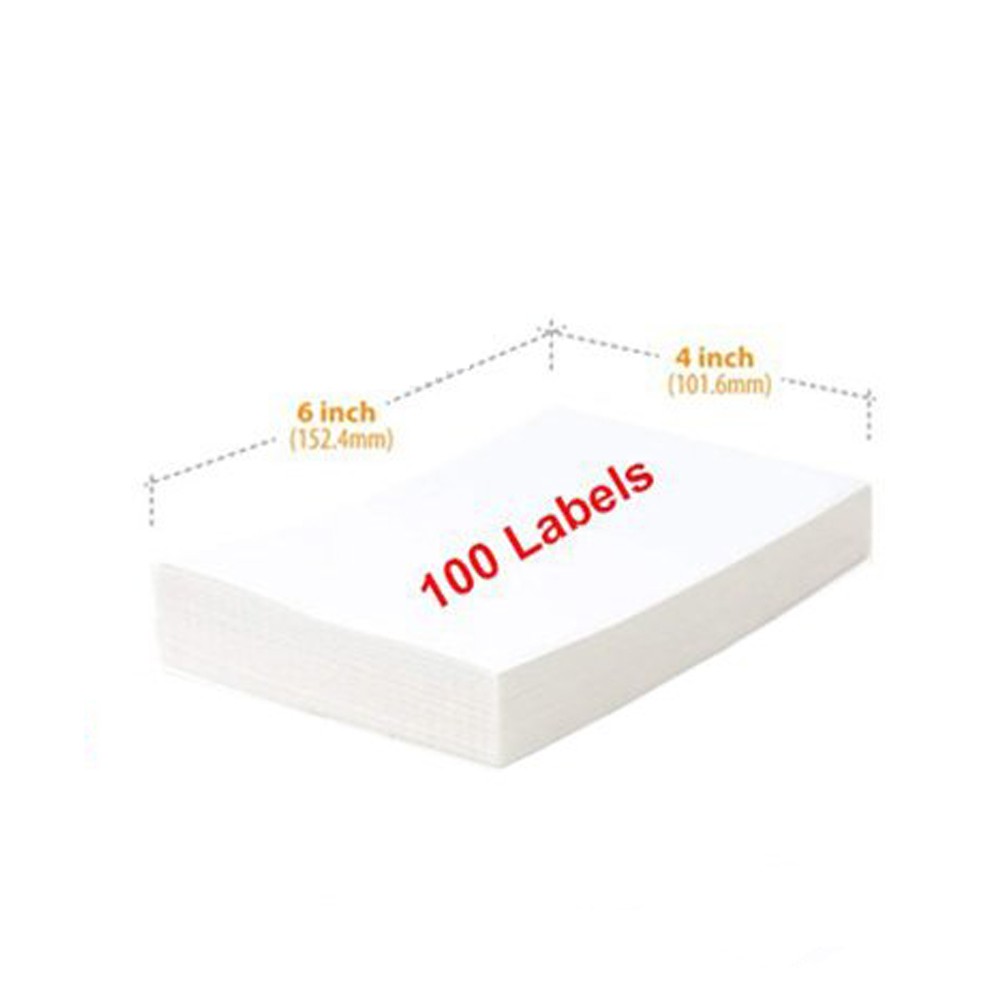 Thermal Shipping Label Printer 4"X6" Address Label Maker for Shipping Lot +Label$7.99Last checked Nov 23, 2026View on eBay
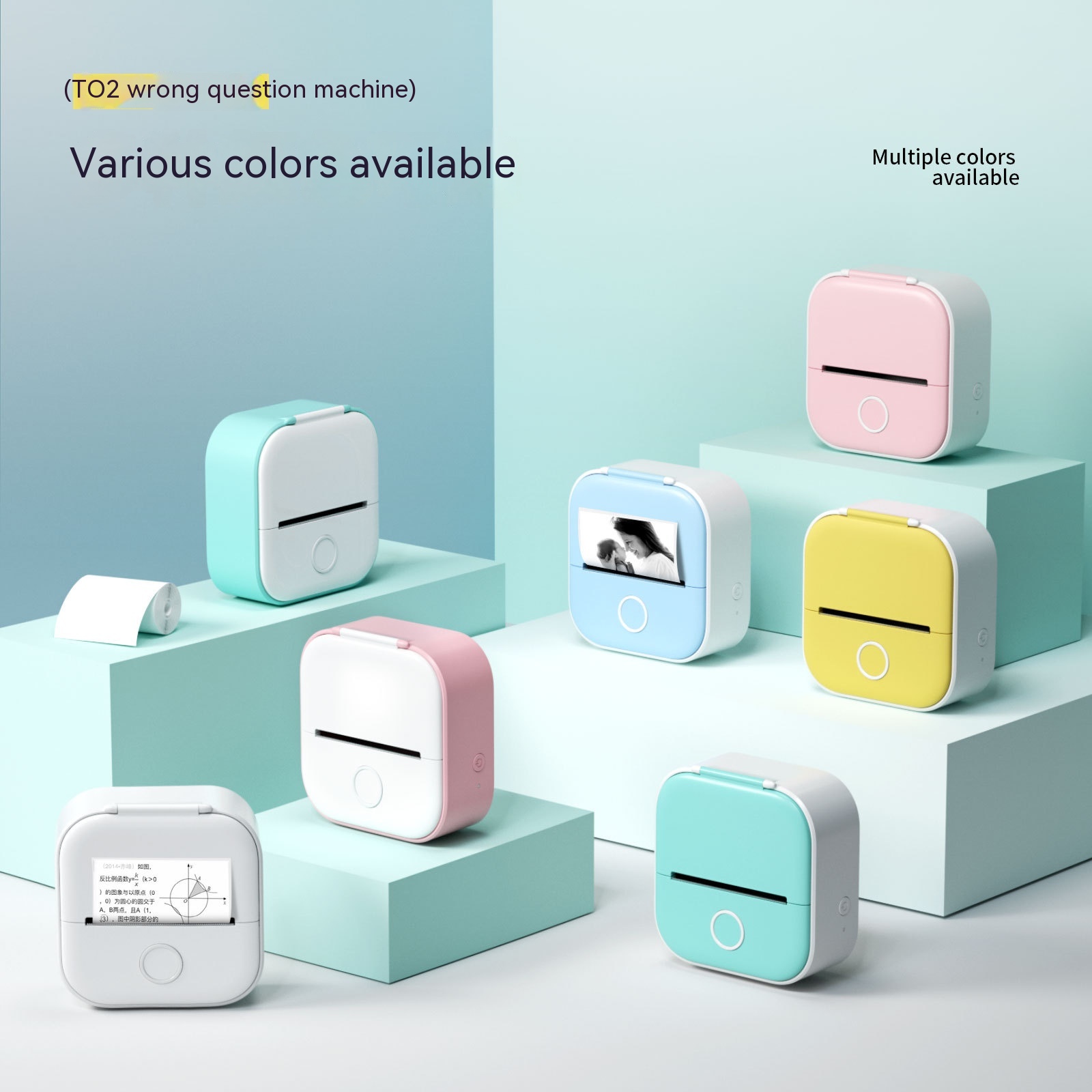 Portable Mini Thermal Label Printer Home Photo Student Wrong Question Bluetooth-compatible Price Tag$64.99View on Mallflare
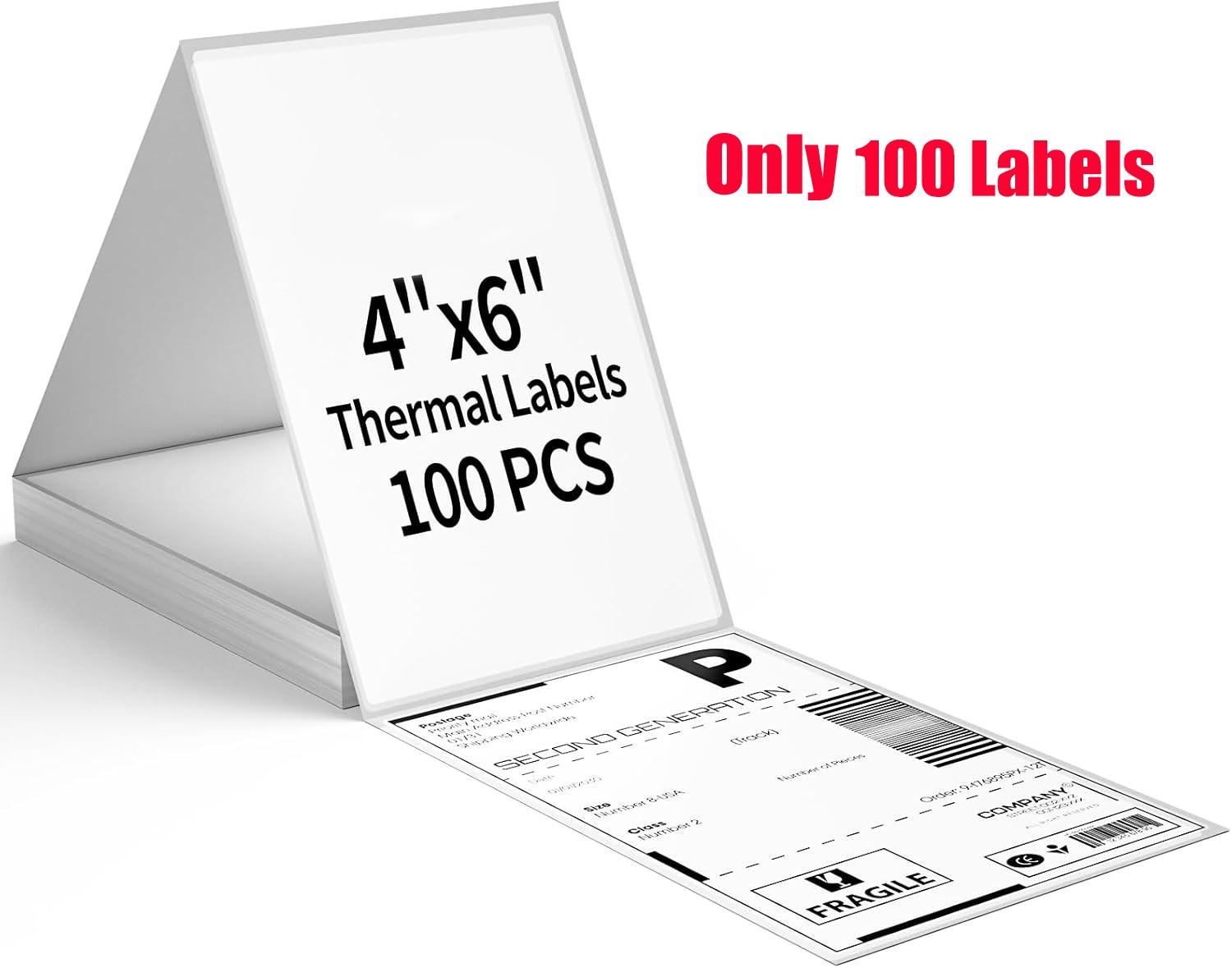 Thermal Shipping Label Printer 4"X6" Address Label Maker for Shipping Lot +Label$8.49Last checked Nov 23, 2026View on eBay
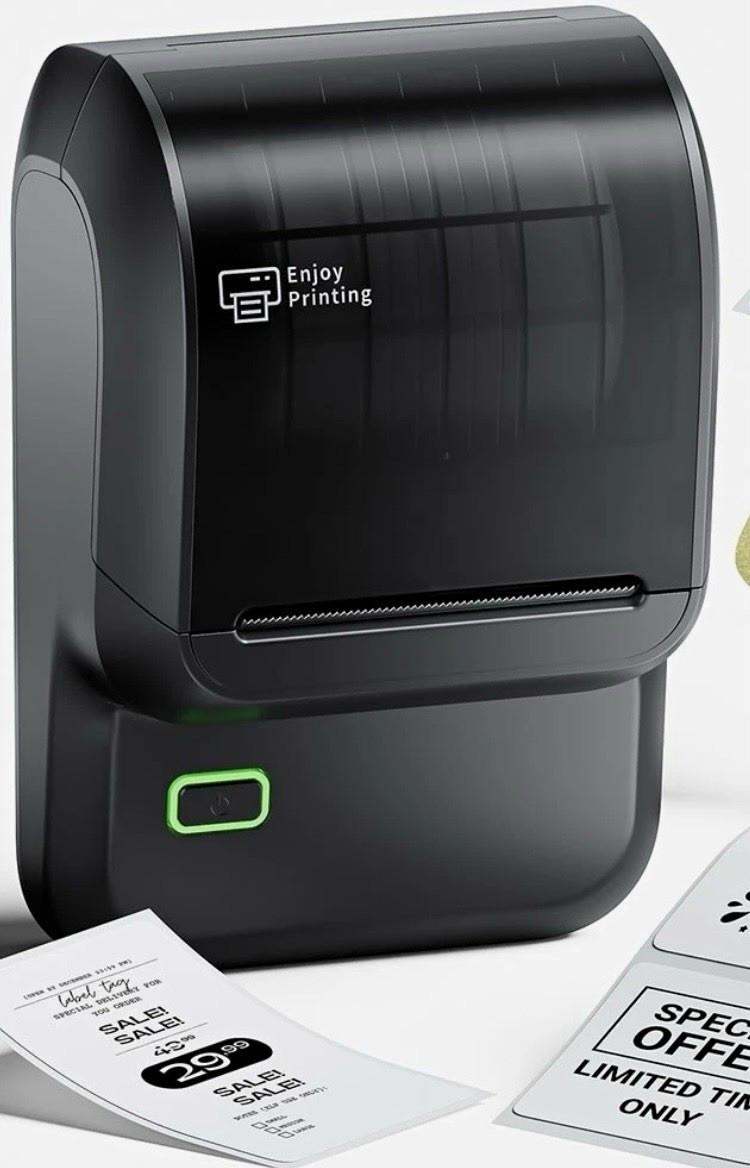 Enjoy Printing Portable Label Maker Printer w/ Type-C Cable & 100pc 40x30mm Roll$19.00Last checked Nov 28, 2026View on eBay
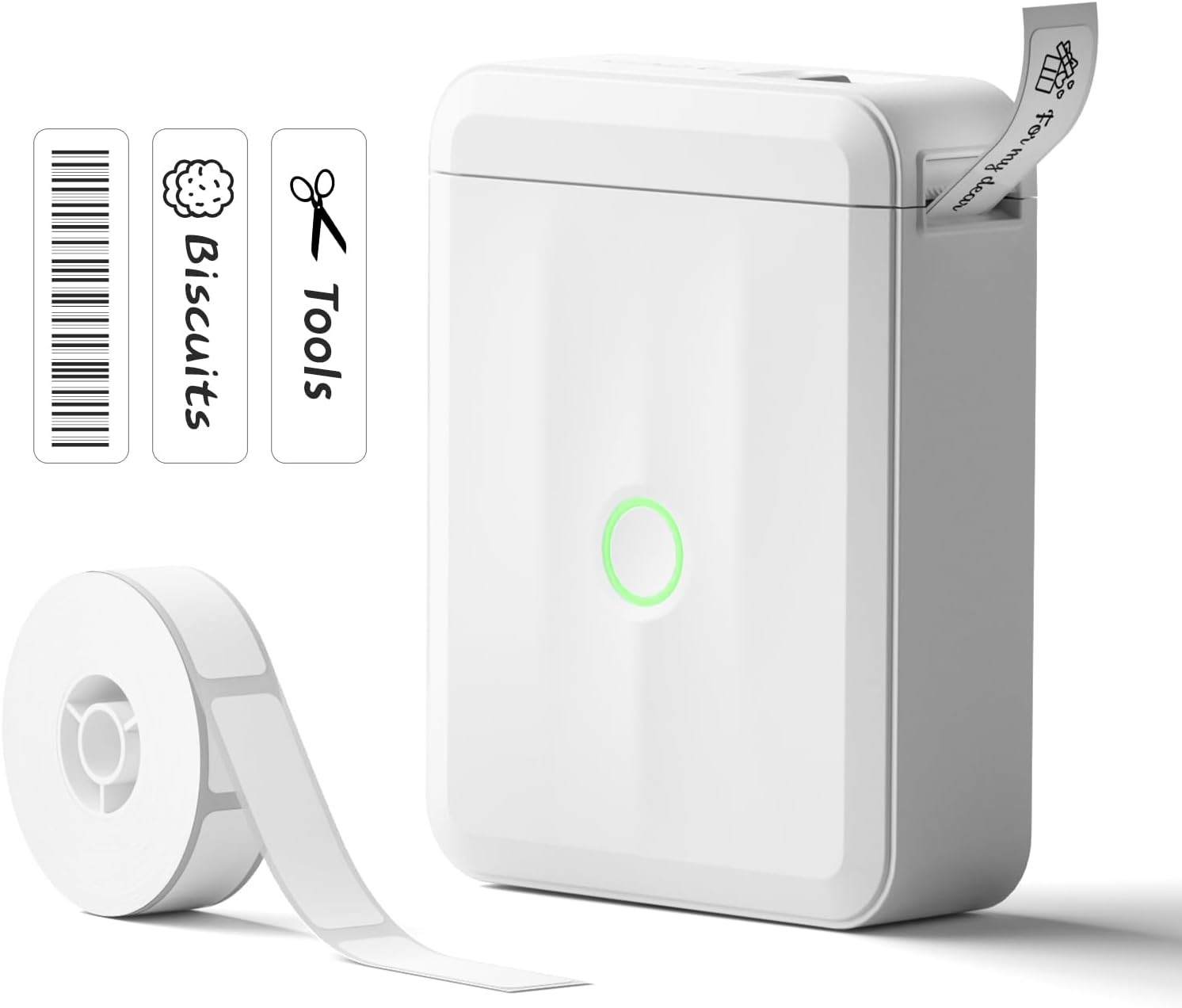 Label Maker Machine Bluetooth Label Printer for School Home Office Organization,$23.51Last checked Nov 23, 2026View on eBay
- Label Maker Machine Bluetooth Label Printer for School Home Office Organization,$23.51Last checked Nov 23, 2026View on eBay
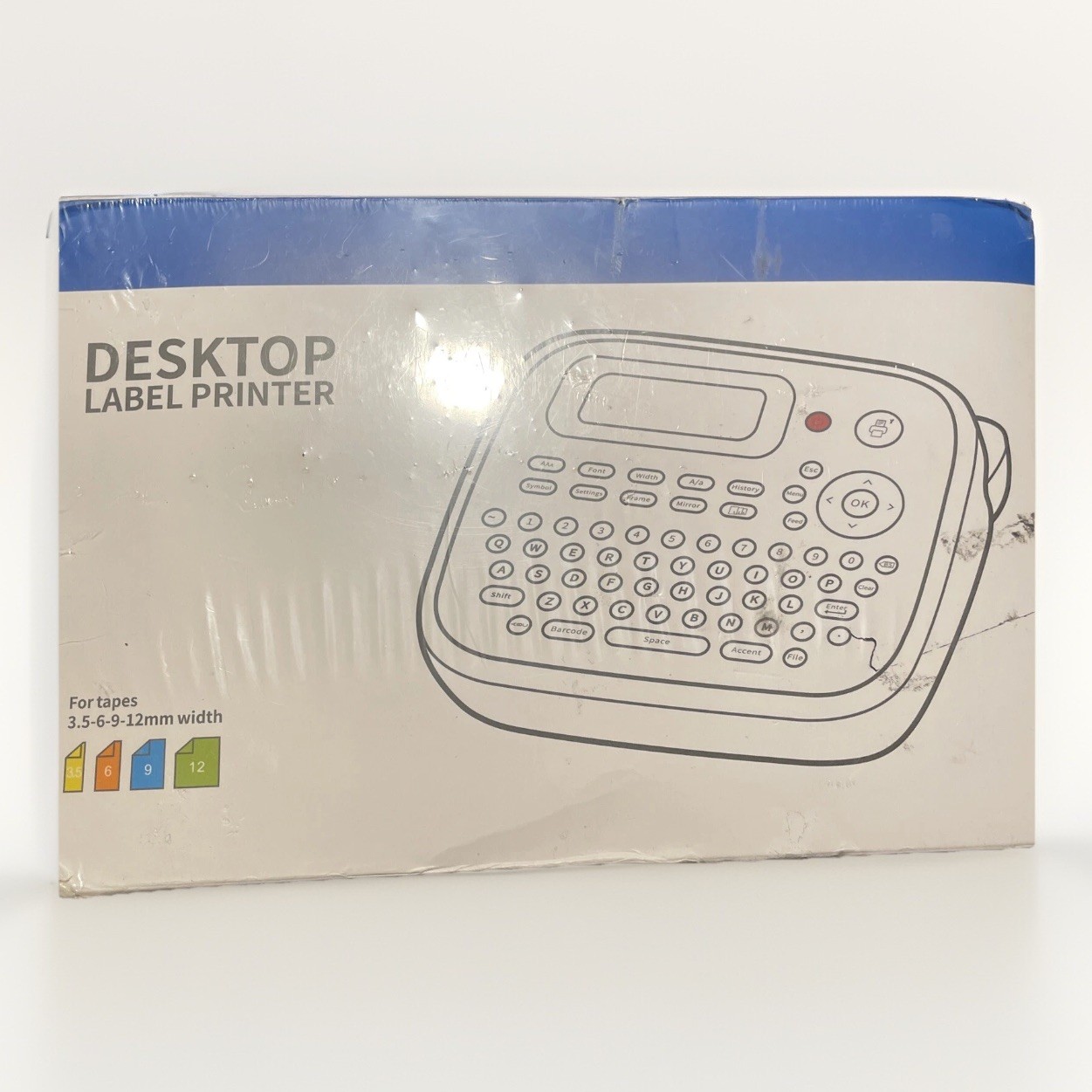 24G/Label Maker/Printer/Desktop/Hand Held/Portable/New in Box (shelf wear)$24.50View on eBay
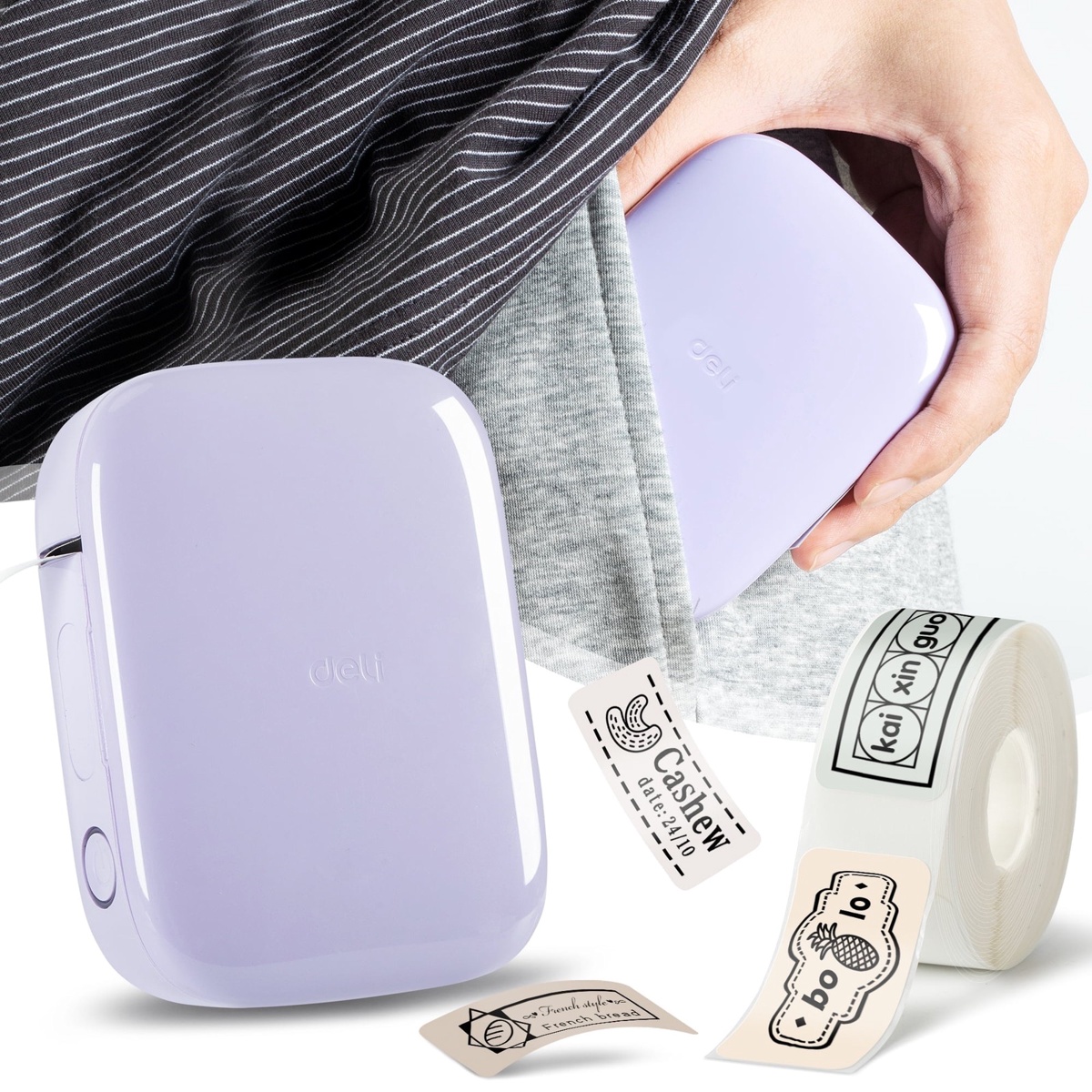 Label Maker Machine, Portable Bluetooth Label Printer with Tape$25.99Last checked Nov 23, 2026View on eBay
- Label Maker Machine Bluetooth Label Printer for School Home Office Organization,$27.70Last checked Nov 23, 2026View on eBay
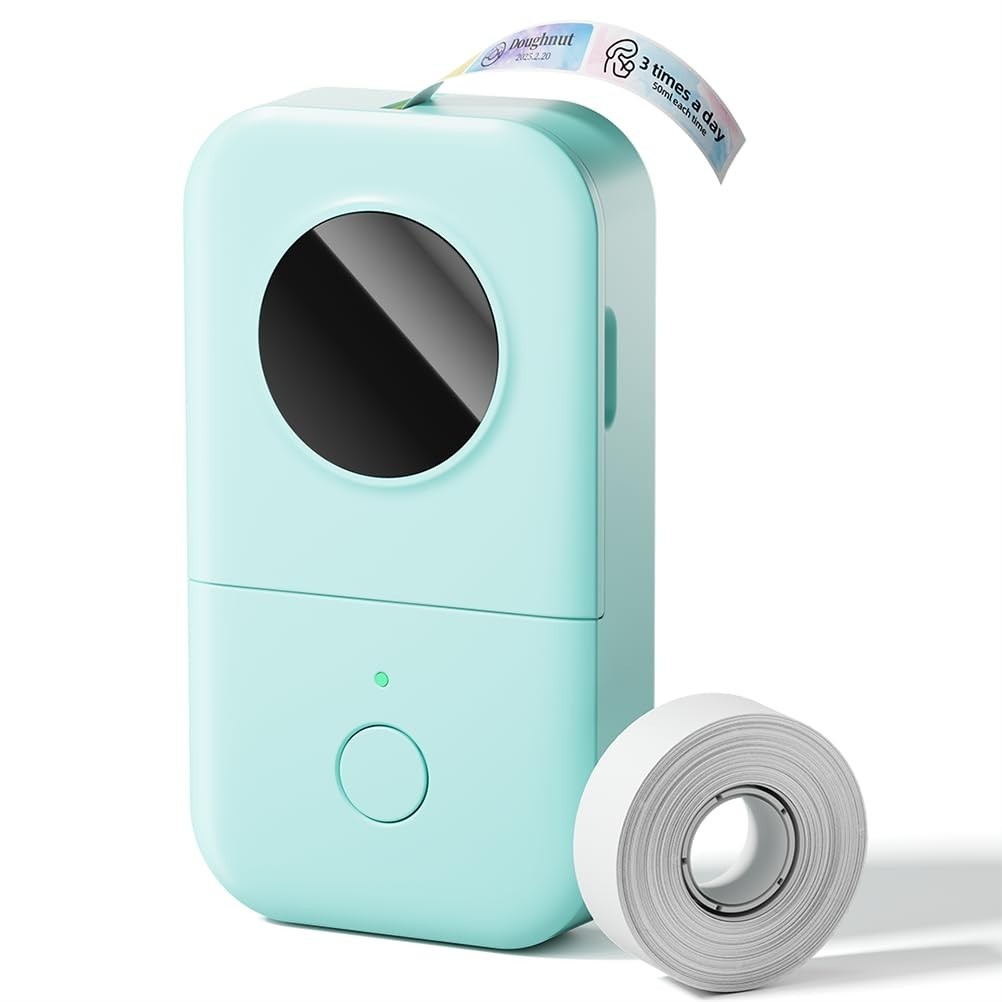 Phomemo D30 Bluetooth Label Maker Mini Portable Label Printer with Tape$27.70View on eBay
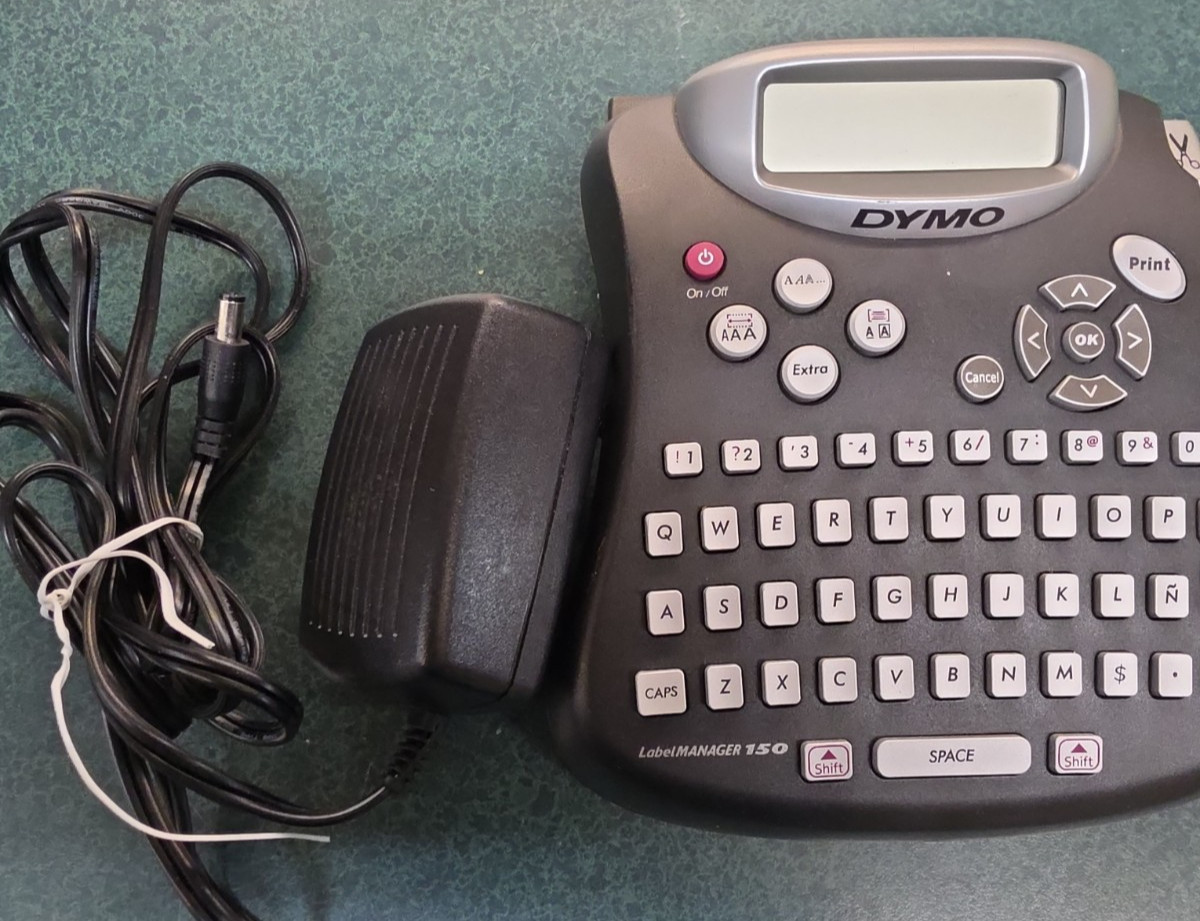 Dymo LabelManager 150 Thermal Label Printer Maker & Power Supply$28.88View on eBay
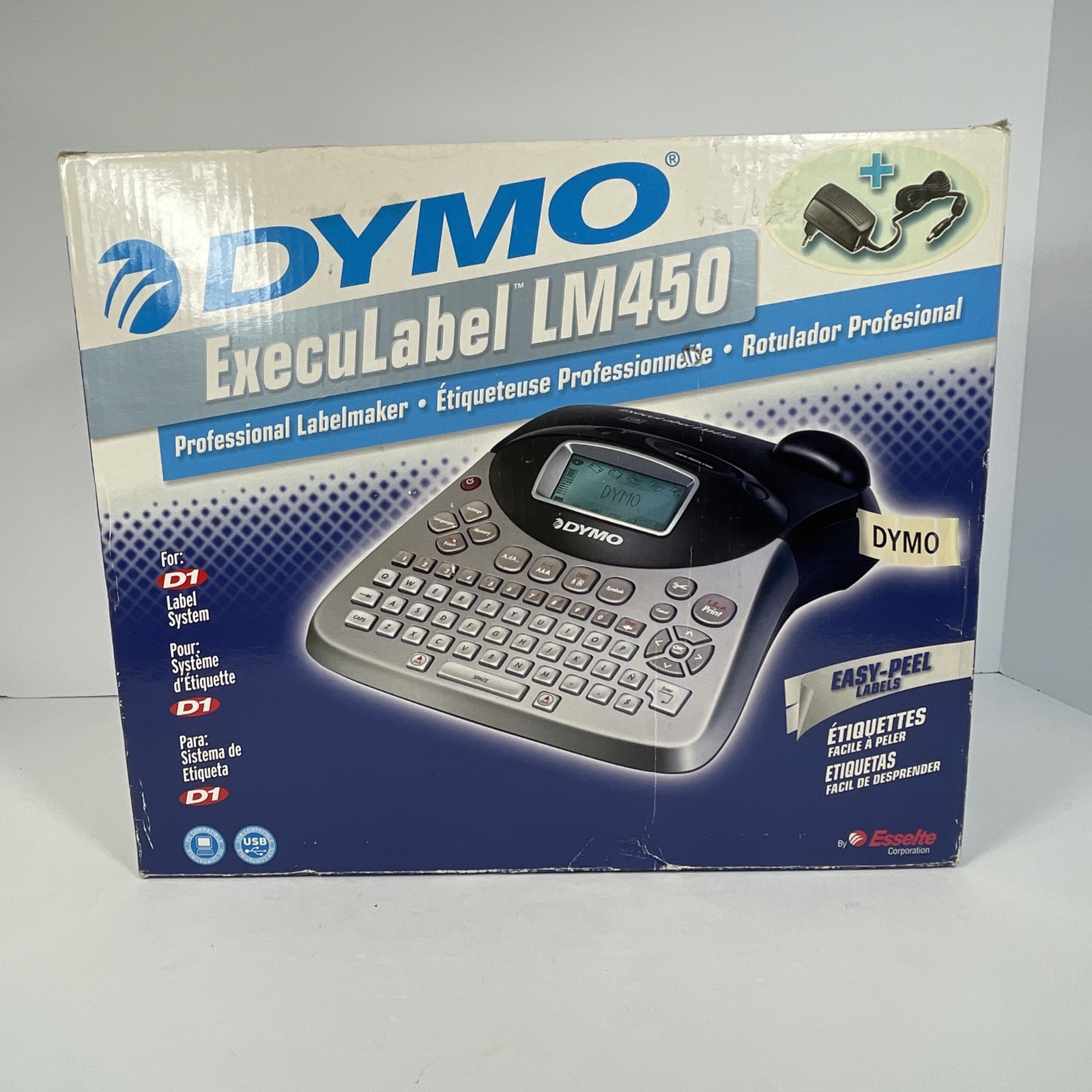 Dymo ExecuLabel LM450 Thermal Label Printer with Power Supply and Box$34.97Last checked Nov 28, 2026View on eBay
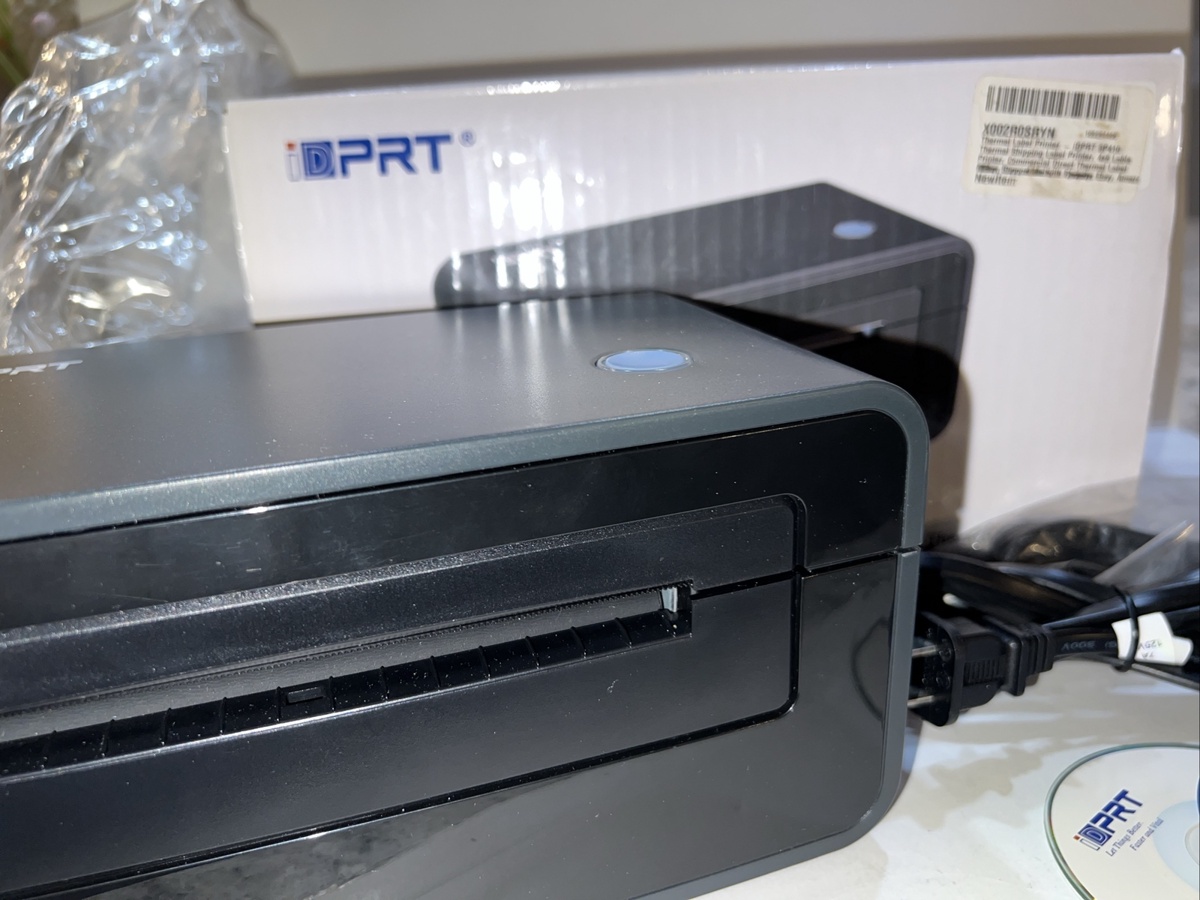 Thermal Shipping 4X6 Label Printer Commercial Maker Support Multiple Systems New$39.89View on eBay
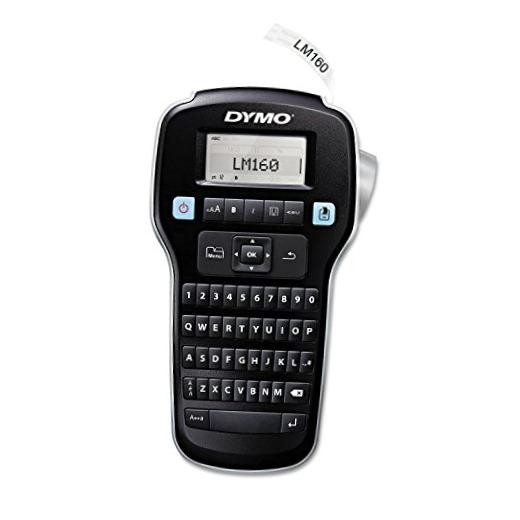 DYMO LabelManager 160 Printer Portable Label Maker$39.99View on eBay
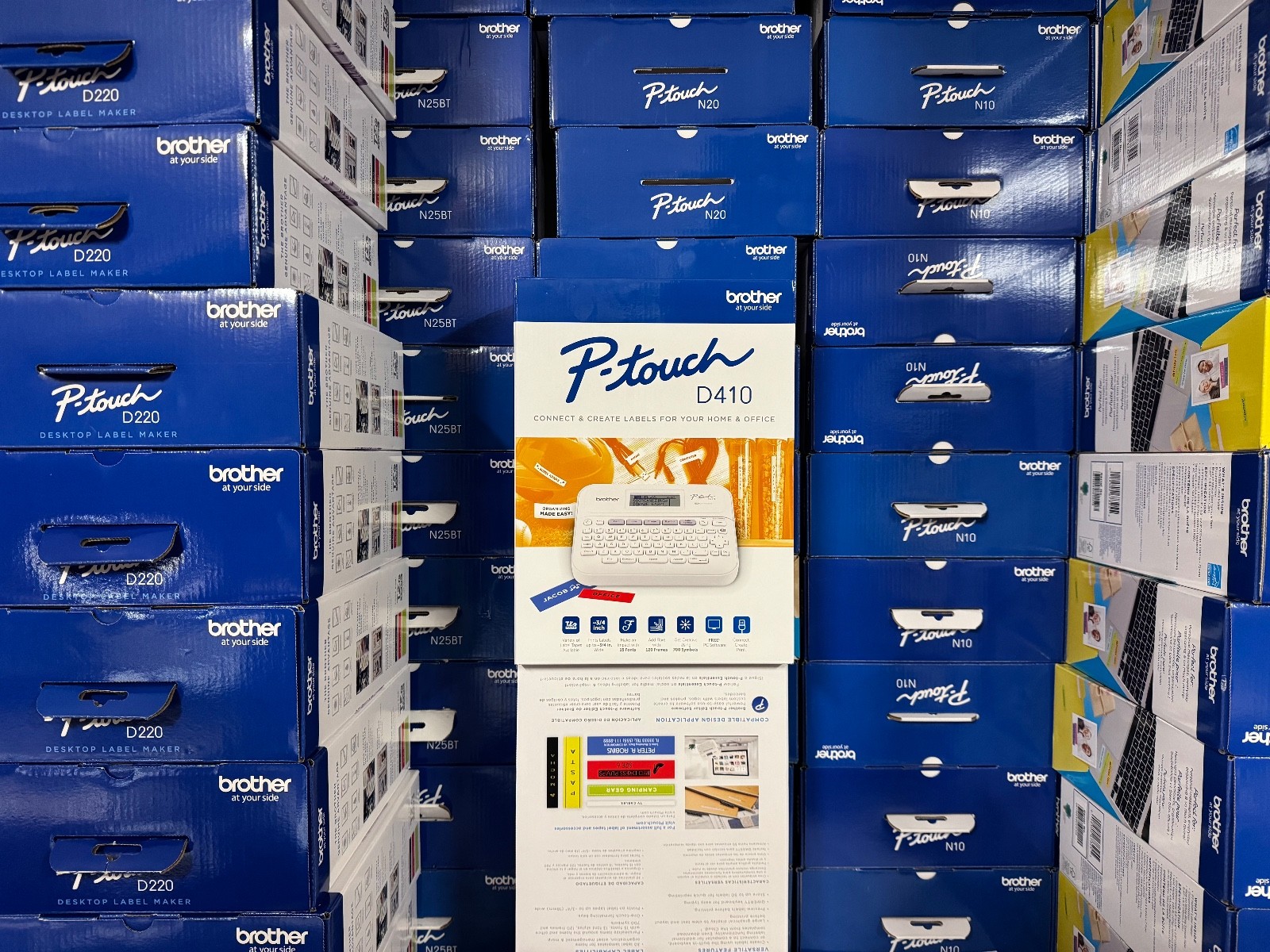 Brother P-touch PT-D410 Label Printer MAKER 18mm 3/4 " NIB FREE A/C POWER SUPPLY$44.99View on eBay
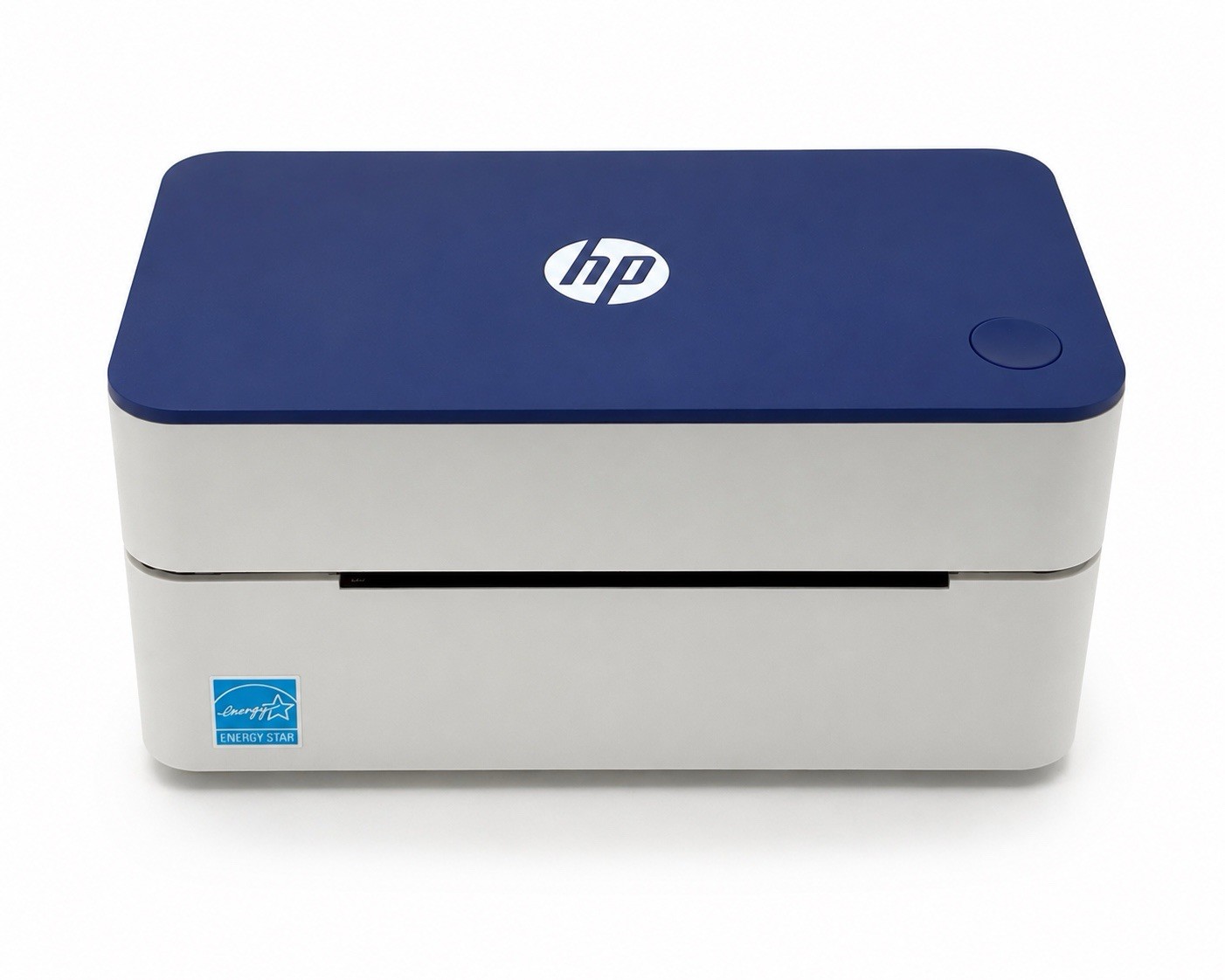 HP Direct Thermal Shipping Label Printer 4x6 USB Barcode Printer Commercial$55.00View on eBay
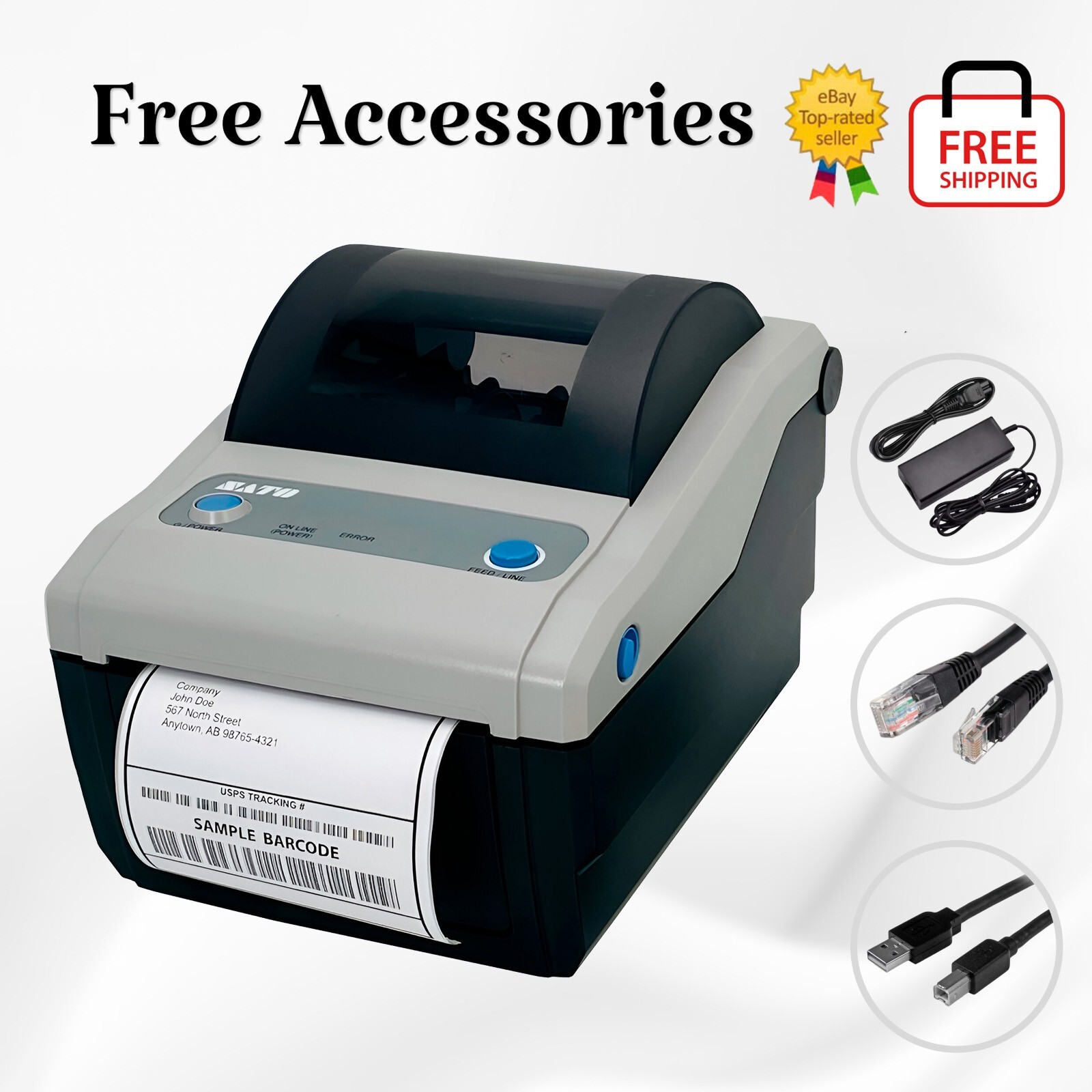 SATO CG412DT Industrial Direct Thermal Label Printer 300dpi LAN USB FAST SHIP$60.08View on eBay
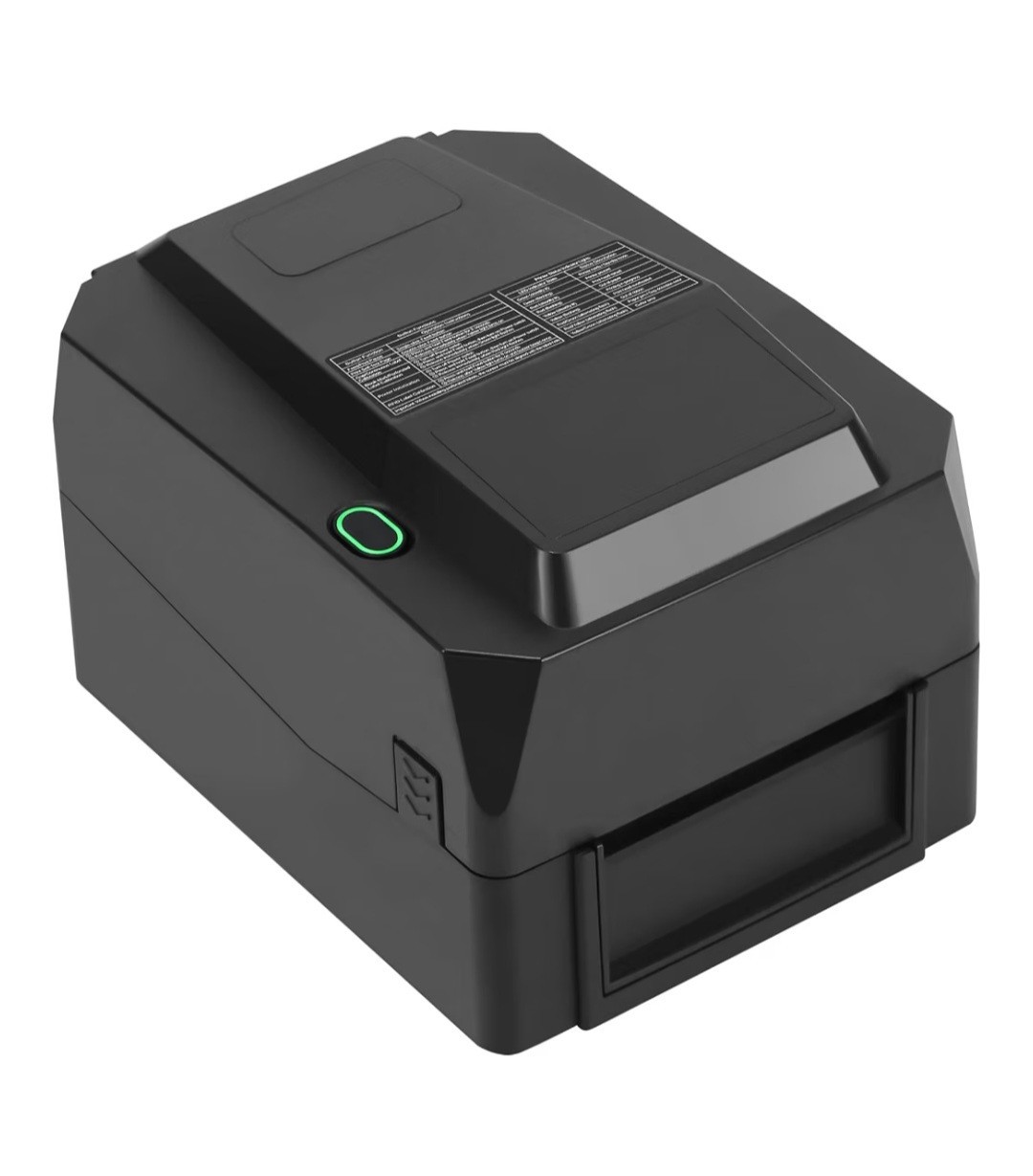 ZP-8820T Commercial 4x6 Label Printer Thermal Transfer & Direct Thermal 203DPI$62.00View on eBay
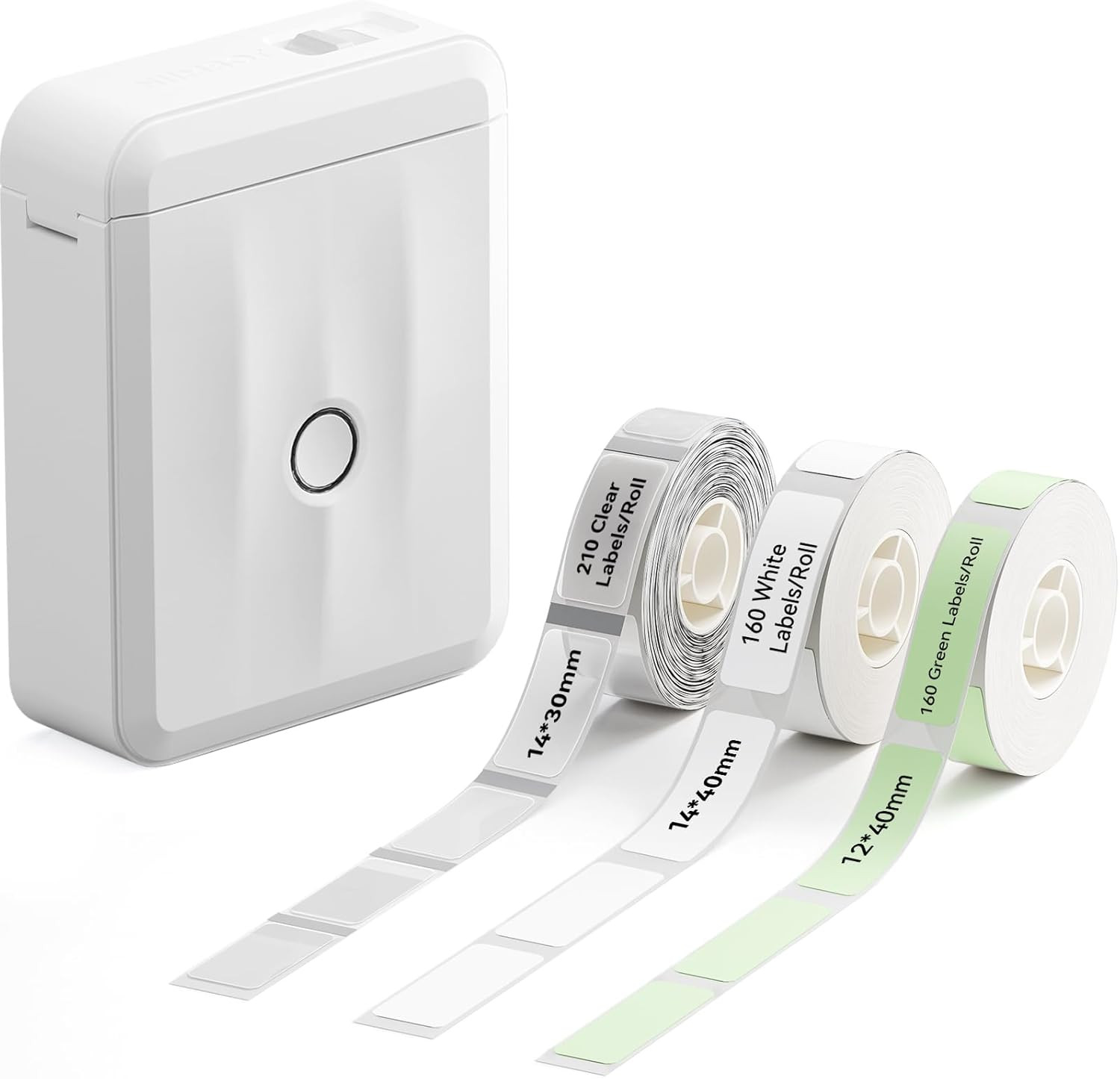 Label Maker Machine Bluetooth Label Printer for School Home Office Organization,$68.72Last checked Nov 23, 2026View on eBay
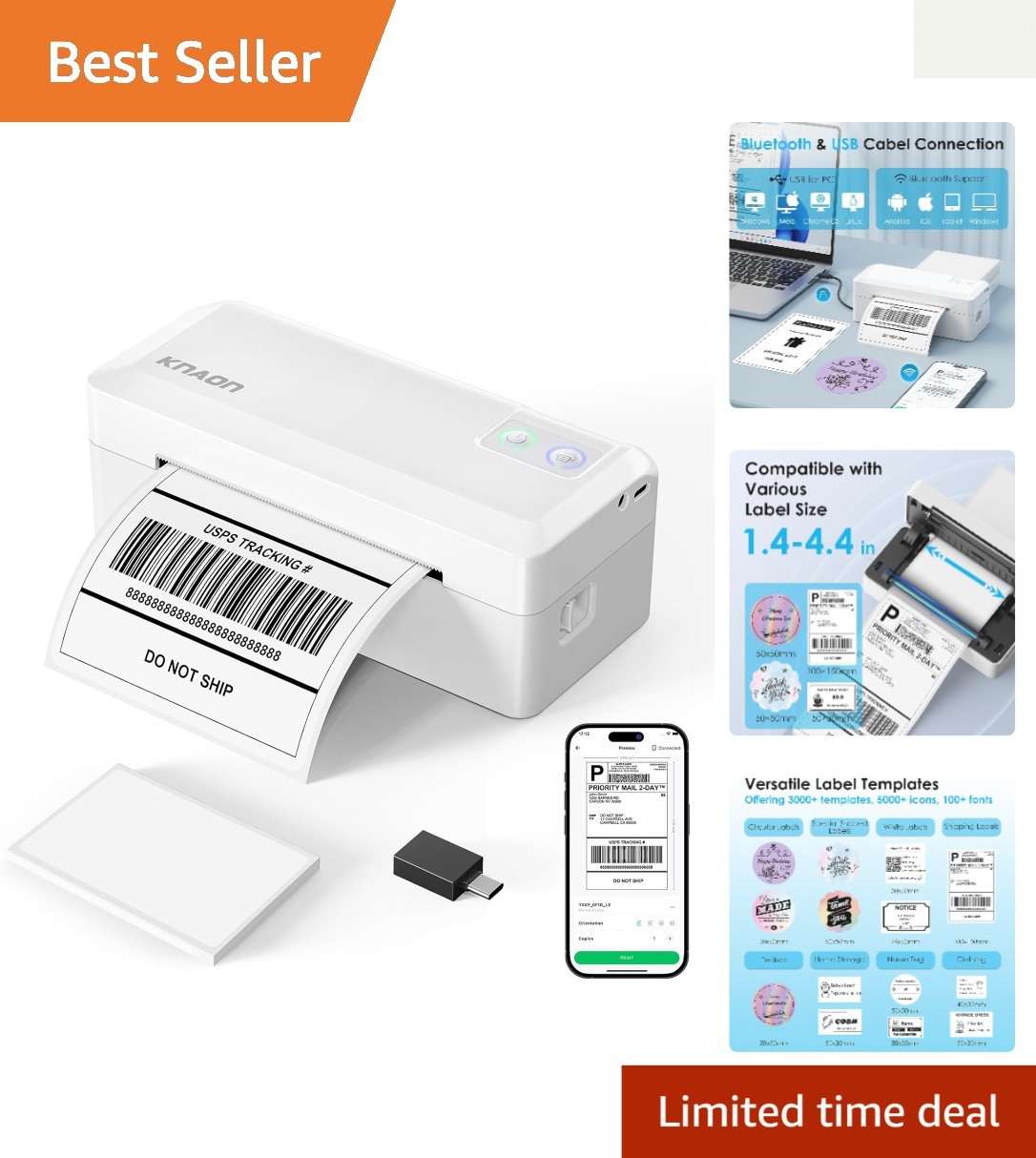 Shipping Thermal Label Printer, 4x6 Portable Label Printer, Bluetooth Label M...$83.99Last checked Nov 19, 2026View on eBay
Highlights
- Direct-thermal printers burn heat-sensitive paper without ribbon; output fades in sunlight, heat, or abrasion and is best for shipping and short-cycle retail tags.
- Thermal-transfer printers use wax, wax-resin, or full-resin ribbons; resin ribbons on synthetic stock resist water, chemicals, and smearing for multi-year barcode and compliance labels.
- Print resolution splits the segment: 203 dpi handles large text and 1D barcodes, while 300 dpi is required for dense 2D codes, small ingredient text, and jewelry-scale labels.
- Media width classes drive capability: 2-inch (58 mm) units fit shelf and retail tags, 4-inch (108 mm) units handle shipping and pallet labels, and portable Bluetooth units trade speed for field mobility.
Best use cases
- Best fit: retail and small-business SKU/shelf labeling—pick a 2-inch or 4-inch thermal-transfer model with 300 dpi when barcodes must scan reliably for years; skip cheap direct-thermal if labels sit in sunlit windows.
- Best fit: e-commerce shipping and warehouse receiving—choose a 4-inch direct-thermal printer at 203 dpi with USB/Ethernet; skip portable Bluetooth units for high-volume daily batches because battery and print-speed limits hurt throughput.
- Best fit: field service, pop-up retail, and market stalls—a portable Bluetooth label printer with rechargeable battery and 203 dpi handles on-the-spot pricing; skip it for permanent outdoor or freezer labels where resin ribbon on a desktop unit is required.
- Wrong fit: industrial chemical or freezer compliance labeling with a consumer direct-thermal unit—upgrade to thermal-transfer with full-resin ribbon and synthetic media or labels will smear and fail audit.
Buying tips
- Match media width to your largest label: 2-inch printers cap at 58 mm media and cannot run standard 4×6 shipping labels, so buy 4-inch (108 mm) if shipping is on the roadmap.
- Choose 300 dpi when labels contain 2D codes, small fonts under 8 pt, or jewelry-scale content; 203 dpi is adequate for large text and 1D barcodes at normal scan distances.
- For thermal-transfer, budget for ribbons plus media and confirm the printer supports both wax and resin ribbons; resin requires higher print energy and not every entry-level unit supports it.
- Check connectivity against your workflow: USB is universal, Ethernet suits shared back-office printing, and Bluetooth/Wi-Fi models add cost and battery maintenance but enable mobile label creation.
Specs
| Print Technology | Direct-thermal vs thermal-transfer |
|---|---|
| Print Resolution | 203 dpi vs 300 dpi |
| Max Media Width | 2-inch (58 mm) vs 4-inch (108 mm) |
| Connectivity | USB / Ethernet / Bluetooth / Wi-Fi |
Related searches
What to check before buying
- Measure your label and media: confirm the printer's maximum print width (typically 2-inch/58 mm or 4-inch/108 mm) and roll core diameter before ordering supplies.
- Verify power and plug standards for your region (100–240 V adapter or region-specific cord) and confirm the unit ships with the correct plug type.
- Confirm software and driver support for your OS (Windows, macOS, Linux, iOS/Android) and whether the bundled label-design software meets your barcode and template needs.
- Check the media type the printer accepts—direct-thermal paper only, or both direct-thermal and thermal-transfer with ribbon—so you are not locked into one consumable path.
FAQ
Data sources: eBay / Amazon listings and product attribute feeds. Updated Nov 29, 2026.
Some links on this page are affiliate links. If you buy after clicking one, we may earn a commission at no extra cost to you. This does not change which products appear here or their order. Affiliate disclosure.