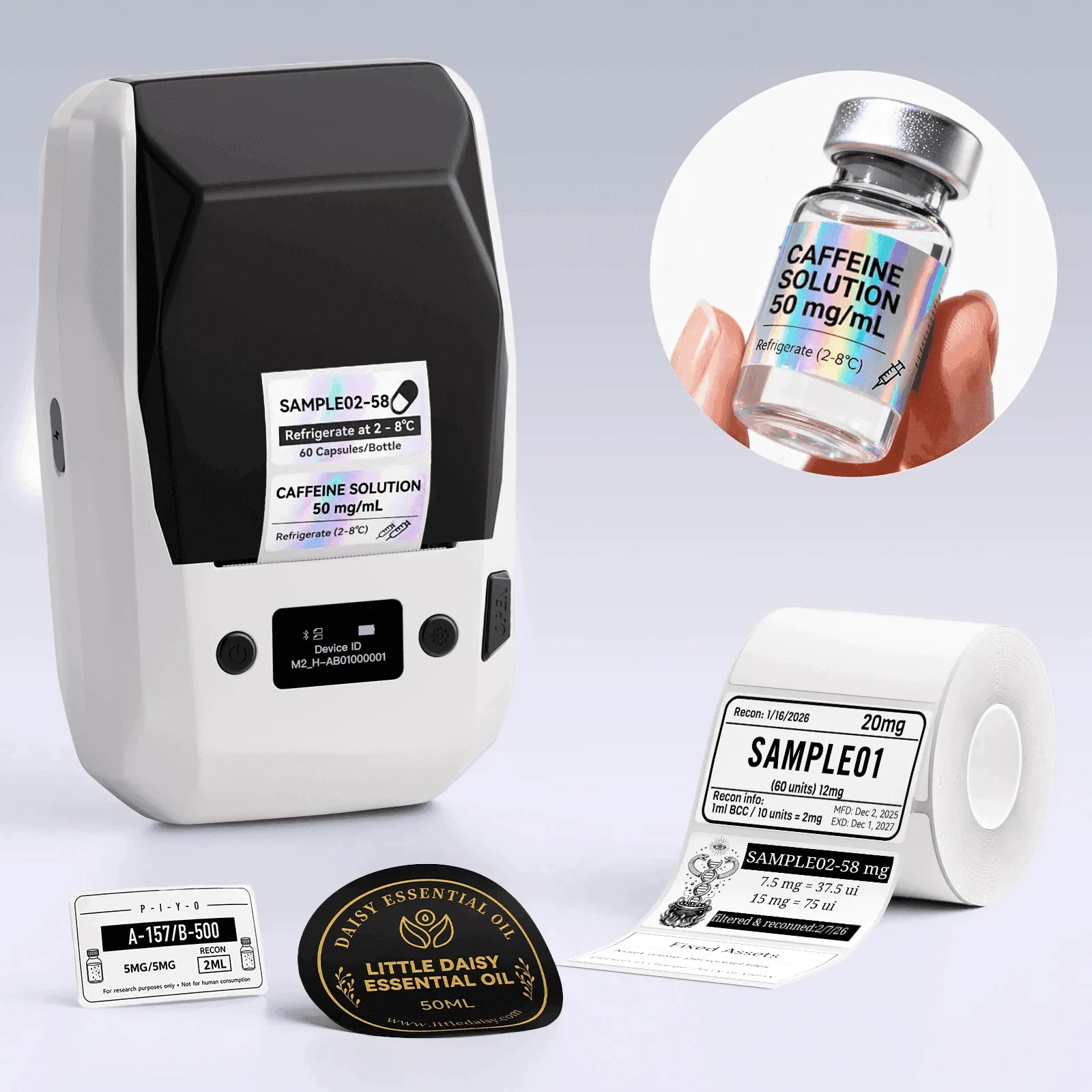

Photos from current listings. Actual item, color, and included accessories may vary.
Niimbot Label Printer Buying Guide
Niimbot label printers are compact thermal-transfer and inkless Bluetooth models for on-demand labeling from a phone. The core trade-off is print method: direct thermal (cheapest per label, fades with heat/UV) versus thermal transfer with ribbon (durable, smudge-proof, higher consumable cost). Choose direct thermal for indoor short-life labels; choose thermal transfer for outdoor, chemical, or long-archive use.
Key takeaways
- Direct thermal models (B-series) need no ink or ribbon but fade above 60°C and under UV; thermal transfer models (M2/M3) use a ribbon for smudge-proof, long-life prints.
- Niimbot M2 is a single-color thermal transfer unit using ribbon cassettes; M3 adds color thermal transfer capability, enabling multi-color labels without separate ribbon swaps.
- Print resolution across the line is typically 203 dpi (8 dots/mm) for sharp text and simple barcodes; label width capacity varies by model, so match cassette width to your max label size.
At a glance
- Category
- Label Makers & Supplies
- Last updated
- Nov 29, 2026
Current offers
Highlights
- Direct thermal models (B-series) need no ink or ribbon but fade above 60°C and under UV; thermal transfer models (M2/M3) use a ribbon for smudge-proof, long-life prints.
- Niimbot M2 is a single-color thermal transfer unit using ribbon cassettes; M3 adds color thermal transfer capability, enabling multi-color labels without separate ribbon swaps.
- Print resolution across the line is typically 203 dpi (8 dots/mm) for sharp text and simple barcodes; label width capacity varies by model, so match cassette width to your max label size.
- Connectivity is Bluetooth-only on most models—no USB or Wi-Fi on base units—so app compatibility (iOS/Android) and label-editing software are part of the purchase decision.
Best use cases
- Best fit: home organization, cable tagging, and pantry jars—pick a direct thermal B-series for lowest cost per label and no ribbon handling.
- Best fit: workshop, garden, or chemical containers exposed to moisture and sun—pick M2 thermal transfer with ribbon for smudge-proof, UV-resistant prints.
- Wrong fit: high-volume retail barcode printing—skip Niimbot and choose a 300 dpi desktop thermal transfer printer with USB/Ethernet; Niimbot is for low-to-medium batch mobile labeling.
Buying tips
- Match label cassette width to your printer model: M2/M3 accept specific cassette widths, and third-party labels must match both width and core geometry to feed correctly.
- For labels that must last outdoors or on chemicals, choose thermal transfer with a resin or mixed ribbon—direct thermal paper darkens and fades within months in heat or sunlight.
- Budget for consumables: thermal transfer needs ribbon plus labels, roughly doubling per-label cost versus direct thermal; direct thermal labels are the cheaper ongoing choice for indoor use.
- Check app and OS compatibility before buying: Niimbot printers rely on the companion app for templates and fonts, so confirm your phone OS version is supported and that you can export/print without a PC.
Specs
| Print Method | Direct thermal vs thermal transfer |
|---|---|
| Resolution | 203 dpi (8 dots/mm) typical |
| Max Label Width | 15–50 mm by model |
| Connectivity | Bluetooth (app-based) / USB-C charging |
Related searches
What to check before buying
- Confirm your label size needs: measure the widest and tallest label you will print and verify the model's max cassette width and print height exceed those dimensions.
- Verify your phone/tablet OS is supported by the Niimbot app, and that Bluetooth pairing works with your device generation.
- For thermal transfer, confirm ribbon cassettes and label rolls are readily available in your region and match your model's cassette system.
- Check the printer's battery and charging standard (USB-C vs micro-USB) and whether it can print while charging for all-day sessions.
FAQ
Data sources: eBay / Amazon listings and product attribute feeds. Updated Nov 29, 2026.
Some links on this page are affiliate links. If you buy after clicking one, we may earn a commission at no extra cost to you. This does not change which products appear here or their order. Affiliate disclosure.