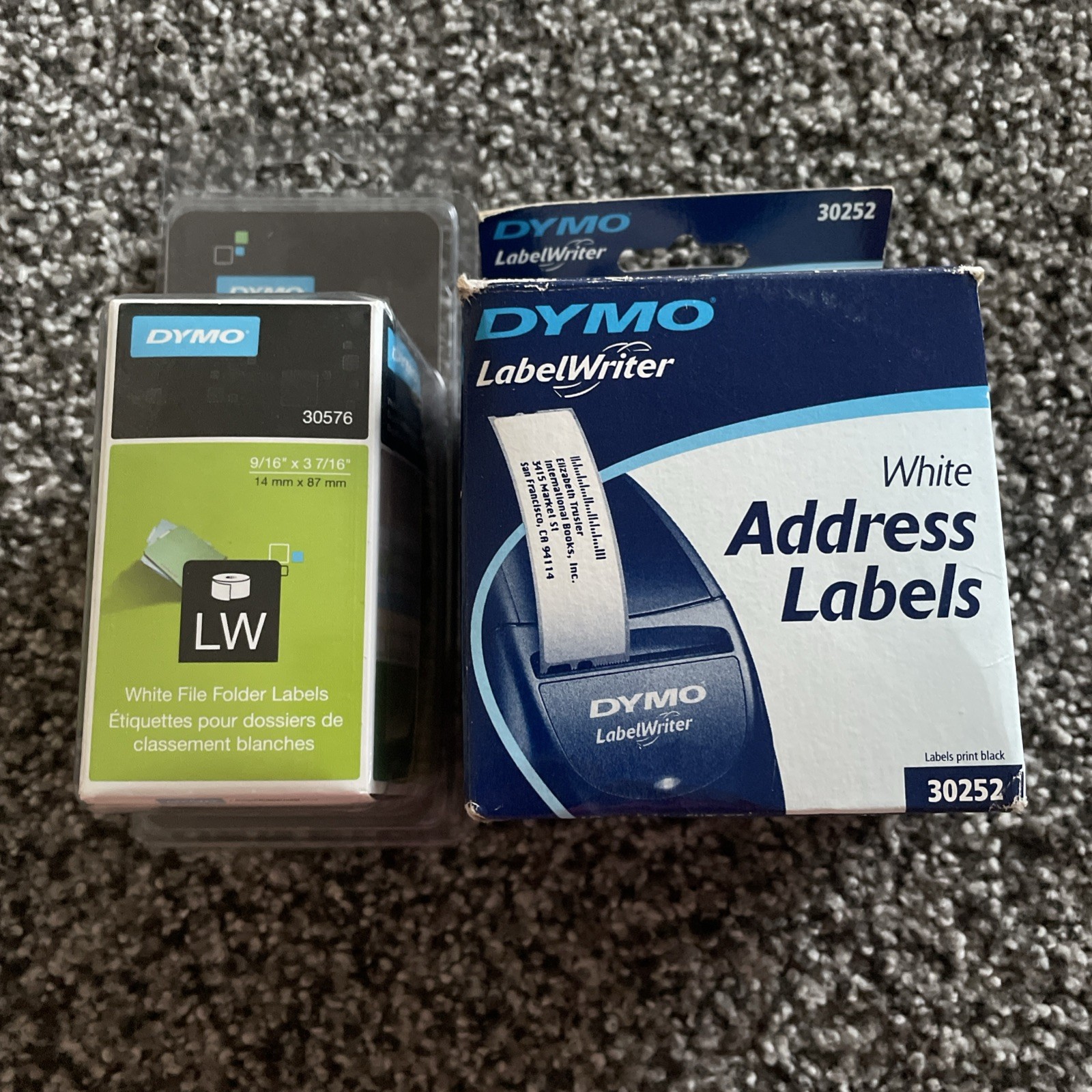

Photos from current listings. Actual item, color, and included accessories may vary.
Dymo Labelwriter 550 Buying Guide
The Dymo LabelWriter 550 is a direct-thermal desktop label printer that requires no ink or toner, but its value hinges on accepting genuine Dymo RFID-chipped rolls rather than cheaper third-party labels. The core trade-off is print-head longevity and jam-free operation versus supply cost and lock-in, since the 550 series uses authentication to reject non-Dymo media. Buy the 550 only if you need fast, PC/Mac-connected address or barcode labels and are willing to buy genuine rolls; choose a 450-series or a non-chipped thermal printer if third-party label economy is your priority.
Median $37.50
Key takeaways
- Direct-thermal print engine: no ink or toner, but only Dymo genuine RFID-tagged rolls authenticate in the 550, blocking third-party labels.
- 550 vs 550 Turbo: both print at up to 300 dpi; the Turbo adds Ethernet and higher-label-volume throughput, while the standard 550 is USB-only.
- Resolution and speed tier: 300 dpi suits small fonts and barcodes; 600 dpi class is reserved for higher-end models, so fine-print needs may require a different tier.
At a glance
- Category
- Label Makers & Supplies
- Last updated
- Nov 29, 2026
Current offers
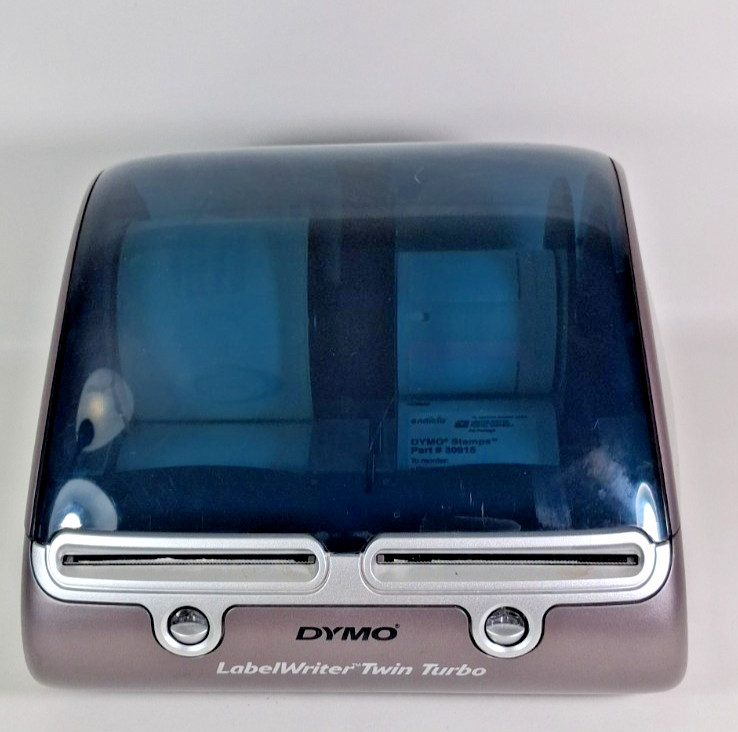
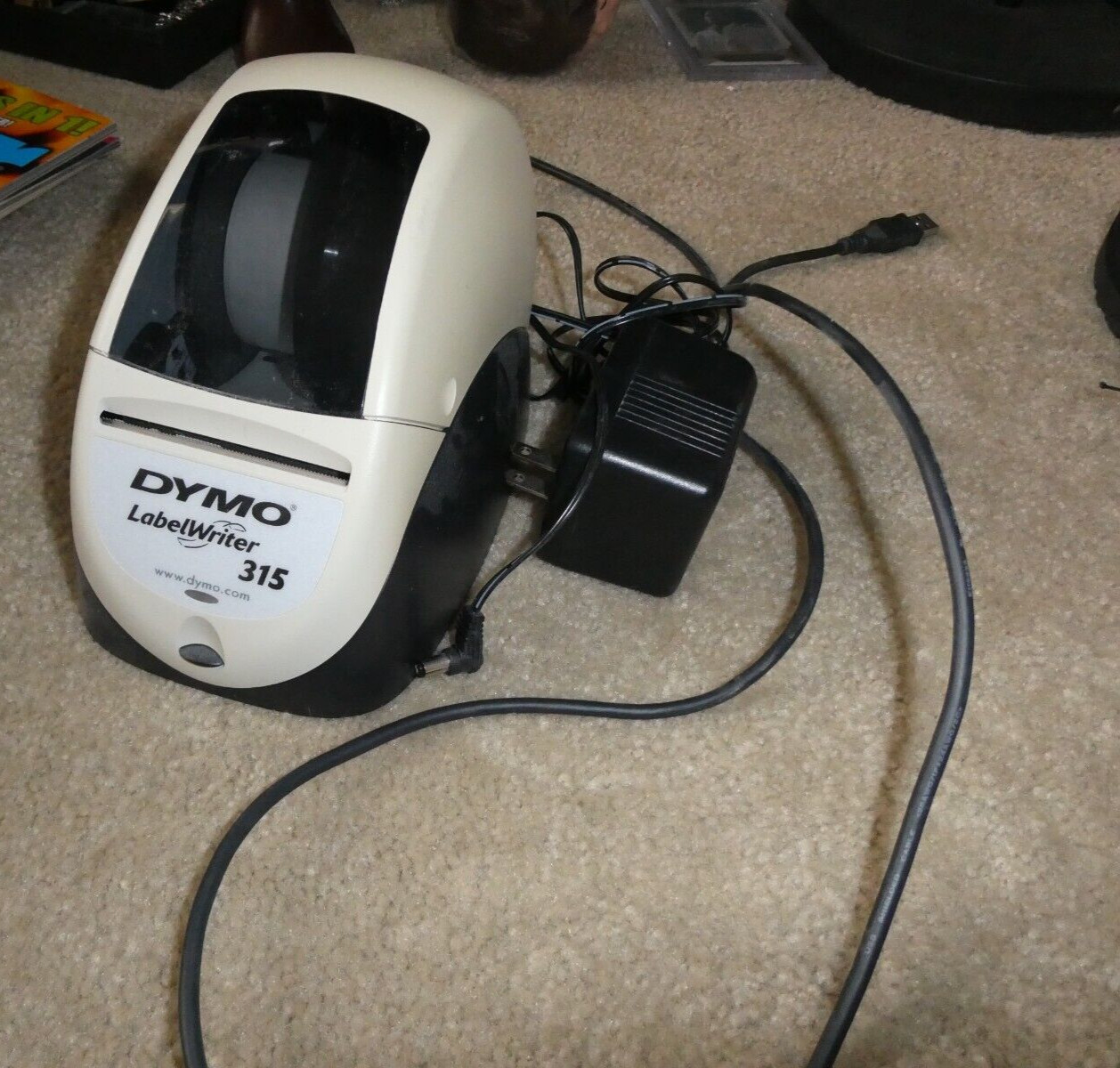
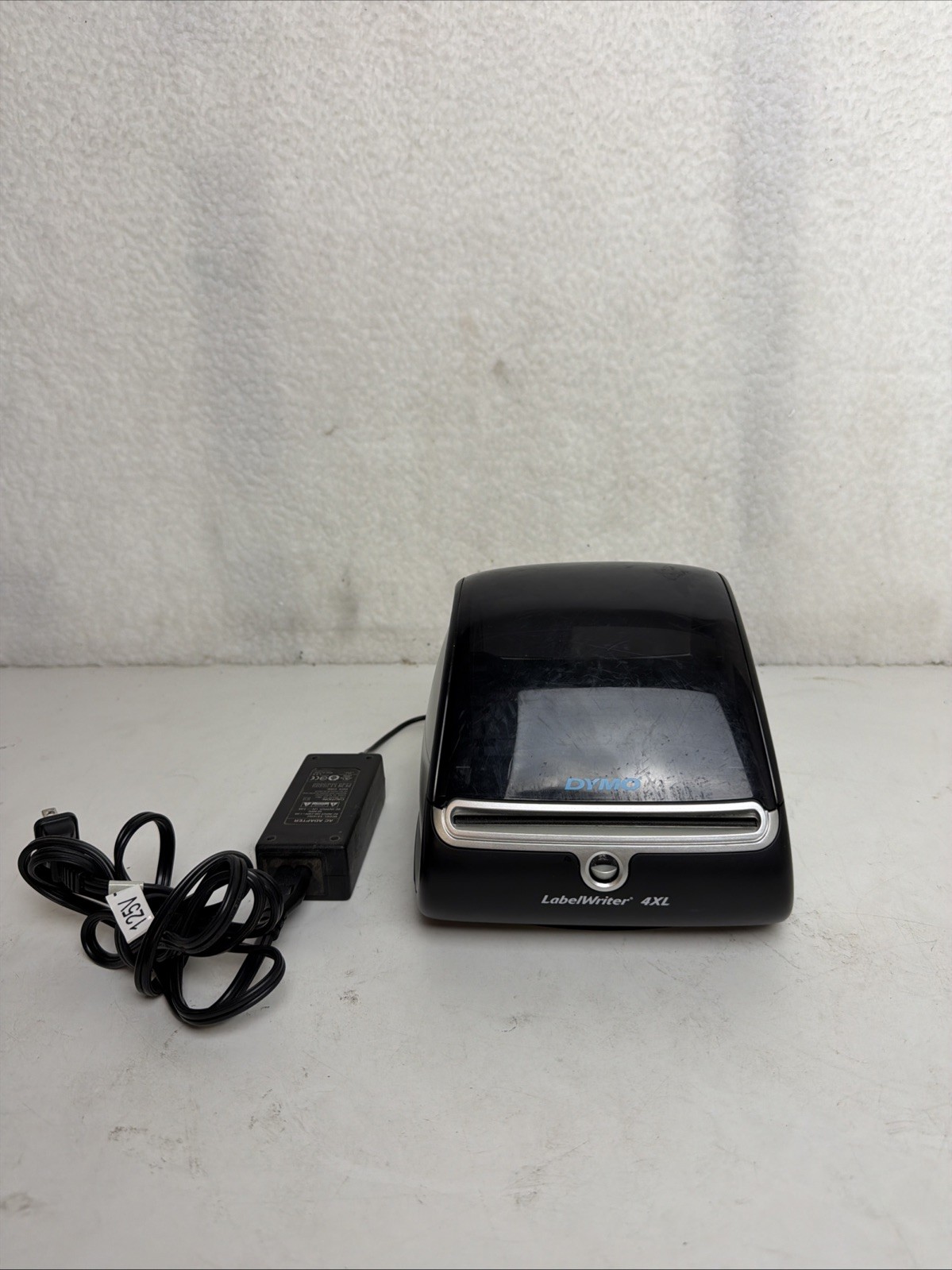
Highlights
- Direct-thermal print engine: no ink or toner, but only Dymo genuine RFID-tagged rolls authenticate in the 550, blocking third-party labels.
- 550 vs 550 Turbo: both print at up to 300 dpi; the Turbo adds Ethernet and higher-label-volume throughput, while the standard 550 is USB-only.
- Resolution and speed tier: 300 dpi suits small fonts and barcodes; 600 dpi class is reserved for higher-end models, so fine-print needs may require a different tier.
- Label compatibility is model-specific: the 550 accepts LabelWriter 550-series rolls in standard address, shipping, and multi-purpose sizes, not older 450-series non-chipped stock.
Best use cases
- Best fit: home office or small business printing address and shipping labels from a Windows or Mac desktop via USB — choose the standard 550 if Ethernet networking is unnecessary.
- Best fit: multi-user or network label printing — pick the 550 Turbo for its Ethernet port rather than adding a USB print server to the base 550.
- Wrong fit: high-volume operations needing third-party label economy — skip the 550 and choose a 450-series or non-chipped thermal printer that accepts generic rolls.
- Wrong fit: standalone or mobile printing — the 550 requires a host computer; choose a Bluetooth or handheld label maker for phone-only workflows.
Buying tips
- Match the printer SKU to your connection: standard 550 is USB-only; the 550 Turbo adds Ethernet for shared network use — buy the Turbo if more than one computer prints.
- Budget for genuine Dymo 550-series rolls: the RFID chip means third-party labels will not feed, so calculate per-label cost from Dymo media, not generic thermal stock.
- Confirm 300 dpi is enough: it handles address text and standard barcodes, but very small-font compliance labels may need a higher-resolution model outside the 550 line.
- Check host OS support: the 550 relies on Dymo Connect software for Windows and macOS; verify your OS version is listed before purchase, as legacy OS support is limited.
Specs
| Print Technology | Direct thermal (no ink/toner) |
|---|---|
| Max Resolution | 300 dpi |
| Connectivity | USB 2.0; Turbo adds Ethernet |
| Label Media | Genuine Dymo 550-series RFID rolls |
Related searches
What to check before buying
- Measure your label footprint: confirm the 550-series roll size you need (address, shipping, or multi-purpose) matches your envelope or package dimensions.
- Verify computer proximity: the standard 550 needs a USB cable run to a host PC or Mac; plan a powered USB hub or the Turbo's Ethernet if the desk is far from the router.
- Confirm power: the 550 ships with a region-specific AC adapter — check the plug type and voltage match your country before ordering.
- Check desk space: allow clearance for the rear label feed and front label exit, plus room for the external power brick and USB or Ethernet cabling.
FAQ
Data sources: eBay / Amazon listings and product attribute feeds. Updated Nov 29, 2026.
Some links on this page are affiliate links. If you buy after clicking one, we may earn a commission at no extra cost to you. This does not change which products appear here or their order. Affiliate disclosure.