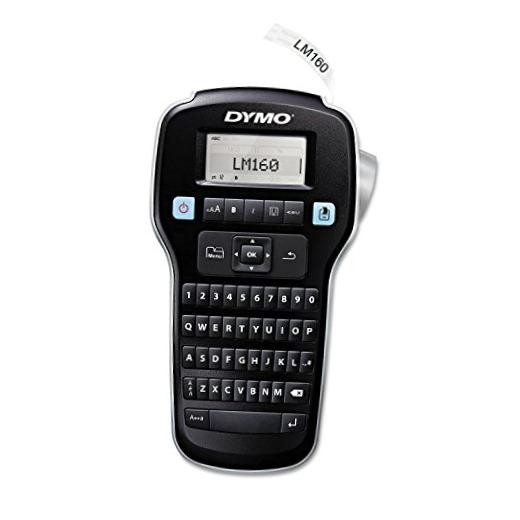

Photos from current listings. Actual item, color, and included accessories may vary.
Dymo LabelManager Buying Guide
The Dymo LabelManager is a family of handheld and desktop label makers that use Dymo's proprietary D1 cassette system, with model numbers (e.g., 150, 160, 280, 420P) denoting key size, battery, and connectivity tiers. The primary trade-off is upfront cost versus long-term supply cost: entry models use AAA batteries and narrower cassettes, while higher-tier units add AC power, QWERTY keyboards, or PC connectivity for bulk printing. The decision rule is simple: buy the model whose cassette width and power source match your most common label size and volume, because D1 tapes are cross-compatible across most LabelManager units.
Key takeaways
- D1 cassette system supports 6 mm, 9 mm, 12 mm, and 19 mm tape widths; the LabelManager 160 accepts up to 12 mm while the 280/420P accept 19 mm for wire and cable labels.
- Entry LabelManager 150/160 run on 4 AAA batteries and offer standalone keyboard printing; mid-tier 280 adds AC adapter and larger LCD, while 420P adds PC/Mac USB connectivity for database and barcode printing.
- All LabelManager models use thermal transfer printing, so no ink or toner is required—durability depends on tape material (standard polyester vs flexible nylon vs permanent adhesive).
At a glance
- Category
- Label Makers & Supplies
- Status
- Listings available
- Last updated
- Nov 29, 2026
Current offers
Highlights
- D1 cassette system supports 6 mm, 9 mm, 12 mm, and 19 mm tape widths; the LabelManager 160 accepts up to 12 mm while the 280/420P accept 19 mm for wire and cable labels.
- Entry LabelManager 150/160 run on 4 AAA batteries and offer standalone keyboard printing; mid-tier 280 adds AC adapter and larger LCD, while 420P adds PC/Mac USB connectivity for database and barcode printing.
- All LabelManager models use thermal transfer printing, so no ink or toner is required—durability depends on tape material (standard polyester vs flexible nylon vs permanent adhesive).
- LabelManager 160 prints at 180 dpi with a maximum 12 mm tape width; higher models like the 420P support 180 dpi as well but add PC-based font scaling and multi-line formatting.
Best use cases
- Best fit: home and office organization with the LabelManager 160—standalone keyboard, 12 mm tape, and battery power suit occasional labeling of folders, shelves, and cables without needing a PC.
- Best fit: IT and electrical work with the LabelManager 280 or 420P—19 mm tape handles wire wraps and patch panel labels, and the 420P's USB connection lets you print from spreadsheets.
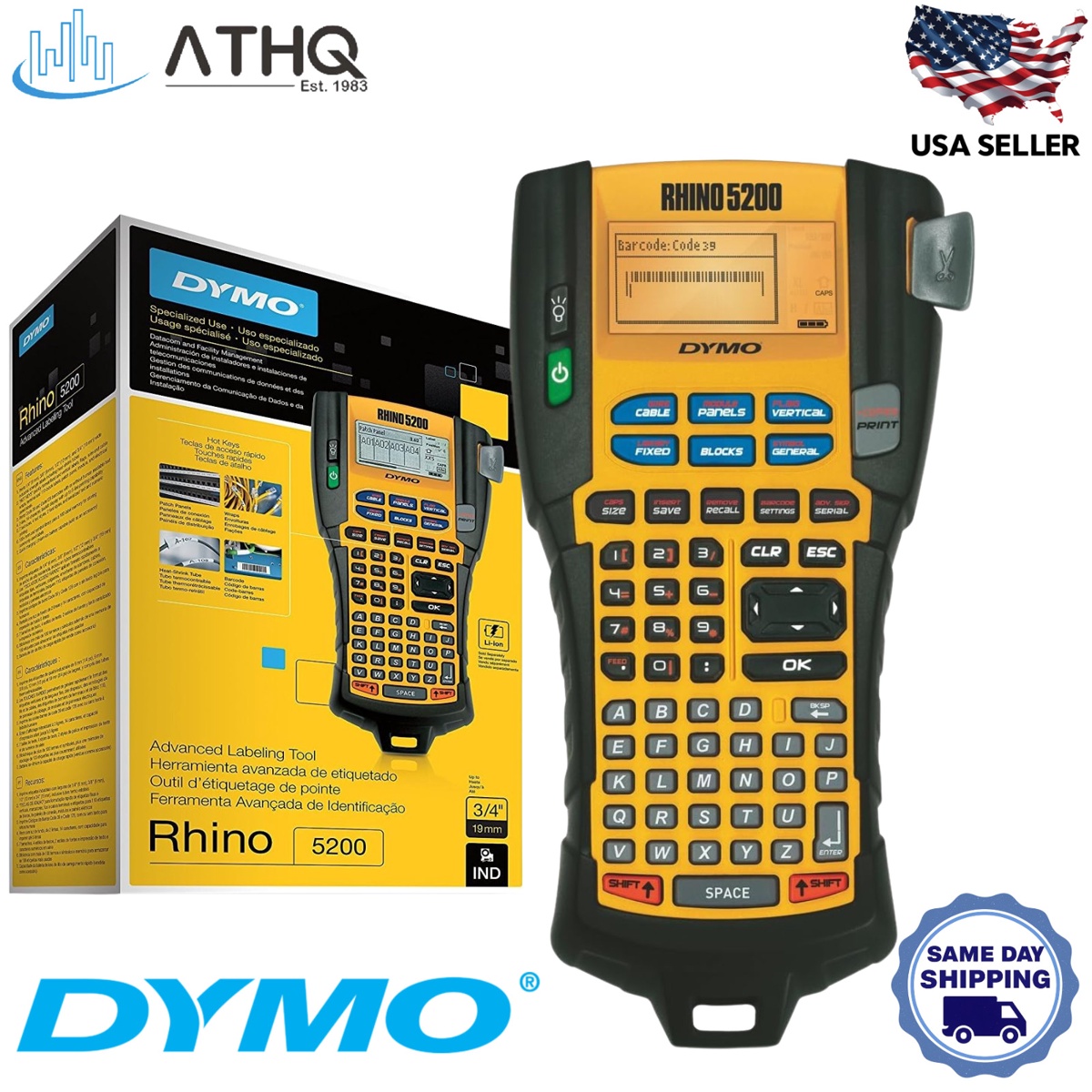
- Wrong fit: high-volume industrial labeling requiring chemical-resistant labels—skip the LabelManager line and choose a Dymo Rhino or industrial tape system with UV/chemical-rated cassettes.
- Wrong fit: printing directly from a phone or tablet—only the 420P (and select newer models) support PC/Mac connectivity; entry models have no Bluetooth or app printing.
Buying tips
- Match tape width to your label target: 6 mm for CD spines and small bins, 9 mm for file folders, 12 mm for general shelving, and 19 mm for cables and patch panels.
- Choose AC power if you label more than a few times per week—the 150/160's AAA batteries drain quickly under repeated printing, while the 280 and above accept a power adapter.
- Buy genuine Dymo D1 cassettes in multi-packs; the cassette includes the thermal ribbon, and reusing third-party tapes risks print head wear and voids warranty coverage.
- If you need barcodes, sequential numbering, or database imports, step up to the 420P—its USB interface and Dymo software enable functions impossible on keyboard-only models.
Specs
| Tape System | Dymo D1 cassettes (6–19 mm) |
|---|---|
| Print Method | Thermal transfer, 180 dpi |
| Power Source | 4 AAA batteries or AC adapter |
| Connectivity | Standalone keyboard or USB (420P) |
Alternatives to compare
Related searches
What to check before buying
- Measure your intended label surface width: verify the tape width (6–19 mm) is available for your chosen model before purchase, since the 150/160 cap at 12 mm.
- Confirm power: decide between 4 AAA batteries (150/160) or AC adapter (280/420P); check that your region's plug type matches the included adapter.
- Check PC compatibility if buying the 420P: confirm your operating system is supported by Dymo's software (Windows/macOS versions listed on Dymo's site).
- Verify cassette availability locally: ensure D1 tapes in your needed width and material (standard, flexible, permanent) are stocked by your usual supplier.
FAQ
Data sources: eBay / Amazon listings and product attribute feeds. Updated Nov 29, 2026.
Some links on this page are affiliate links. If you buy after clicking one, we may earn a commission at no extra cost to you. This does not change which products appear here or their order. Affiliate disclosure.