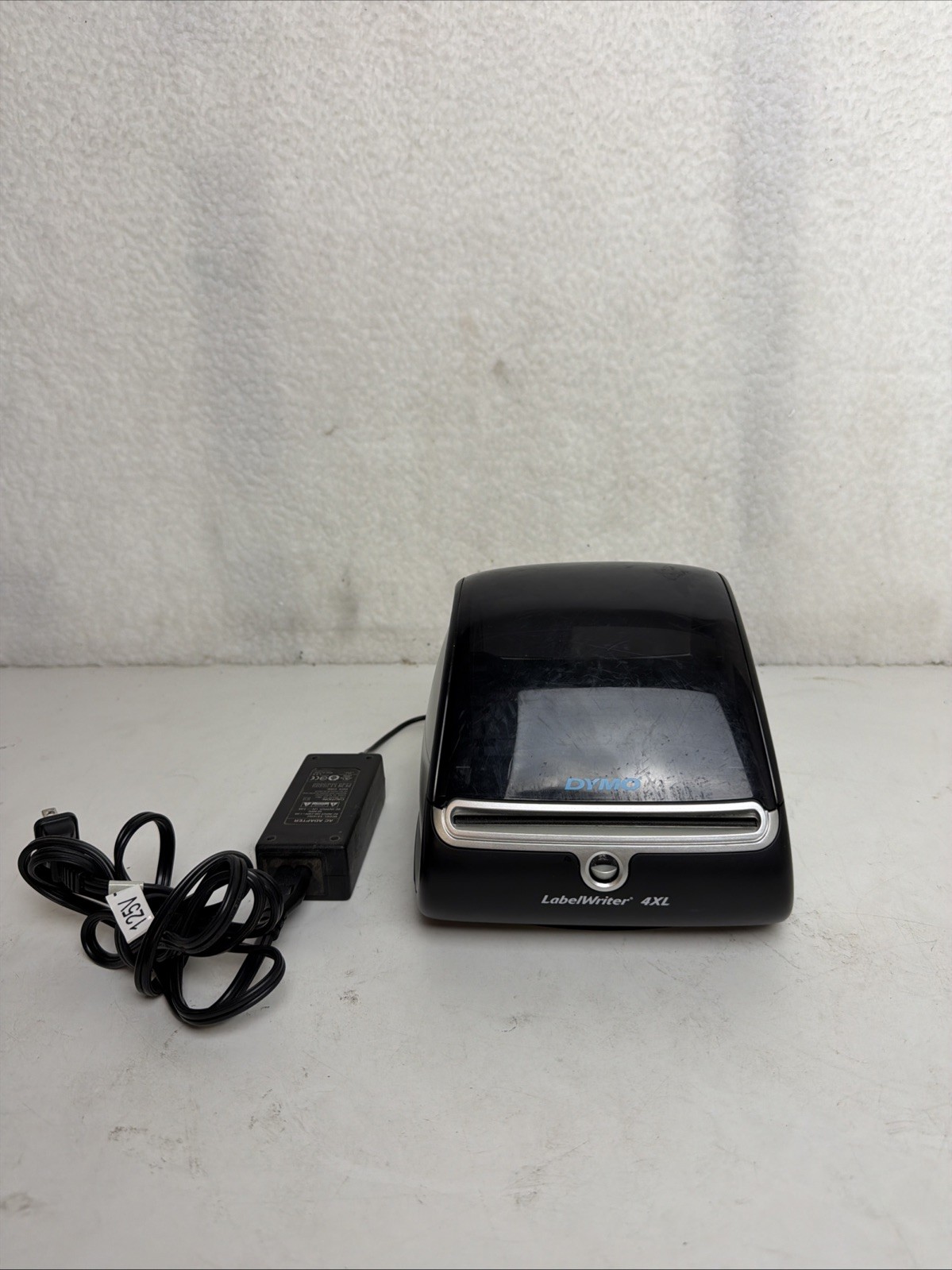

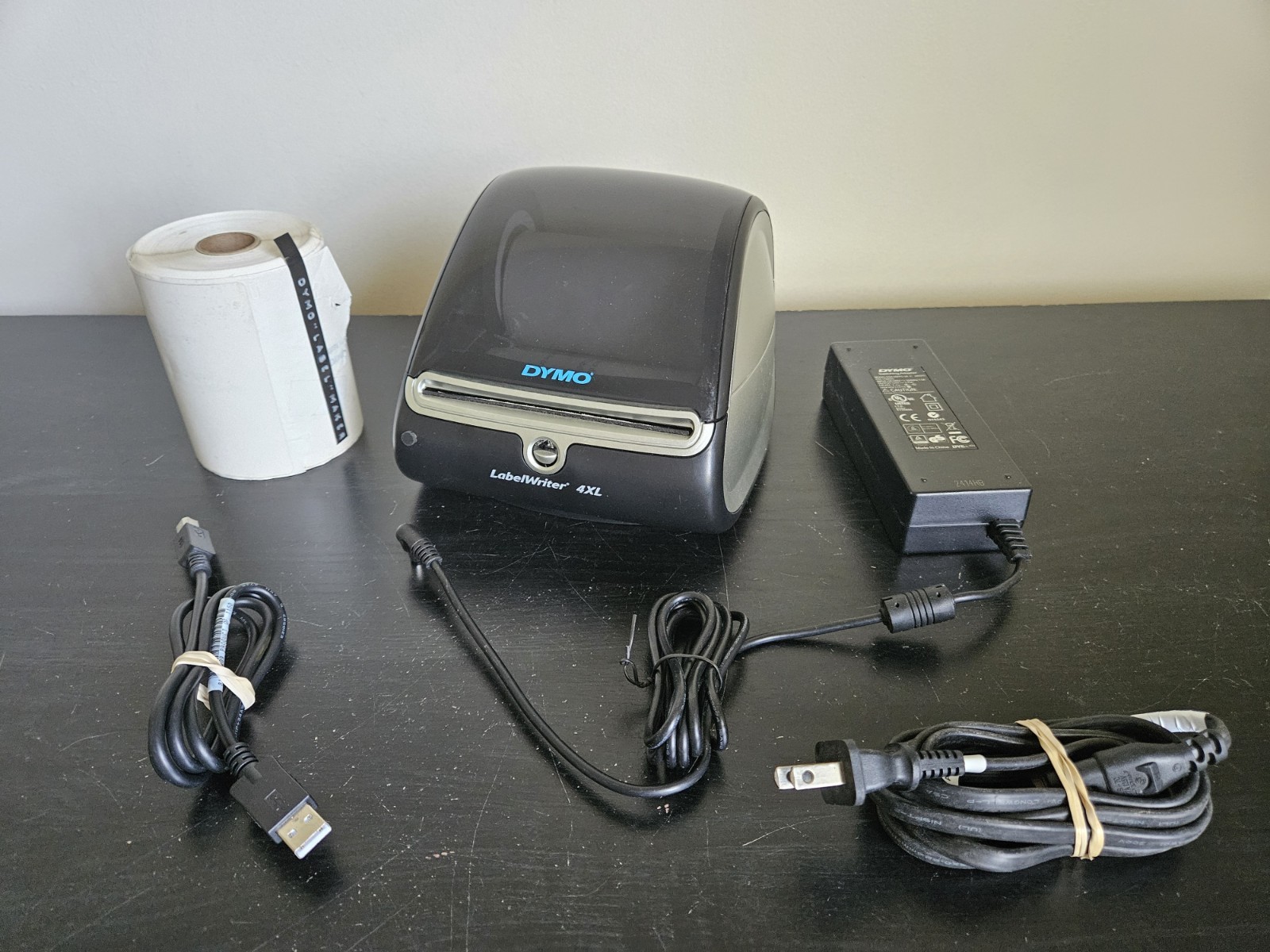
Photos from current listings. Actual item, color, and included accessories may vary.
Dymo 4xl Label Printer Buying Guide
The Dymo LabelWriter 4XL is a desktop thermal label printer designed for high-volume 4x6 shipping labels, using direct thermal technology that eliminates ink and toner. The core trade-off is between the 4XL's wide-format, 300 dpi output and its need for genuine Dymo consumables and a stable USB connection, versus cheaper 2-inch label makers that cannot handle 4x6 shipping labels. The decision rule: choose the 4XL only if you regularly print 4x6 shipping labels and can commit to genuine Dymo thermal stock; otherwise, a 2-inch label maker or a laser printer with adhesive sheets is a better fit.
Median $162.42
Key takeaways
- Direct thermal printing requires no ink or toner but uses heat-sensitive label stock that can fade under prolonged sunlight or heat exposure.
- The 4XL prints at 300 dpi resolution and accepts label widths up to 4 inches, specifically engineered for 4x6 shipping labels used by major carriers.
- Genuine Dymo LabelWriter labels include a registration mark that the printer uses for automatic size detection; third-party labels without this mark may require manual calibration.
At a glance
- Category
- Label Makers & Supplies
- Last updated
- Nov 28, 2026
Current offers
Highlights
- Direct thermal printing requires no ink or toner but uses heat-sensitive label stock that can fade under prolonged sunlight or heat exposure.
- The 4XL prints at 300 dpi resolution and accepts label widths up to 4 inches, specifically engineered for 4x6 shipping labels used by major carriers.
- Genuine Dymo LabelWriter labels include a registration mark that the printer uses for automatic size detection; third-party labels without this mark may require manual calibration.
- The 4XL connects via USB only and lacks Wi-Fi or Ethernet, so it must be tethered to a computer or a USB print server for network sharing.
Best use cases
- Best fit: high-volume e-commerce sellers printing dozens of 4x6 carrier-compliant shipping labels daily—pick the 4XL with genuine Dymo 4x6 labels and a dedicated USB port.
- Wrong fit: occasional shippers printing a few labels monthly—skip the 4XL and choose a 2-inch label maker or a laser printer with adhesive label sheets to avoid thermal stock waste and head wear.
- Best fit for multi-user offices: pair the 4XL with a USB print server to share across a small network; skip if you need native Wi-Fi or mobile printing, as the 4XL has no wireless radios.
- Wrong fit for archival or outdoor labeling: thermal print fades with heat and sunlight—choose a laminated thermal-transfer label maker instead for permanent or outdoor tags.
Buying tips
- Confirm you need 4x6 shipping labels: the 4XL maxes out at 4-inch width, while 2-inch models like the LabelWriter 450 are cheaper but cannot print full 4x6 labels.
- Budget for genuine Dymo labels: the 4XL uses a registration mark for automatic sizing; third-party stock often lacks it, forcing manual calibration and risking jams.
- Check the USB connection: the 4XL is USB-only, so ensure your computer or print server has an available USB-A port and that drivers are available for your OS.
- Inspect used units for print head wear: a worn thermal head causes white streaks; ask for a test print or confirm the head has been cleaned and is free of scratches.
Specs
| Print Technology | Direct thermal (no ink/toner) |
|---|---|
| Max Label Width | 4 inches (4x6 shipping) |
| Print Resolution | 300 dpi |
| Connectivity | USB 2.0 only (no Wi-Fi) |
Related searches
What to check before buying
- Measure your desk space: the 4XL is roughly 7.5 inches wide by 7.5 inches deep and needs clearance for the 4x6 label stock exiting the front.
- Verify your computer has an available USB-A port and that you can install the Dymo driver for your operating system (Windows or macOS).
- Confirm your shipping labels are 4x6 inches and that you will use direct thermal stock, not plain paper or inkjet labels.
- Check your electrical outlet: the 4XL uses an external power supply; ensure the included adapter matches your region's voltage (100–240V).
FAQ
Data sources: eBay / Amazon listings and product attribute feeds. Updated Nov 28, 2026.
Some links on this page are affiliate links. If you buy after clicking one, we may earn a commission at no extra cost to you. This does not change which products appear here or their order. Affiliate disclosure.