
Photos from current listings. Actual item, color, and included accessories may vary.
Dymo 450 Label Printer Buying Guide
The Dymo 450 Label Printer is a direct-thermal desktop label maker whose value rests on two variables: whether it is the standard or Turbo model, and whether you use genuine Dymo thermal media or cheap generic rolls that gum up the printhead. Buyers should pick the Turbo only if they need faster output for shipping or retail work, and skip the 450 platform entirely if they need wireless printing or multi-color labels.
Median $39.99
Key takeaways
- Dymo 450 vs 450 Turbo: Turbo prints up to 71 labels per minute vs roughly 51 on the standard model, using the same 600 x 300 dpi direct-thermal engine and USB-only connection.
- The 450 Turbo ships with a 1750283 external power adapter; units sold without it need a 24V DC 1.5A adapter with the correct barrel plug, or they will not power on.
- All LabelWriter 450 models are driver-based USB peripherals, not AirPrint or Bluetooth devices, so they need a host computer or a third-party print server for network sharing.
At a glance
- Category
- Label Makers & Supplies
- Last updated
- Nov 29, 2026
Current offers
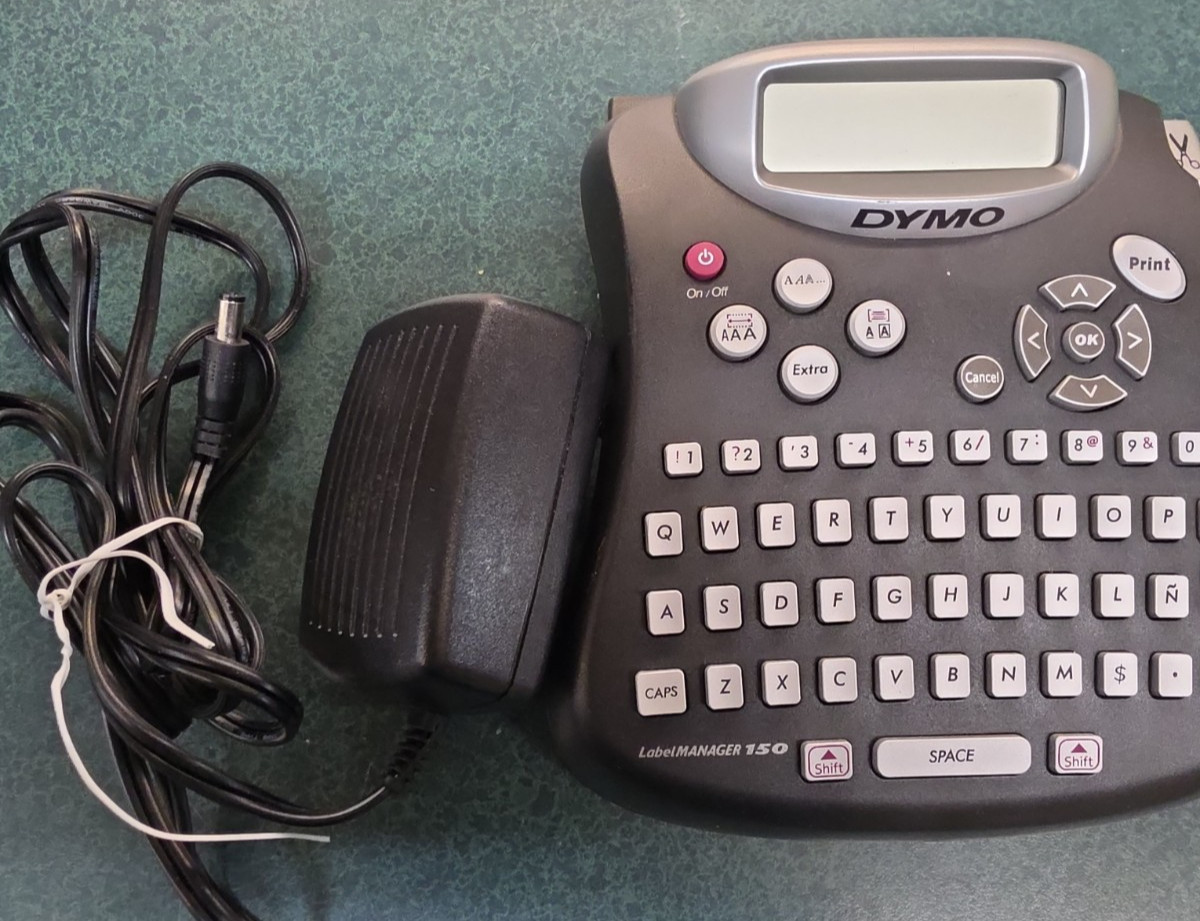 Dymo LabelManager 150 Thermal Label Printer Maker & Power Supply$28.88View on eBay
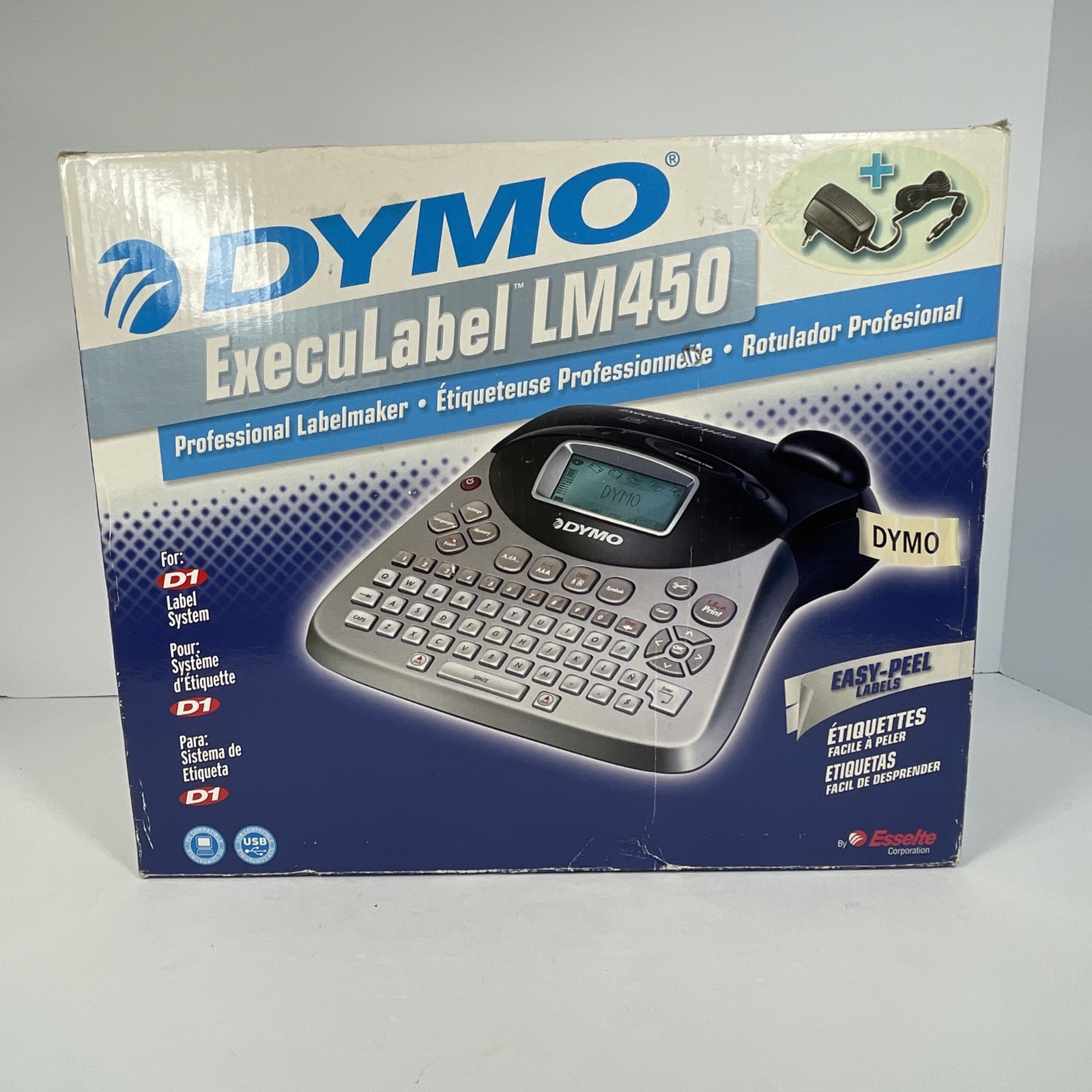 Dymo ExecuLabel LM450 Thermal Label Printer with Power Supply and Box$34.97Last checked Nov 28, 2026View on eBay
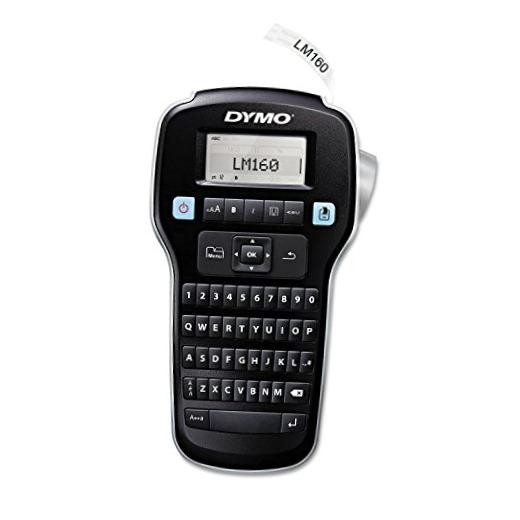 DYMO LabelManager 160 Printer Portable Label Maker$39.99View on eBay
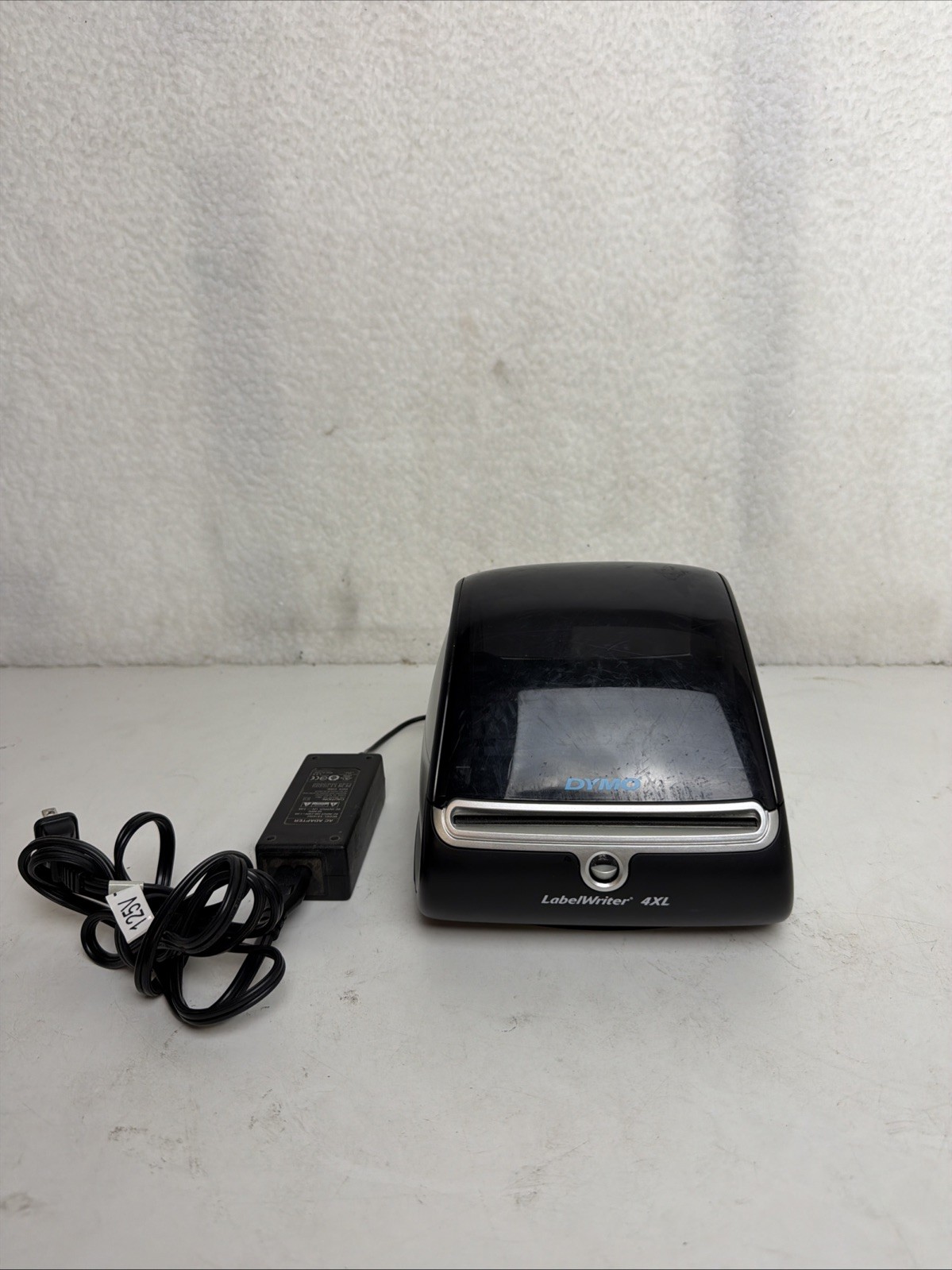 DYMO LabelWriter 4XL Thermal Label Printer 1738542 W/ Power Supply Tested Works$144.87View on eBay
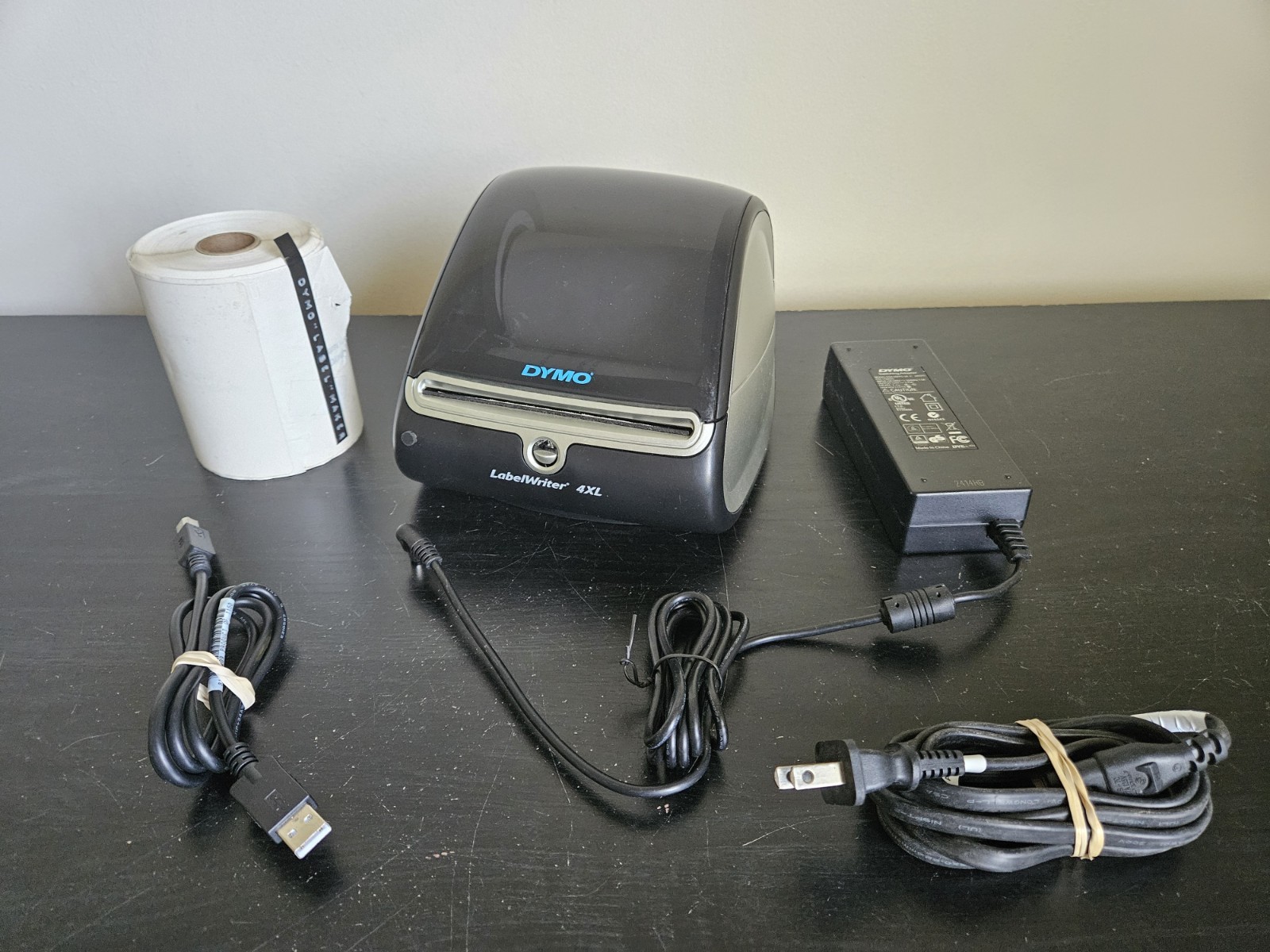 🔥 Dymo Thermal Label Writer 4XL Label Printer With Power Supply & USB Labels$179.97View on eBay
Highlights
- Dymo 450 vs 450 Turbo: Turbo prints up to 71 labels per minute vs roughly 51 on the standard model, using the same 600 x 300 dpi direct-thermal engine and USB-only connection.
- The 450 Turbo ships with a 1750283 external power adapter; units sold without it need a 24V DC 1.5A adapter with the correct barrel plug, or they will not power on.
- All LabelWriter 450 models are driver-based USB peripherals, not AirPrint or Bluetooth devices, so they need a host computer or a third-party print server for network sharing.
- Thermal label media must match the printer's sensor type: direct-thermal rolls (no ribbon) for shipping and address labels, with genuine Dymo rolls reading the embedded roll-size notch for accurate label-gap detection.
Best use cases
- Best fit: home-office sellers printing 20-100 shipping and address labels per day — choose the 450 Turbo with genuine direct-thermal rolls and skip wireless models.
- Best fit: light retail or file-folder labeling where volume is under 200 labels per week — the standard 450 is enough; do not pay extra for the Turbo speed.
- Wrong fit: anyone needing phone-only printing, color labels, or fan-fold media — the 450 platform is USB-only and single-color, so skip it and look at Bluetooth or inkjet label printers.
- Wrong fit: high-volume warehouse operations exceeding several hundred labels daily — the 450's plastic feed mechanism and small roll capacity wear faster than commercial thermal printers built for continuous duty.
Buying tips
- Confirm the model: 1750283 is the 450 Turbo; the standard 450 uses a different SKU and slower 51-labels-per-minute engine. Ask which one the listing shows.
- Budget for a 24V DC 1.5A power adapter if the unit is sold as 'no power supply' — the printer will not run on USB bus power alone.
- Use genuine Dymo or certified direct-thermal rolls; generic rolls with mismatched liner thickness cause misfeeds and printhead wear within months.
- Match roll width to your label stock: the 450 accepts labels up to 2.5 inches wide, and the built-in sensor expects the Dymo notch pattern for gap detection.
Specs
| Print Engine | Direct thermal, 600 x 300 dpi |
|---|---|
| Speed Tier | Standard ~51 LPM / Turbo 71 LPM |
| Connectivity | USB 2.0 only (no wireless) |
| Power | 24V DC 1.5A external adapter |
Related searches
What to check before buying
- Measure your desk or shelf footprint: the 450 is roughly 7 x 7 x 5 inches and needs clearance for the rear label exit and front USB cable.
- Confirm you have a computer with a free USB-A port and permission to install Dymo's driver — the 450 does not print from iOS or Android directly.
- Check your label stock: direct-thermal rolls only, maximum 2.5-inch width, with die-cut gaps or black marks the sensor can read.
- Verify the power adapter if missing: 24V DC, 1.5A, center-positive barrel plug sized to the 450's rear jack.
FAQ
Data sources: eBay / Amazon listings and product attribute feeds. Updated Nov 29, 2026.
Some links on this page are affiliate links. If you buy after clicking one, we may earn a commission at no extra cost to you. This does not change which products appear here or their order. Affiliate disclosure.