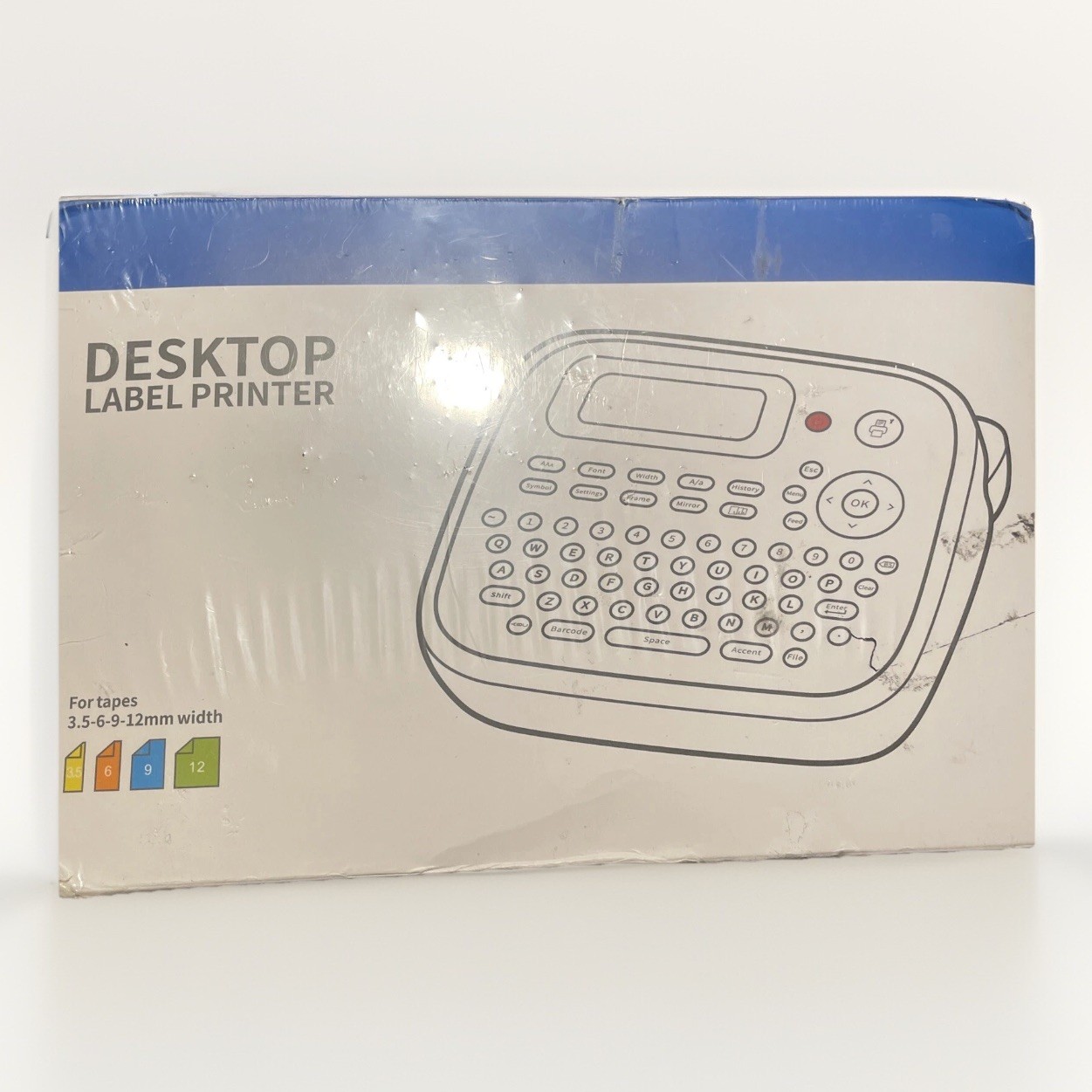

Photos from current listings. Actual item, color, and included accessories may vary.
Desktop Label Printer Buying Guide
A desktop label printer is a stationary thermal or inkjet device that produces adhesive labels for organization, shipping, and identification. The primary trade-off is between dedicated thermal printers (fast, low ink cost, limited to thermal media) and inkjet-based models (full-color, versatile, higher per-label cost). Choose a thermal model if you print high volumes of barcodes or address labels; choose inkjet only if you need color graphics or occasional photo-quality labels.
Key takeaways
- Thermal desktop printers use either direct thermal (no ribbon, fades in heat/UV) or thermal transfer (ribbon required, durable for years).
- Print resolution tiers: 203 dpi for basic text/barcodes, 300 dpi for small fonts and 2D codes, 600 dpi for tiny component labels.
- Media core size matters: 1-inch core for small desktop rolls, 3-inch core for high-volume industrial rolls; check spindle compatibility.
At a glance
- Category
- Label Makers & Supplies
- Last updated
- Nov 28, 2026
Current offers
Highlights
- Thermal desktop printers use either direct thermal (no ribbon, fades in heat/UV) or thermal transfer (ribbon required, durable for years).
- Print resolution tiers: 203 dpi for basic text/barcodes, 300 dpi for small fonts and 2D codes, 600 dpi for tiny component labels.
- Media core size matters: 1-inch core for small desktop rolls, 3-inch core for high-volume industrial rolls; check spindle compatibility.
- Connectivity options: USB-only for single-PC use, Ethernet/Wi-Fi for shared office printing, Bluetooth for mobile pairing.
Best use cases
- Best fit: high-volume shipping labels (thermal transfer, 300 dpi, 4-inch width, Ethernet) — skip inkjet if printing over 50 labels/day.
- Best fit: retail price tags and shelf labels (direct thermal, 203 dpi, 2-inch width, USB) — skip thermal transfer to avoid ribbon cost.
- Best fit: color product labels or craft stickers (inkjet, 4800 dpi, dye-based ink) — skip thermal if color graphics are required.
- Wrong fit: printing on glossy photo paper or fabric — thermal printers require specific thermal media; use inkjet for non-adhesive stocks.
Buying tips
- Measure your largest label: desktop printers max out at 4-inch (102mm) print width; for 6-inch wide labels you need an industrial model.
- For barcodes under 0.5 inch tall, choose 300 dpi minimum; 203 dpi causes scan failures on dense 2D codes.
- Thermal transfer printers need ribbon matching media: wax for paper, wax-resin for synthetic, resin for harsh environments.
- Check roll core diameter: standard desktop printers accept 1-inch cores; 3-inch cores require an adapter or larger model.
Specs
| Print Technology | Direct thermal vs thermal transfer |
|---|---|
| Max Print Width | 2-inch vs 4-inch desktop class |
| Print Resolution | 203 dpi / 300 dpi / 600 dpi |
| Connectivity | USB / Ethernet / Wi-Fi / Bluetooth |
Related searches
What to check before buying
- Measure available desk footprint: typical desktop units are 8-12 inches wide and 6-10 inches deep; allow clearance for roll and output.
- Confirm interface with your computer: USB-A or USB-C ports, or network router for Ethernet; Bluetooth requires mobile device compatibility.
- Verify media availability: ensure your chosen label size (e.g., 2.25x1.25 inch, 4x6 inch) is stocked in direct thermal or thermal transfer format.
- Check power requirements: most desktop printers use external 24V DC adapters; confirm plug type matches your region (US/UK/EU).
FAQ
Data sources: eBay / Amazon listings and product attribute feeds. Updated Nov 28, 2026.
Some links on this page are affiliate links. If you buy after clicking one, we may earn a commission at no extra cost to you. This does not change which products appear here or their order. Affiliate disclosure.