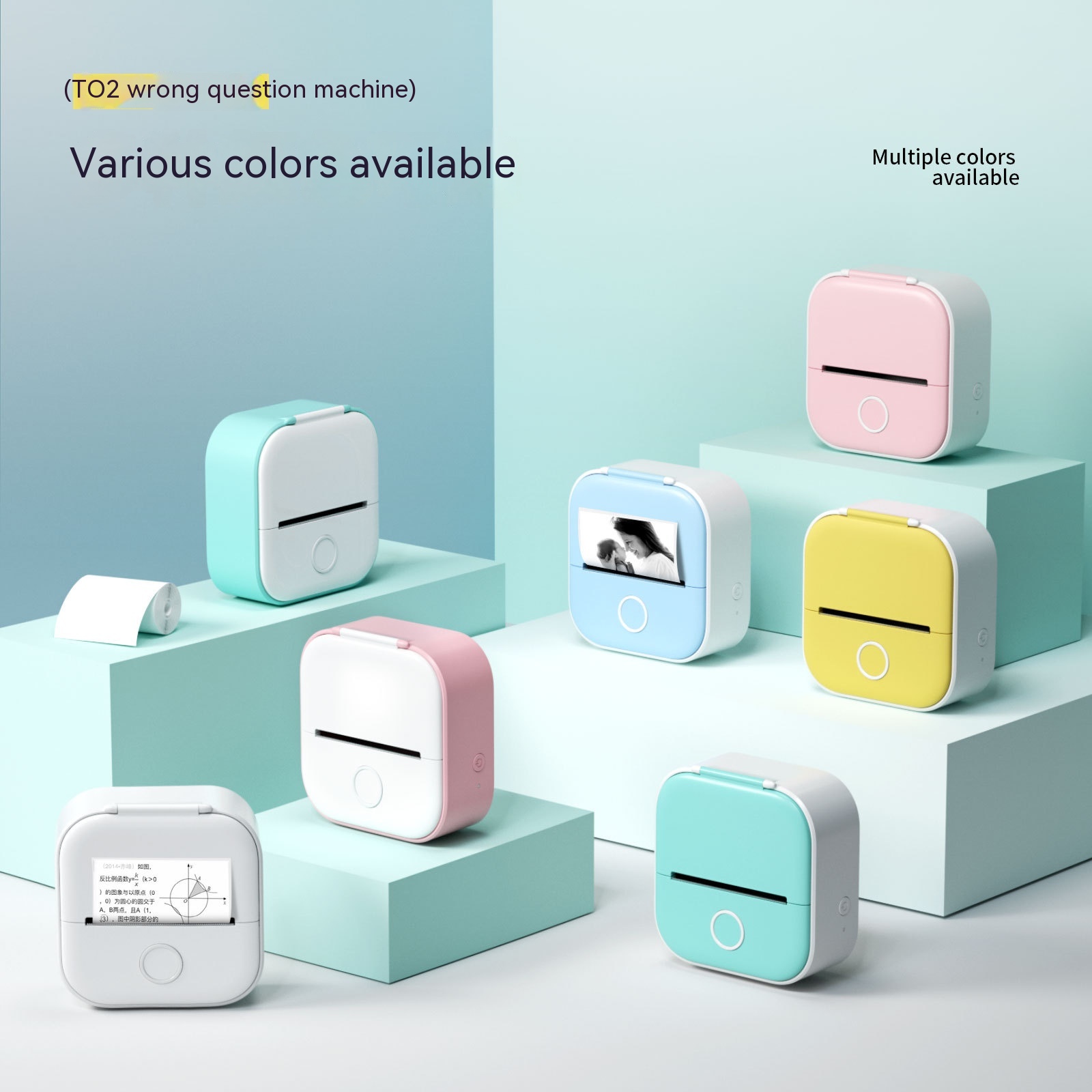

Photos from current listings. Actual item, color, and included accessories may vary.
Bluetooth Thermal Label Printer Buying Guide
Bluetooth thermal label printers are compact, app-driven devices that use direct thermal print heads to create adhesive labels without ink or toner. The key trade-off is print width and resolution versus portability and consumable cost, with 203 dpi being the baseline for legible barcodes and 300 dpi required for small text. Choose a model with a defined tape width (typically 12–24mm) and a reputable app ecosystem; skip generic no-name units with locked, hard-to-find consumables.
Median $74.49
Key takeaways
- Direct thermal printing requires no ink; print head life is typically 50–100 km of tape, so consumable quality matters more than printer brand.
- 203 dpi (8 dots/mm) is standard for shipping labels and barcodes; 300 dpi (12 dots/mm) is needed for 6pt text and dense QR codes.
- Tape width compatibility is model-locked: most portable units accept 12–15mm, while wider 24–52mm models handle shipping and folder labels.
At a glance
- Category
- Label Makers & Supplies
- Last updated
- Nov 28, 2026
Current offers
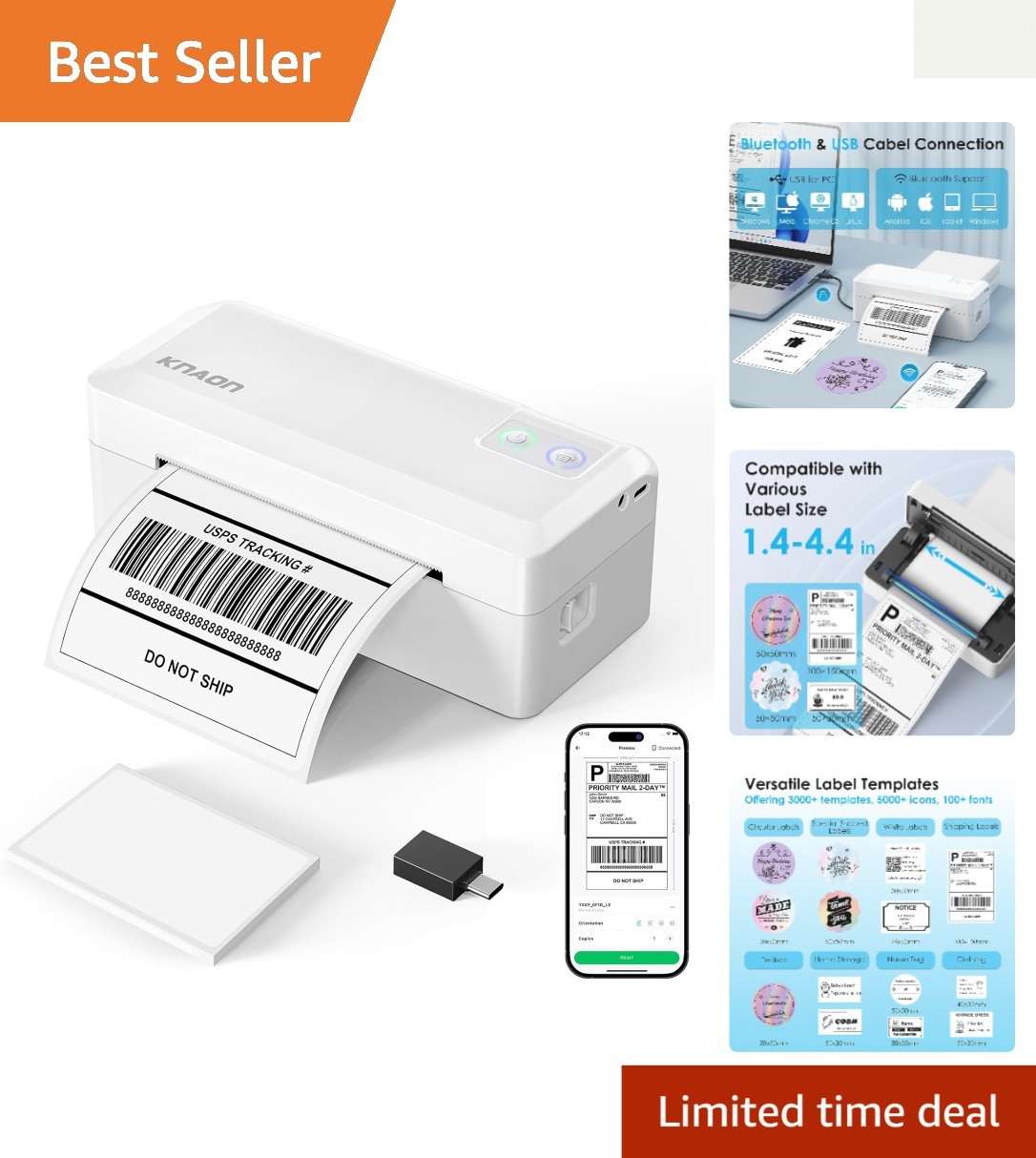
Highlights
- Direct thermal printing requires no ink; print head life is typically 50–100 km of tape, so consumable quality matters more than printer brand.
- 203 dpi (8 dots/mm) is standard for shipping labels and barcodes; 300 dpi (12 dots/mm) is needed for 6pt text and dense QR codes.
- Tape width compatibility is model-locked: most portable units accept 12–15mm, while wider 24–52mm models handle shipping and folder labels.
- Bluetooth 5.0 or BLE reduces pairing drops and extends battery life versus older Bluetooth 2.1/4.0 modules on legacy units.
Best use cases
- Best fit: home organization and school labeling — pick a 12–15mm tape width unit with a rechargeable battery and a mature app that offers fonts, icons, and templates.
- Best fit: small-business shipping and inventory — choose a 24–52mm width model with 203 dpi minimum and a USB-C or DC barrel power option for continuous printing.
- Wrong fit: high-volume warehouse labeling — thermal transfer (ribbon) printers are required for labels that must survive heat, sunlight, and abrasion beyond 6–12 months.
- Skip: units with proprietary tape cassettes and no listed width standard; replacement tape cost and availability will dictate long-term usability.
Buying tips
- Match print width to label content: 12mm for cable flags and name tags, 24mm for folder tabs, 50mm+ for shipping addresses and barcodes.
- Verify tape type: direct thermal paper is fine for indoor use, but synthetic (PET) or vinyl thermal labels are needed for moisture and UV exposure.
- Check resolution before buying: 203 dpi handles 10pt text and standard barcodes; step up to 300 dpi only if you print 6–8pt text or dense 2D codes.
- Prefer Bluetooth 5.0/BLE and a 1500mAh+ battery for all-day intermittent use; micro-USB charging indicates older hardware generations.
Specs
| Print Resolution | 203 dpi vs 300 dpi |
|---|---|
| Max Print Width | 12–52 mm (model-dependent) |
| Connectivity | Bluetooth 5.0 / BLE vs 4.0 |
| Power Source | Rechargeable battery / USB-C / DC |
Related searches
What to check before buying
- Measure your label area: confirm the printer's max print width and tape width exceed your widest label need by at least 2mm.
- Confirm app compatibility with your phone OS (iOS/Android minimum versions) and whether desktop software is offered for bulk editing.
- Verify power: check for USB-C charging or a DC input if you plan continuous printing; battery-only units are for intermittent use.
- Check tape availability: ensure third-party or first-party tape in your required width and finish (paper, synthetic, clear) is listed as compatible.
FAQ
Data sources: eBay / Amazon listings and product attribute feeds. Updated Nov 28, 2026.
Some links on this page are affiliate links. If you buy after clicking one, we may earn a commission at no extra cost to you. This does not change which products appear here or their order. Affiliate disclosure.