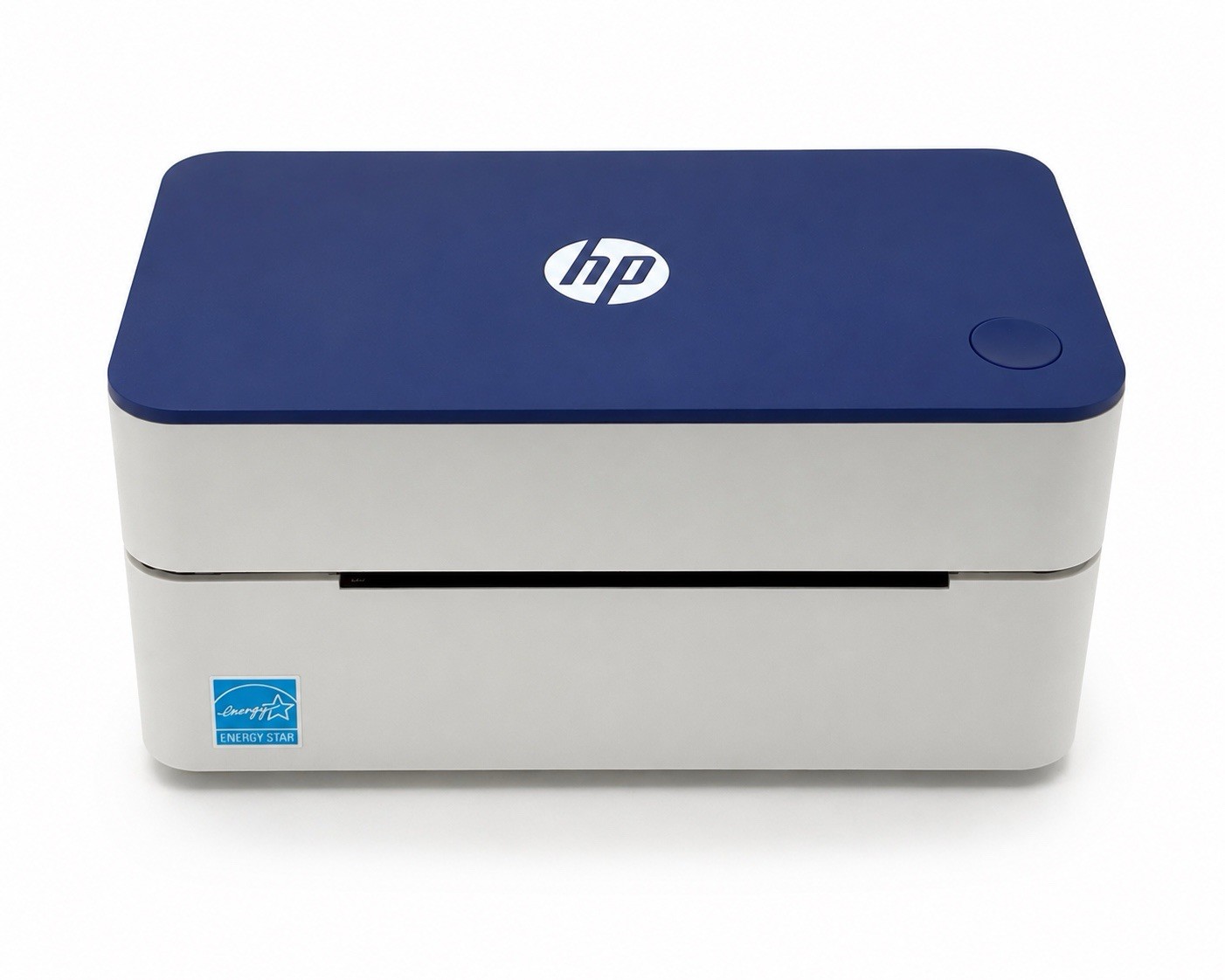

Photos from current listings. Actual item, color, and included accessories may vary.
Barcode Label Printer Buying Guide
A barcode label printer is a dedicated device that produces scannable 1D/2D codes and human-readable text on adhesive labels, most often using direct thermal or thermal transfer technology. The core trade-off is between low-cost direct thermal output (which fades with heat, sunlight, and abrasion) and durable thermal transfer or laser output (which needs ribbons or toner but lasts years). Choose direct thermal only for short-life indoor labels; choose thermal transfer for shipping, inventory, or any label that must survive handling and storage.
Median $152.50 · Pre-owned listings
Key takeaways
- Direct thermal prints by heating chemically treated paper—no ink or ribbon—but the image fades above 60°C and under UV light, making it unsuitable for long-term outdoor or archival use.
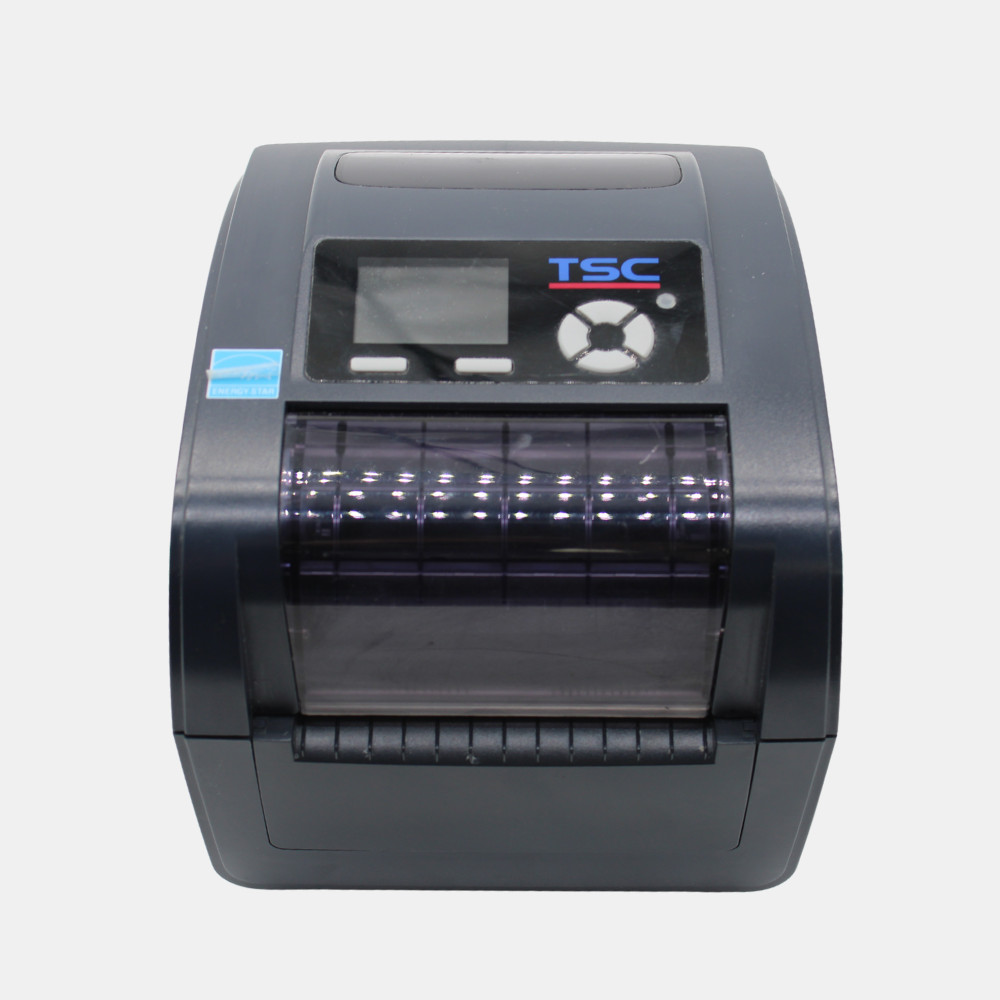
- Thermal transfer uses a wax, wax-resin, or resin ribbon melted onto paper or synthetic stock; resin ribbons on polyester labels resist abrasion, chemicals, and temperatures up to 150°C.
- Resolution determines barcode grade: 203 dpi handles Code 128 and EAN at typical sizes, while 300 dpi is required for dense 2D codes, small QR modules, and high-density GS1 labels.
At a glance
- Category
- Label Makers & Supplies
- Last updated
- Nov 28, 2026
Current offers
Highlights
- Direct thermal prints by heating chemically treated paper—no ink or ribbon—but the image fades above 60°C and under UV light, making it unsuitable for long-term outdoor or archival use.
- Thermal transfer uses a wax, wax-resin, or resin ribbon melted onto paper or synthetic stock; resin ribbons on polyester labels resist abrasion, chemicals, and temperatures up to 150°C.
- Resolution determines barcode grade: 203 dpi handles Code 128 and EAN at typical sizes, while 300 dpi is required for dense 2D codes, small QR modules, and high-density GS1 labels.
- Desktop 4x6 shipping printers (e.g., HP direct thermal USB models) print at 150–203 dpi on gap- or black-mark labels; portable Bluetooth label makers (e.g., M100-style) use 203 dpi direct thermal cassettes and are limited to small label widths.
Best use cases
- Best fit: high-volume 4x6 shipping and warehouse labels—pick a 203 dpi direct thermal desktop printer with USB/Ethernet and 6-inch roll capacity; skip portable cassette models that cannot accept 4x6 rolls.
- Best fit: retail price tags, shelf labels, and asset tags that must last months—pick thermal transfer with wax-resin ribbon on paper, or resin on synthetic stock; skip cheap direct thermal if labels will sit in sunlight or hot storerooms.
- Best fit: mobile field labeling, cable tags, and on-demand address labels—pick a Bluetooth portable with 203 dpi and OEM cassettes; skip it for anything wider than 2 inches or for labels needing >1 year of legibility.
- Wrong fit: printing chemical-resistant or outdoor labels on a direct thermal printer—the print will fade or rub off; use thermal transfer with resin ribbon or a laser printer with polyester sheets instead.
Buying tips
- Match printer width to label: a 4-inch (108 mm) print width handles standard 4x6 shipping labels; 2-inch (56 mm) models handle address and barcode labels but cannot print 4x6.
- Check label stock compatibility: direct thermal requires top-coated thermal paper; thermal transfer requires ribbon matched to stock—wax for paper, wax-resin for coated paper, resin for synthetic film.
- For barcode compliance, pick 300 dpi when any code module is smaller than 0.010 inch (0.25 mm) or when printing GS1 DataMatrix or dense QR; 203 dpi is fine for Code 128 at 0.013 inch or larger.
- Portable cassette systems (M100-style) only accept proprietary tape widths—typically 0.35 to 0.59 inch—so verify the cassette width and label type before committing to the ecosystem.
Specs
| Print Technology | Direct thermal vs thermal transfer |
|---|---|
| Max Print Width | 2 in (56 mm) vs 4 in (108 mm) |
| Resolution | 203 dpi standard / 300 dpi high-density |
| Connectivity | USB / Ethernet / Bluetooth |
Related searches
What to check before buying
- Measure your label: confirm maximum print width (2-inch vs 4-inch) and roll core diameter (1-inch vs 3-inch) fit the printer's media compartment.
- Verify connectivity: USB for desktop tethering, Ethernet for shared warehouse use, Bluetooth for mobile—ensure your OS (Windows, macOS, iOS, Android) has a driver or app.
- Check ribbon requirement: thermal transfer models need a ribbon of matching width; direct thermal models need none but require thermal-grade labels.
- Confirm power and plug: desktop units typically use an external AC adapter—match your region's voltage and plug type; portable units charge via USB-C or micro-USB.
FAQ
Data sources: eBay / Amazon listings and product attribute feeds. Updated Nov 28, 2026.
Some links on this page are affiliate links. If you buy after clicking one, we may earn a commission at no extra cost to you. This does not change which products appear here or their order. Affiliate disclosure.