
Photos from current listings. Actual item, color, and included accessories may vary.
Barcode Label Maker Buying Guide
A barcode label maker is a dedicated printer that generates scannable 1D/2D codes on adhesive labels, ranging from pocket Bluetooth thermal units to desktop direct-thermal and thermal-transfer machines. The core trade-off is print technology: direct thermal (cheap, but fades with heat/sunlight) versus thermal transfer (durable, needs ribbon) — and resolution, where 203 dpi handles standard retail/logistics codes while 300 dpi is required for dense 2D codes and small-pitch labels. The decision rule: buy direct thermal only for indoor, short-life labeling; choose thermal transfer or 300 dpi direct thermal for compliance, inventory, or outdoor durability.
Median $50.78 · Pre-owned listings
Key takeaways
- Print method split: direct thermal (no ribbon, heat-sensitive paper, 6-12 month indoor life) vs thermal transfer (wax/wax-resin ribbon, multi-year smudge/UV resistance).
- Resolution tiers: 203 dpi (8 dots/mm) for Code 128, UPC/EAN, and logistics labels; 300 dpi (12 dots/mm) needed for dense QR/Data Matrix and labels under 1 inch tall.
- Connectivity architecture: pocket models use Bluetooth + app (iOS/Android); desktop units use USB, Ethernet, or Wi-Fi/Serial for ERP and WMS integration.
At a glance
- Category
- Label Makers & Supplies
- Last updated
- Nov 27, 2026
Current offers
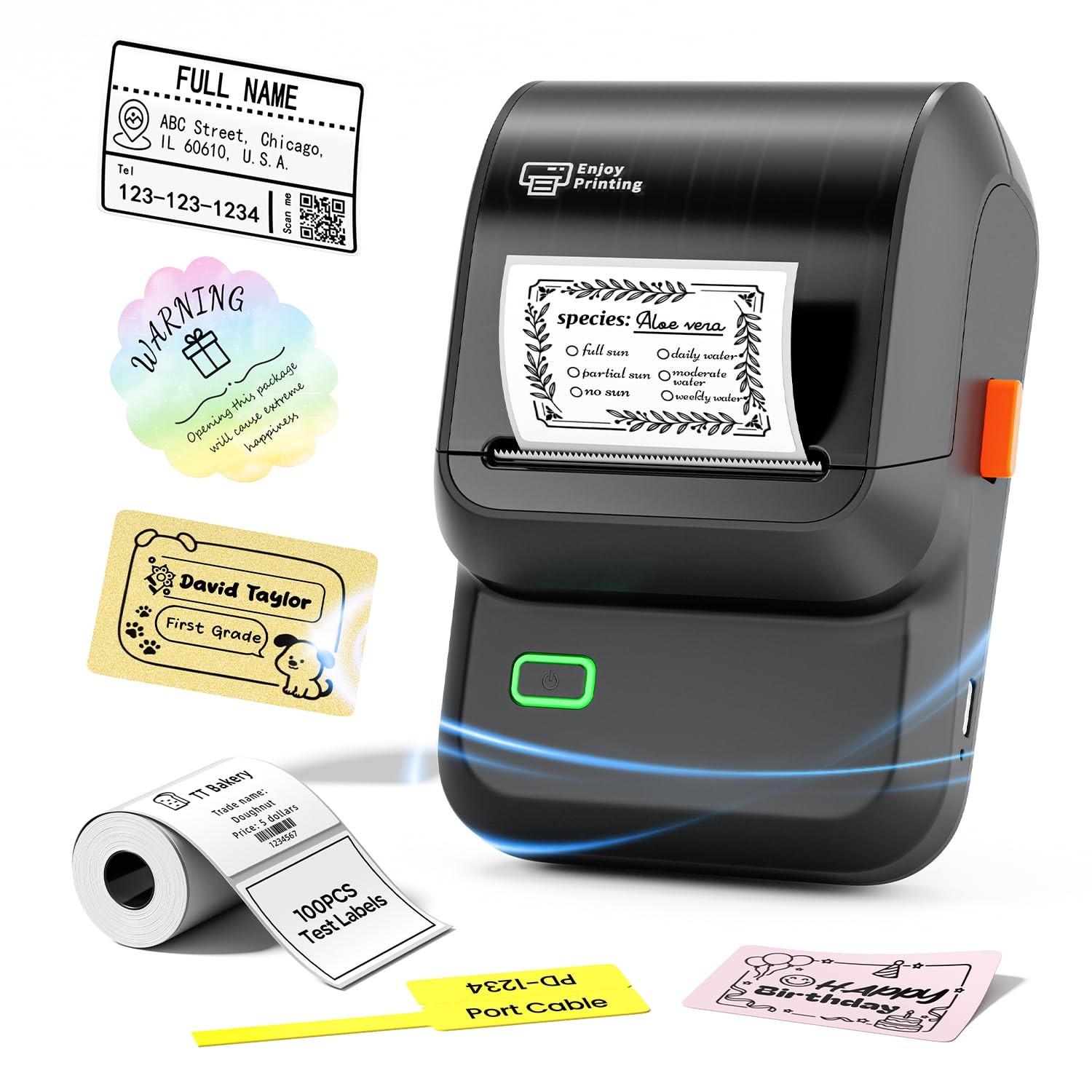 Label Maker Machine with Tape, M100 Address Barcode Label Printer, Versatile ...$28.78Last checked Nov 23, 2026View on eBay
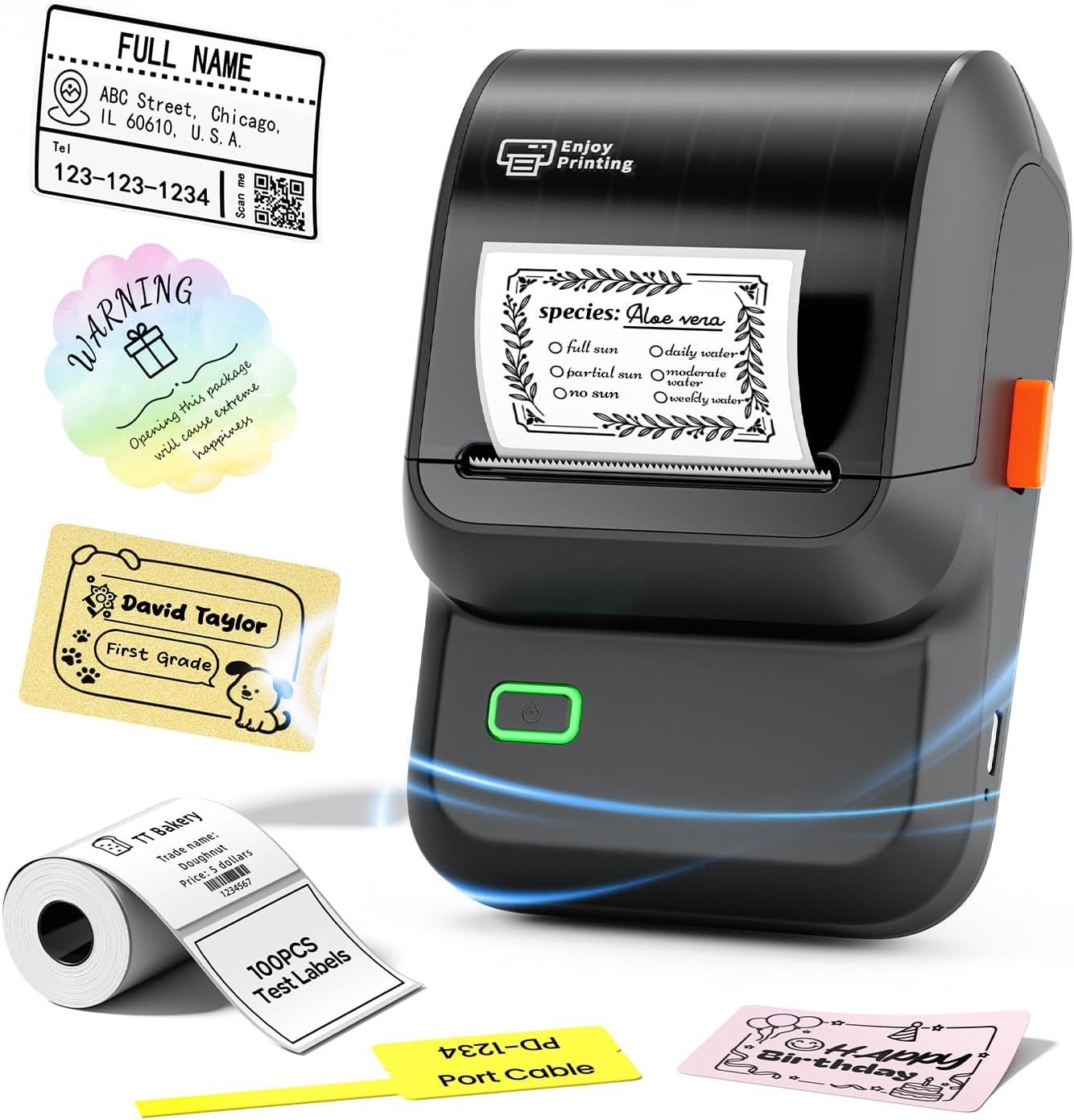 Label Maker Machine with Tape, M100 Address Barcode Label Printer, Versatile ...$42.99Last checked Nov 23, 2026View on eBay
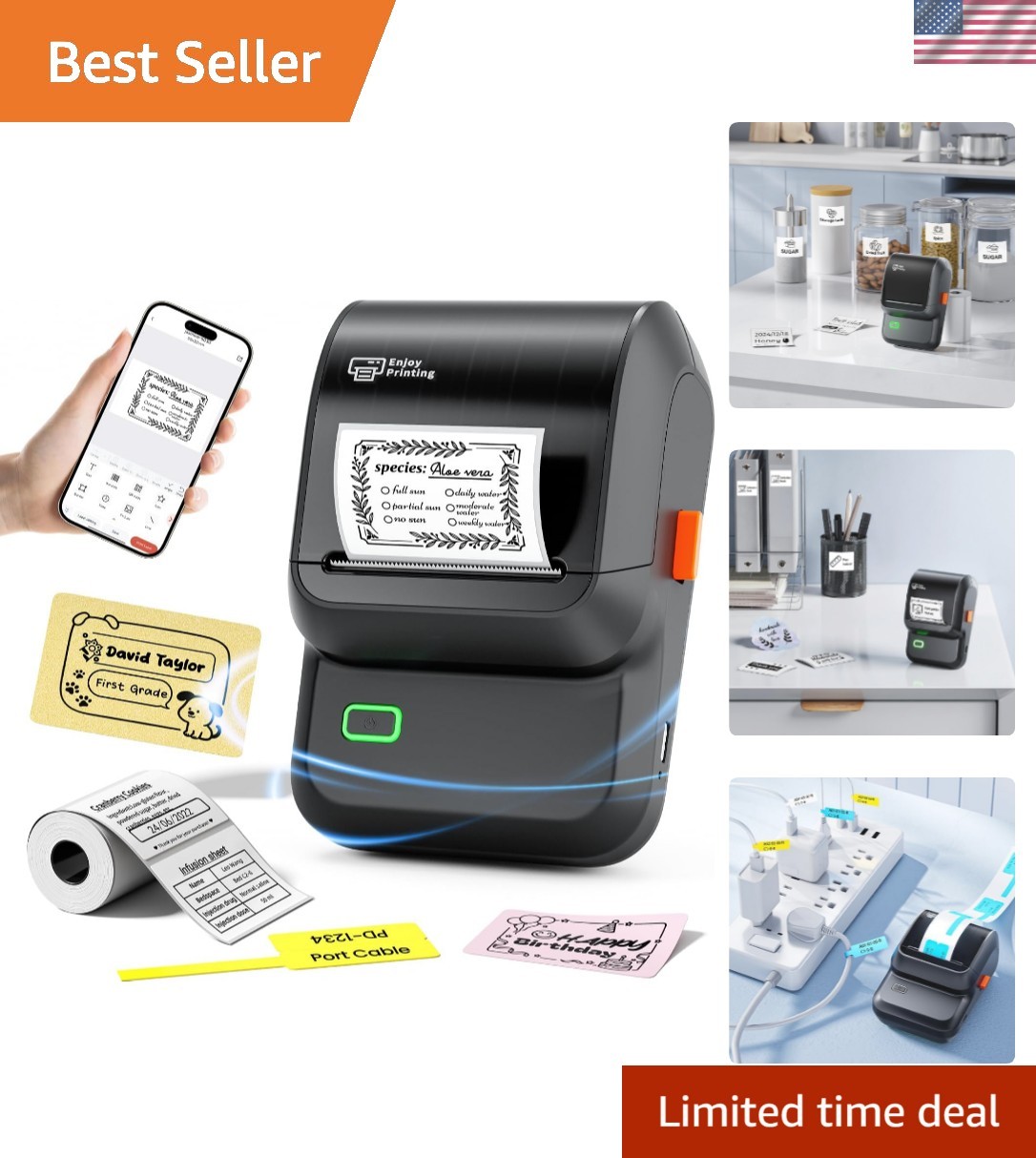 Label Maker Machine with Tape, M100 Address Barcode Label Printer, Versatile ...$46.56Last checked Nov 22, 2026View on eBay
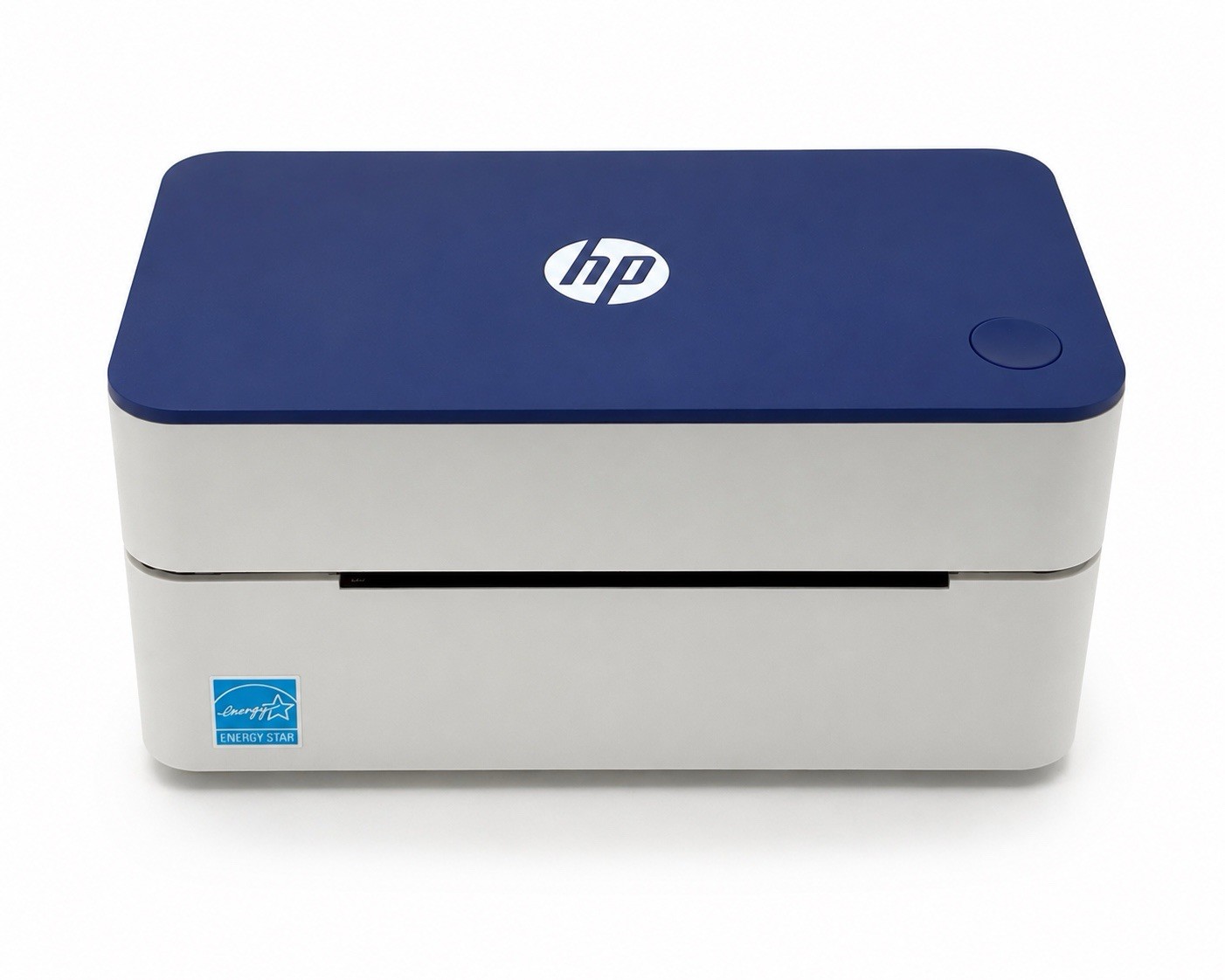 HP Direct Thermal Shipping Label Printer 4x6 USB Barcode Printer Commercial$55.00View on eBay
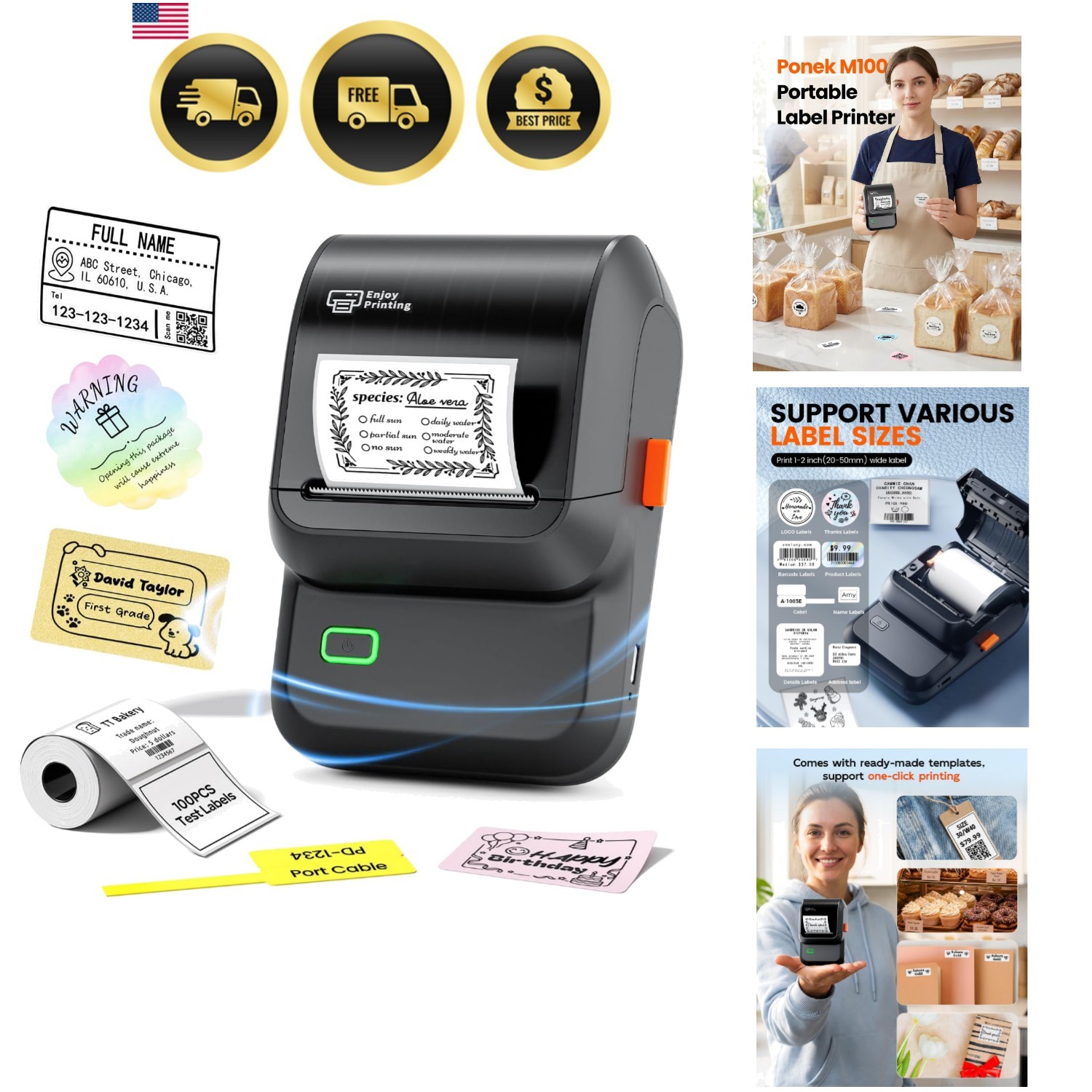 Label Maker Machine with Tape, M100 Address Barcode Label Printer, Versatile ...$58.20Last checked Nov 23, 2026View on eBay
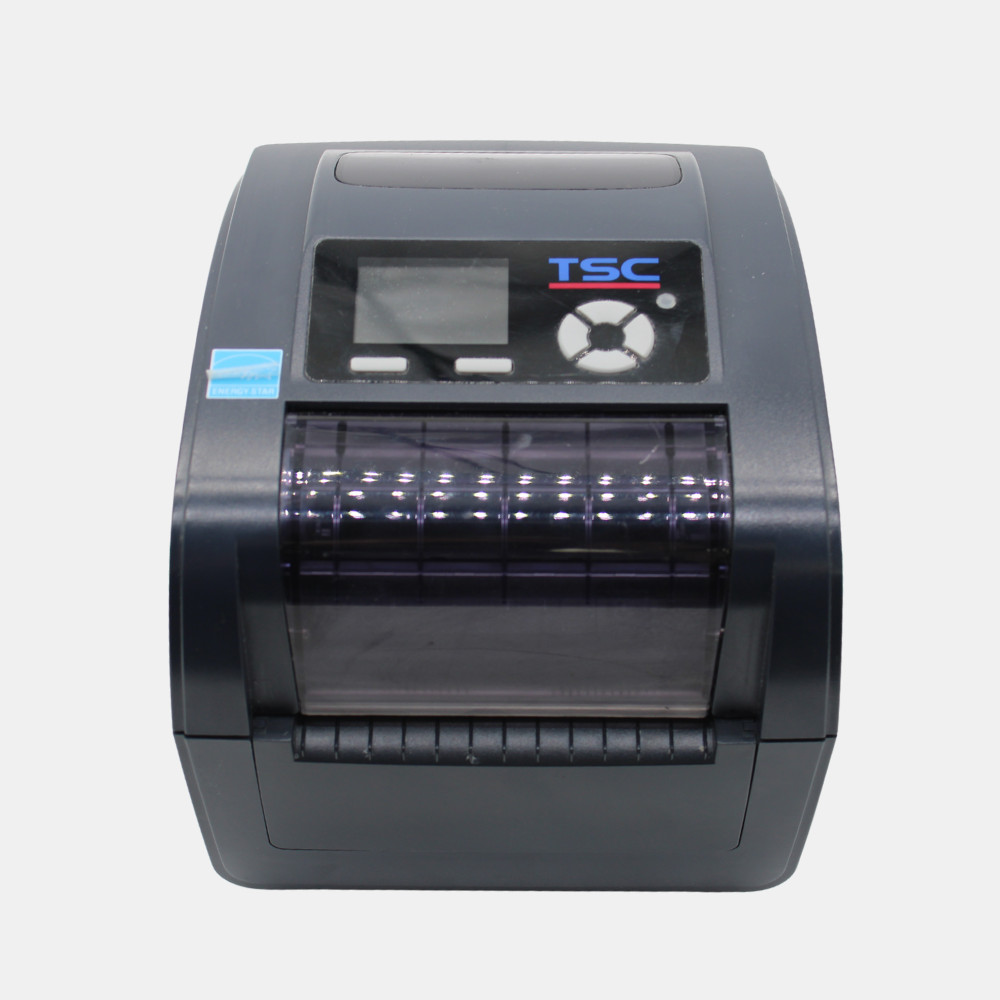 TSC TC310 300 DPI Thermal Transfer Direct Thermal Barcode Label Printer$249.99Used · Last checked Nov 21, 2026View on eBay
Highlights
- Print method split: direct thermal (no ribbon, heat-sensitive paper, 6-12 month indoor life) vs thermal transfer (wax/wax-resin ribbon, multi-year smudge/UV resistance).
- Resolution tiers: 203 dpi (8 dots/mm) for Code 128, UPC/EAN, and logistics labels; 300 dpi (12 dots/mm) needed for dense QR/Data Matrix and labels under 1 inch tall.
- Connectivity architecture: pocket models use Bluetooth + app (iOS/Android); desktop units use USB, Ethernet, or Wi-Fi/Serial for ERP and WMS integration.
- Media handling: gap/black-mark sensors for die-cut labels, adjustable guiderails for 0.4-4 inch widths, and max roll OD (typically 4-5 inch) determines unattended run length.
Best use cases
- Retail shelf tags and short-term shipping labels: pick a 203 dpi direct-thermal desktop or pocket unit; skip thermal transfer to avoid ribbon cost.
- Warehouse/asset tags needing 3-5 year legibility or chemical/heat exposure: choose thermal transfer with wax-resin ribbon; skip direct thermal entirely.
- Small-pitch electronics or jewelry labels with 2D codes: require 300 dpi; skip 203 dpi models that produce unscannable dense codes.
- Mobile route/sales labeling from a phone: pick a Bluetooth pocket printer with app-based template support; skip USB-only desktop units.
Buying tips
- Match dpi to code density: 203 dpi is fine down to ~10 mil X-dimension; for 5-7 mil or Data Matrix under 0.5 inch, step up to 300 dpi.
- Check media width range and core size: confirm the printer accepts your label width (commonly 0.4-4.1 inch) and 1-inch core rolls.
- For ERP/WMS integration, require USB plus Ethernet or Wi-Fi and support for ZPL/EPL or ESC/POS command sets — app-only printers cannot print from a database.
- Budget for consumables: direct thermal label cost per inch is lower, but thermal transfer ribbon adds cost; choose based on label lifespan, not printer price.
Specs
| Print Method | Direct thermal vs thermal transfer |
|---|---|
| Resolution | 203 dpi vs 300 dpi |
| Connectivity | Bluetooth app / USB / Ethernet / Wi-Fi |
| Max Media Width | 0.4-4.1 in (desktop) / 0.5-1 in (pocket) |
Related searches
What to check before buying
- Measure your label: width, height, gap, and core diameter must fall within the printer's media specs.
- Confirm power: desktop units often need 24V DC external adapter; check plug type and voltage for your region.
- Verify connectivity against your workflow: phone-only app printing vs PC/ERP network printing requires different interfaces.
- Check barcode symbology support: ensure the firmware supports Code 128, UPC/EAN, QR, and Data Matrix if you need 2D codes.
FAQ
Data sources: eBay / Amazon listings and product attribute feeds. Updated Nov 27, 2026.
Some links on this page are affiliate links. If you buy after clicking one, we may earn a commission at no extra cost to you. This does not change which products appear here or their order. Affiliate disclosure.