
Photos from current listings. Actual item, color, and included accessories may vary.
Address Label Maker Buying Guide
An address label maker is either a dedicated 4x6 thermal shipping printer or a compact app-driven label maker that produces mailing and barcode labels. The core trade-off is between direct thermal shipping printers that run 4x6 fanfold or roll labels at high speed versus handheld or desktop label makers that use proprietary cartridges and Bluetooth apps. Buy a 4x6 direct thermal printer only if you ship parcels regularly and need speed and low per-label cost; choose a compact cartridge-based label maker only for low-volume mailing, barcodes, and general labeling where portability matters more than throughput.
Median $35.89
Key takeaways
- 4x6 direct thermal printers use 203 dpi printheads and require no ink or toner, but the heat-sensitive paper fades over years and is not suitable for archival or outdoor labels.
- Handheld app label makers such as the M100 use proprietary thermal cartridges and Bluetooth, producing labels typically 0.5 to 0.75 inches wide at 203 dpi for mailing addresses and barcodes.
- 4x6 printers accept fanfold stacks and rolls with a 1-inch core; roll holders and adjustable guides determine whether third-party labels feed reliably without skew.
At a glance
- Category
- Label Makers & Supplies
- Last updated
- Nov 27, 2026
Current offers
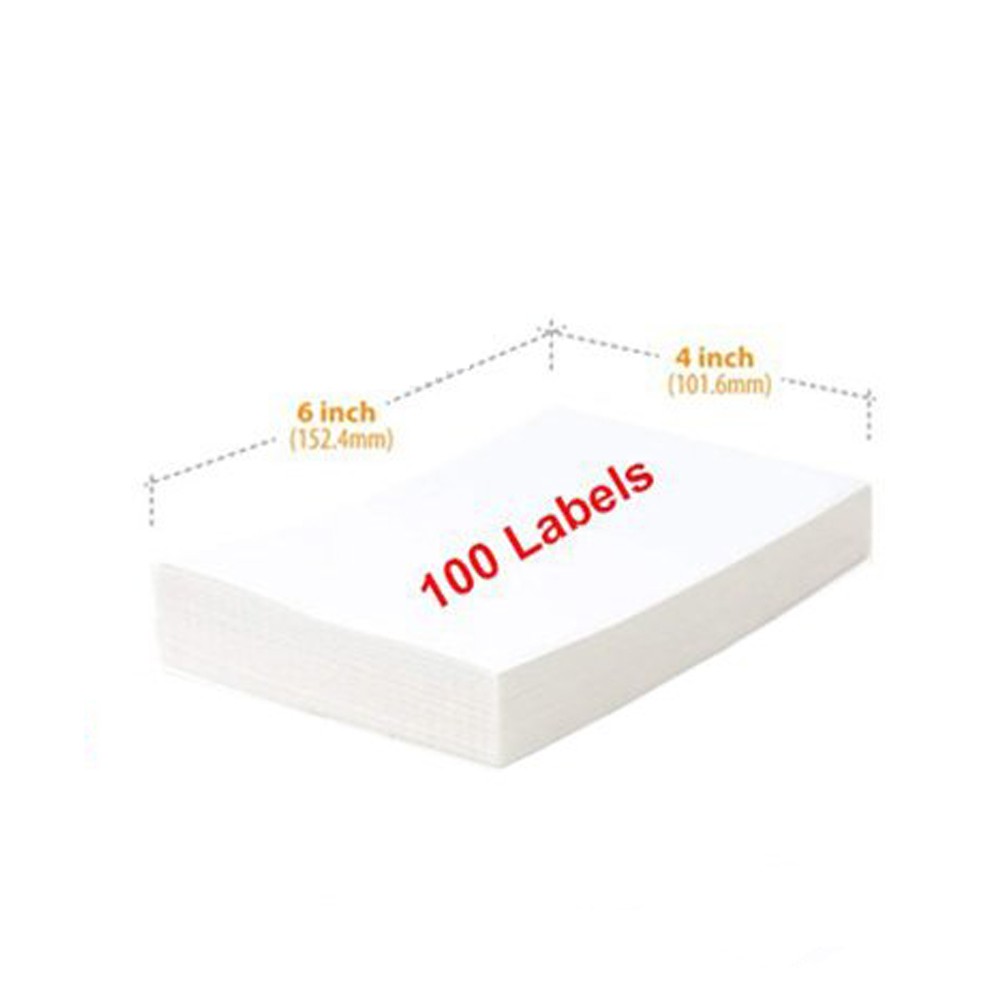 Thermal Shipping Label Printer 4"X6" Address Label Maker for Shipping Lot +Label$7.99Last checked Nov 23, 2026View on eBay
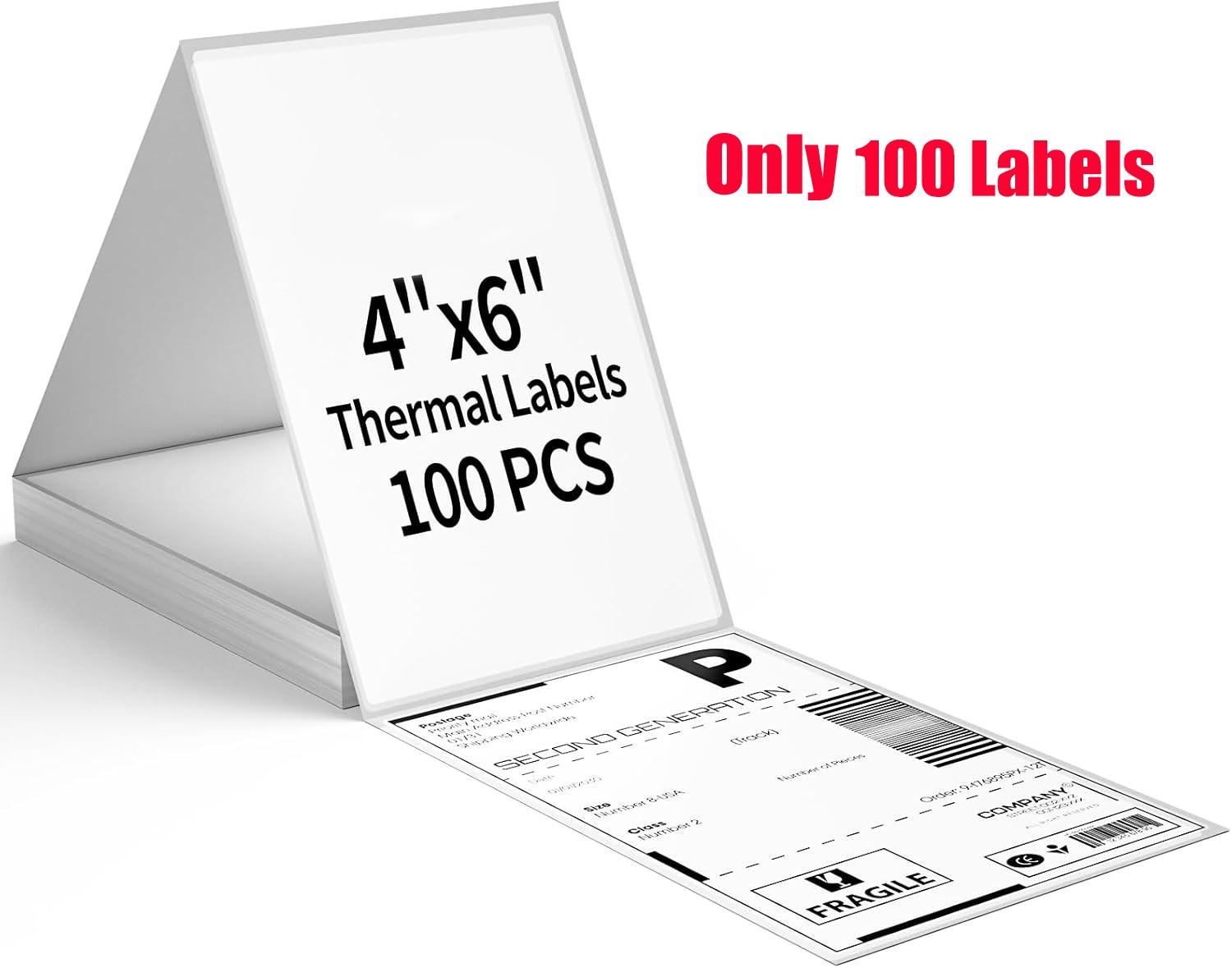 Thermal Shipping Label Printer 4"X6" Address Label Maker for Shipping Lot +Label$8.49Last checked Nov 23, 2026View on eBay
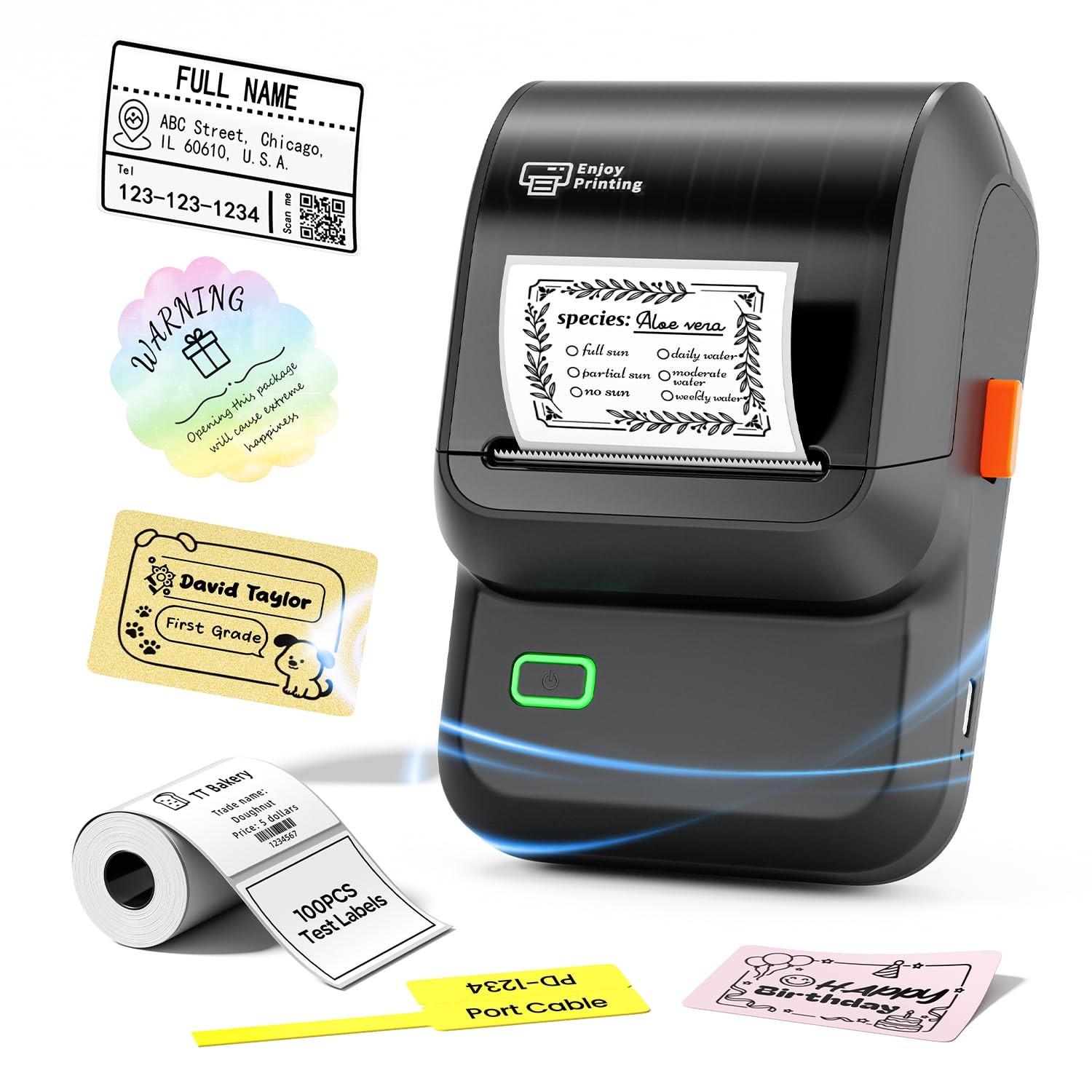 Label Maker Machine with Tape, M100 Address Barcode Label Printer, Versatile ...$28.78Last checked Nov 23, 2026View on eBay
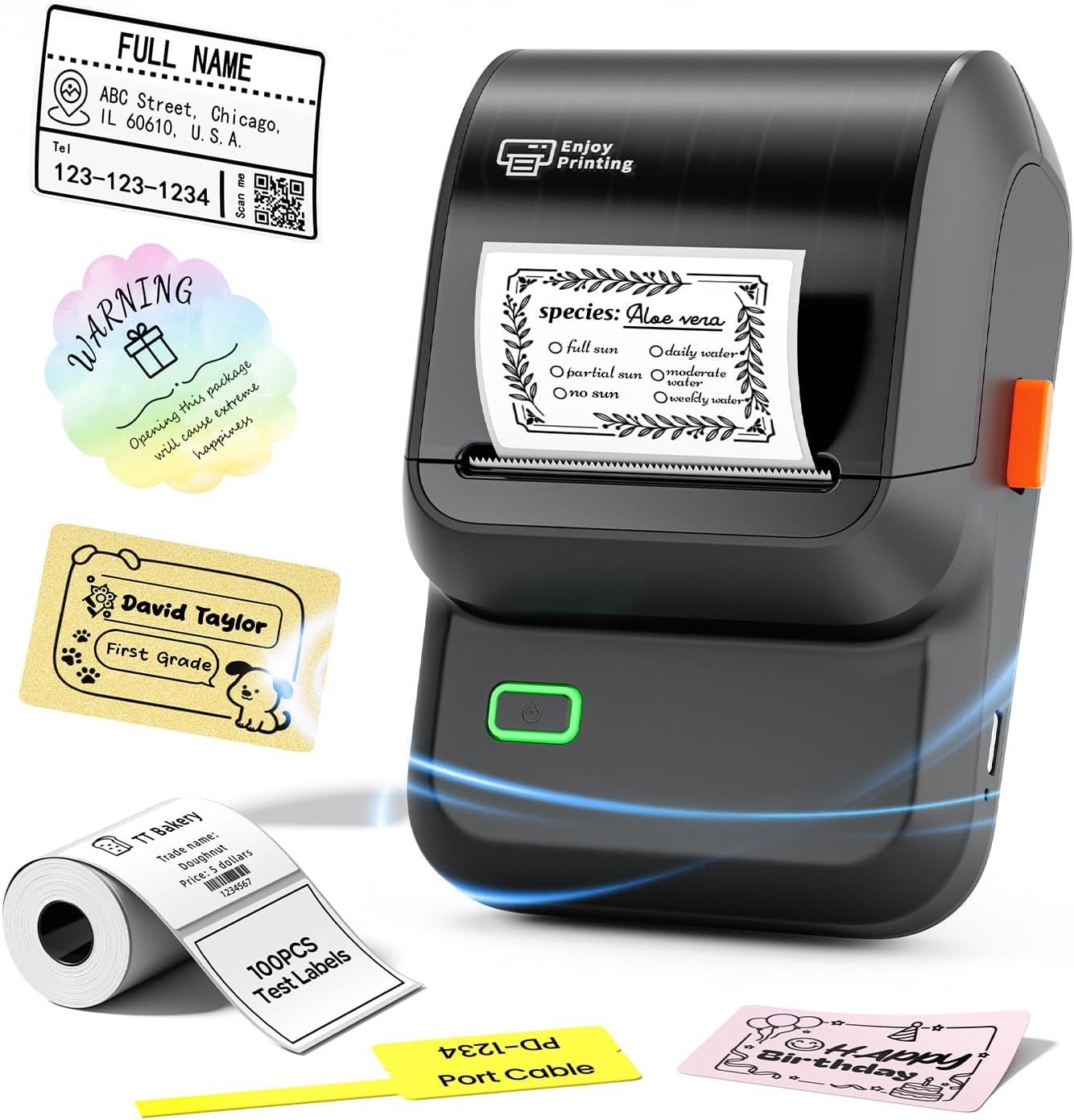 Label Maker Machine with Tape, M100 Address Barcode Label Printer, Versatile ...$42.99Last checked Nov 23, 2026View on eBay
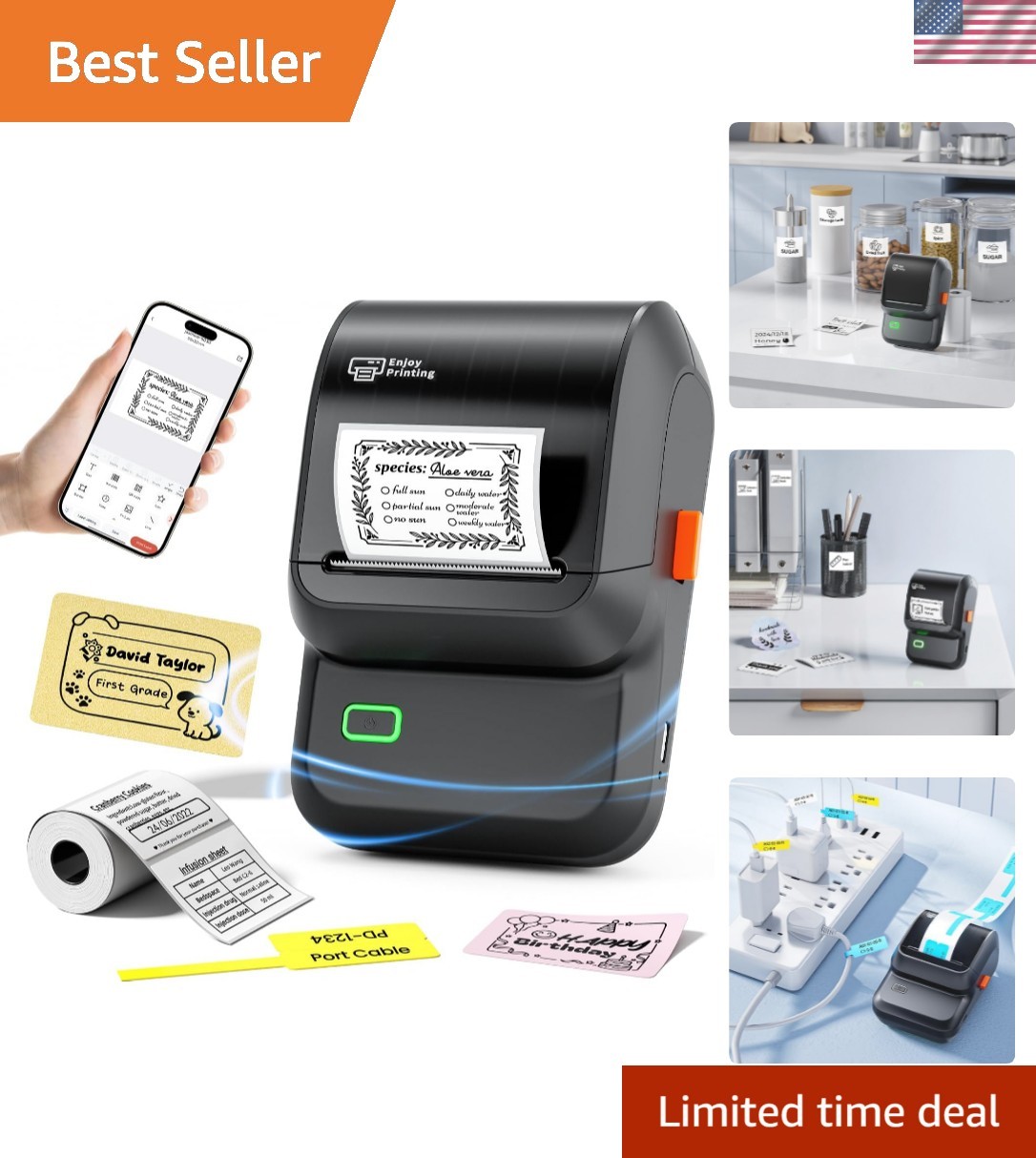 Label Maker Machine with Tape, M100 Address Barcode Label Printer, Versatile ...$46.56Last checked Nov 22, 2026View on eBay
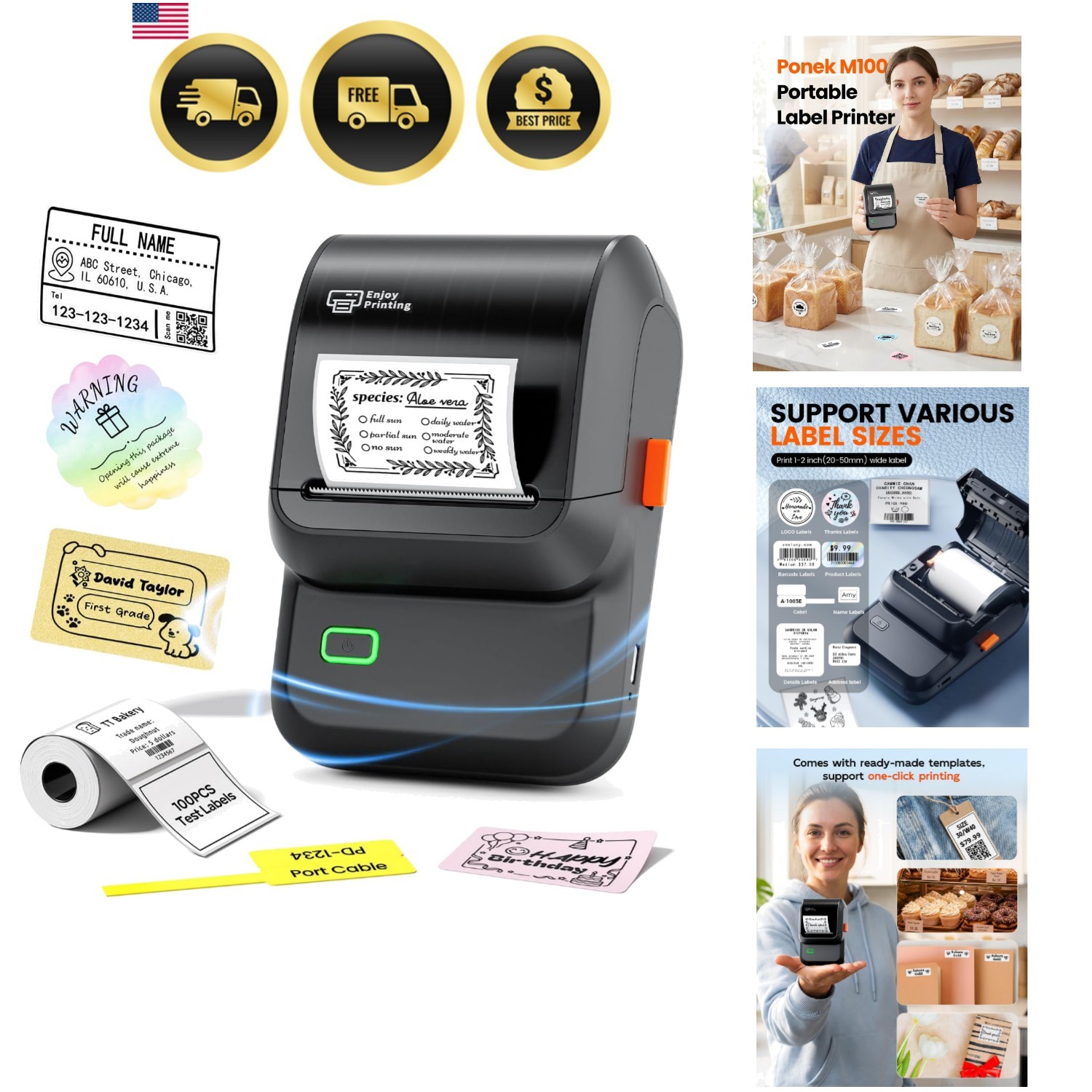 Label Maker Machine with Tape, M100 Address Barcode Label Printer, Versatile ...$58.20Last checked Nov 23, 2026View on eBay
Highlights
- 4x6 direct thermal printers use 203 dpi printheads and require no ink or toner, but the heat-sensitive paper fades over years and is not suitable for archival or outdoor labels.
- Handheld app label makers such as the M100 use proprietary thermal cartridges and Bluetooth, producing labels typically 0.5 to 0.75 inches wide at 203 dpi for mailing addresses and barcodes.
- 4x6 printers accept fanfold stacks and rolls with a 1-inch core; roll holders and adjustable guides determine whether third-party labels feed reliably without skew.
- Desktop label makers with QWERTY keyboards print standalone without a phone, while compact models depend on a companion app that controls fonts, icons, and barcode formats.
Best use cases
- E-commerce sellers shipping more than a handful of parcels weekly should pick a 4x6 direct thermal printer with USB and Ethernet or Wi-Fi, and skip compact cartridge label makers that cost more per label.
- Households mailing occasional letters, packages, and file folders should pick a Bluetooth cartridge label maker with tape widths of 0.5 to 0.75 inches, and skip 4x6 printers that demand desk space and continuous label stock.
- Warehouse and inventory teams needing barcodes and shelf labels should pick a 4x6 printer with 203 dpi resolution and barcode support, and skip keyboard label makers whose narrow tape limits barcode width.
Buying tips
- Match the printer to 4x6 inch labels for shipping: a 4-inch print width covers standard address and shipping labels, while 2-inch-wide printers cannot print full 4x6 shipping labels.
- Check the label stock format: fanfold stacks suit high-volume shipping, while rolls with a 1-inch core suit lower-volume desks; confirm the printer's maximum roll diameter before buying third-party labels.
- For app label makers, verify the tape cartridge width and type: 0.5-inch tape handles address lines and small barcodes, while 0.75-inch tape fits fuller addresses and larger barcode symbols.
- Prefer direct thermal printers with 203 dpi for shipping labels; 300 dpi matters only for small text, dense barcodes, or graphics, and costs more per unit.
Specs
| Printer Type | 4x6 thermal vs cartridge label maker |
|---|---|
| Print Resolution | 203 dpi standard / 300 dpi high-res |
| Label Format | 4x6 fanfold or roll / 0.5-0.75 in tape |
| Connectivity | USB / Bluetooth / Wi-Fi / Ethernet |
Related searches
What to check before buying
- Measure desk or shelf space for the printer footprint and confirm clearance for a 4x6 fanfold stack or roll holder.
- Confirm your computer or phone connects via the printer's interface: USB for wired desktop setups, Bluetooth for app label makers, Ethernet or Wi-Fi for shared office use.
- Check that the label size you need matches the printer: 4x6 shipping labels require a 4-inch print width, while cartridge label makers accept only their proprietary tape widths.
- For direct thermal printers, plan for the label stock's shelf life and storage: heat-sensitive labels fade in sunlight and heat, so store spare rolls in a cool, dark place.
FAQ
Data sources: eBay / Amazon listings and product attribute feeds. Updated Nov 27, 2026.
Some links on this page are affiliate links. If you buy after clicking one, we may earn a commission at no extra cost to you. This does not change which products appear here or their order. Affiliate disclosure.