Need a label maker for package labels, storage bins, or hobbyist project IDs? You are probably deciding between two very different approaches: a thermal sticker printer that lets you design on your phone, and a bundle of labelers with supplies. Here's how to choose the right one for your label makers supplies.
Quick Verdict
If you want customizable labels and a compact printer, go with the Ponek Thermal Sticker Printer. If you want a multi-unit set to share, go with the Dymo Organizer Xpress lot. The comparison table below shows the key facts.
Comparison Table
| Feature | Ponek Thermal Sticker Printer | Dymo Organizer Xpress Lot |
|---|---|---|
| Price | $34.75 | $29.99 |
| Condition | New | Used |
| Print method | Bluetooth thermal sticker printer | Manual label maker |
| Software | Label design with barcode, QR, borders, text, time, tables | No software needed |
| Included | One Bluetooth printer | Three label makers plus seven label tape cartridges |
Where Each Product Wins
Where the Ponek wins
If your labels need custom layouts or a more polished look, the Ponek's app-based workflow is the biggest draw. You can build a label on a phone or PC, send it wirelessly or over USB, and print it on the thermal sticker printer in crisp 203 DPI. It is also a white unit, so you know exactly what you're getting.
Where the Dymo lot wins
If you want to hand someone a labeler and have them print without a tutorial, the Dymo lot is the easy call. These labelers are straightforward, and the set gives you multiple units to share. This is the pick when multiple people or multiple stations need to label at the same time.
Product Notes
Ponek Thermal Sticker Printer
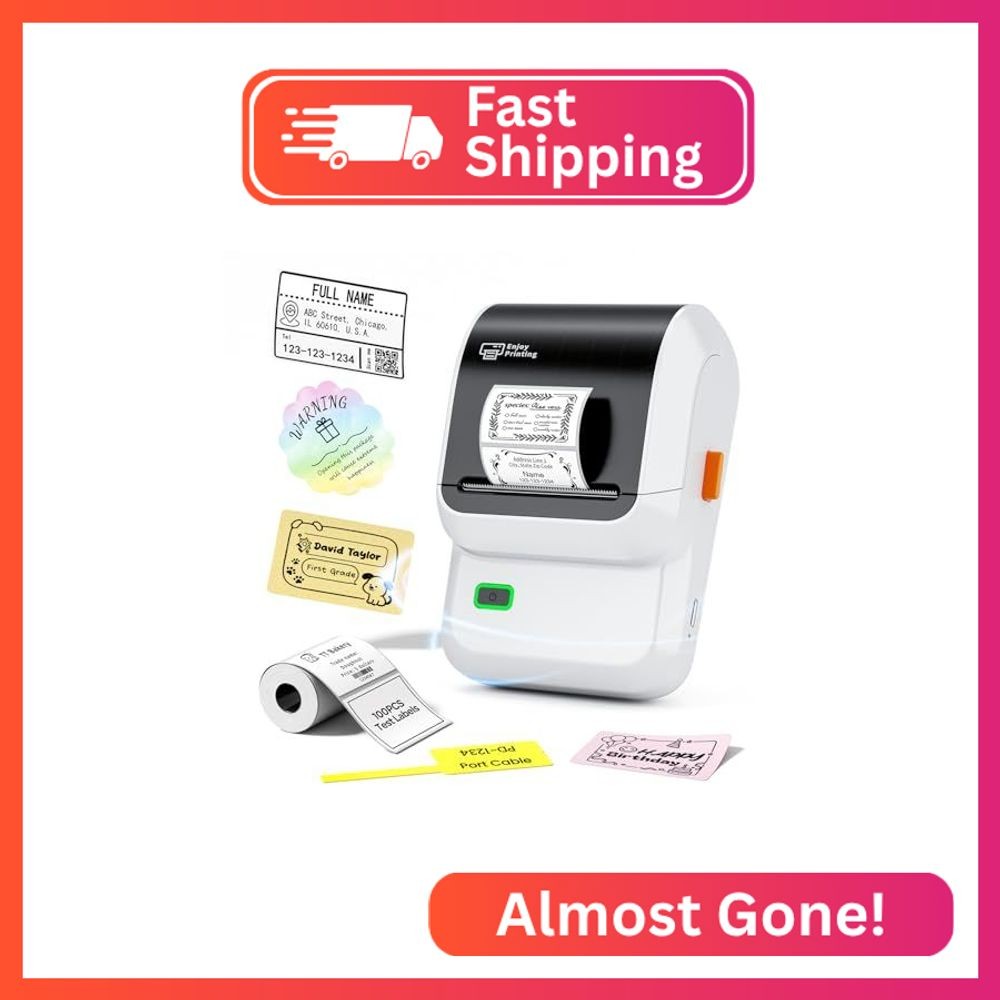
Choose the Ponek when label design matters as much as the label itself. Its Labelife app supports barcode labels, QR codes, borders, text, time stamps, and tables, so you can make organized or creative labels instead of just plain text. The direct thermal printer delivers 203 DPI output at 20mm/s, which keeps small text and lines readable. The unit is white, compact, and new, and it connects to Android, iOS, and PC. A trade-off: this printer runs on battery power, so it's best when you can keep a battery or charge ready between projects. It's a single labeler, so if you need several devices in different rooms at once, you would need to buy more than one.
Dymo Organizer Xpress Lot
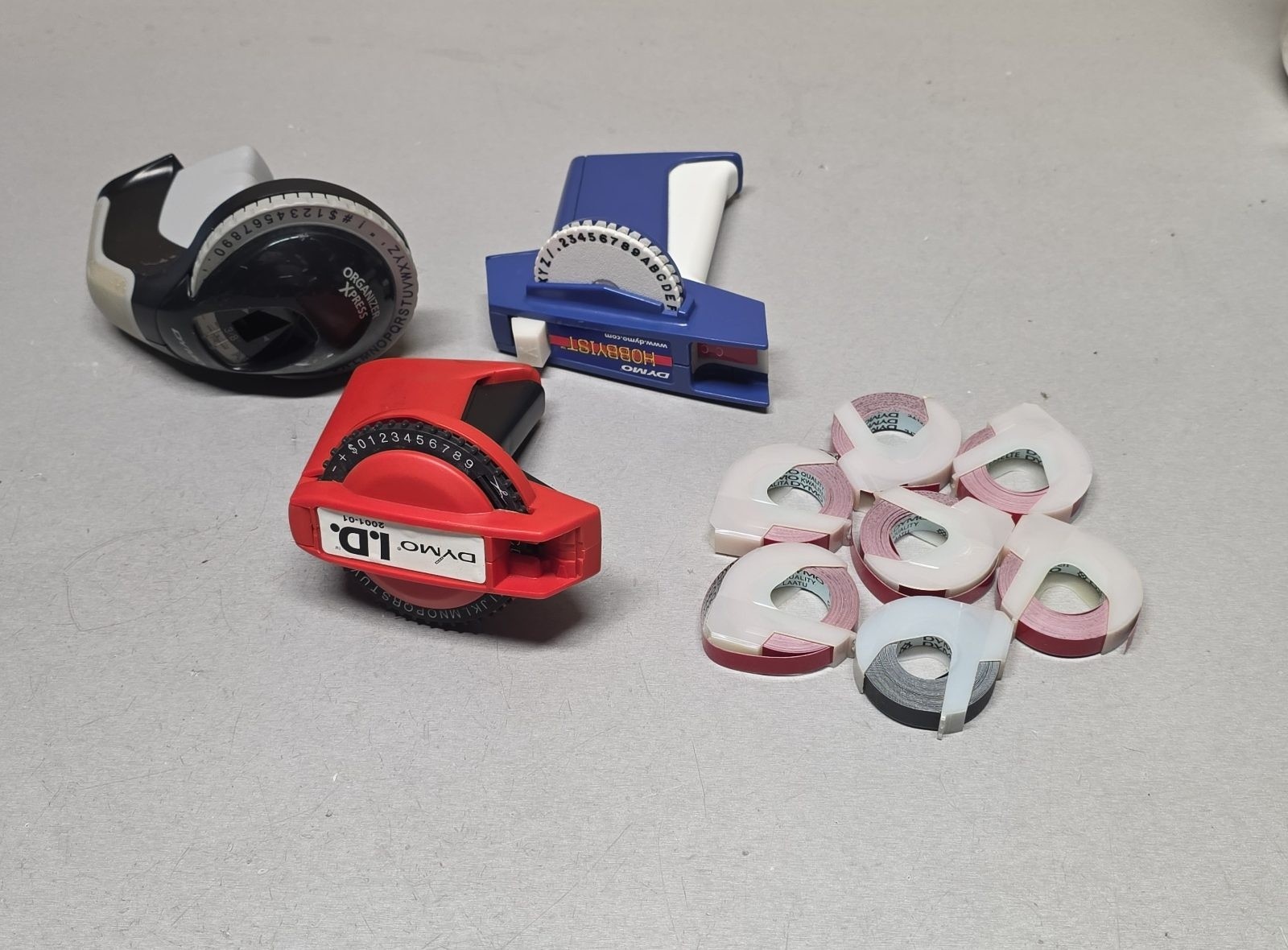
Choose the Dymo lot when you want straightforward, no-phone labeling. These are manual label makers, so you type on the device and print directly onto the tape. They are compatible with Dymo brand tape, which makes restocking simple, and the multicolor plastic bodies make it easy to assign one to a specific station. The condition is used, so the units may show wear, but they're offered as a set intended for hobbyist ID and organizer projects. The trade-off is that you give up digital features: there is no app, no Bluetooth, and no way to add QR codes or downloaded templates. If your labeling is simple and you want a set on hand, this is the practical route.
Final Choice by Use Case
For label makers supplies, the right pick depends on where your labels start. If they start on your phone or computer, the Ponek Thermal Sticker Printer gives you custom layouts and fast thermal printing. If they start at a workbench or in a shared drawer, the Dymo Organizer Xpress lot gives you a full set, so you can print anywhere without a phone. Each fills a different organizing role.
