Choosing a label maker starts with a simple question: what kind of labels will you actually make? At $24.51, a vintage-style blue embosser creates raised tape labels anywhere without power or an app. At $850, a DuraLabel Toro printer is built for heavy workplace use. Between them sit a $160 Dymo XTL 300 labeler and a $27.70 Phomemo D30 mini printer, each suited to a different workflow. This guide maps the four machines to the labeling jobs they handle best, so you can focus on capabilities rather than chasing the lowest price.
Quick Take
- The DuraLabel Toro is the only model here with a built-in keyboard and ribbon supplies, aimed at business and industrial labeling.
- The Dymo XTL 300 adds a color display and on-screen preview at a mid-range price.
- The Phomemo D30 is a mini printer for creative label projects.
- The Embossing Label Maker (Blue) is a vintage-style embosser for projects.
Listed Price Comparison
| Product | Listed Price | Price Bar |
|---|---|---|
| DuraLabel Toro Label Maker | USD 850.00 | |
| Dymo XTL 300 Label Maker | USD 160.00 | |
| Phomemo D30 Label Maker | USD 27.70 | |
| Embossing Label Maker (Blue) | USD 24.51 |
Decision Matrix
| If you need | Best pick | Why |
|---|---|---|
| High-volume professional labeling | DuraLabel Toro | Business/industrial positioning |
| Desktop labeler with accessories | Dymo XTL 300 | USB connection, thermal technology, AC adapter, case, and supplies included |
| Creative label projects | Phomemo D30 | Bluetooth connection, Android/iOS app control, compact new machine |
| Unplugged journal labels | Embossing Label Maker (Blue) | Embosses characters without ink, batteries, charging, or downloads |
Product Notes
DuraLabel Toro Label Maker
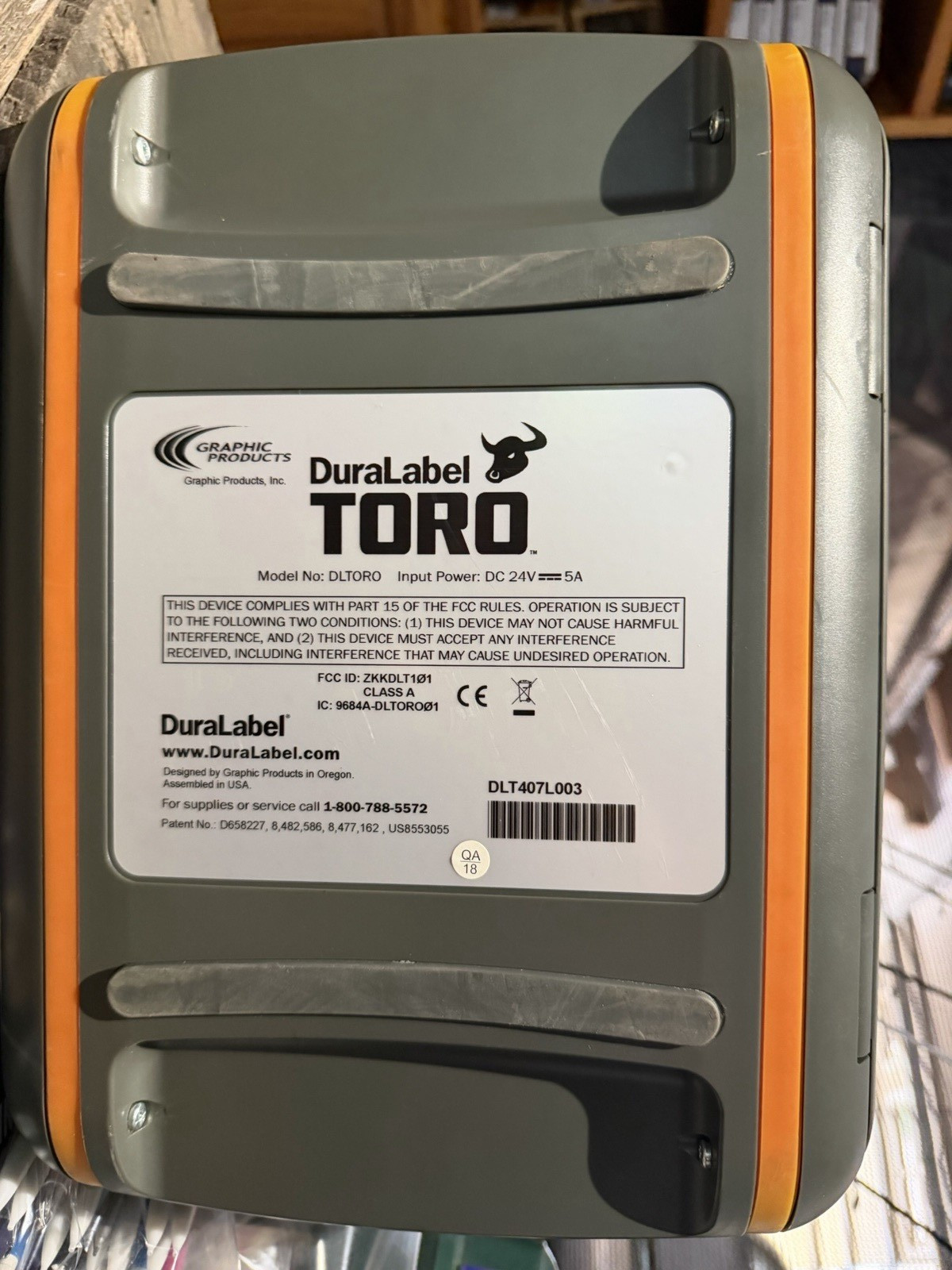
This is the machine for labeling jobs that require volume and a stable desktop setup. The Toro has a keyboard for direct entry and ribbon supplies, so you can print labels for products, documents, or equipment without an app or computer. Its DuraLabel series identity points to professional labeling use, and the price reflects that positioning. If you run a busy office, warehouse, or workshop, this is the option to consider.
The catch is that this unit is listed as used. For a machine at this price level, the used condition is a meaningful trade-off. Choose it when your labeling volume is heavy enough to justify a dedicated professional labeling tool.
Dymo XTL 300 Label Maker
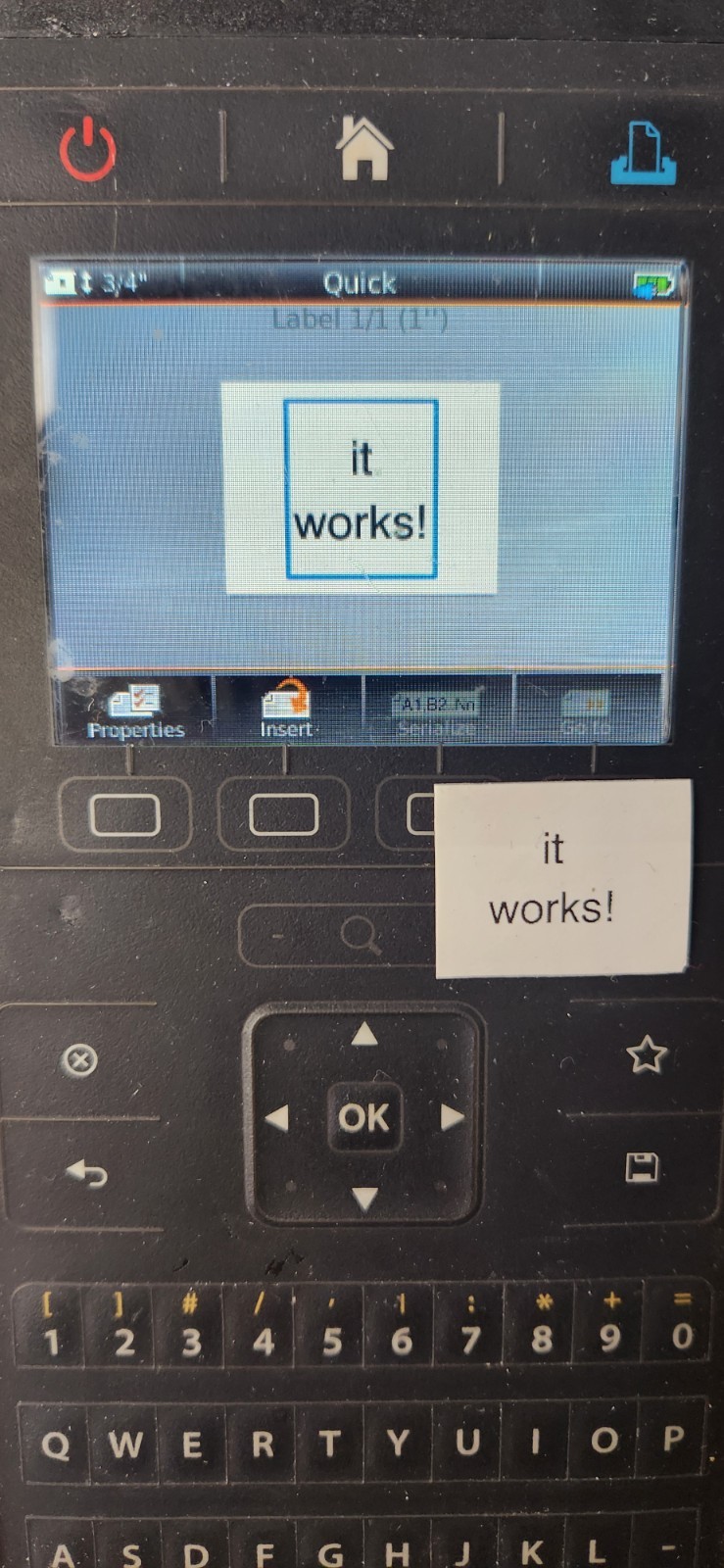
For a feature-rich thermal labeler without jumping to the top of the price scale, the XTL 300 sits in the middle and brings a lot with it. Thermal printing means no toner or ink cartridges to replace, and the USB connection makes it a desktop companion. Included accessories add practical value: an AC adapter, carrying case, USB cable, rechargeable lithium polymer battery, Quick Start Guide, and black-on-white vinyl label supply cartridges. On-screen preview and pre-loaded templates help you avoid wasted labels.
The main trade-off is that this is a used unit, and it relies on USB rather than Bluetooth, so you'll need to work at a desk. It suits anyone who wants a more professional label layout workflow than a phone-based mini printer can offer.
Phomemo D30 Label Maker
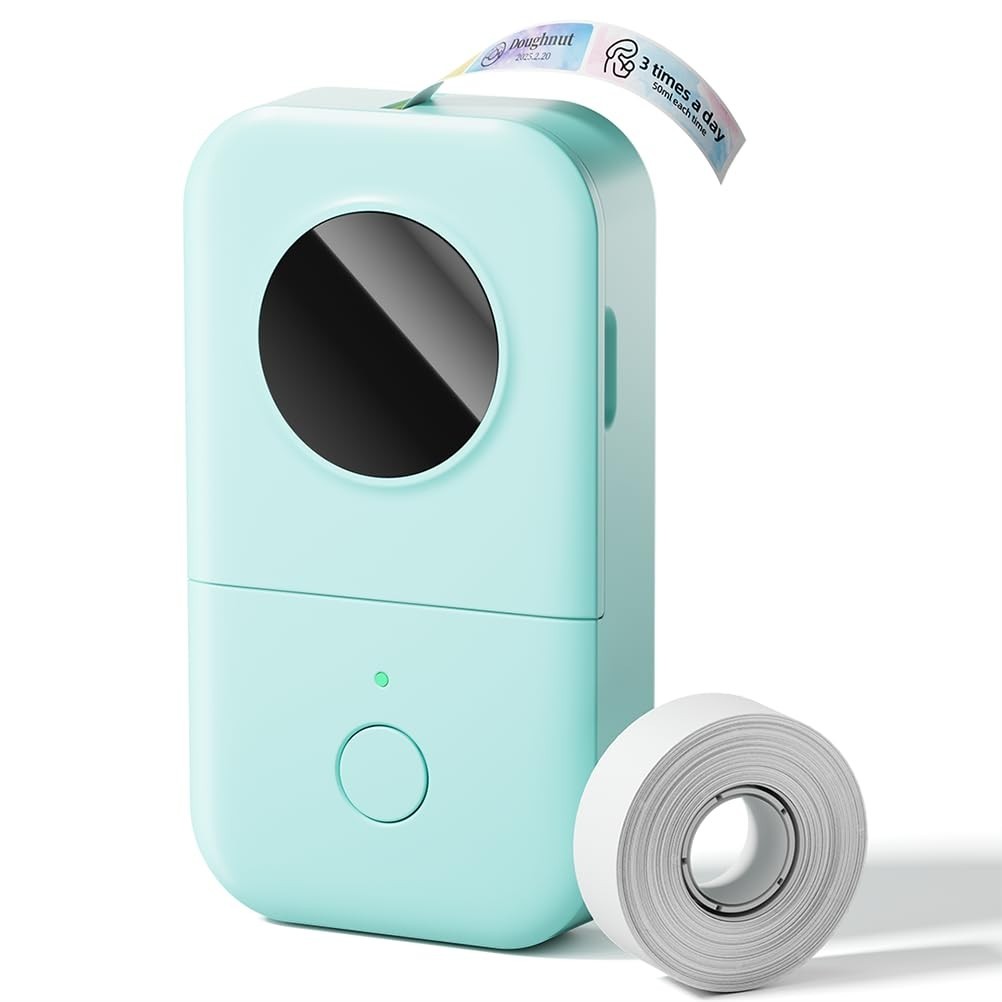
The D30 is a new, compact Bluetooth printer that pairs with Android and iOS devices, and the Print Master app offers thousands of icons, borders, fonts, and ready-made templates. That makes it easy to produce custom labels for mail, storage, kitchen jars, school supplies, or small organizing projects. The German thermal print head is a notable detail in a mini printer, and it supports both continuous tape and fixed-length labels. It is one of the lighter price points in this group.
The limitation is scale. This is a mini labeler meant for smaller jobs, not long industrial runs. You'll create labels in the app on your phone, so the phone needs to be nearby when you print.
Embossing Label Maker (Blue)
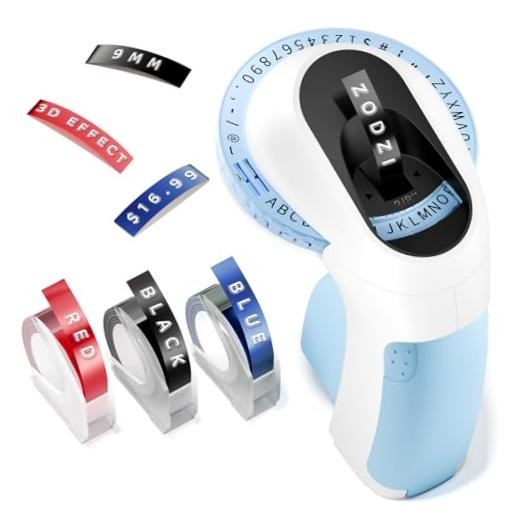
This blue embosser needs no ink, electricity, batteries, charging, or app, so you can carry it anywhere and emboss labels on demand. Its 48-character wheel covers A to Z, 0 to 9, common symbols, and a space bar, and the four-line character calibration helps keep letters aligned. For journal supplies, gift tags, or household organization, this is a hands-on way to make raised labels.
The trade-off is speed and scope: the manual wheel embosses one character at a time, so it is best for short labels rather than long text blocks. The label layout has to be planned as you go, which is part of the craft appeal.
Final Recommendation by Use Case
- For high-volume labeling: DuraLabel Toro.
- For a mid-priced labeler: Dymo XTL 300.
- For custom labels from your phone: Phomemo D30.
- For unplugged craft labels: Embossing Label Maker (Blue).
