When you're sorting through label makers supplies, the real decision isn't just which machine prints text. It's whether you need a keyboard-driven industrial printer or a phone-connected thermal sticker maker. The two options here sit at opposite ends of the price spectrum: a $850 DuraLabel Toro with a built-in keyboard, and a $34.75 Ponek Bluetooth thermal sticker printer that brings 6,000+ templates into the picture. Here's how to choose based on volume, setup, and how you like to edit labels.
Quick verdict
If you want to print labels quickly and creatively from your phone, the Ponek is the easy winner. If you need a dedicated keyboard unit for continuous, high-volume label production and are comfortable with a used machine, the DuraLabel Toro is the stronger tool, but it comes at a significantly higher price.
Side-by-side comparison
| Product | Listed Price | Price Bar | Best For |
|---|---|---|---|
| DuraLabel Toro Label Maker Printer w/ Keyboard & Ribbon Supplies | $850.00 | High-volume, keyboard-driven labeling | |
| Ponek Bluetooth Thermal Sticker Printer with 6000+ Templates | $34.75 | On-the-go, smartphone-based labels |
Where each product wins
DuraLabel Toro wins if you need a standalone system. The keyboard lets you enter label text directly without pairing a phone, and the included ribbon supplies support continuous printing. Its series branding points to a professional line of labeling equipment, so it's meant for workplaces that label products, documents, or equipment regularly.
Ponek wins if you want flexibility for a low price. Bluetooth connectivity works with Android, iOS, and PC (via USB), and the app provides thousands of templates, icons, and fonts. You can print barcodes, QR codes, and labels with borders or tables, all without buying ink or toner.
Product notes
DuraLabel Toro Label Maker Printer
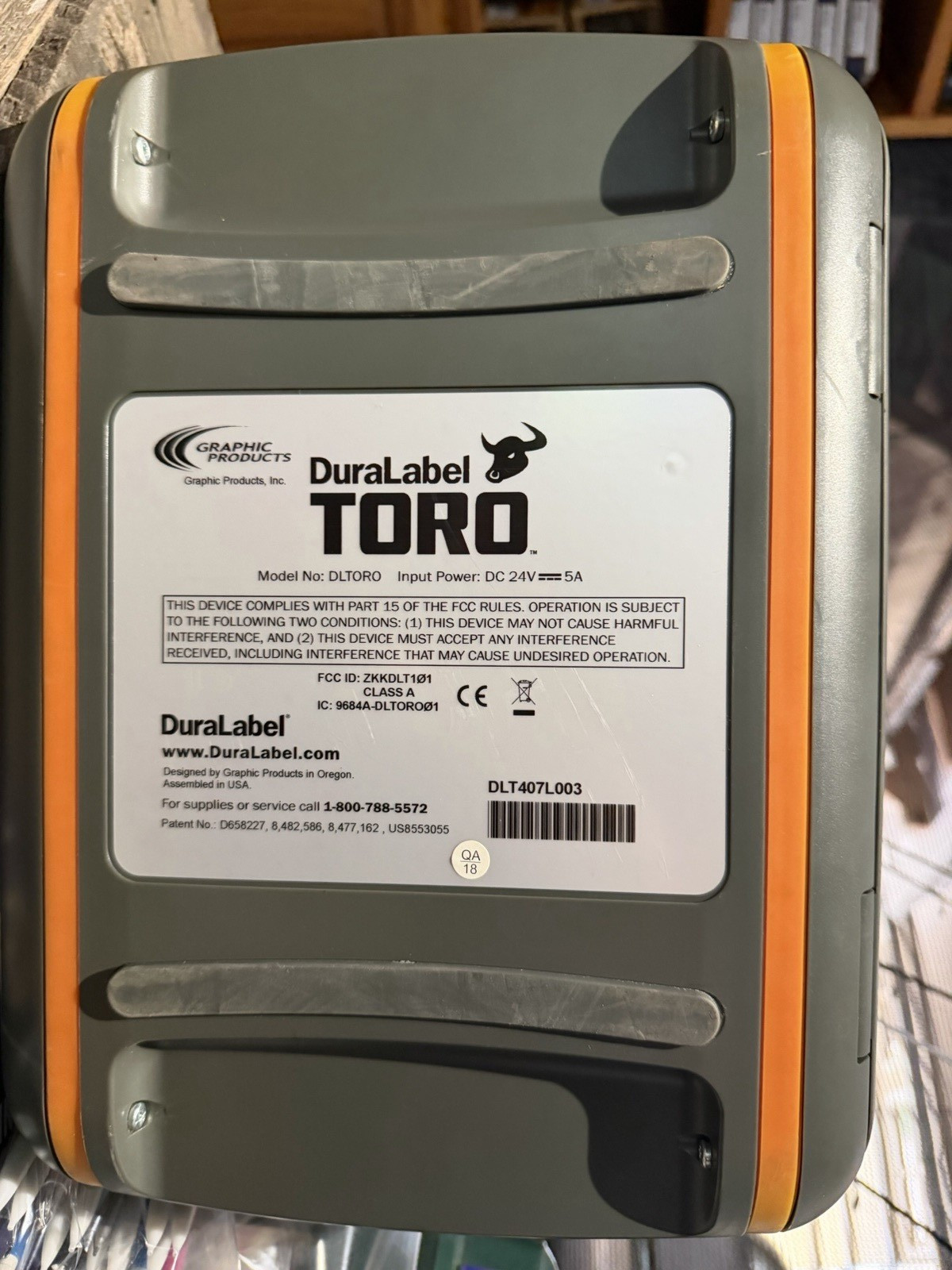
The DuraLabel Toro is built around direct input and sustained output. The unit includes a keyboard for typing label text without needing a separate computer or app, and the ribbon supplies come new in their wrappers-a useful start for a machine designed for business and industrial labeling. It's a major investment, and this specific unit is listed as used, so the physical condition matters more than it would with a new printer. If your operation runs label after label and you need a workstation that can keep up, the Toro's keyboard and ribbon setup give you a purpose-built tool. But the price and used condition mean you're buying this for production capability, not for occasional crafting. Choose it when you're setting up a dedicated labeling station.
Ponek Bluetooth Thermal Sticker Printer
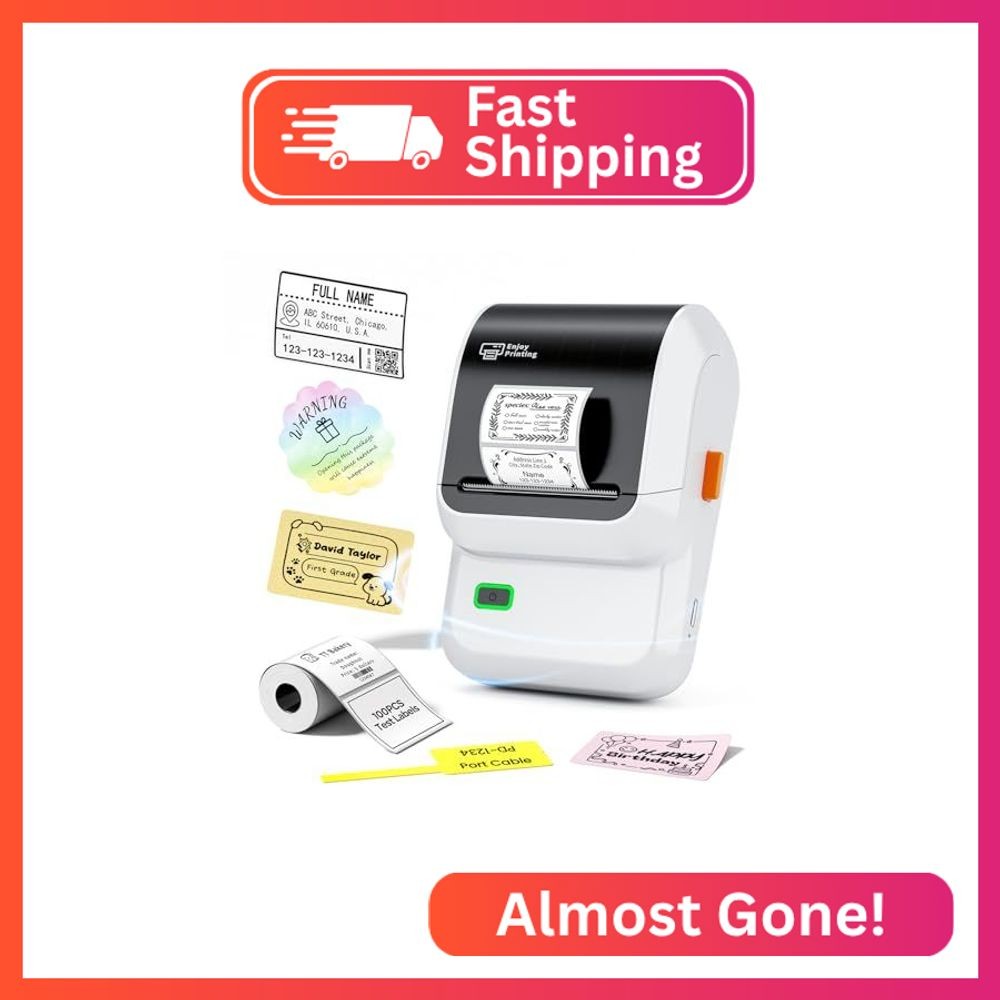
The Ponek is the kind of label maker you can toss in a drawer or bag. It connects over Bluetooth to Android and iOS devices, and to a PC via USB, so you can print from the app instead of standing over a machine. The app offers more than 5,000 icons, 3,000+ templates, 300 fonts, and support for barcode, QR, borders, text, time, and table formats. The thermal printing technology-203 DPI at 20mm/s-means you don't need ink or toner for sticker labels, and a single charge can produce up to 4,200 labels. The limitation is that you'll be phone- or PC-dependent for every job; the app is the control center, so a phone or computer needs to be within reach. For a portable, low-commitment label maker, it's an easy recommendation.
Final choice by use case
If your labeling happens in short bursts-organizing shelves, making product stickers, cable labels, or shipping labels from your phone-the Ponek Bluetooth Thermal Sticker Printer is the sensible pick. If you need a permanent labeling workstation with keyboard entry for high-volume industrial work, the DuraLabel Toro Label Maker Printer is the tool that fits, provided you accept the used condition and higher price.
