
Photos from current listings. Actual item, color, and included accessories may vary.
Portable Printer Scanner Buying Guide
A portable printer scanner is a compact, travel-oriented device that combines printing and scanning in one chassis, typically relying on thermal, inkjet, or thermal-transfer technology. The core trade-off is between true portability (battery power, sub-5 lb weight, wireless-only operation) and output durability (archival pigment ink, flatbed or ADF scanning quality, AC-powered reliability). The clear decision rule: choose thermal for receipts and forms on the go, inkjet for color documents and photos, and skip anything without a defined consumable supply or OS driver support if you need multi-year use.
Median $785.00
Key takeaways
- Thermal printers need no ink but require specialty heat-sensitive paper; inkjet portables use pigment or dye cartridges that smudge or fade without proper coatings.
- Scanner type determines real utility: CIS contact-image sensors handle receipts and flat documents, while full flatbed or ADF units add bulk but capture bound pages and IDs accurately.
- Battery runtime is driven by print technology—thermal units often deliver 20+ pages per charge, while inkjet portables drain faster due to printhead maintenance cycles.
At a glance
- Category
- Commercial Printers & Copiers
- Last updated
- Nov 24, 2026
Current offers
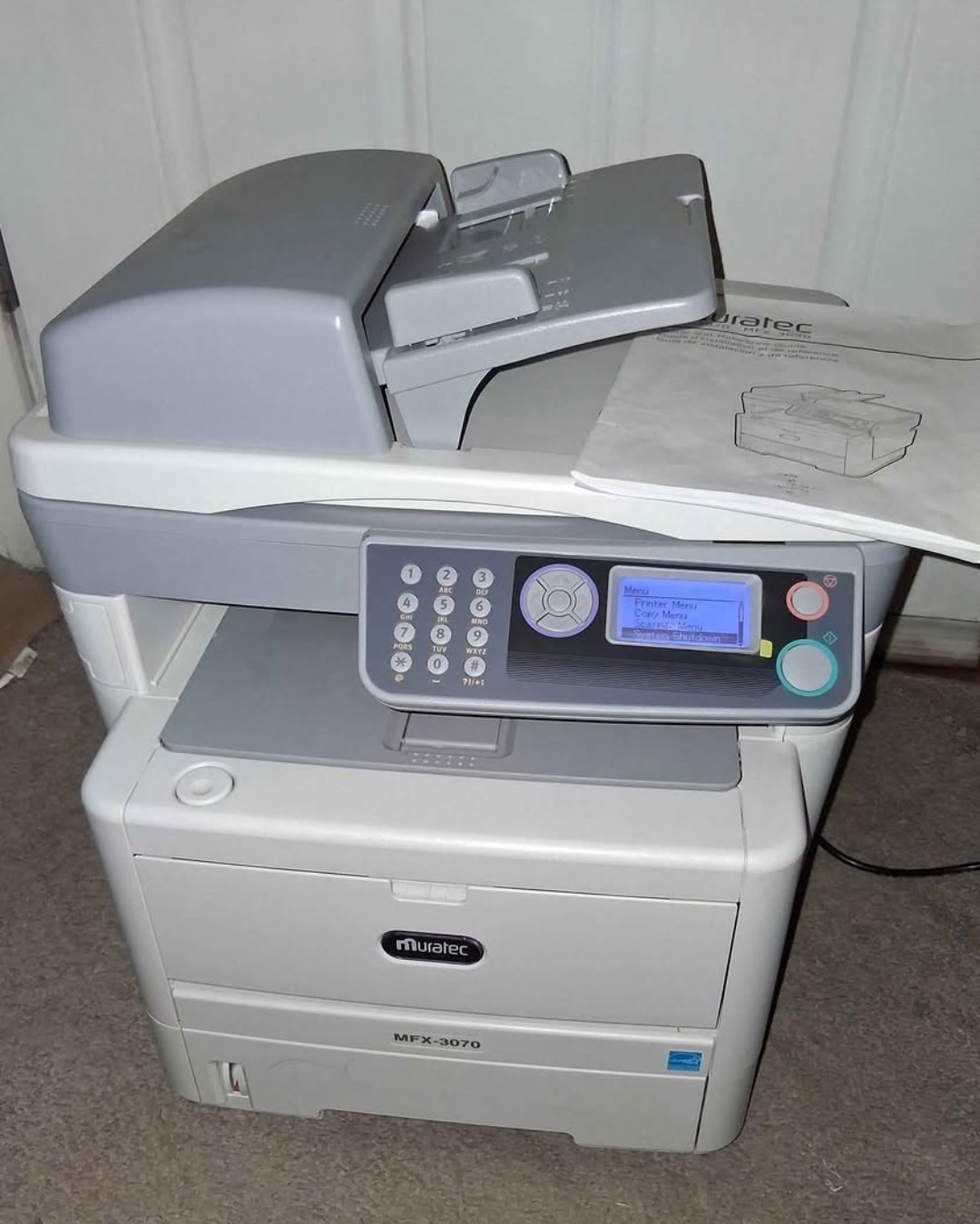 Muratec MFX-3070 Multi-Function Black & White Copier Printer Scanner$100.00Last checked Nov 14, 2026View on eBay
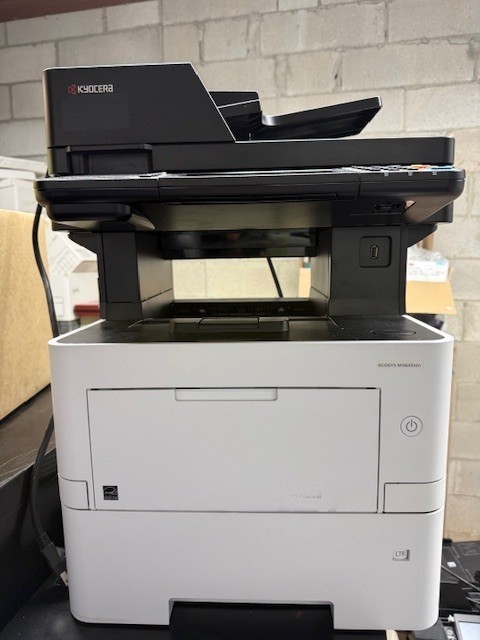 kyocera ecoys m3645idn business fax, scanner,printer,copier$349.00Last checked Nov 14, 2026View on eBay
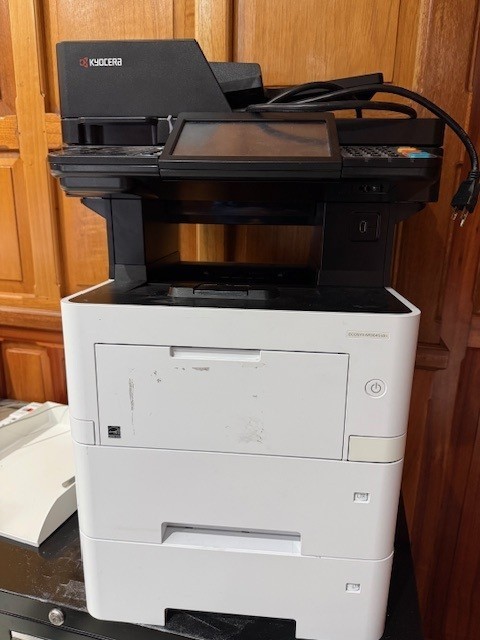 kyocera ecoys m3645idn business fax, scanner,printer,copier$379.99Last checked Nov 14, 2026View on eBay
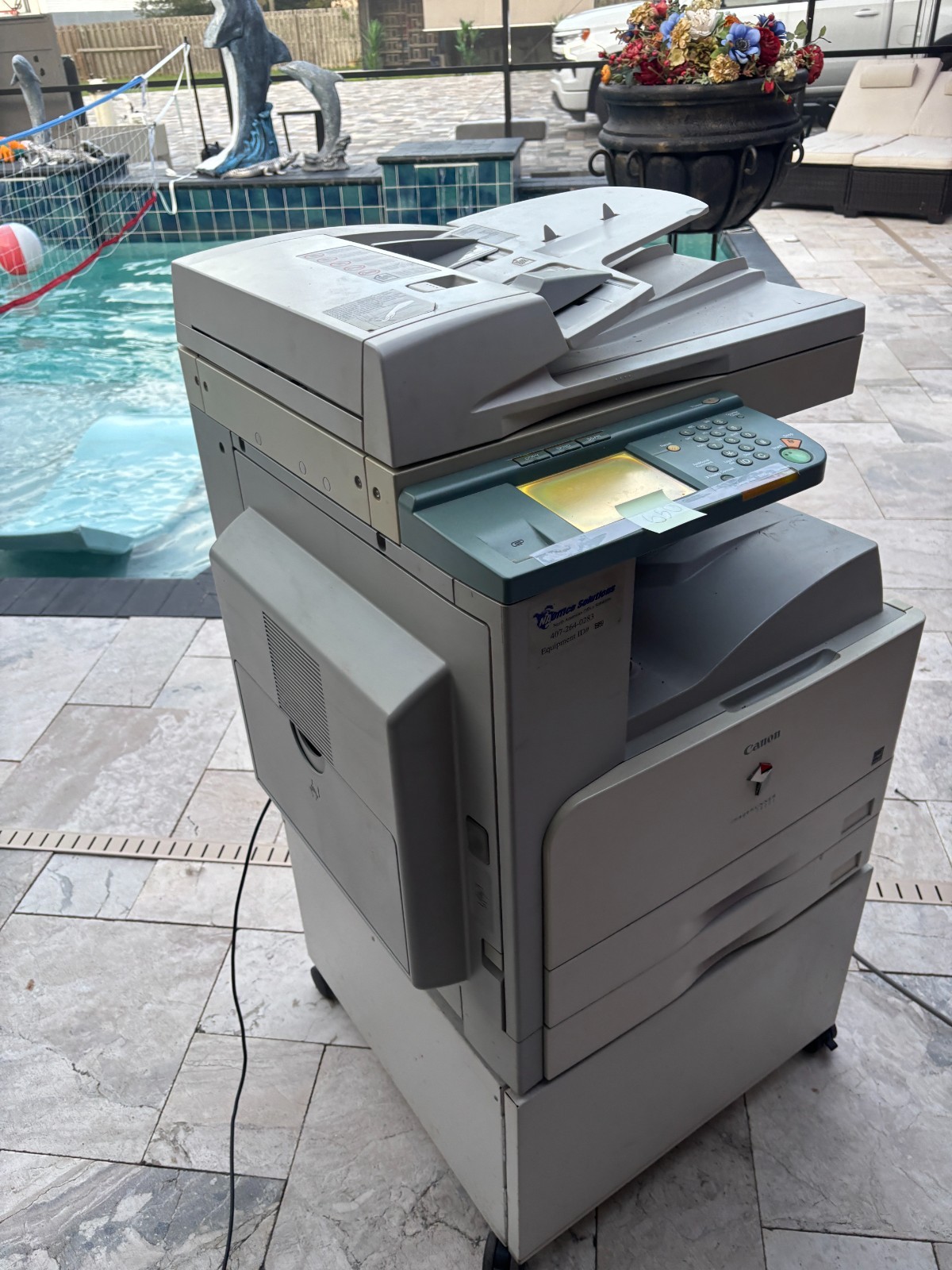 Canon imageRUNNER 5075 Commercial Copier Printer Scanner$499.99Last checked Nov 17, 2026View on eBay
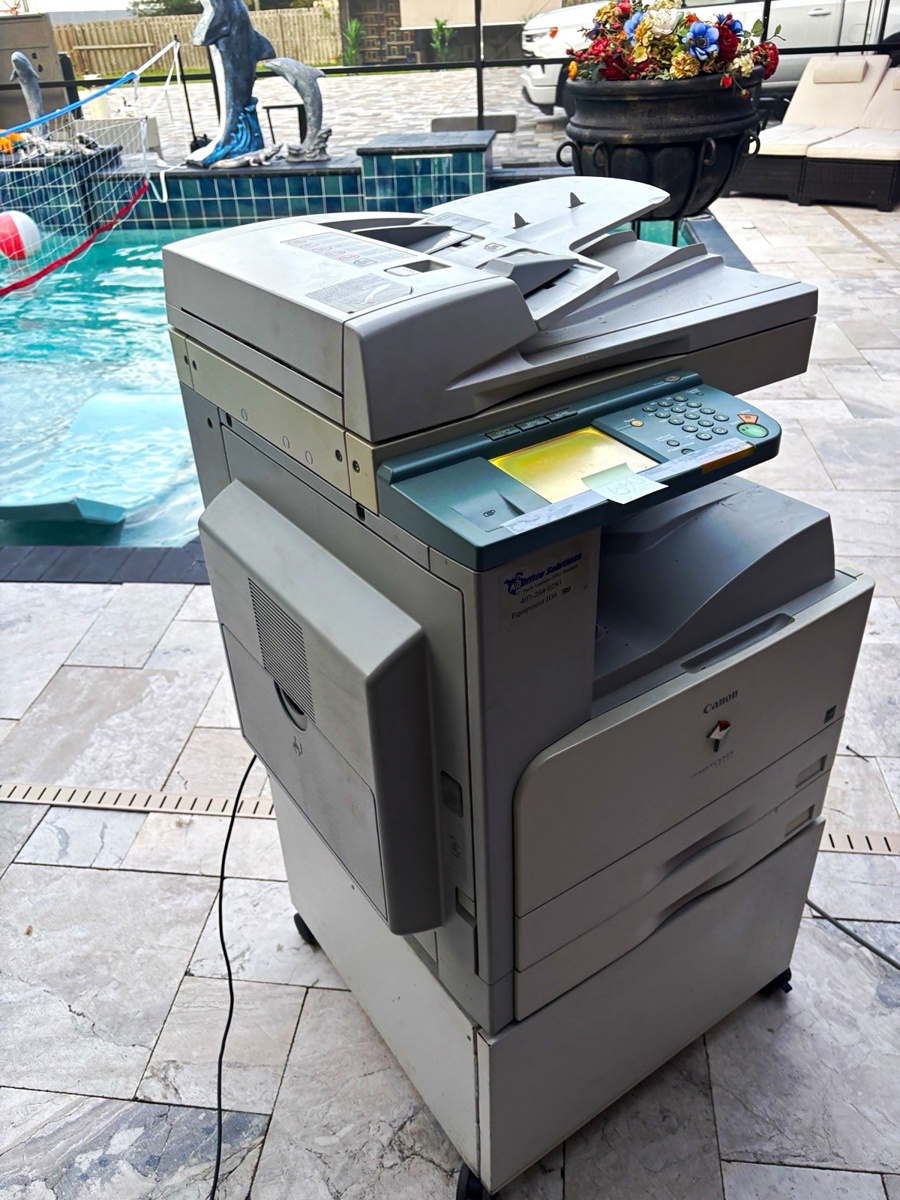 Canon imageRUNNER 5000 Commercial Copier Printer Scanner Tested Working$550.00Last checked Nov 18, 2026View on eBay
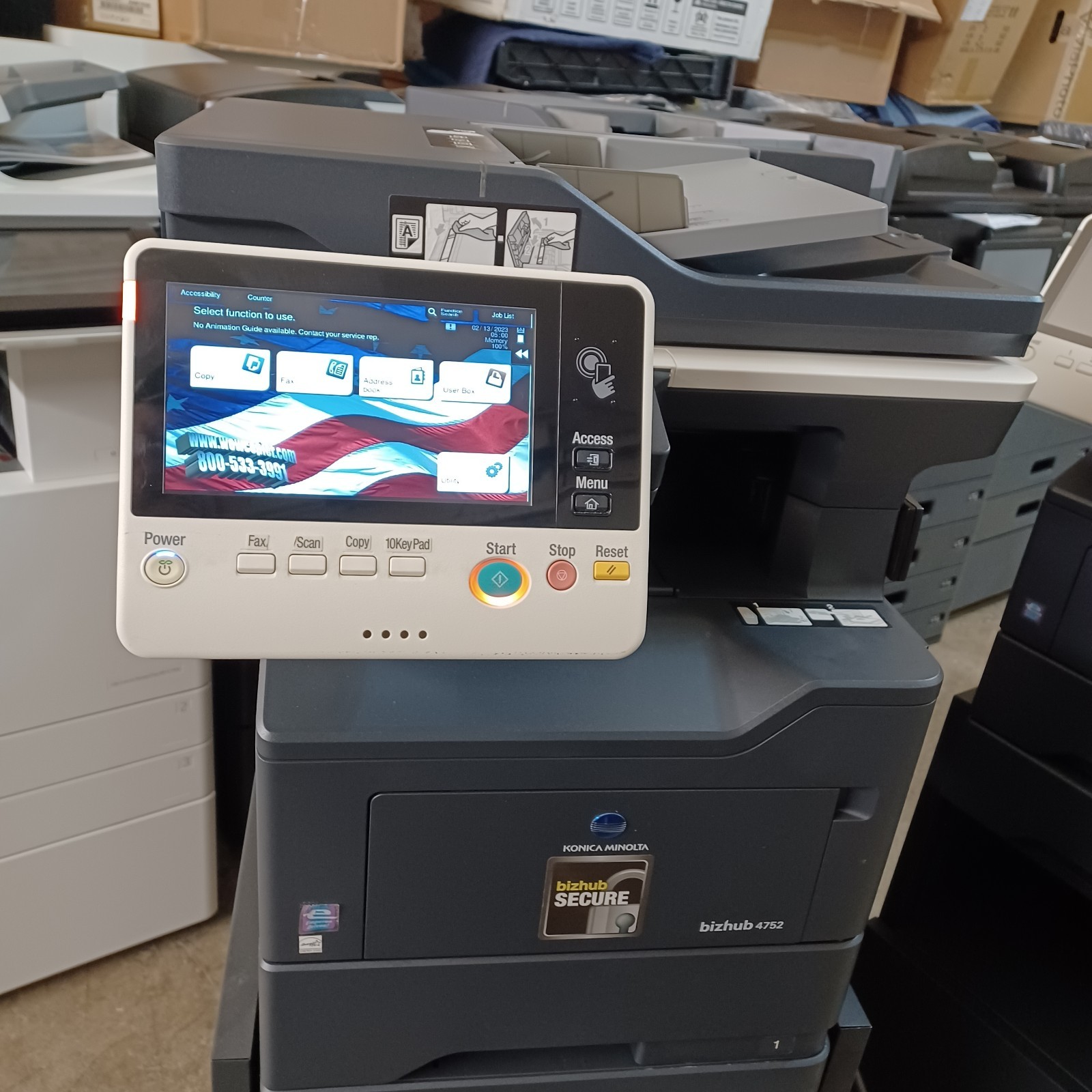 KONICA BIZHUB 4052 BUSINESS PRINTER COPIER SCANNER B&W COMMERCIAL MFP$785.00Last checked Nov 14, 2026View on eBay
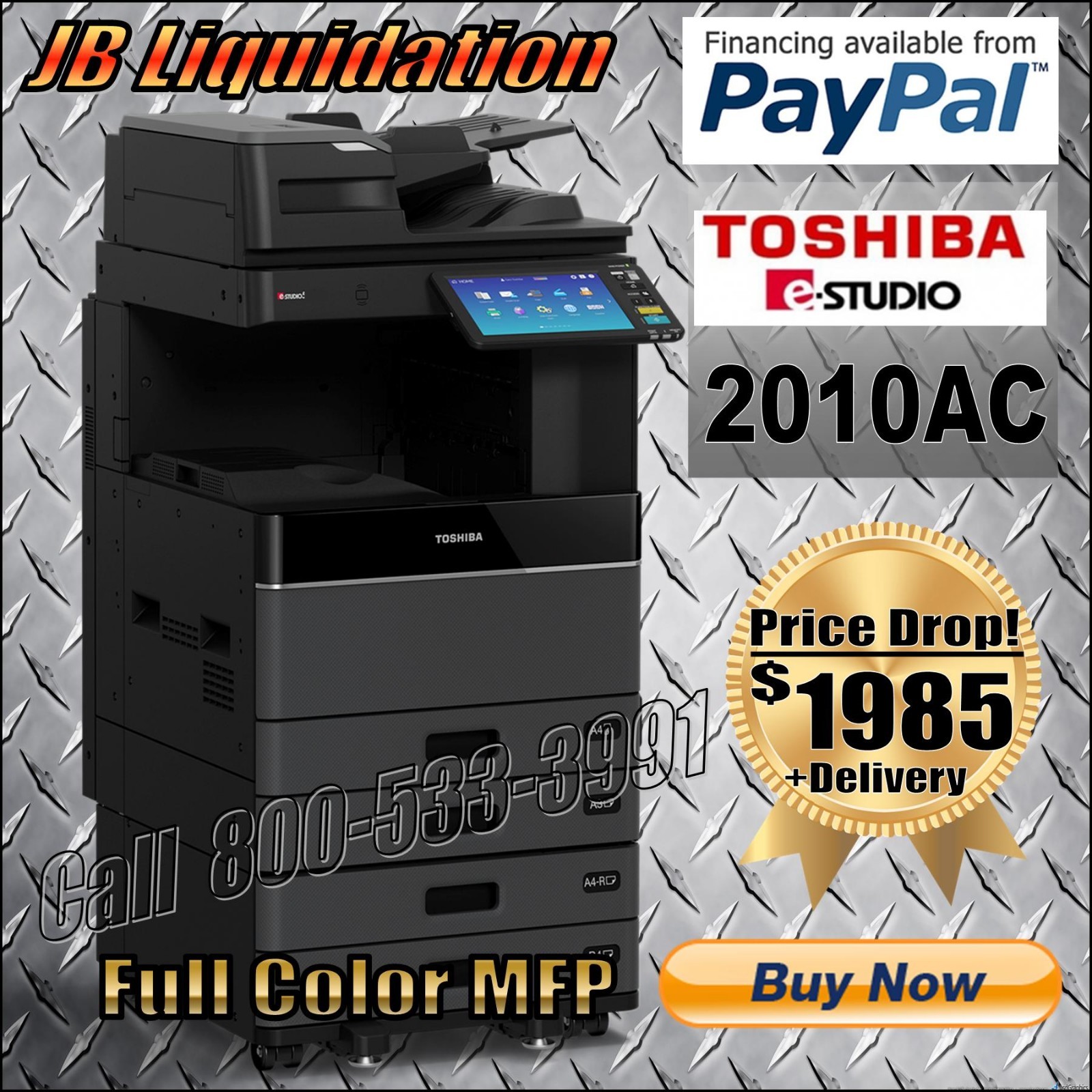 TOSHIBA 2010AC COLOR BUSINESS PRINTER COPIER e-STUDIO SCANNER ask 2510AC 2515AC$1,985.00Last checked Nov 14, 2026View on eBay
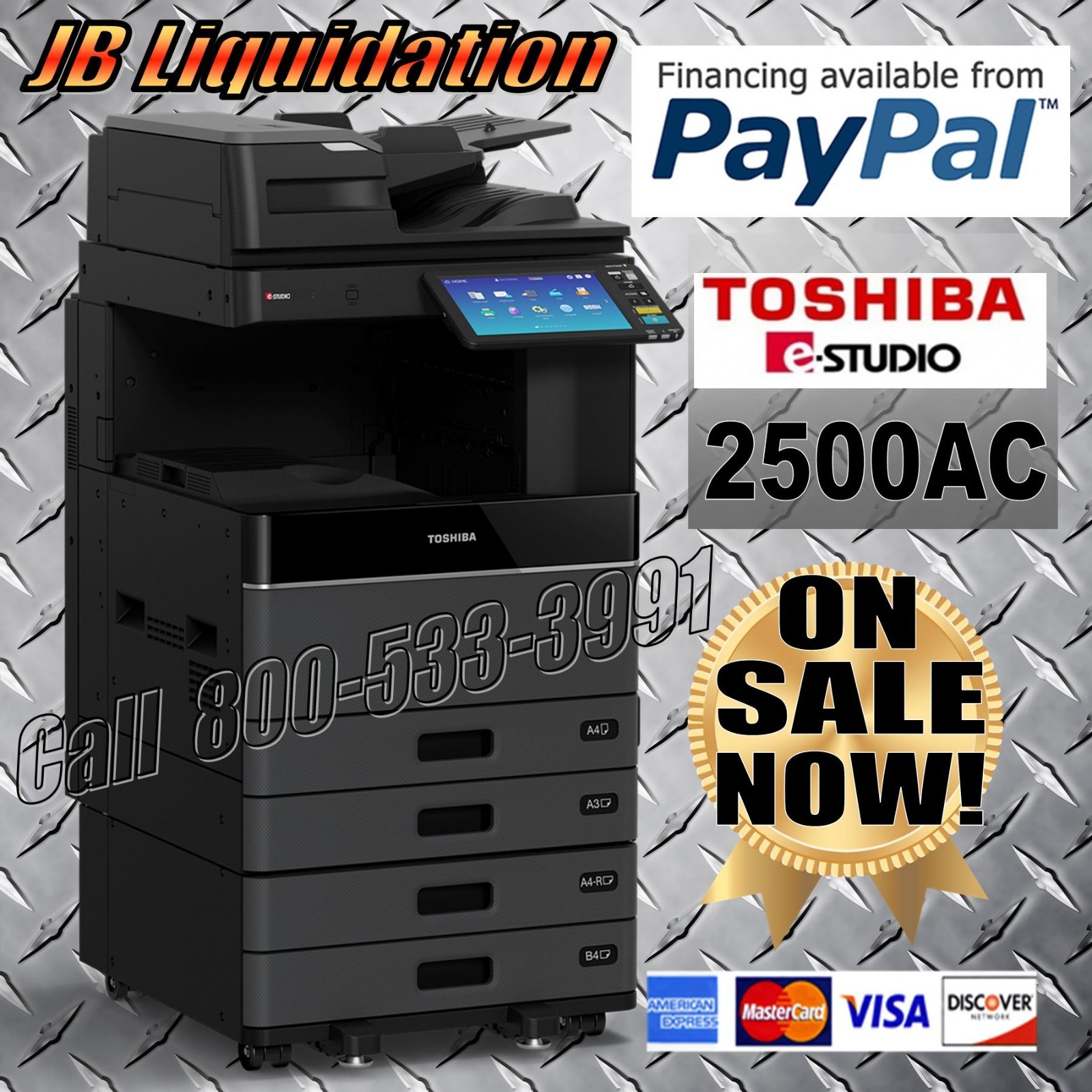 TOSHIBA 2500AC COLOR BUSINESS PRINTER COPIER e-STUDIO SCANNER ask 2505AC 3005AC$1,985.00Last checked Nov 14, 2026View on eBay
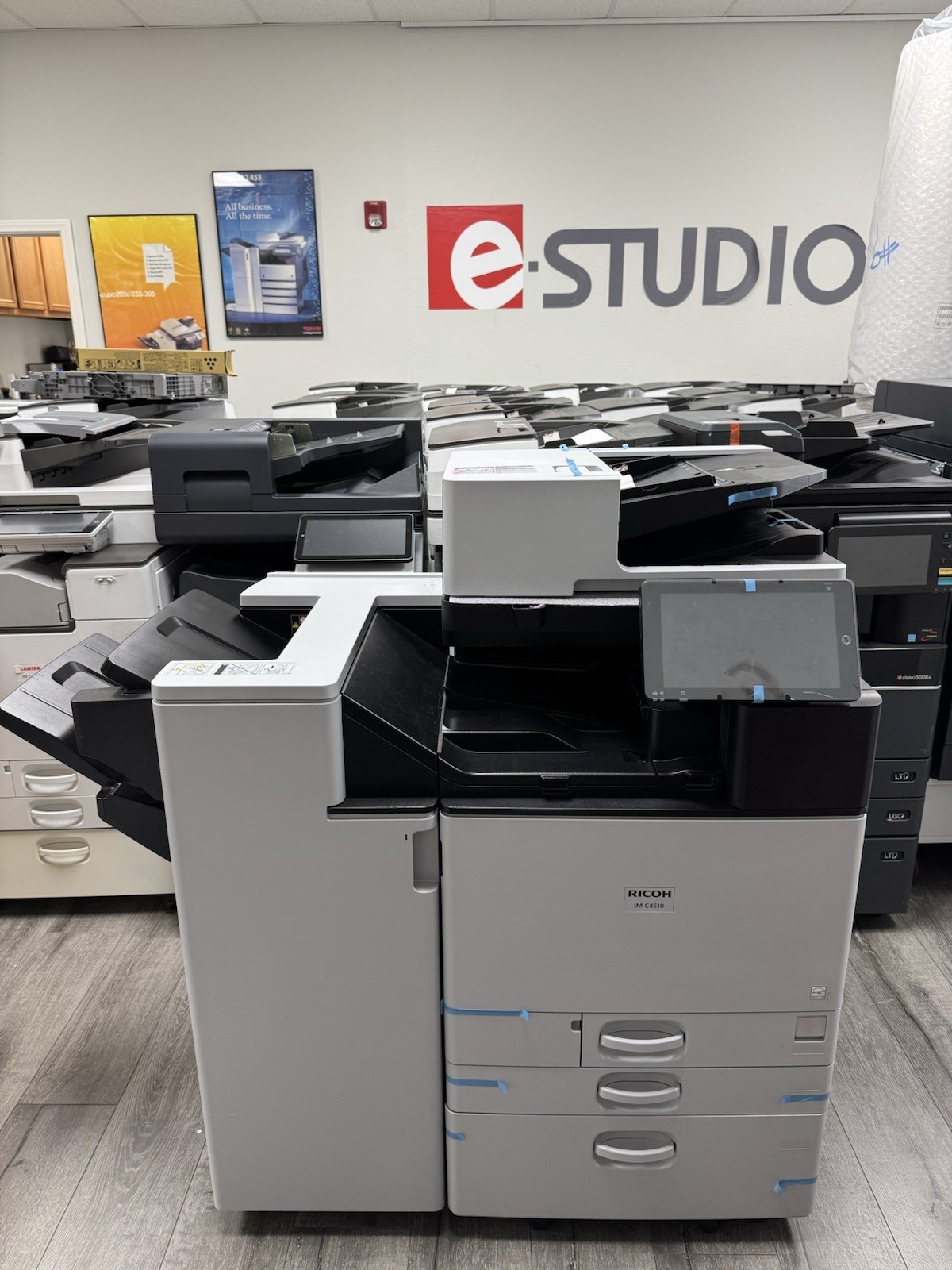 Ricoh IM C4510 Color Copier Printer Scanner Finisher- Meter only 11k$4,295.00Last checked Nov 18, 2026View on eBay
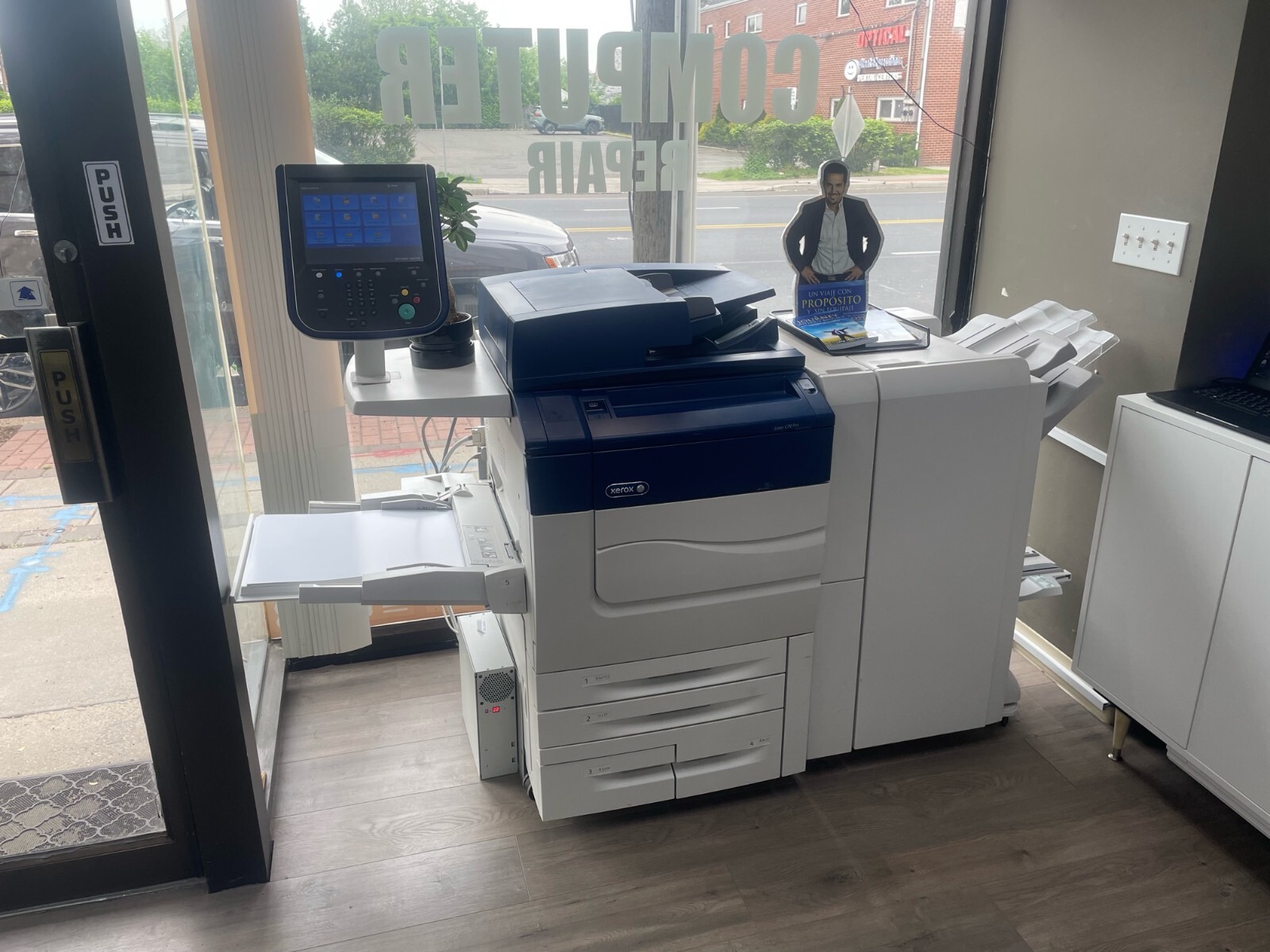 Xerox production c70 pro color business copier printer scanner finisher fiery$4,499.00Last checked Nov 14, 2026View on eBay
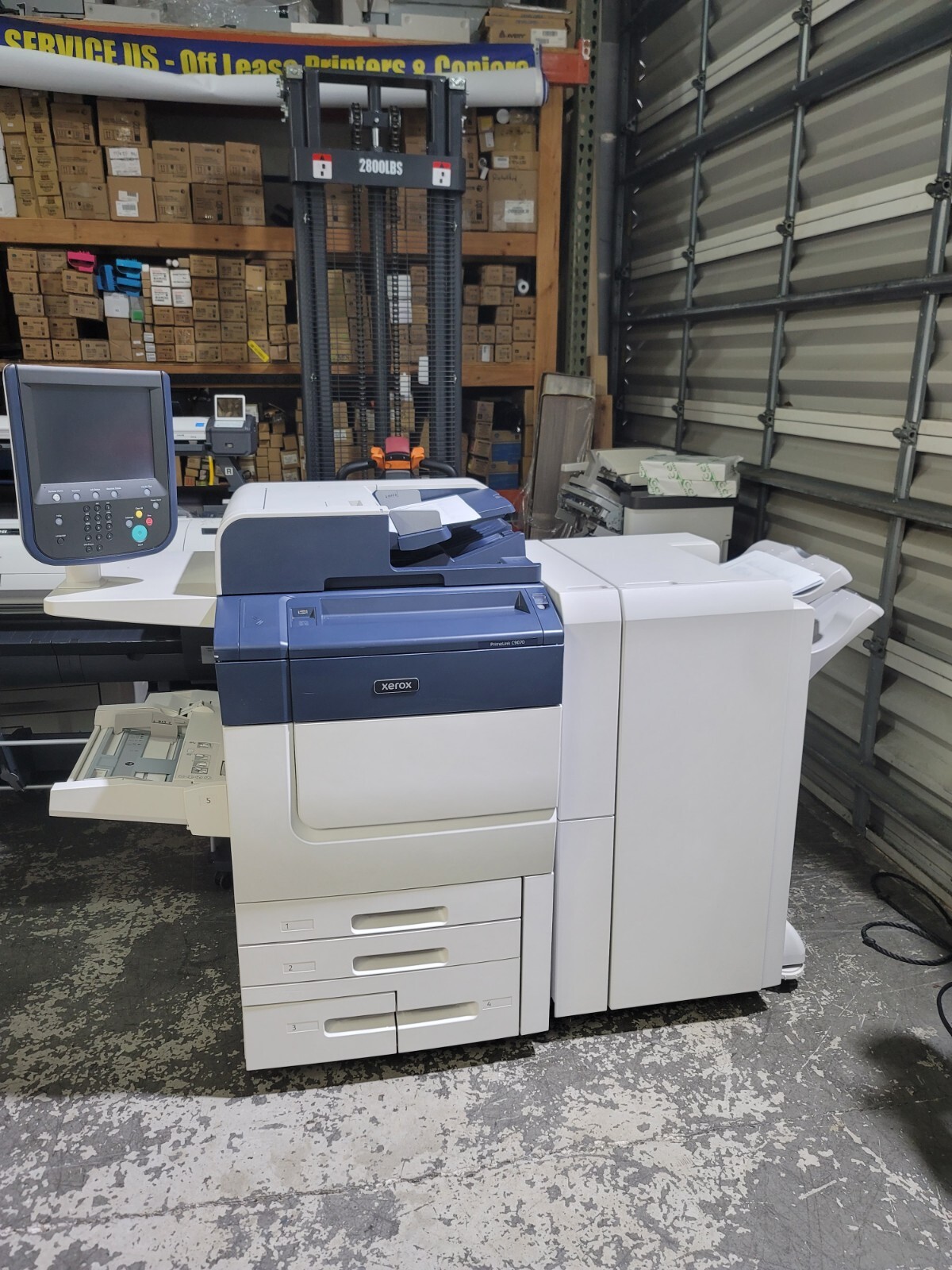 Xerox PrimeLink C9065 Color Production Printer Copier Scanner 70 PPM C9065$6,500.00Last checked Nov 18, 2026View on eBay
Highlights
- Thermal printers need no ink but require specialty heat-sensitive paper; inkjet portables use pigment or dye cartridges that smudge or fade without proper coatings.
- Scanner type determines real utility: CIS contact-image sensors handle receipts and flat documents, while full flatbed or ADF units add bulk but capture bound pages and IDs accurately.
- Battery runtime is driven by print technology—thermal units often deliver 20+ pages per charge, while inkjet portables drain faster due to printhead maintenance cycles.
- Connectivity tiers matter: USB-only models need a host device; Wi-Fi Direct and Bluetooth models enable standalone mobile printing but may lack full driver support on desktop OSes.
Best use cases
- Mobile professionals printing invoices and scanning receipts: pick a thermal printer-scanner combo with Bluetooth and a CIS scanner, skip inkjet portables that require cartridge swaps on the road.
- Field sales or service agents needing color forms and ID scans: choose a compact inkjet with a flatbed or ADF scanner and AC/battery dual power; skip thermal-only units that cannot produce color.
- Home office overflow or dorm use with occasional color copies: select an AC-powered inkjet combo with a flatbed scanner and standard USB/Wi-Fi; skip battery-only designs that sacrifice scan resolution.
Buying tips
- Match print width to your documents: thermal portables typically max at 2–4 inches (receipt/4x6), while inkjet portables usually handle up to 8.5x11; buying narrower than your form factor wastes the device.
- Check scanner optical resolution: 600 dpi is the floor for legible text and ID cards; 1200 dpi or higher is needed for photo or archival scans—interpolated numbers do not count.
- Confirm consumable availability: thermal paper must match the printer's coating and width (e.g., 2 1/4-inch vs 4-inch rolls); inkjet cartridges should be standard OEM or well-supported third-party codes, not proprietary one-off tanks.
- Verify OS and mobile support: look for explicit drivers for Windows, macOS, iOS, and Android; Wi-Fi Direct or Bluetooth 4.0+ is required for cable-free phone printing.
Specs
| Print Technology | Thermal / Inkjet / Thermal-transfer |
|---|---|
| Scanner Type | CIS feed / Flatbed / ADF |
| Max Media Width | 2–4 in thermal / up to 8.5 in inkjet |
| Connectivity | USB / Wi-Fi Direct / Bluetooth |
Related searches
What to check before buying
- Measure your typical print and scan media: ensure the device's maximum paper width and scanner bed (or feed width) exceed your largest document by at least 0.25 inches.
- Check power environment: confirm 100–240V AC adapter compatibility for your region and whether the battery is user-replaceable or built-in.
- Verify wireless band and security: 2.4 GHz Wi-Fi is common; 5 GHz support reduces interference in crowded offices—ensure WPA2/WPA3 support for network printing.
- Account for companion parts: thermal units need the correct roll size and may require a Bluetooth dongle or app; inkjet units need a USB cable and initial cartridge set.
FAQ
Data sources: eBay / Amazon listings and product attribute feeds. Updated Nov 24, 2026.
Some links on this page are affiliate links. If you buy after clicking one, we may earn a commission at no extra cost to you. This does not change which products appear here or their order. Affiliate disclosure.