
Photos from current listings. Actual item, color, and included accessories may vary.
Printer Scanner Buying Guide
A printer scanner is a multifunction device that combines printing, scanning, and usually copying—often with fax—in one chassis. The core trade-off is simple: cheap consumer inkjets deliver low upfront cost but high per-page ink expense and fragile plastic feeds, while commercial laser and copier-class machines cost more initially yet use high-yield toner, metal paper paths, and duty-rated engines that survive real office volume. The decision rule: if you print more than a ream of paper per month or need reliable document feeding, buy a laser-class multifunction; if you print only occasional color photos, a consumer inkjet is acceptable.
Median $667.50
Key takeaways
- Print engine: laser (toner) machines hold 2,000–20,000+ page toner yields and sit idle for months without clogging; inkjet printheads dry out and demand weekly use.
- Duty cycle and monthly volume: office-grade multifunctions are rated for 5,000–50,000+ pages per month with metal frames and reinforced feed rollers; consumer units are rated under 1,000 pages.
- Document feeder: a 50-sheet ADF with duplex scanning is the minimum for any shared office use; single-sheet flatbed-only scanning caps throughput at a few pages per minute.
At a glance
- Category
- Commercial Printers & Copiers
- Last updated
- Nov 24, 2026
Current offers
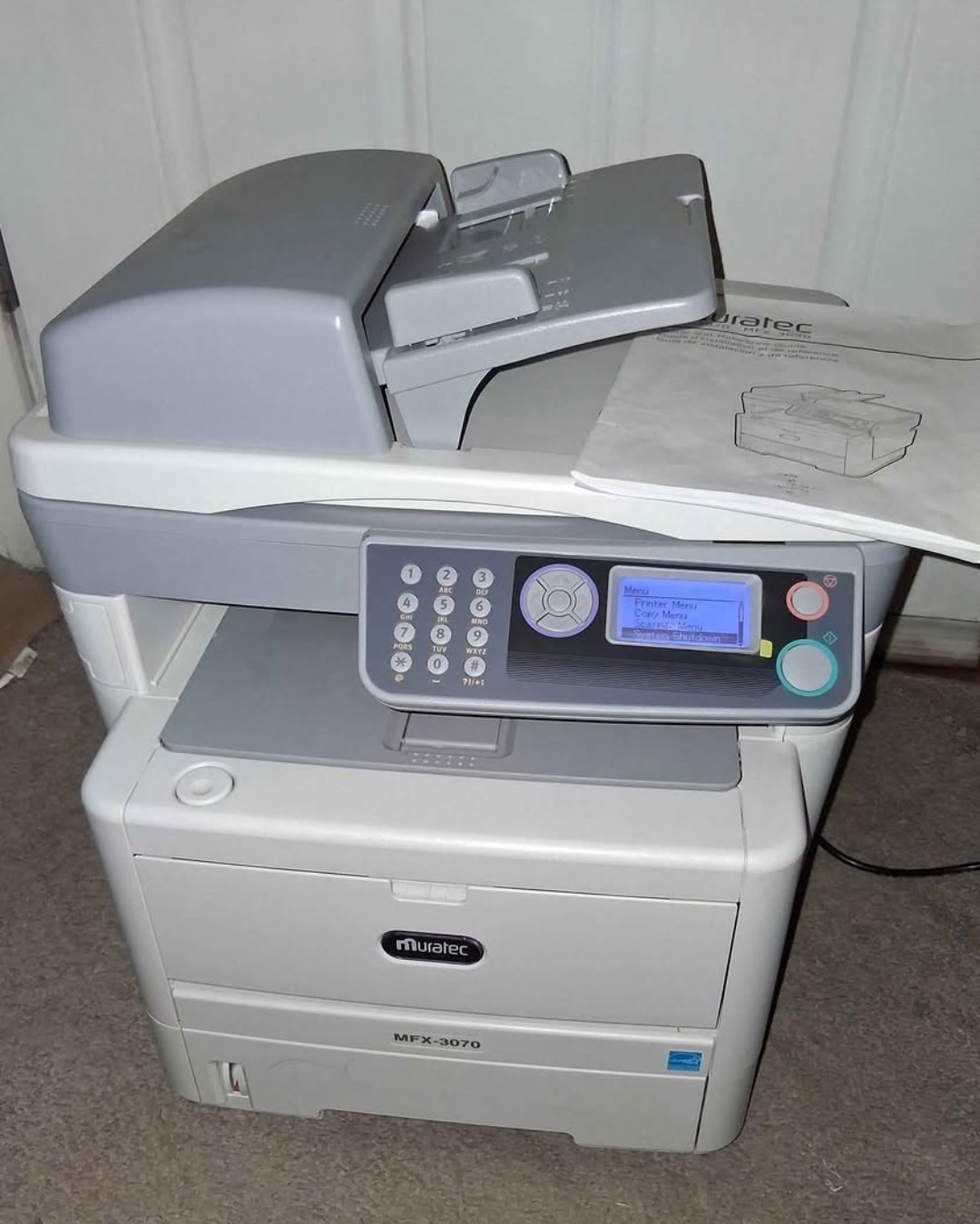 Muratec MFX-3070 Multi-Function Black & White Copier Printer Scanner$100.00Last checked Nov 14, 2026View on eBay
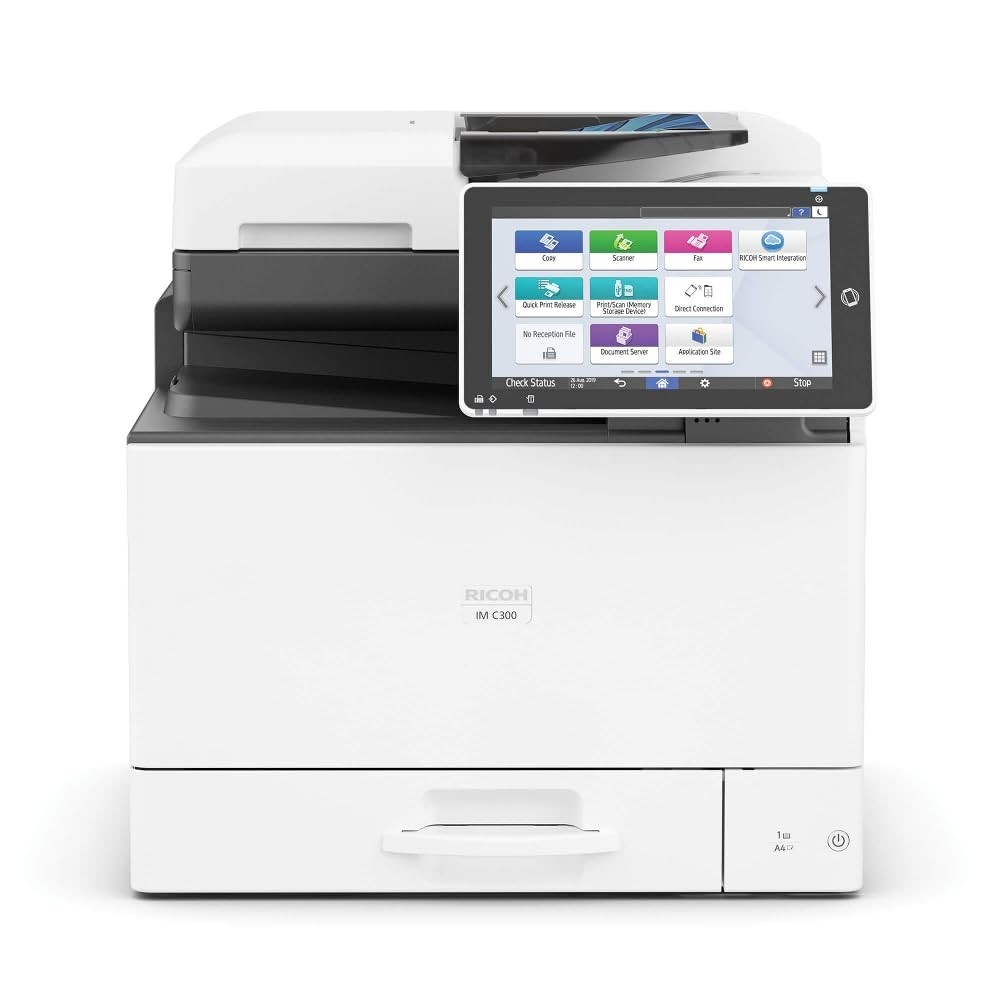 Ricoh Im C300 Multifunction Color Laser Printer Copier$300.00Last checked Nov 17, 2026View on eBay
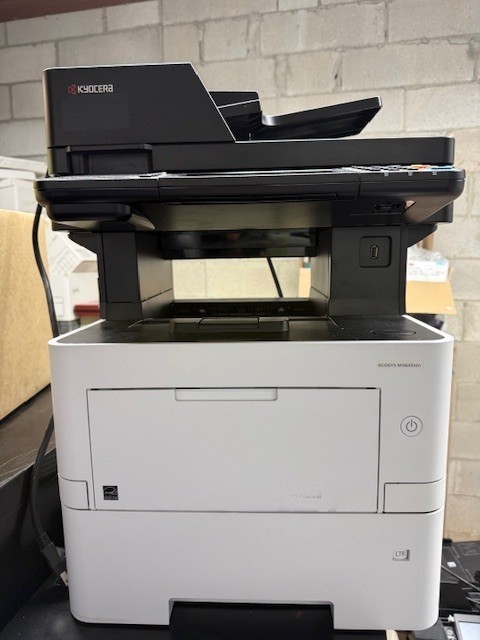 kyocera ecoys m3645idn business fax, scanner,printer,copier$349.00Last checked Nov 14, 2026View on eBay
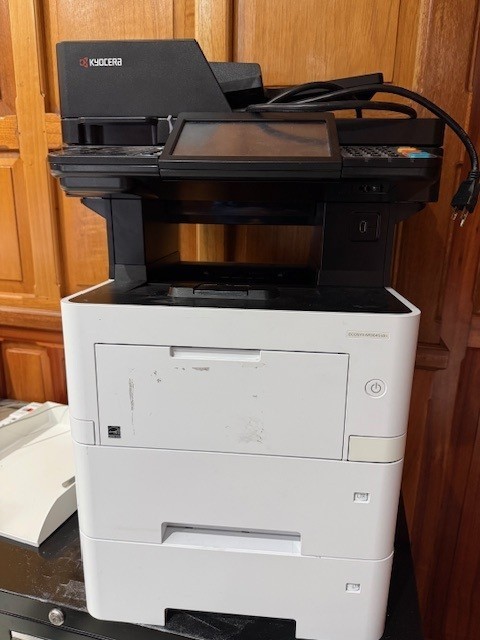 kyocera ecoys m3645idn business fax, scanner,printer,copier$379.99Last checked Nov 14, 2026View on eBay
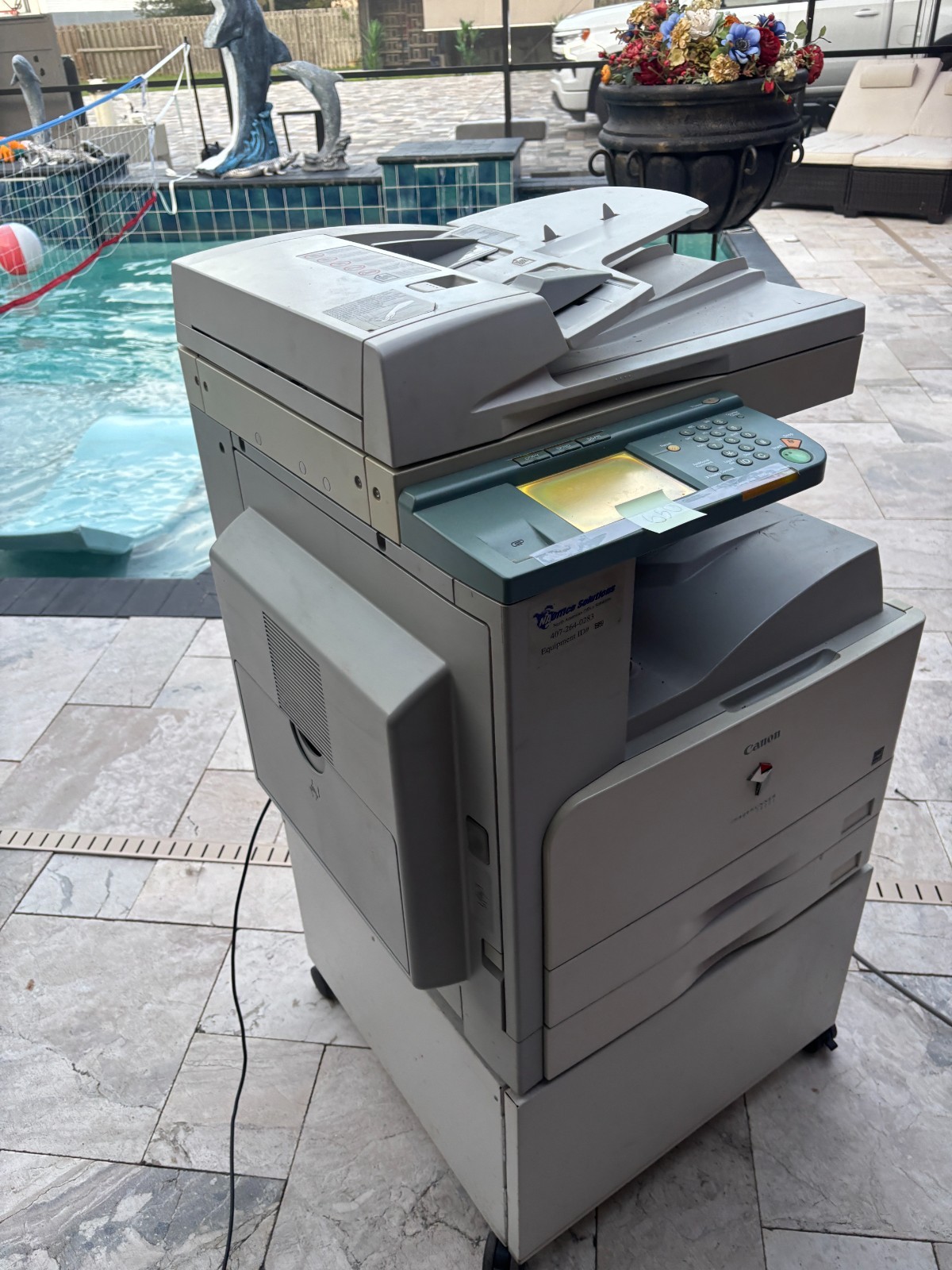 Canon imageRUNNER 5075 Commercial Copier Printer Scanner$499.99Last checked Nov 17, 2026View on eBay
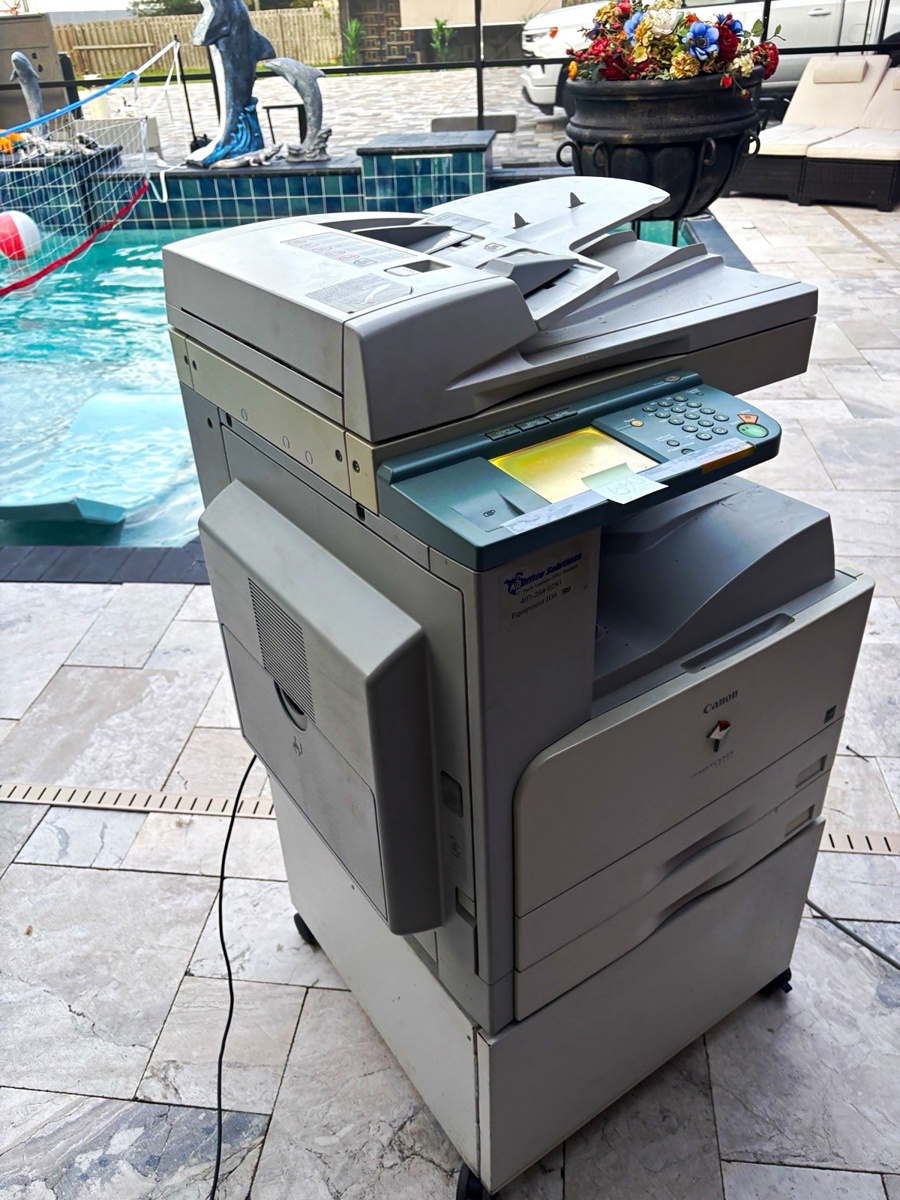 Canon imageRUNNER 5000 Commercial Copier Printer Scanner Tested Working$550.00Last checked Nov 18, 2026View on eBay
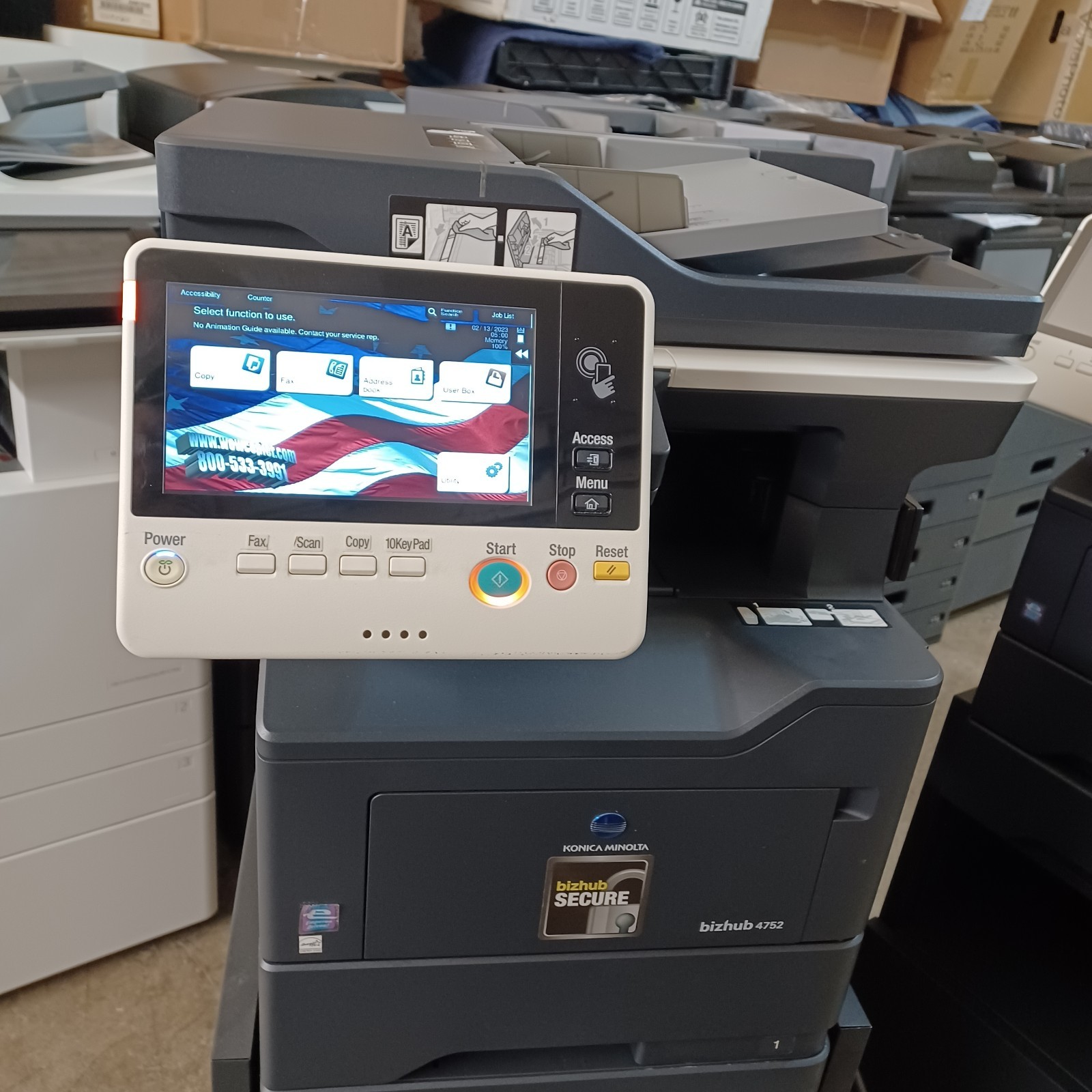 KONICA BIZHUB 4052 BUSINESS PRINTER COPIER SCANNER B&W COMMERCIAL MFP$785.00Last checked Nov 14, 2026View on eBay
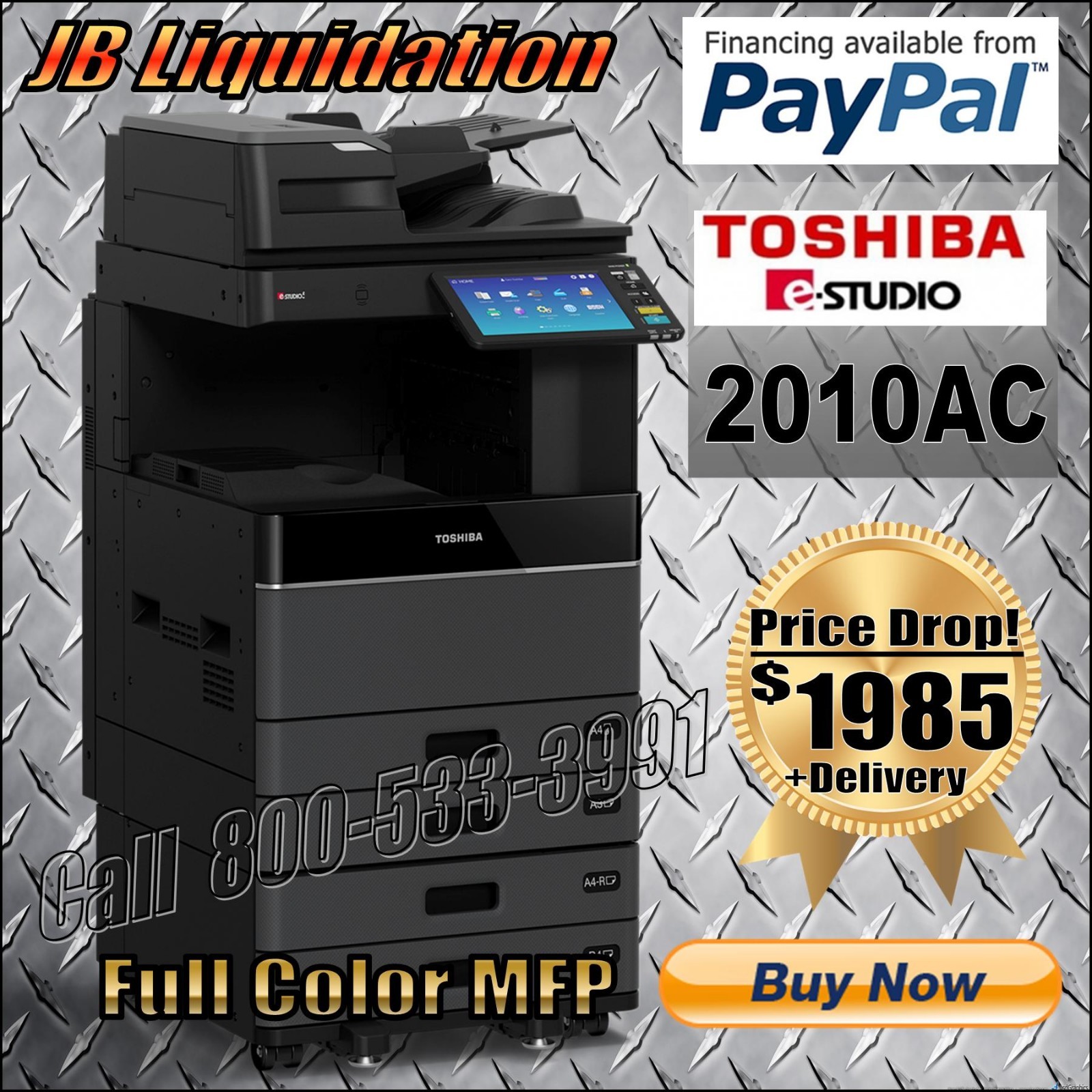 TOSHIBA 2010AC COLOR BUSINESS PRINTER COPIER e-STUDIO SCANNER ask 2510AC 2515AC$1,985.00Last checked Nov 14, 2026View on eBay
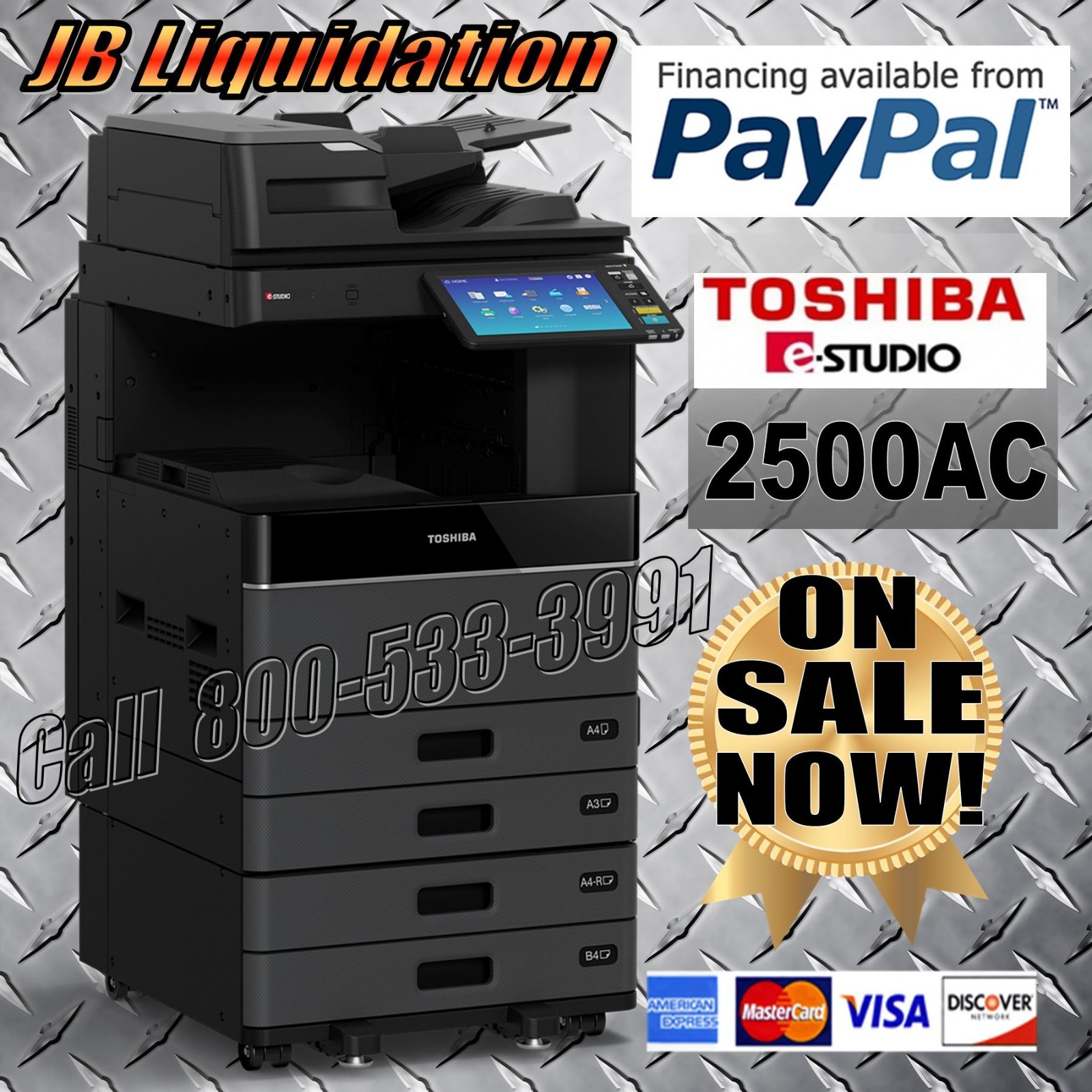 TOSHIBA 2500AC COLOR BUSINESS PRINTER COPIER e-STUDIO SCANNER ask 2505AC 3005AC$1,985.00Last checked Nov 14, 2026View on eBay
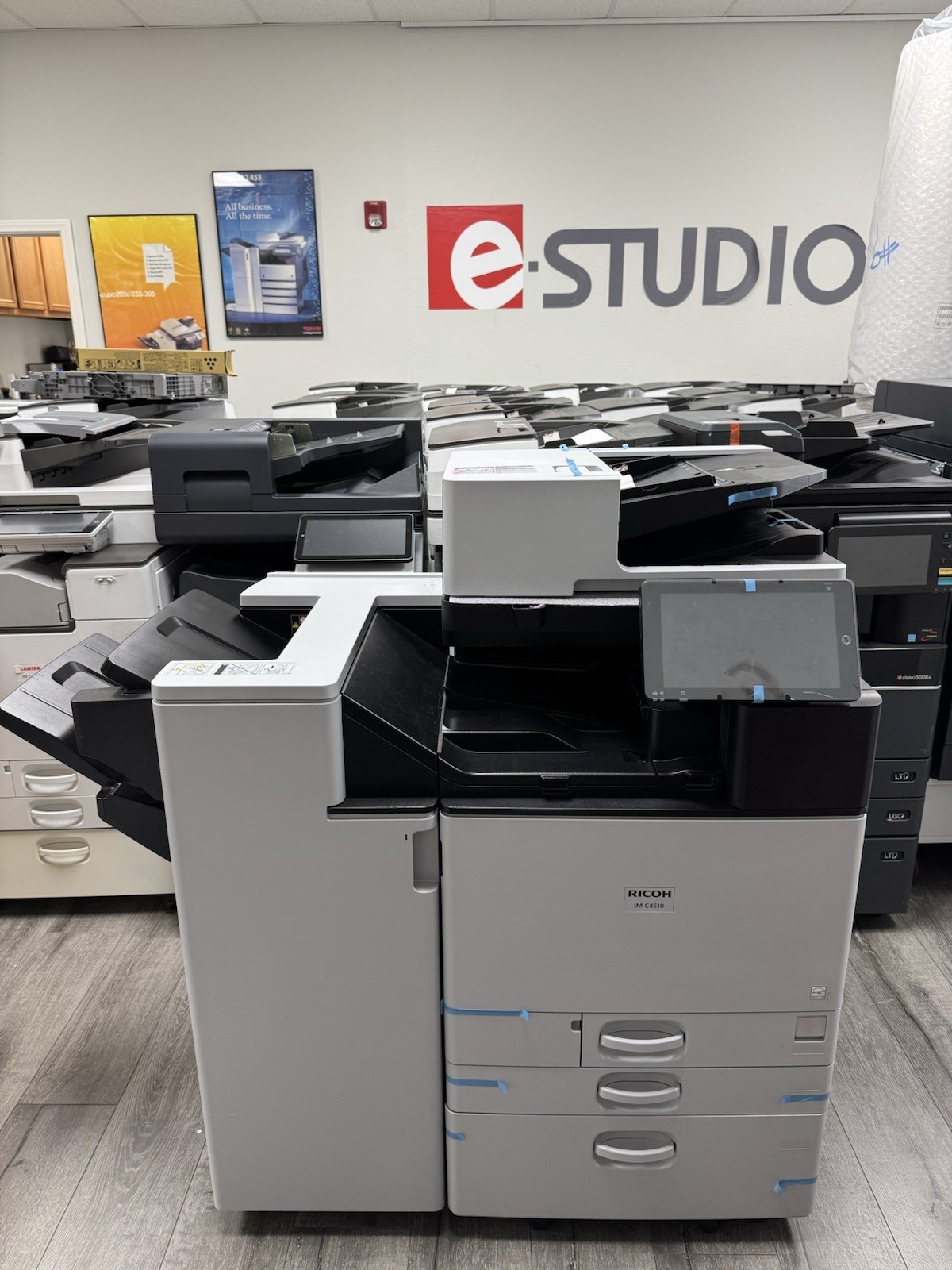 Ricoh IM C4510 Color Copier Printer Scanner Finisher- Meter only 11k$4,295.00Last checked Nov 18, 2026View on eBay
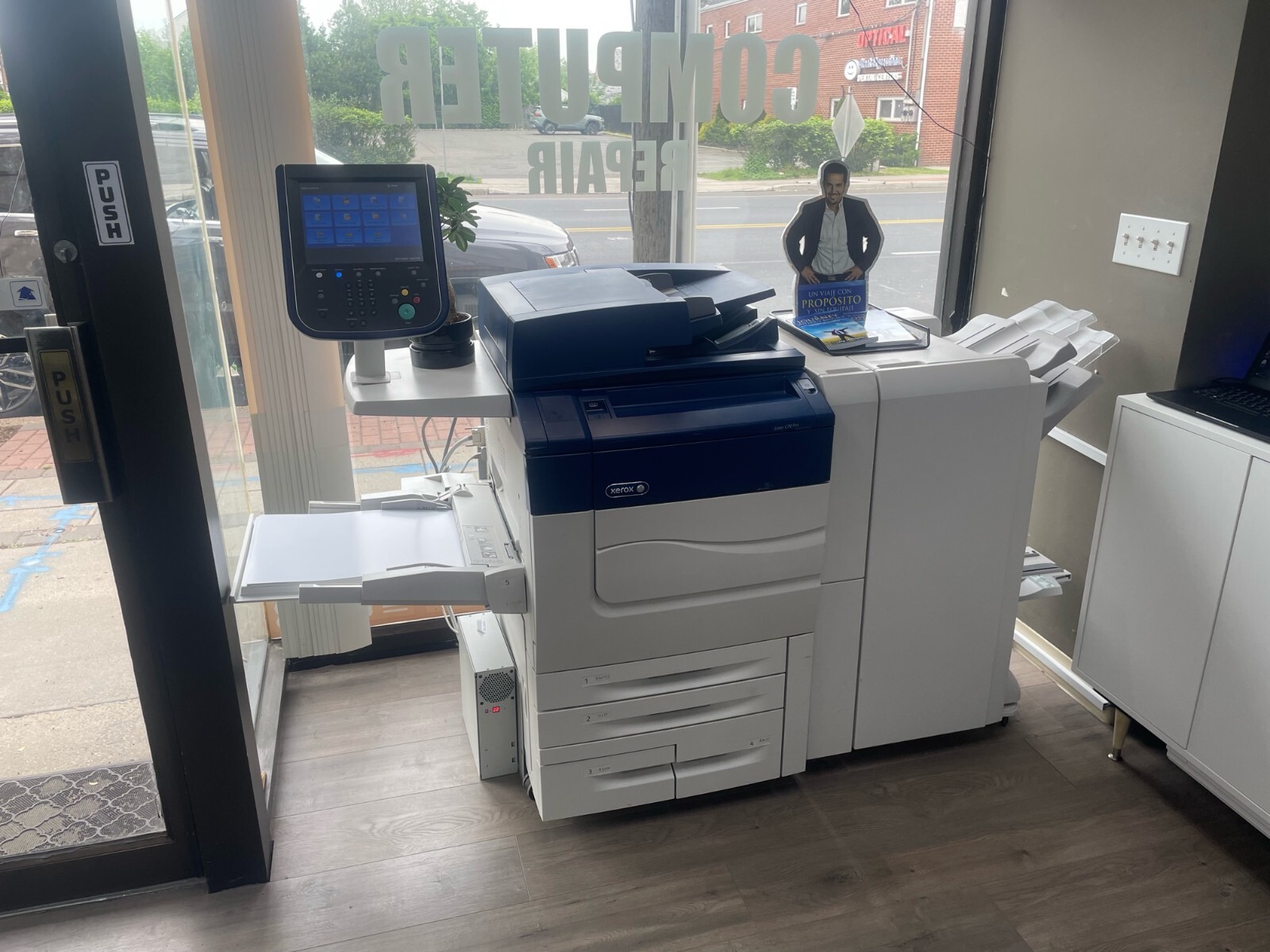 Xerox production c70 pro color business copier printer scanner finisher fiery$4,499.00Last checked Nov 14, 2026View on eBay
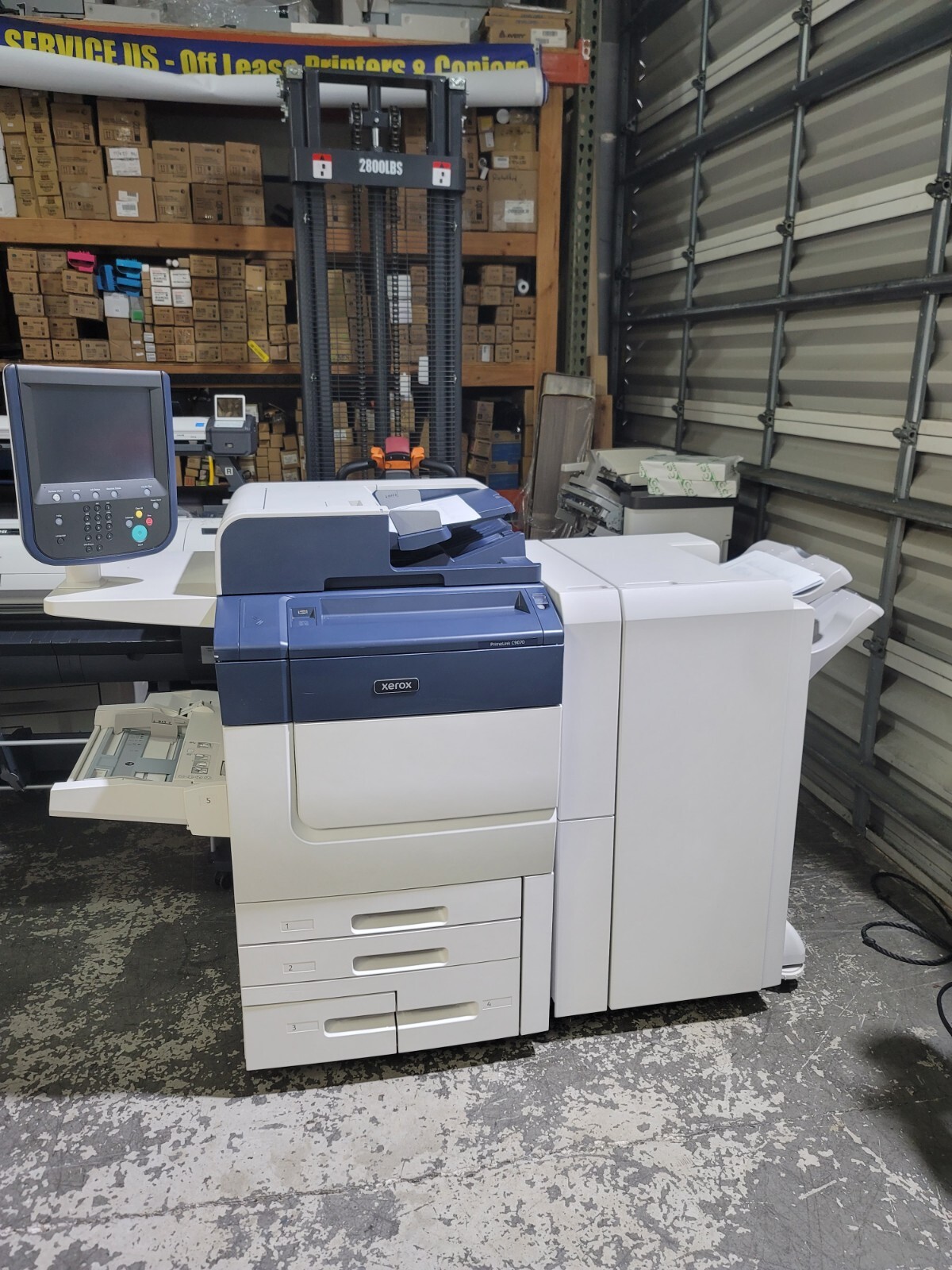 Xerox PrimeLink C9065 Color Production Printer Copier Scanner 70 PPM C9065$6,500.00Last checked Nov 18, 2026View on eBay
Highlights
- Print engine: laser (toner) machines hold 2,000–20,000+ page toner yields and sit idle for months without clogging; inkjet printheads dry out and demand weekly use.
- Duty cycle and monthly volume: office-grade multifunctions are rated for 5,000–50,000+ pages per month with metal frames and reinforced feed rollers; consumer units are rated under 1,000 pages.
- Document feeder: a 50-sheet ADF with duplex scanning is the minimum for any shared office use; single-sheet flatbed-only scanning caps throughput at a few pages per minute.
- Connectivity and drivers: modern office units offer Ethernet, Wi-Fi, and USB with PCL/PostScript drivers; older copier-class machines may require a print server or legacy driver workarounds.
Best use cases
- Best fit—home office with 100–1,000 pages per month: pick a compact monochrome laser multifunction with a 30–50 sheet ADF, Ethernet or Wi-Fi, and standard-yield toner; skip color inkjets and copier-floor machines.
- Best fit—shared office at 1,000–10,000 pages per month: choose a workgroup laser multifunction rated for that volume with a 50+ sheet ADF, duplex printing, and high-yield toner cartridges; skip consumer inkjets and single-function printers.
- Best fit—scan-heavy or copy-heavy legal/medical office: a copier-class multifunction with a 100-sheet duplexing ADF and 40+ ppm engine is correct; a flatbed-only scanner or 20 ppm inkjet will bottleneck the front desk.
- Wrong fit—occasional photo printing only: a laser multifunction cannot produce lab-quality color photos; buy a dedicated photo inkjet instead and skip office scanners entirely.
Buying tips
- Calculate your monthly page volume, then choose a machine rated at least 2x that number—duty cycle headroom prevents feed-roller wear and fuser failure.
- Toner cost per page matters more than machine cost: standard-yield cartridges typically run double the cost-per-page of high-yield versions of the same model.
- Check ADF capacity and duplex support: 50 sheets and automatic two-sided scanning are the practical minimum for any document workflow; 100 sheets for shared offices.
- Confirm driver and OS support for your computers—legacy copier-class machines may lack signed drivers for current operating systems and need a print server or third-party RIP.
Specs
| Print Engine | Laser (toner) vs Inkjet |
|---|---|
| Duty Cycle | Consumer <1k vs Office 5k+ pages/mo |
| ADF Capacity | 50–100 sheets, duplex preferred |
| Connectivity | USB / Ethernet / Wi-Fi, PCL/PS |
Related searches
What to check before buying
- Measure the footprint and door clearance: copier-class devices need 60–90 cm of width and side clearance for paper trays and service access.
- Verify power: office laser multifunctions draw 1,000–1,500 W while printing and usually require a dedicated 15 A circuit; consumer units run on standard outlets.
- Confirm network infrastructure—Ethernet drop or stable Wi-Fi—and whether the unit needs a static IP or print server for shared use.
- Check toner and drum availability: high-yield cartridges and maintenance kits must be readily available for the specific model, or operating costs spike.
FAQ
Data sources: eBay / Amazon listings and product attribute feeds. Updated Nov 24, 2026.
Some links on this page are affiliate links. If you buy after clicking one, we may earn a commission at no extra cost to you. This does not change which products appear here or their order. Affiliate disclosure.