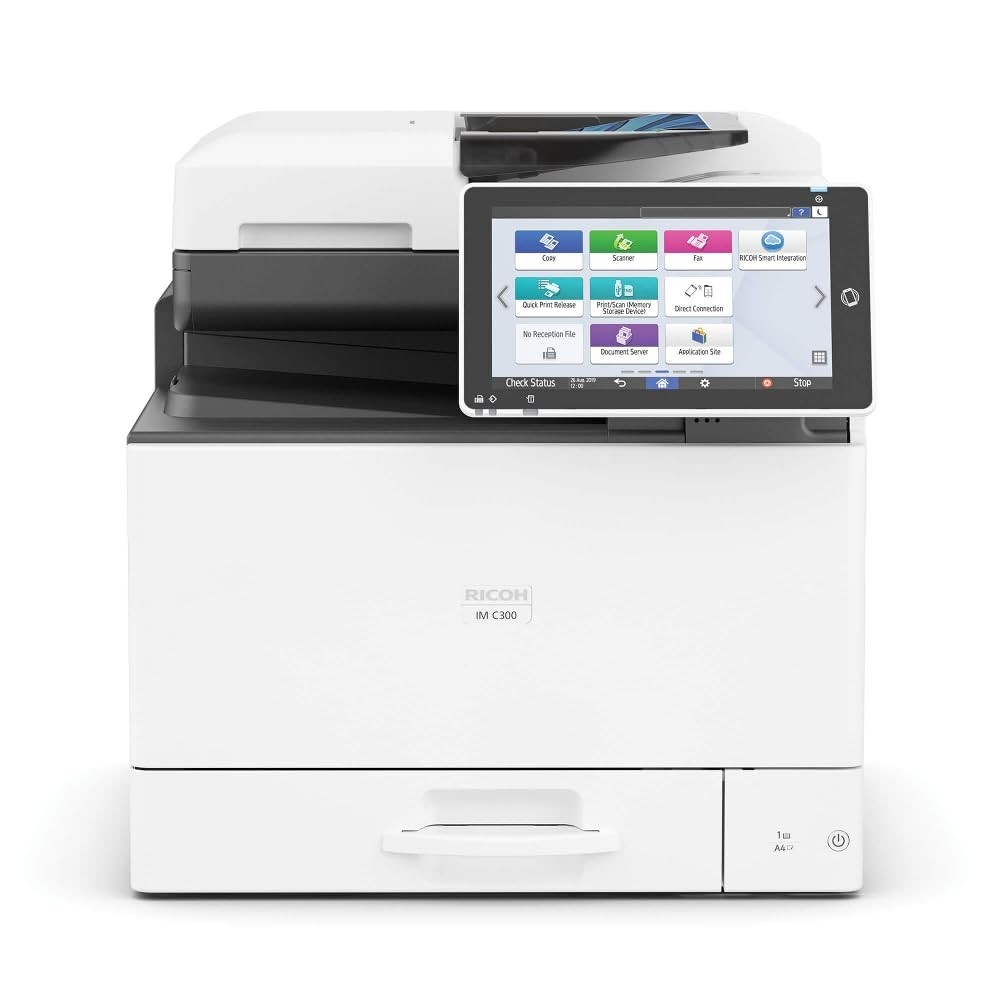

Photos from current listings. Actual item, color, and included accessories may vary.
Multifunction Printer Buying Guide
A multifunction printer (MFP) combines print, scan, copy, and often fax in one chassis, but the decisive trade-off is laser vs. inkjet architecture: lasers win on speed, duty cycle, and low cost-per-page for text, while inkjets win on photo quality and low upfront cost. The clear rule is to buy a laser MFP when monthly volume exceeds 500 pages or you need archival text, and an inkjet MFP only for low-volume color/photo work.
Key takeaways
- Laser MFPs use toner and fuser units, delivering 20-50 ppm and duty cycles of 10,000-100,000+ pages/month; inkjet MFPs use pigment or dye inks with 5-20 ppm and lower duty cycles.
- A4/Letter is standard; A3/Ledger capable MFPs cost significantly more and are only needed for engineering or legal-size documents.
- Duplex (two-sided) printing and ADF (automatic document feeder) are the two features that most affect office productivity; single-pass duplex ADFs scan both sides in one pass.
At a glance
- Category
- Commercial Printers & Copiers
- Last updated
- Nov 28, 2026
Current offers
Highlights
- Laser MFPs use toner and fuser units, delivering 20-50 ppm and duty cycles of 10,000-100,000+ pages/month; inkjet MFPs use pigment or dye inks with 5-20 ppm and lower duty cycles.
- A4/Letter is standard; A3/Ledger capable MFPs cost significantly more and are only needed for engineering or legal-size documents.
- Duplex (two-sided) printing and ADF (automatic document feeder) are the two features that most affect office productivity; single-pass duplex ADFs scan both sides in one pass.
- Connectivity tiers: USB-only entry models, Ethernet/Wi-Fi mid-tier, and enterprise models with Wi-Fi Direct, NFC, and cloud print support; Ethernet is mandatory for shared office use.
Best use cases
- Best fit: small business with 500-3,000 pages/month, mostly text documents — choose a monochrome laser MFP with 30+ ppm, duplex printing, 50-sheet ADF, and Ethernet.
- Best fit: home office with occasional color and photo needs under 200 pages/month — choose a color inkjet MFP with individual ink tanks and a flatbed scanner; skip laser to avoid high color toner cost.
- Wrong fit: high-volume office (5,000+ pages/month) buying a consumer inkjet — the duty cycle and ink cost will fail; instead choose a color laser MFP or managed copier with a service contract.
Buying tips
- Match duty cycle: choose an MFP rated for at least 2x your expected monthly volume; a 1,000-page/month office needs a 2,000-5,000 page duty cycle to avoid premature wear.
- Prioritize Ethernet over Wi-Fi for shared office MFPs; Wi-Fi is convenient but Ethernet provides stable, faster throughput for multiple users.
- Check toner/ink cost per page: monochrome laser toner runs 1-3 cents/page; color laser 8-15 cents; inkjet 5-20 cents depending on cartridge yield.
- For scanning, confirm ADF capacity (50+ sheets) and duplex scanning if you digitize contracts; a flatbed alone is slow for multi-page batches.
Specs
| Print Technology | Laser (toner) vs Inkjet (ink) |
|---|---|
| Monthly Duty Cycle | 10,000-100,000+ pages (laser) |
| Connectivity | USB / Ethernet / Wi-Fi / Cloud |
| Paper Size | A4/Letter standard; A3 optional |
Related searches
What to check before buying
- Measure your desk or floor space: MFPs range from compact 15x15 inch footprints to floor-standing copiers requiring 30x30 inches plus clearance for paper trays.
- Confirm power: most office MFPs require a standard 120V/15A outlet; high-speed copiers may need a dedicated 20A circuit — check before delivery.
- Verify network setup: ensure an available Ethernet port or strong Wi-Fi signal at the placement location; cloud printing requires 2.4GHz Wi-Fi for setup.
- Check paper tray capacity: 250 sheets is entry-level; 500+ sheets reduces refill frequency for busy offices.
FAQ
Data sources: eBay / Amazon listings and product attribute feeds. Updated Nov 28, 2026.
Some links on this page are affiliate links. If you buy after clicking one, we may earn a commission at no extra cost to you. This does not change which products appear here or their order. Affiliate disclosure.