
Photos from current listings. Actual item, color, and included accessories may vary.
Compact Printer Scanner Buying Guide
A compact printer scanner combines print, scan, and copy functions in a footprint sized for home offices, dorm rooms, or small desks—typically an all-in-one (AIO) inkjet or flatbed-equipped laser. The core trade-off is physical footprint and upfront simplicity versus per-page cost and duty cycle: inkjets deliver photo-quality color and low entry cost but expensive ink and wet-ink smearing; lasers deliver fast, crisp text and cheap toner but higher upfront cost and limited color/photo fidelity. The durable decision rule: buy a laser AIO if you print mostly monochrome text in volume, and buy an inkjet AIO with individual ink tanks or a refillable tank system if you need color and photos—skip any compact AIO with a single tri-color cartridge and no flatbed if scanning books or bound documents matters.
Median $785.00
Key takeaways
- Inkjet AIOs use either single tri-color cartridges (expensive per page, wasteful when one color empties) or individual ink tanks/refillable reservoirs (far lower cost per page, better for high-volume color).
- Laser AIOs use toner cartridges with far higher yield per cartridge and no ink drying, but compact models often omit color and may lack a flatbed scanner—check for ADF vs flatbed explicitly.
- Flatbed scanners handle books, passports, and thick media; ADF (automatic document feeder) handles multi-page stacks but is bulkier and often 20-35 pages capacity on compact units.
At a glance
- Category
- Commercial Printers & Copiers
- Last updated
- Nov 24, 2026
Current offers
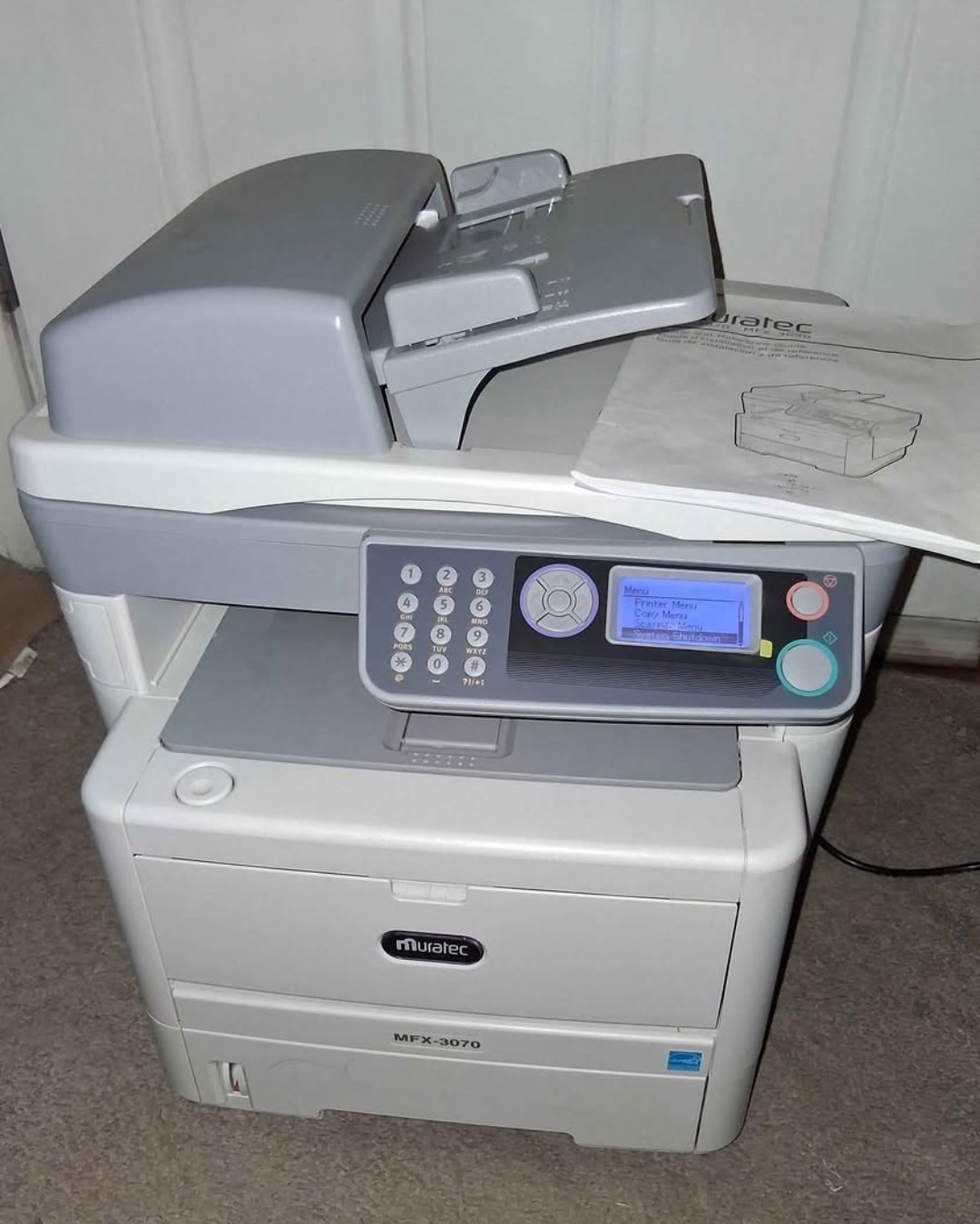 Muratec MFX-3070 Multi-Function Black & White Copier Printer Scanner$100.00Last checked Nov 14, 2026View on eBay
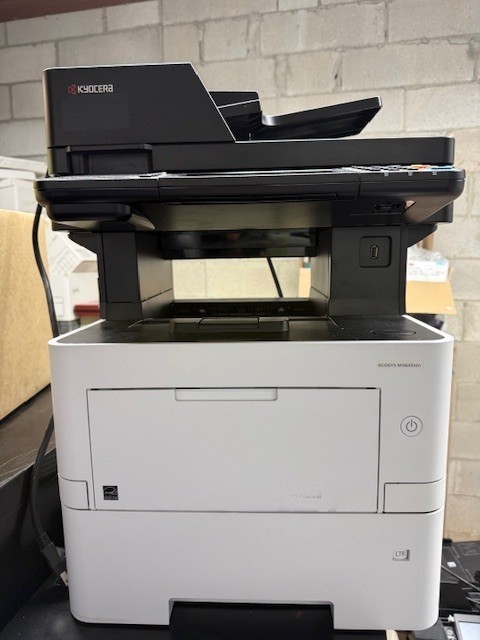 kyocera ecoys m3645idn business fax, scanner,printer,copier$349.00Last checked Nov 14, 2026View on eBay
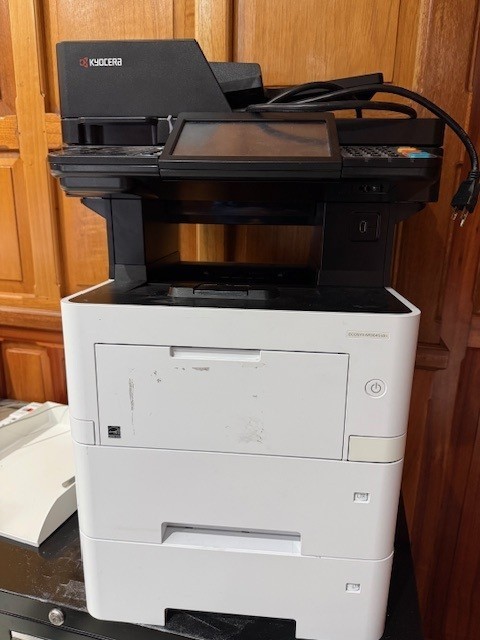 kyocera ecoys m3645idn business fax, scanner,printer,copier$379.99Last checked Nov 14, 2026View on eBay
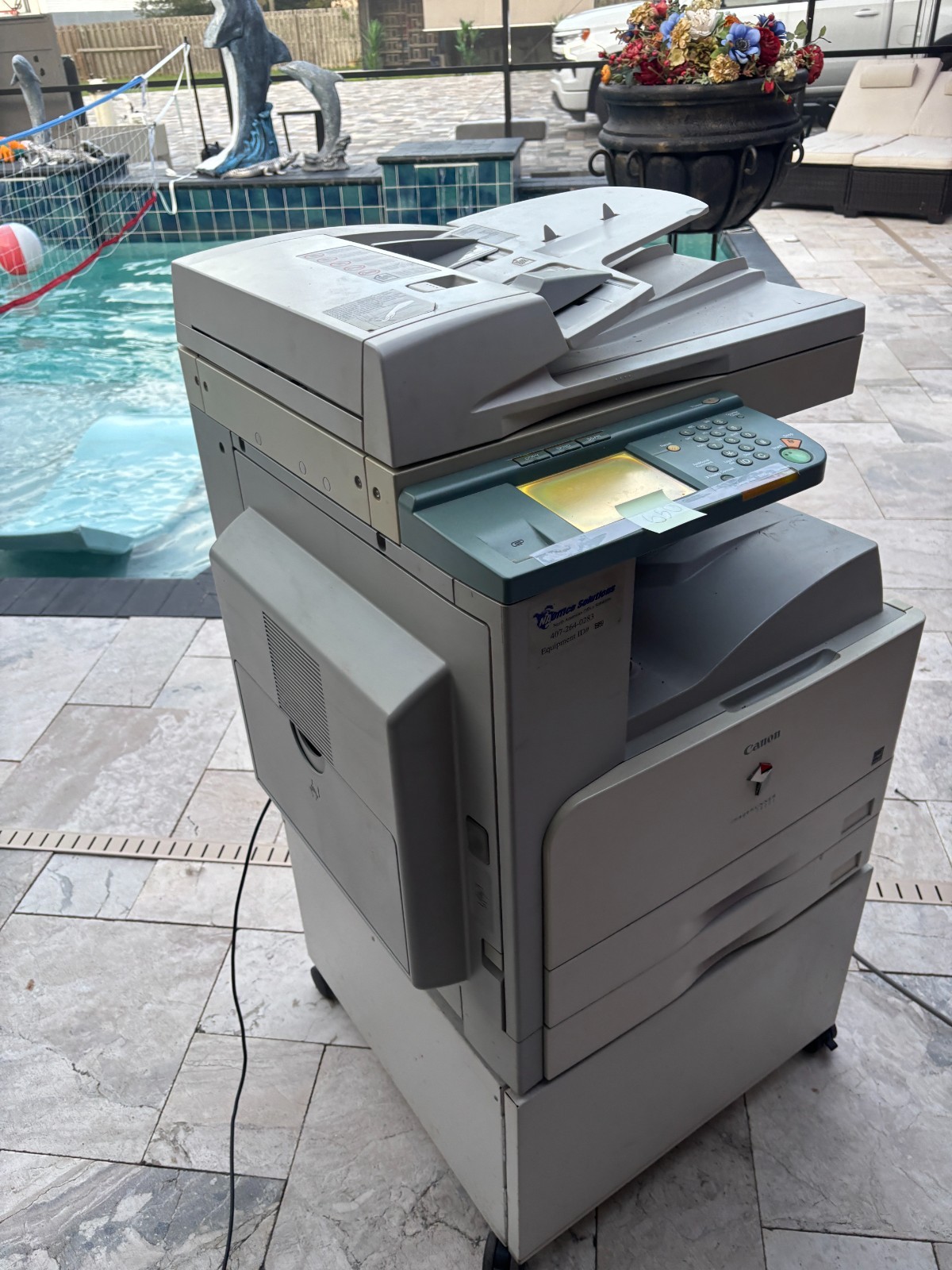 Canon imageRUNNER 5075 Commercial Copier Printer Scanner$499.99Last checked Nov 17, 2026View on eBay
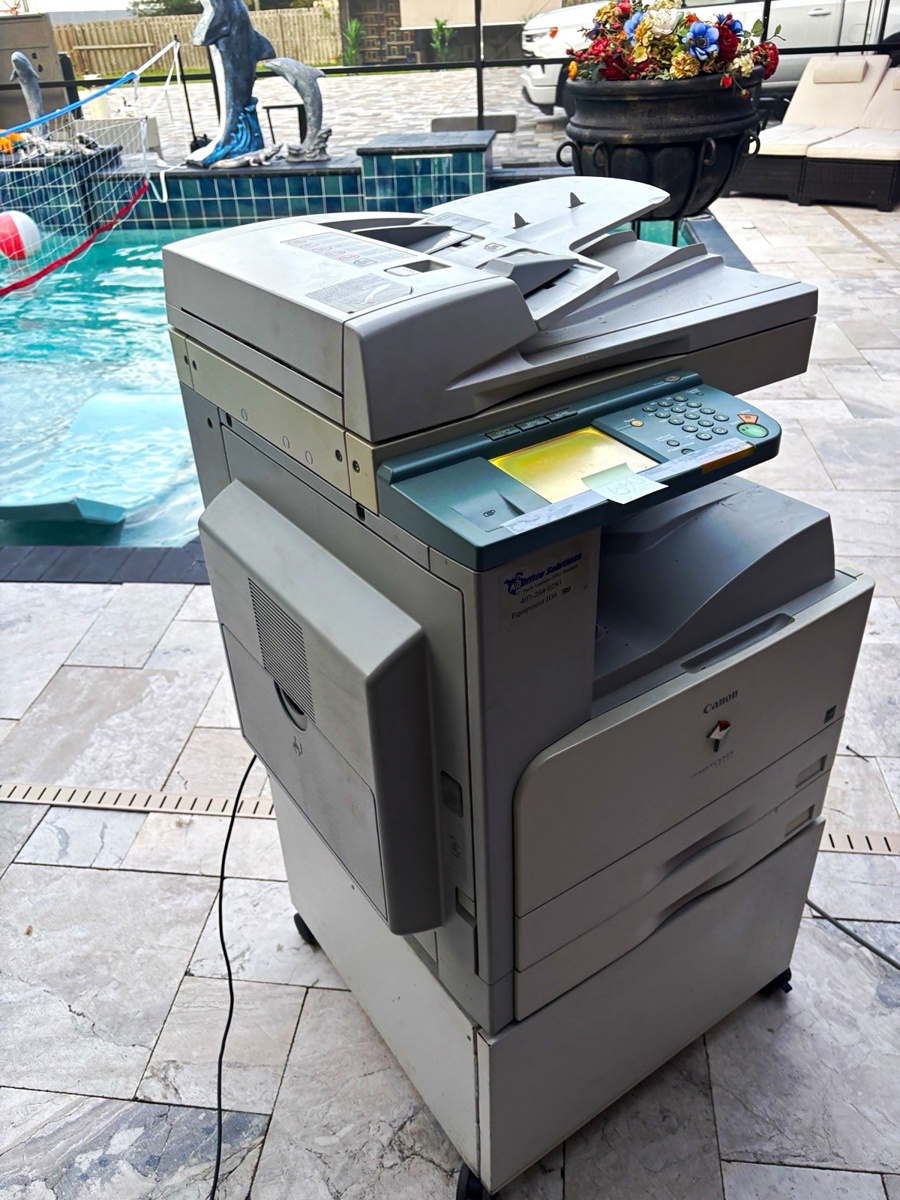 Canon imageRUNNER 5000 Commercial Copier Printer Scanner Tested Working$550.00Last checked Nov 18, 2026View on eBay
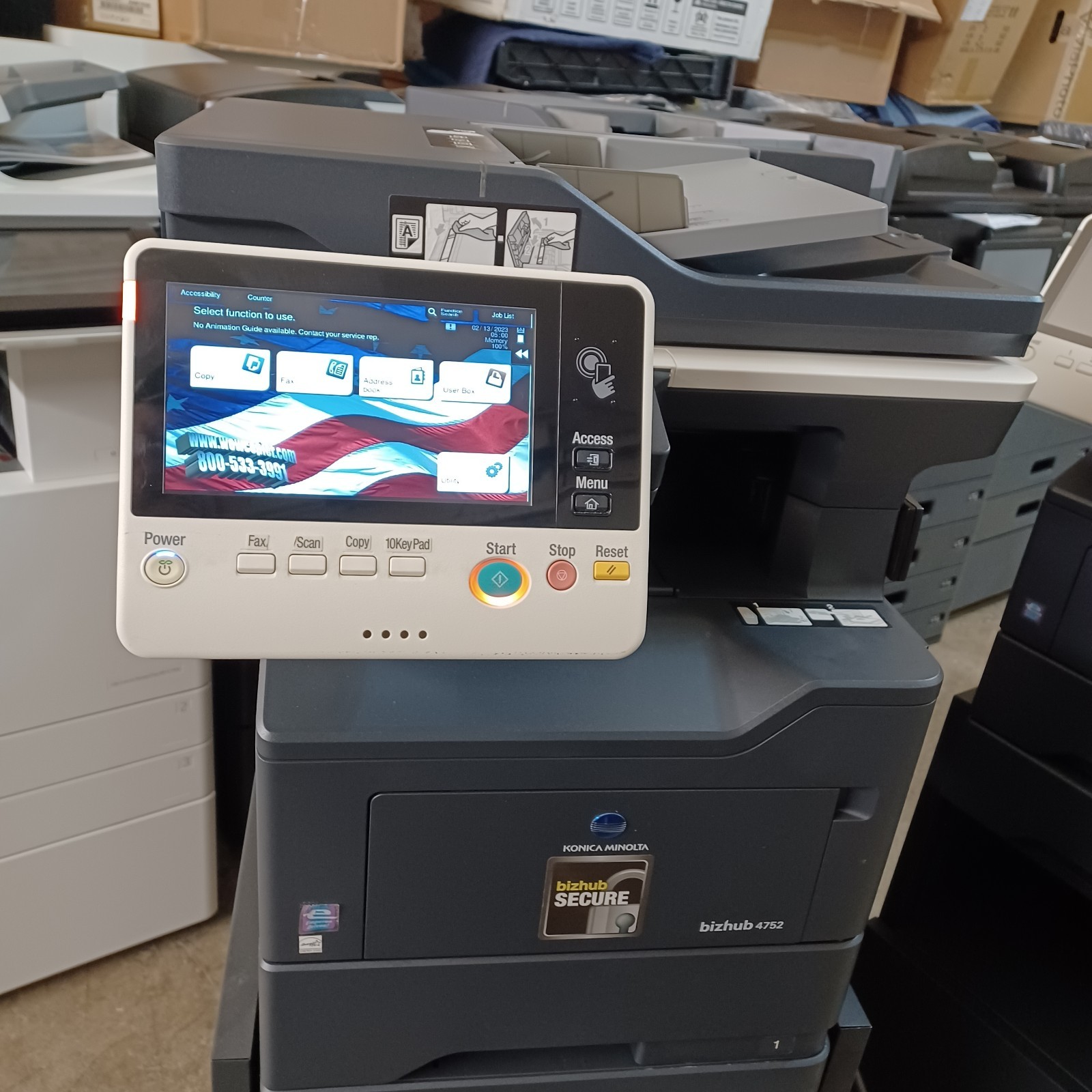 KONICA BIZHUB 4052 BUSINESS PRINTER COPIER SCANNER B&W COMMERCIAL MFP$785.00Last checked Nov 14, 2026View on eBay
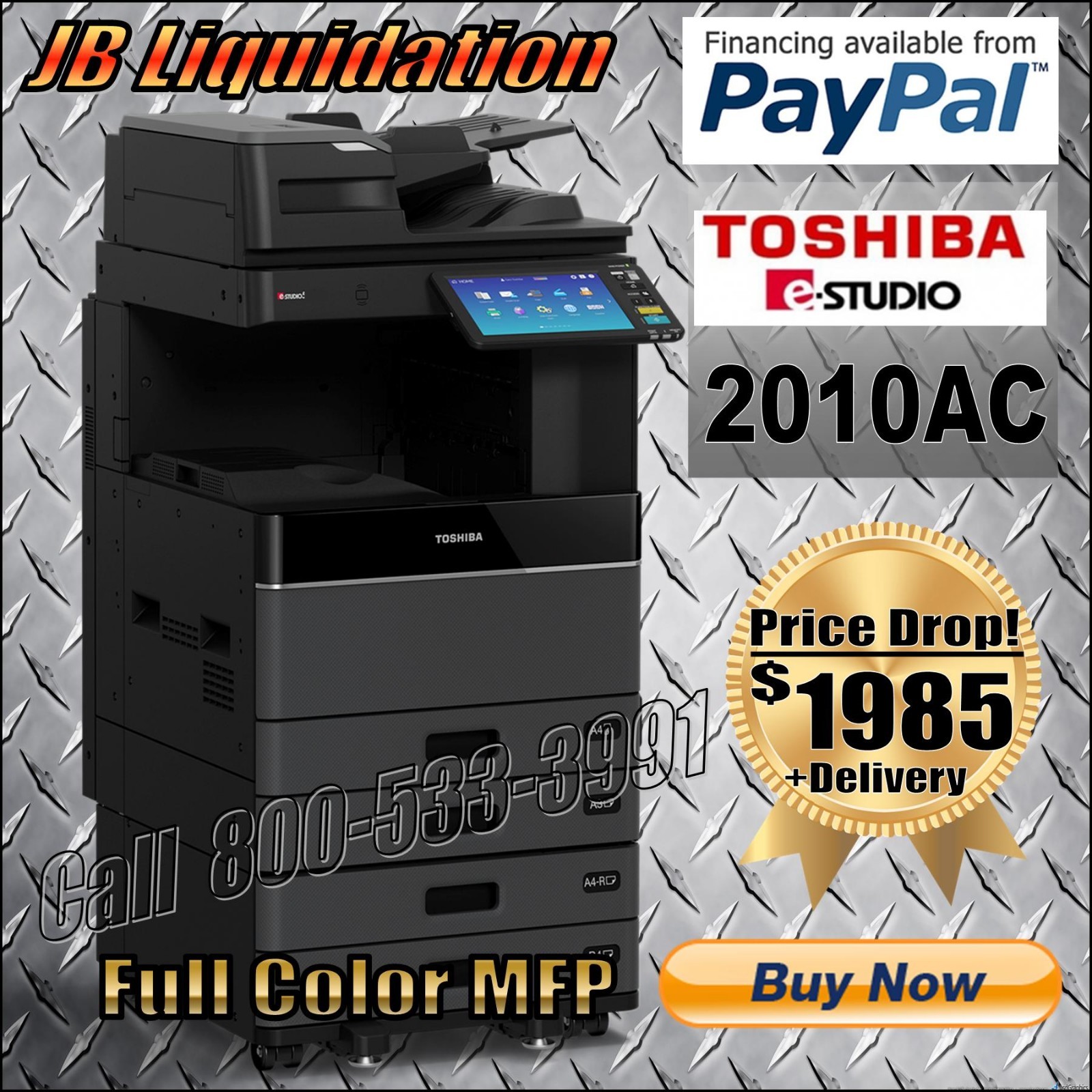 TOSHIBA 2010AC COLOR BUSINESS PRINTER COPIER e-STUDIO SCANNER ask 2510AC 2515AC$1,985.00Last checked Nov 14, 2026View on eBay
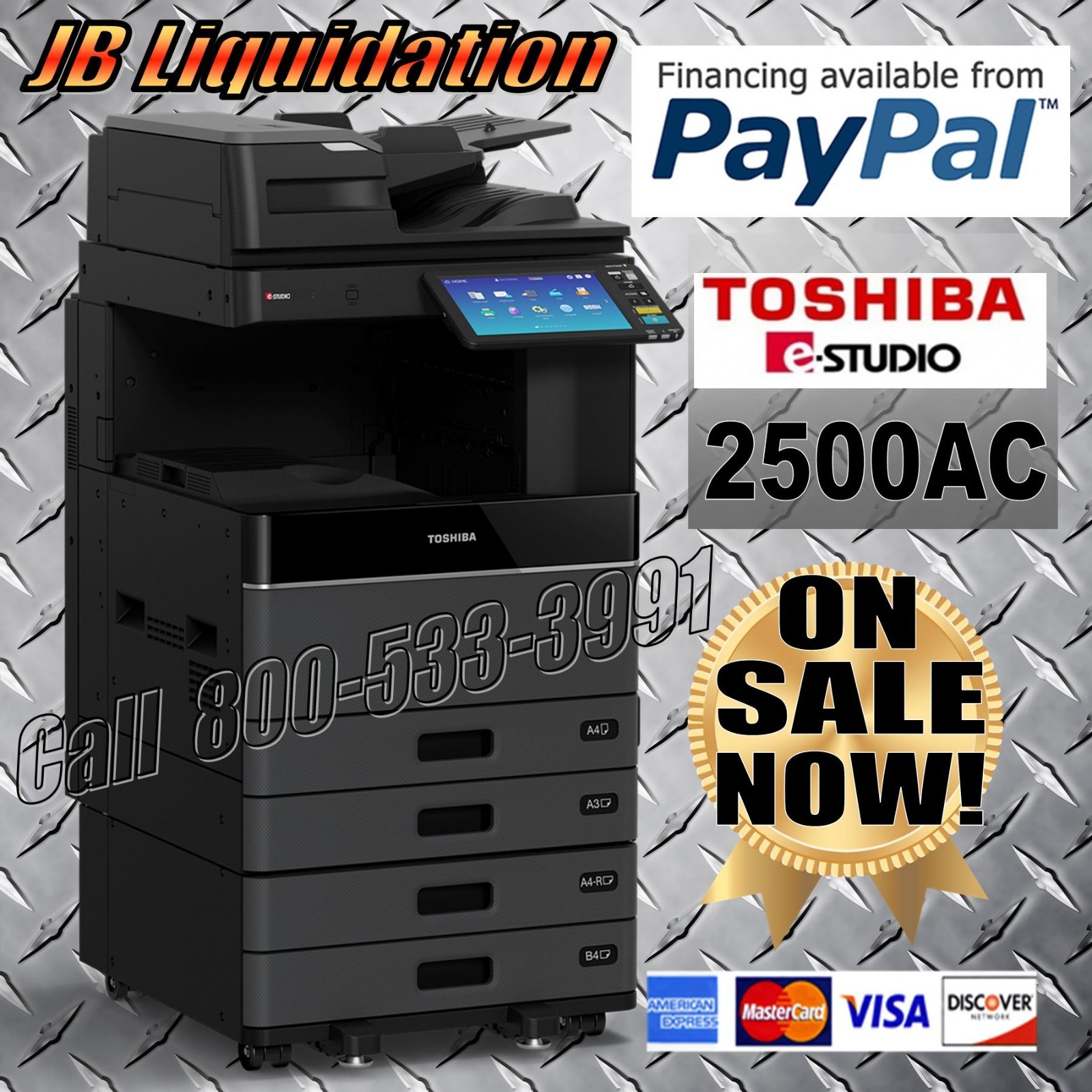 TOSHIBA 2500AC COLOR BUSINESS PRINTER COPIER e-STUDIO SCANNER ask 2505AC 3005AC$1,985.00Last checked Nov 14, 2026View on eBay
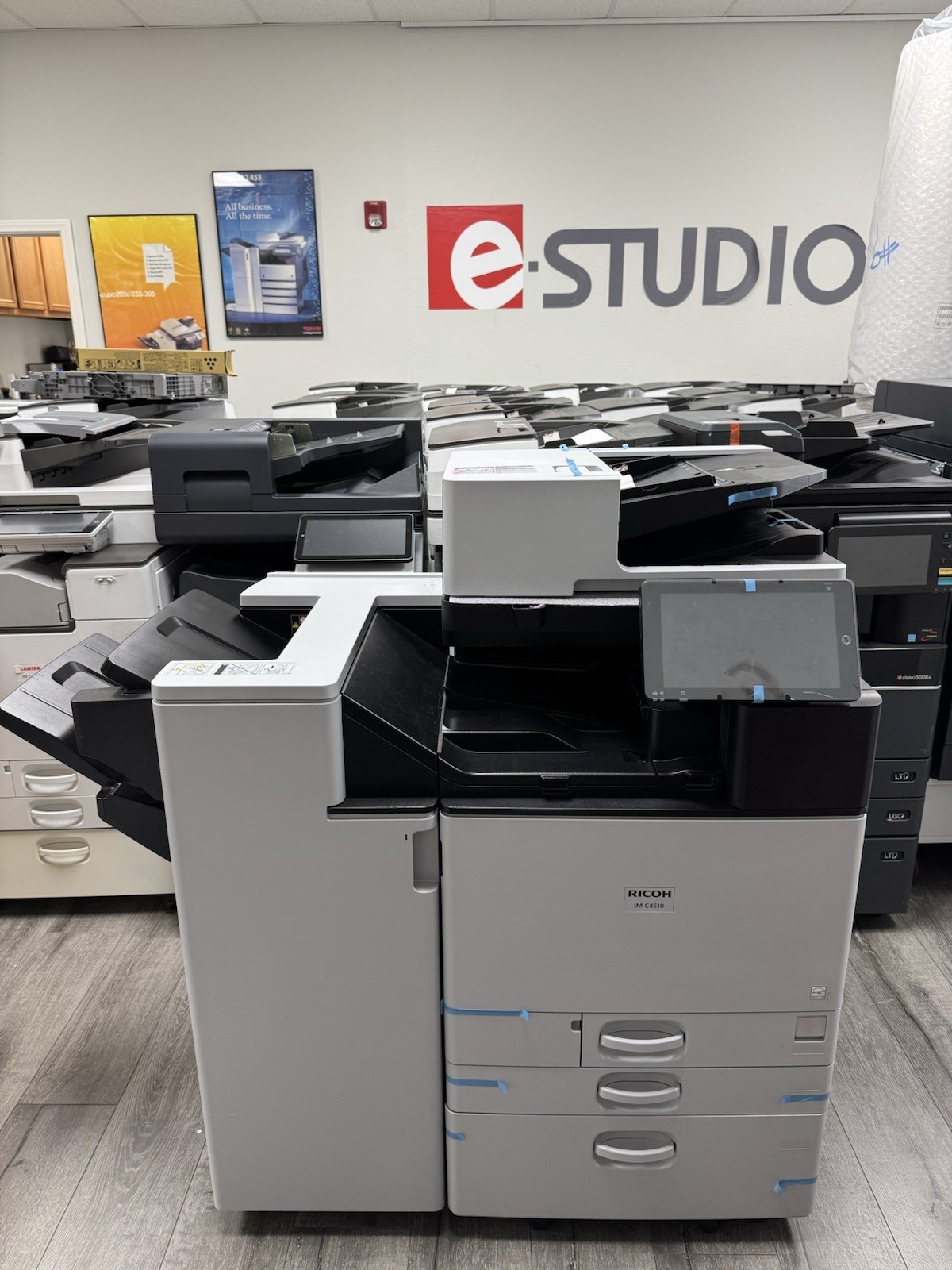 Ricoh IM C4510 Color Copier Printer Scanner Finisher- Meter only 11k$4,295.00Last checked Nov 18, 2026View on eBay
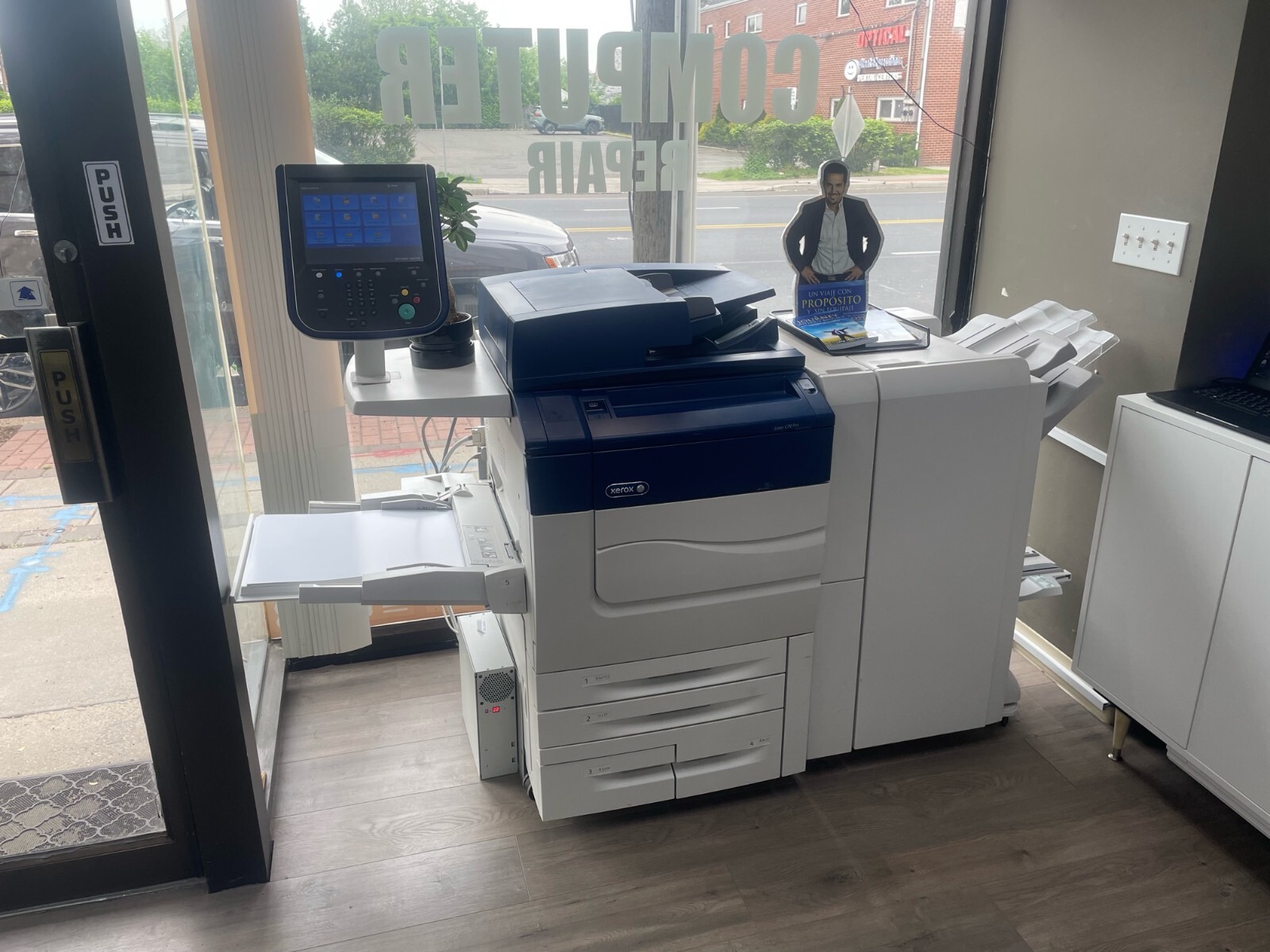 Xerox production c70 pro color business copier printer scanner finisher fiery$4,499.00Last checked Nov 14, 2026View on eBay
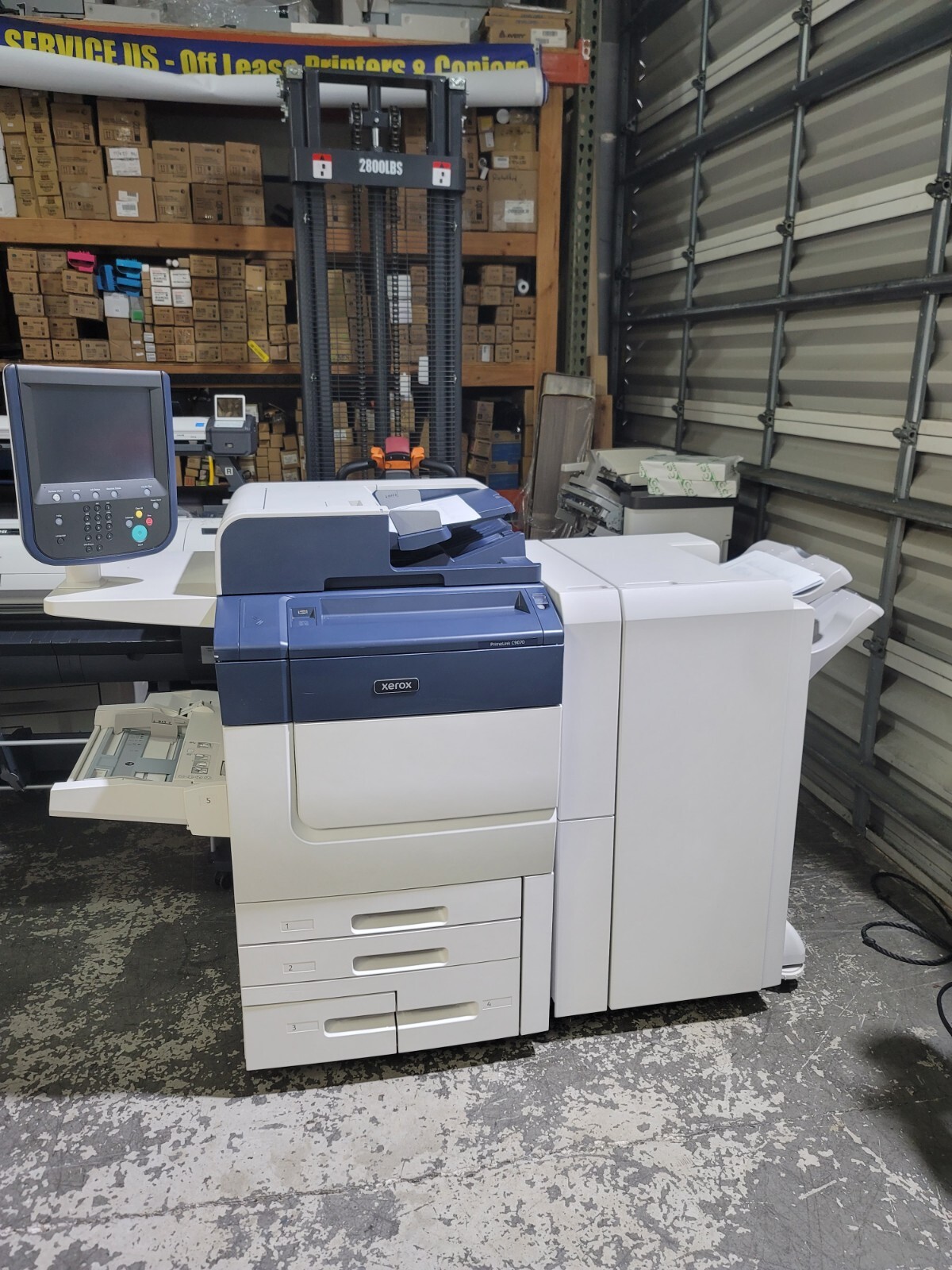 Xerox PrimeLink C9065 Color Production Printer Copier Scanner 70 PPM C9065$6,500.00Last checked Nov 18, 2026View on eBay
Highlights
- Inkjet AIOs use either single tri-color cartridges (expensive per page, wasteful when one color empties) or individual ink tanks/refillable reservoirs (far lower cost per page, better for high-volume color).
- Laser AIOs use toner cartridges with far higher yield per cartridge and no ink drying, but compact models often omit color and may lack a flatbed scanner—check for ADF vs flatbed explicitly.
- Flatbed scanners handle books, passports, and thick media; ADF (automatic document feeder) handles multi-page stacks but is bulkier and often 20-35 pages capacity on compact units.
- Connectivity tiers matter: USB-only is cheapest, Wi-Fi enables mobile/cloud printing, and Ethernet is rare on compact units—duplex printing (auto two-sided) is a separate feature from duplex scanning.
Best use cases
- Best fit: a student or home-office user printing 50-300 pages/month of mixed text and color should pick an inkjet AIO with individual ink tanks and a flatbed—skip single-cartridge models unless volume is very low.
- Best fit: a small business printing mostly monochrome invoices and contracts at 300-1,500 pages/month should pick a monochrome laser AIO with ADF and auto-duplex—skip color inkjets that dry out between jobs.
- Wrong fit: a user who needs only occasional photo printing should skip a bulky AIO and consider a compact photo printer—AIO flatbeds add footprint without photo-grade inks.
- Best fit: a remote worker who scans books, IDs, and receipts should prioritize a flatbed scanner over ADF-only designs—ADF cannot scan bound or thick items.
Buying tips
- Measure your desk depth before buying: compact AIOs typically run 15-20 in deep and 15-18 in wide; add 4-6 in clearance for paper trays and cables.
- Compare cost per page via cartridge yield: a tri-color cartridge yielding ~200 pages costs far more per page than individual tanks yielding 300-500 pages each—calculate before choosing.
- Check scan resolution and color depth: 1200x1200 dpi optical flatbed is standard for documents; 2400x4800 dpi class is needed for photo and film scanning.
- Confirm duplex: auto-duplex printing halves paper use but is often omitted on entry compact models—if two-sided output matters, verify the spec explicitly.
Specs
| Print Technology | Inkjet vs Monochrome/Color Laser |
|---|---|
| Scanner Type | Flatbed / ADF / Flatbed + ADF |
| Duplex Printing | Auto-duplex vs Manual only |
| Ink/Toner System | Tri-color cart / Individual tanks / Toner |
Related searches
What to check before buying
- Measure your desk or shelf footprint (width x depth) and confirm the AIO's dimensions plus paper tray extension clearance before purchase.
- Verify your Wi-Fi band and router: many compact AIOs are 2.4 GHz-only and will not join a 5 GHz-only network.
- Check the scanner lid and hinge: flatbed lids on compact units may not accommodate thick books or binders—confirm lift height if scanning bound media.
- Confirm paper input capacity (typically 50-150 sheets on compact units) matches your print volume so you are not refilling daily.
FAQ
Data sources: eBay / Amazon listings and product attribute feeds. Updated Nov 24, 2026.
Some links on this page are affiliate links. If you buy after clicking one, we may earn a commission at no extra cost to you. This does not change which products appear here or their order. Affiliate disclosure.