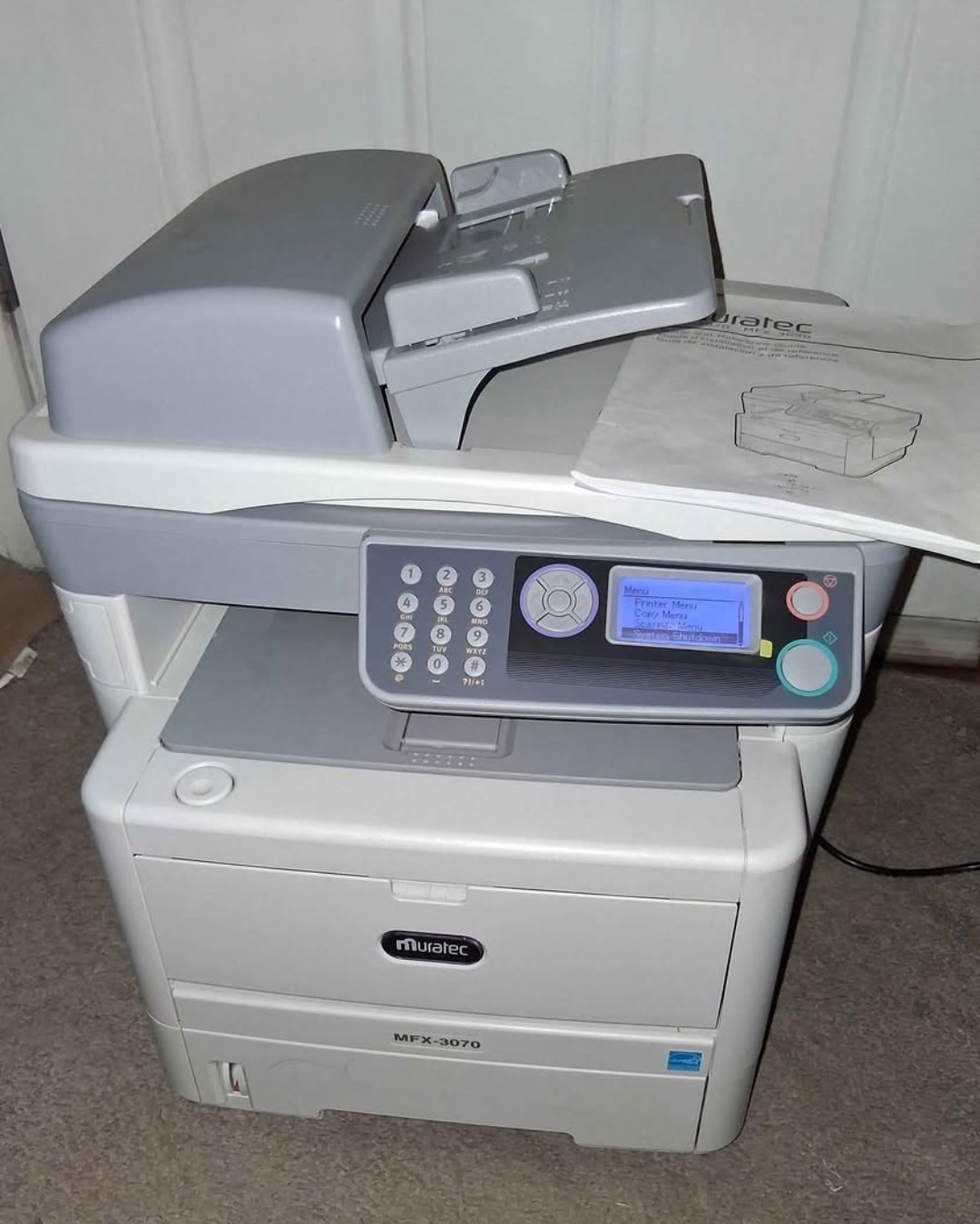

Photos from current listings. Actual item, color, and included accessories may vary.
Black And White Printer With Scanner Buying Guide
A black-and-white printer with scanner is a monochrome multifunction device combining laser printing, flatbed/ADF scanning, and copying in one chassis. The primary trade-off is upfront cost versus long-run durability and consumable yield: budget inkjet-hybrid units often have high per-page costs and fragile paper paths, while laser-class engines with separate drum/toner modules deliver lower CPP and higher monthly duty cycles. The decision rule: choose a laser engine with a rated monthly volume at least 2x your expected peak month and a scanner with an ADF if you copy multi-page documents.
Key takeaways
- Laser vs inkjet: monochrome laser engines use toner and a separate drum or all-in-one cartridge; inkjet-hybrids use pigment/ dye ink and are more prone to clogging when idle.
- Scanner type: flatbed only vs flatbed plus ADF; ADFs typically handle 20–50 sheets and support duplex scanning, while flatbed is best for bound documents and IDs.
- Duty cycle and recommended monthly volume: commercial units are rated for 5,000–50,000+ pages per month; exceeding recommended volume voiding warranty is common.
At a glance
- Category
- Commercial Printers & Copiers
- Last updated
- Nov 28, 2026
Current offers
Highlights
- Laser vs inkjet: monochrome laser engines use toner and a separate drum or all-in-one cartridge; inkjet-hybrids use pigment/ dye ink and are more prone to clogging when idle.
- Scanner type: flatbed only vs flatbed plus ADF; ADFs typically handle 20–50 sheets and support duplex scanning, while flatbed is best for bound documents and IDs.
- Duty cycle and recommended monthly volume: commercial units are rated for 5,000–50,000+ pages per month; exceeding recommended volume voiding warranty is common.
- Connectivity and OS support: Ethernet and Wi-Fi with mobile print (AirPrint, Mopria) versus USB-only; check driver availability for your OS version and network security protocols.
Best use cases
- Best fit: Small office with 2–10 users printing 500–2,000 pages/month—pick a laser MFP with 250+ sheet tray, ADF, and Ethernet; skip inkjet-hybrids with 100-sheet trays.
- Best fit: Home office with occasional scanning of bound books and IDs—choose a flatbed-only laser if ADF isn't needed; skip ADF-only models that can't scan books.
- Best fit: Departmental shared use—select a unit rated for 10,000+ pages/month with high-yield toner (10k+ pages) and a monthly duty cycle above 30k; skip consumer-grade 5k duty units.
- Wrong fit: High-volume batch scanning of double-sided contracts—avoid single-pass ADFs without duplex; pick a duplexing ADF model with at least 50-sheet capacity.
Buying tips
- Calculate cost per page: divide toner cartridge price by rated yield; monochrome laser toner should yield 1,500–20,000 pages depending on tier; high-yield cartridges cut CPP by 30–50%.
- Check paper capacity: main tray 250 sheets minimum for office use; add optional 500-sheet tray if printing more than 1,000 pages/month to reduce refill frequency.
- Match duty cycle to peak month: choose a unit with a recommended monthly volume at least twice your busiest month; warranty terms often exclude damage from exceeding duty cycle.
- Verify scanner resolution and speed: optical resolution 600x600 dpi minimum for OCR; ADF scan speed 20–40 ppm simplex is typical; duplex ADF cuts scanning time in half.
Specs
| Print Engine | Monochrome laser vs inkjet-hybrid |
|---|---|
| Scanner Type | Flatbed only / Flatbed + ADF |
| ADF Duplex | Single-pass duplex vs manual |
| Monthly Duty Cycle | 5k–50k+ pages (commercial) |
Related searches
What to check before buying
- Measure the footprint: confirm the device fits your desk or floor space with clearance for tray extension and ventilation; typical laser MFPs are 15–20 inches wide and deep.
- Check electrical: most commercial laser MFPs require a dedicated 15A circuit; verify plug type (NEMA 5-15P in North America) and voltage (120V vs 220V).
- Confirm network environment: Ethernet requires a nearby switch or router; Wi-Fi models need 2.4/5 GHz support and may not work with enterprise WPA2-Enterprise.
- Ensure consumables availability: verify toner and drum part numbers are stocked by major retailers and not end-of-life; check if starter cartridges are half-filled.
FAQ
Data sources: eBay / Amazon listings and product attribute feeds. Updated Nov 28, 2026.
Some links on this page are affiliate links. If you buy after clicking one, we may earn a commission at no extra cost to you. This does not change which products appear here or their order. Affiliate disclosure.