When you're choosing between printers scanners for a home office, the first question is usually speed versus upfront cost. On one side, the Workforce WF-2950 All-In-One Wireless Color Printer is a new inkjet model priced at $100.20. On the other, the HP LaserJet Pro MFP 4101fdw All-in-One Printer Copier Scanner and Fax is a used laser unit priced at $280. The $179.80 difference sits right at the center of that trade-off: color and wireless convenience versus fast black-and-white output and a traditional office connection setup.
Quick verdict
Choose the Workforce WF-2950 if you want a new, color-capable all-in-one with wireless and Wi-Fi Direct, a 2.4-inch display, and an automatic document feeder for $100.20. Choose the HP LaserJet Pro 4101fdw if you need 42 ppm monochrome printing, duplex printing, and Ethernet/USB connectivity at $280-and you're okay with a used unit.
Comparison at a glance
| Feature | Workforce WF-2950 | HP LaserJet Pro 4101fdw |
|---|---|---|
| Price | $100.20 | $280.00 |
| Printer type | Inkjet color all-in-one | Laser all-in-one |
| Monochrome speed | 10 ppm | 42 ppm |
| Connectivity | Wireless, Wi-Fi Direct | Ethernet (RJ-45), USB 2.0 |
| Condition | New | Used |
| Notable extras | Automatic document feeder | Duplex printing, 24-bit color depth |
Where each printer wins
The Workforce WF-2950 wins for shoppers who value a lower price, color printing, wireless setup, and a new unit. The 2.4-inch display and automatic document feeder make it easy to manage scans and copies.
The HP LaserJet Pro 4101fdw wins for speed-focused offices. Its 42 ppm black-and-white print speed is more than four times faster than the Workforce's 10 ppm monochrome rate, and duplex printing plus Ethernet/USB connectivity suits a wired desk.
Product breakdown
Workforce WF-2950 All-In-One Wireless Color Printer
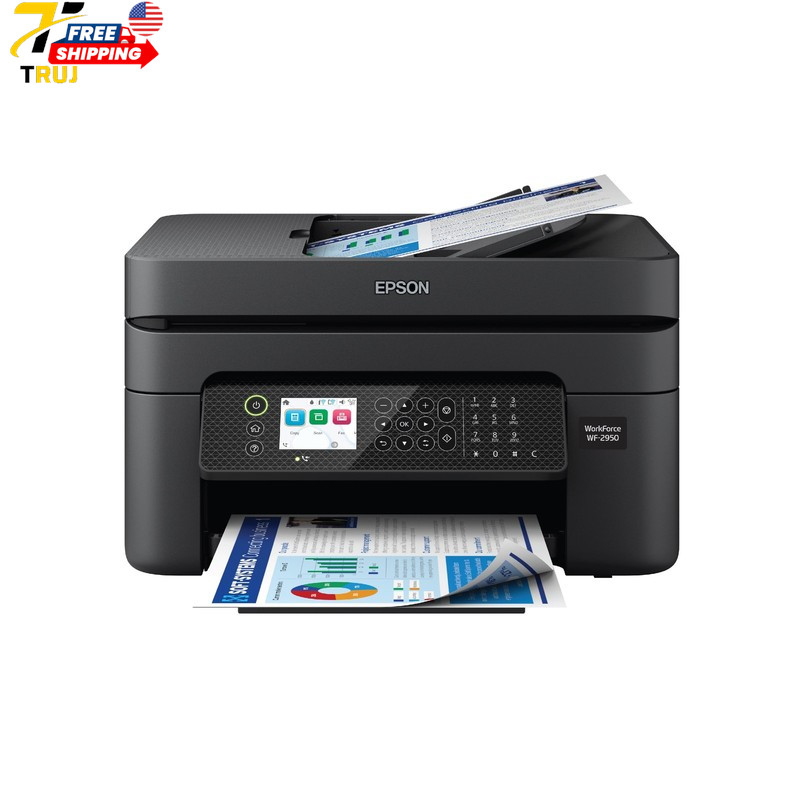
For a first all-in-one or a secondary printer, the $100.20 price is hard to ignore. This inkjet model is listed as new, prints in color, supports Windows and macOS, and comes with wireless (802.11 b/g/n) plus Wi-Fi Direct, so you can connect without a router. The 2.4-inch display and automatic document feeder make everyday copying and scanning easier. The trade-off is speed: monochrome output runs at 10 ppm and copies at 7 ppm, which is fine for occasional pages but slow for bigger jobs. If your workload is light and color matters, this is the more flexible and affordable pick.
HP LaserJet Pro MFP 4101fdw All-in-One
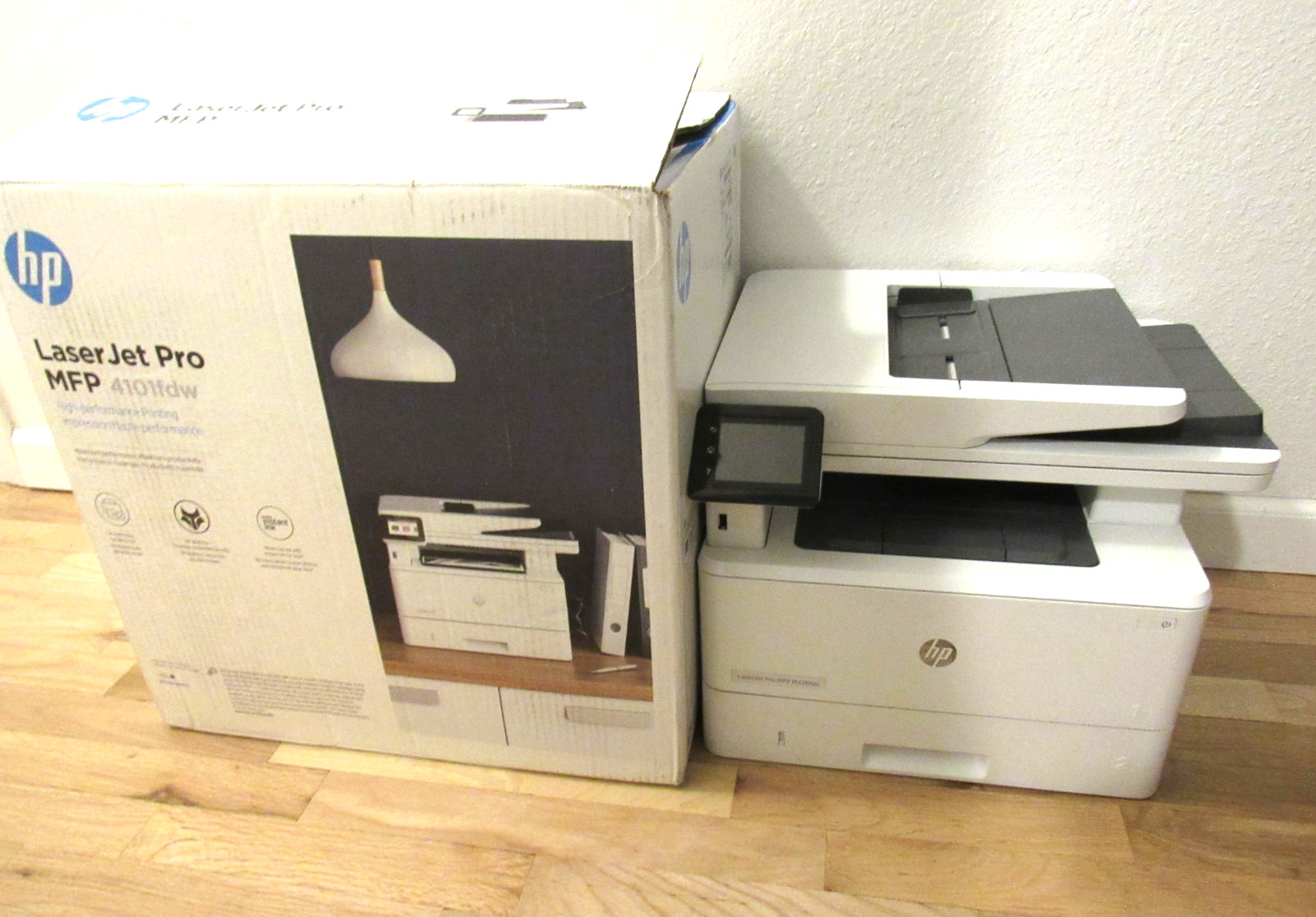
The $280 price buys a used laser all-in-one that is built around speed. Its listed black print speed reaches 42 ppm, and the feature set includes duplex printing, plus Ethernet and USB 2.0 connectivity for a more traditional office setup. The HP also includes 24-bit color depth, and the unit ships in its original box with the printer and power cable only. The used condition is the main limitation, so the printer suits buyers who are comfortable with pre-owned hardware and a wired connection. Choose it when fast black-and-white pages and automatic two-sided printing matter more than color output.
Final choice by use case
For a home office that prints color flyers, photos, and the occasional report, choose the Workforce WF-2950. It costs $100.20, is new, connects wirelessly, and includes a document feeder.
For a busy workspace that mostly prints multi-page black-and-white documents and needs duplex printing with Ethernet/USB, choose the HP LaserJet Pro 4101fdw at $280. It's a used unit, but the 42 ppm speed makes longer jobs feel much faster.
