Choosing between these two all-in-one printers comes down to how much fax and document feeding matter in your home office. The Epson Workforce WF-2950, priced at $100.20, bundles fax capability with an automatic document feeder and a 2.4-inch display. The Canon PIXMA TS3722, at $35.20, is a compact wireless inkjet that prints, scans, and produces borderless photos.
That's a $65 price difference, so the decision isn't about which printer is 'better' overall-it's about which features are worth paying for.
Quick verdict
If you need to fax, copy multi-page stacks, or want a dedicated display for standalone operation, the Workforce WF-2950 is your pick. If you want to spend less and focus on wireless printing and scanning with photo-friendly output, the Canon PIXMA TS3722 covers that at a much lower price.
Comparison at a glance
| Product | Price | Price Indicator | Specs to Know |
|---|---|---|---|
| Workforce WF-2950 | $100.20 | 10 ppm mono print, 7 ppm copy speed, 2.4-inch display, ADF, fax, T232 ink refill, Windows/macOS | |
| Canon PIXMA TS3722 | $35.20 | 16-bit color depth, wireless, scanner, CIS sensor, borderless photos, hybrid ink system |
Where each wins
Choose the Workforce WF-2950 if...
You need fax and an automatic document feeder. It also offers a faster 7 ppm copy speed and a 2.4-inch display for on-device control. Its T232 ink refill is straightforward, and it supports Windows and macOS.
Choose the Canon PIXMA TS3722 if...
Your budget is the deciding factor. It costs $65 less than the Workforce. It still scans with a Contact Image Sensor, and its 16-bit color depth helps with photo gradients. Its compact size and support for borderless photo paper make it a nice fit for smaller desks.
Product notes
Workforce WF-2950 All-In-One Wireless Color Printer with Scanner Copier and Fax
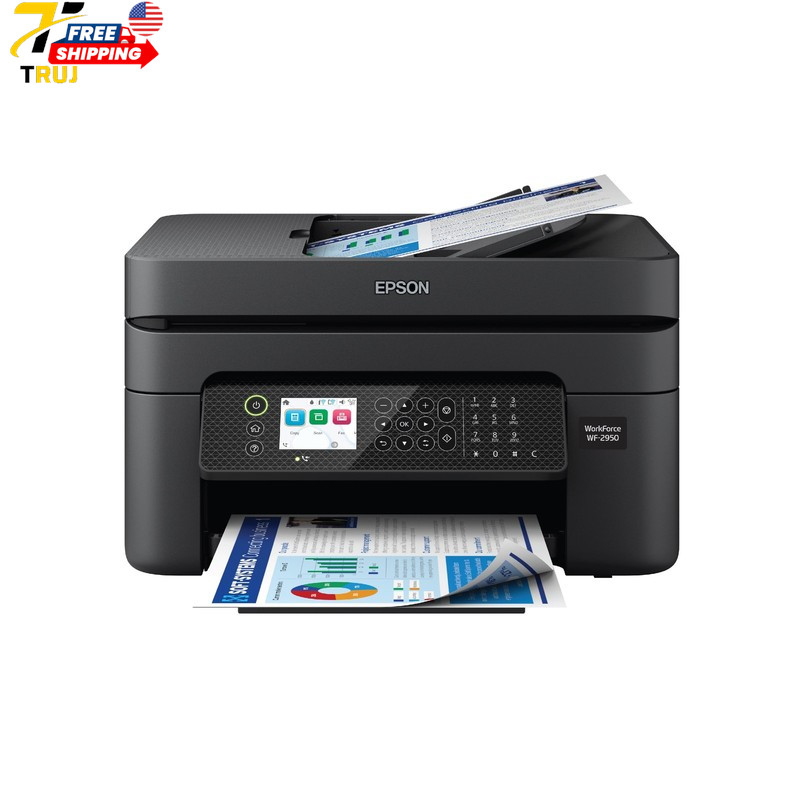
The Workforce WF-2950 is the more feature-complete all-in-one in this pair. Its listed specs include fax, an automatic document feeder, a 2.4-inch display, 7 ppm copy speed, and monochrome printing up to 10 ppm. The T232 ink refill code gives you a specific consumable to look for, and it runs on Windows and macOS. It also shows an assembled weight of 11.5 lb and dimensions of 22.8 x 14.8 x 9.5 inches, so it's a substantial home office desktop unit. The limitation is the price gap: you're paying more for those extras, and if your workload doesn't require faxing or an ADF, you may not use them.
Canon PIXMA TS3722 Wireless All-In-One Inkjet Printer for Home Office
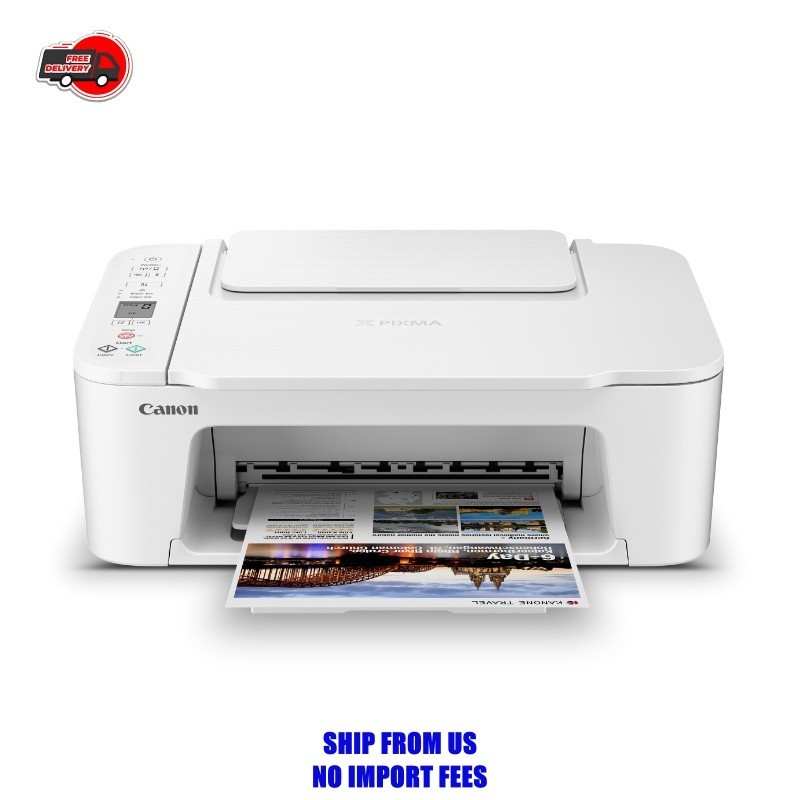
The Canon PIXMA TS3722 takes the opposite approach. It's a compact wireless all-in-one that prints and scans, with 16-bit color depth and grayscale depth that point to smoother photo gradients. It uses a hybrid ink system-pigment black for text and dye-based colors for photos-and can print borderless photos up to 8.5 x 14 inches, along with envelopes and banners. The Contact Image Sensor handles scanning, and wireless connectivity keeps setup simple for a home office. It's the lower-priced option here, and it delivers the essentials for print-and-scan workflows. The trade-off is that its listed feature set centers on printing and scanning, while the Workforce adds fax and an ADF.
Final choice by use case
If you need fax, an automatic document feeder, or a display for standalone copies, go with the Workforce WF-2950. If your priority is keeping costs down and printing photos with borderless capability, choose the Canon PIXMA TS3722.
