Choosing a printer scanner for your home office usually comes down to several honest trade-offs. Do you need color documents or a fast black-and-white workhorse? Is a used machine acceptable if it gives you laser speed? How much desk space can you spare? With four all-in-one models spanning a wide price range, there is no single winner for everyone. But the right choice becomes clear once you match the machine to your weekly routine.
Quick take
If your priority is the lowest-priced new color all-in-one, the Epson Expression Home XP-4205 is the natural starting point. If you regularly work with multi-page stacks, the Workforce WF-2950 gives you office-oriented conveniences. If fax and fast text output are essential, the Brother MFC-L2740DW is the speed pick, though this unit is sold used. If you want a new color machine with flexible device connections, the Canon PIXMA TS6420a fills the middle.
Price comparison
| Model | Price | Price bar | What stands out |
|---|---|---|---|
| Workforce WF-2950 | $100.20 | Full print\/scan\/copy\/fax | |
| Epson Expression Home XP-4205 | $56.12 | Auto two-sided printing | |
| Brother MFC-L2740DW | $129.95 | 32 ppm mono laser | |
| Canon PIXMA TS6420a | $69.95 | Wireless plus Bluetooth |
Decision matrix
- Choose the Brother MFC-L2740DW if you print many pages of black text and you're comfortable with a used unit.
- Choose the Epson Expression Home XP-4205 if a low new price and everyday color printing are your top priorities.
- Choose the Workforce WF-2950 if you often handle larger copy jobs and want easy walk-up control.
- Choose the Canon PIXMA TS6420a if you value new condition and flexible phone/laptop connections.
Workforce WF-2950 All-In-One Wireless Color Printer with Scanner Copier and Fax
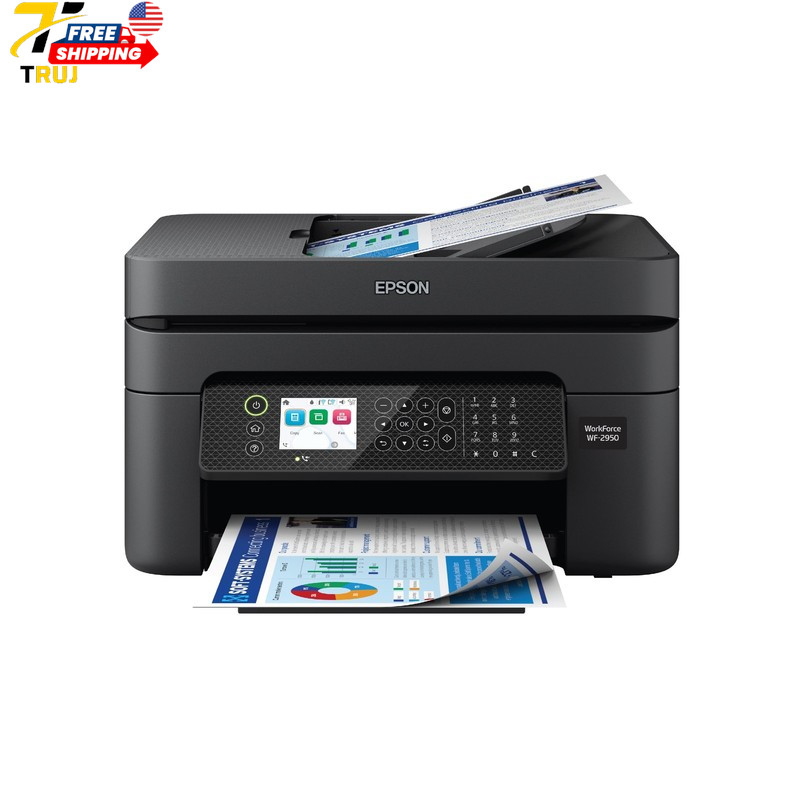
The WF-2950 carries a price of $100.20 and gives you a wide set of functions for a home office. The 2.4-inch display makes it easier to check ink levels and choose copy settings without opening a computer app. The automatic document feeder is a genuine convenience when you have several pages to scan or copy, and Windows and macOS are both supported. It prints, scans, copies, and faxes, so it covers the full all-in-one checklist. The limitation is speed: the copy speed is rated at 7 ppm, which will feel slow for bigger batch jobs, and at 11.5 lb it is not the lightest unit to move around. If your work involves frequent multi-page scanning, this is the one to look at closely.
Epson Expression Home XP-4205 Wireless Color Printer with Scanner and Copier
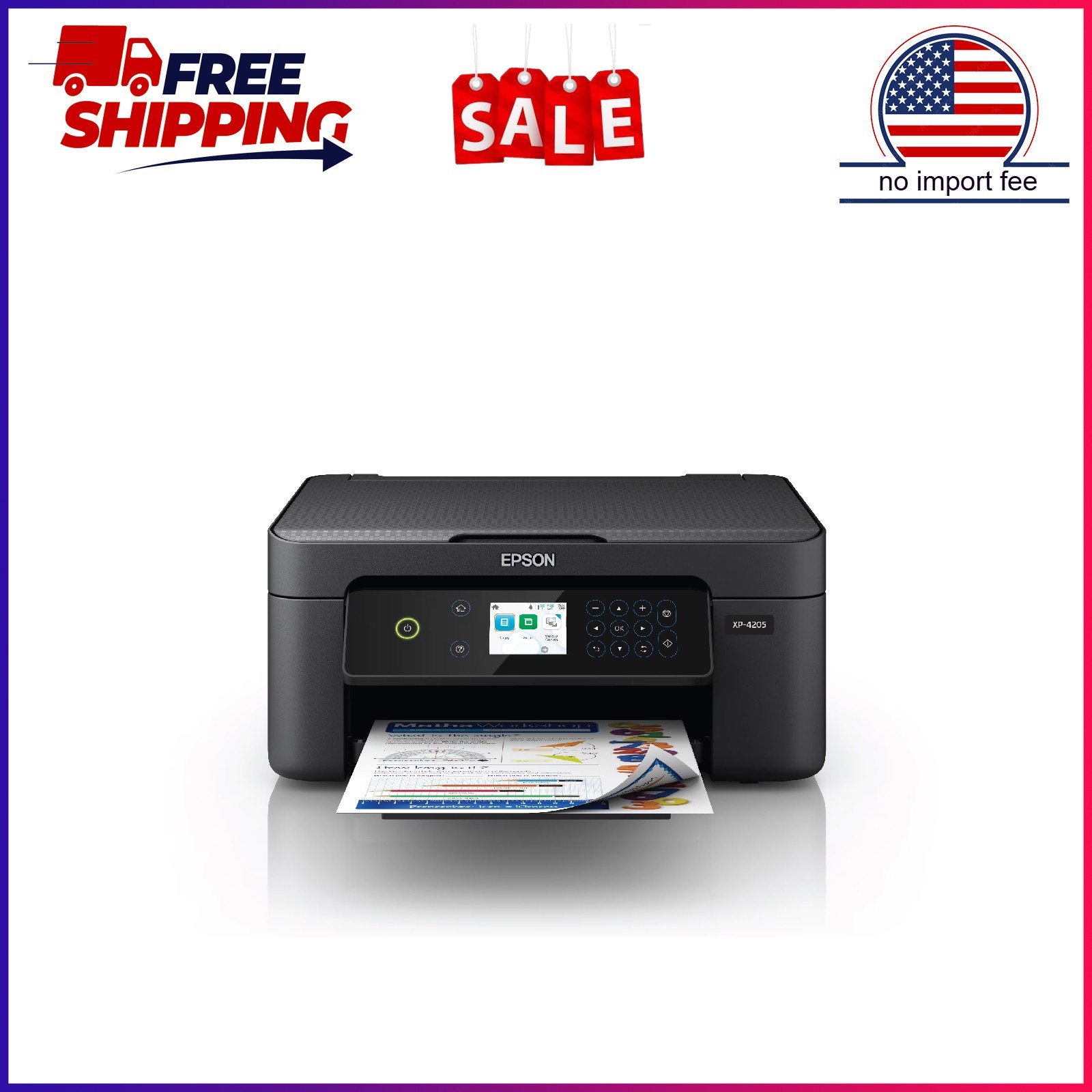
At $56.12, the Epson Expression Home XP-4205 is the least expensive new unit in this group. It handles color printing, scanning, and copying, and it adds automatic two-sided printing to limit paper waste. Epson's individual ink cartridges let you replace only the color that runs dry, and the ScanSmart software helps turn scans into searchable PDFs. Voice-activated printing through Alexa and Siri is a genuine hands-free option. On the limitation side, the 24-bit color depth and 8-bit grayscale depth are modest figures, which is fine for everyday documents but not ideal for fine-art photo reproduction. With its low price and automatic duplexing, this Epson is the value pick for light home use.
Brother MFC-L2740DW Wireless Monochrome Printer with Scanner, Copier and Fax
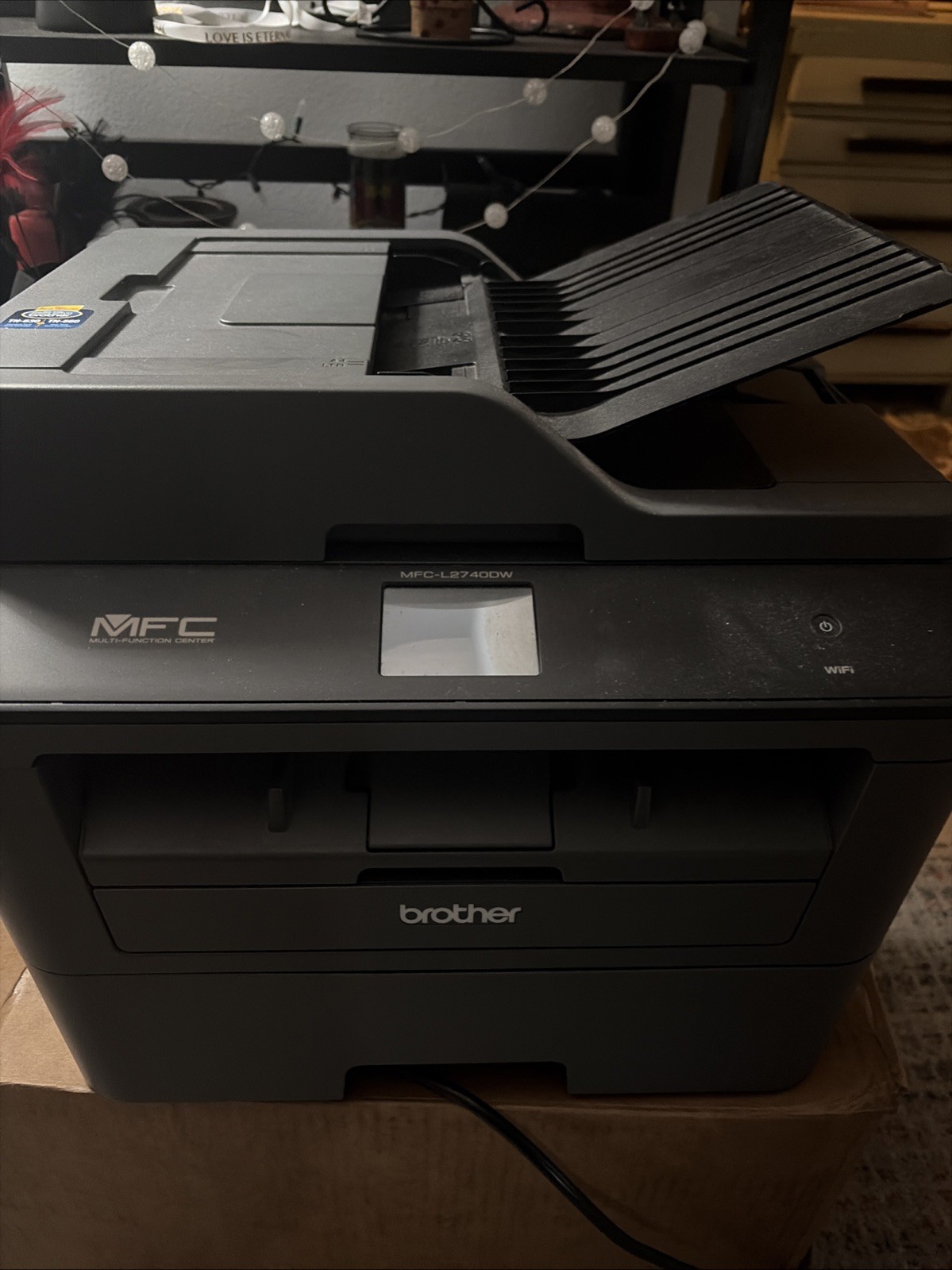
The Brother MFC-L2740DW has the highest price here at $129.95, but it brings laser speed to the category. Its black print speed of 32 ppm dwarfs the inkjets in this comparison, and it can print, scan, copy, and fax. Connectivity is also broad: wireless, Ethernet, and USB 2.0, with scan features like networkable and duplex. The catch is condition: this particular unit is used, so you'll want to inspect it and confirm the toner situation after purchase. Color depth is 30-bit, but the output is monochrome only, so it is not a choice for color graphics or photos. If your day is mostly text documents and you need a fax line, this Brother is the one to weigh against the comfort of a new machine.
Canon PIXMA TS6420a Wireless Inkjet All-In-One Color Printer Black
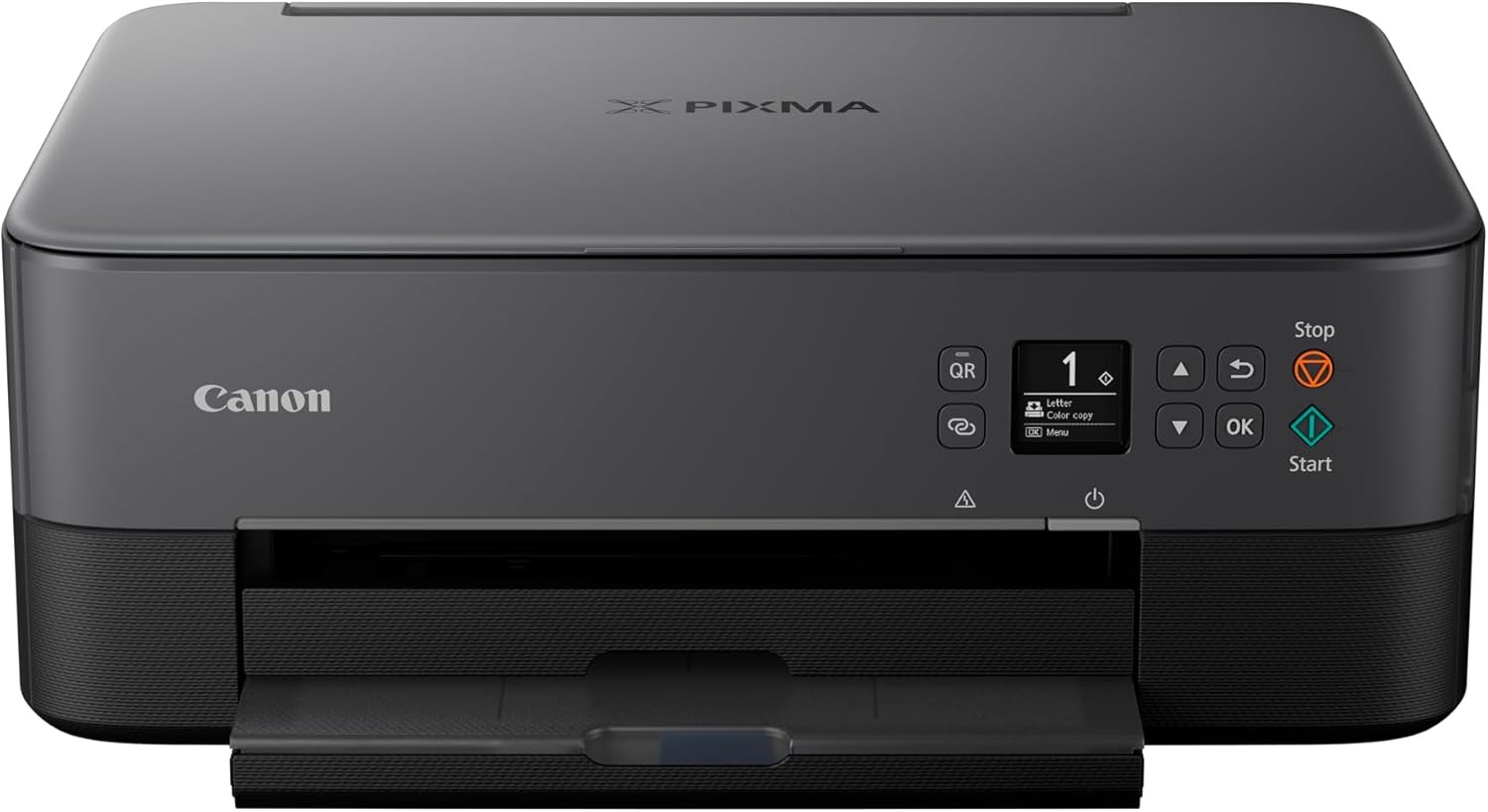
The Canon PIXMA TS6420a sits in the middle of the price range at $69.95 and is sold new. It covers the core color printer, scanner, and copier functions, and it sets itself apart with both wireless and Bluetooth connectivity, letting you send pages from a phone, tablet, or laptop without joining a network. The black finish is a straightforward option for a desk. Its black print speed is rated at 4 ppm, so this is not the machine for high-volume or time-sensitive jobs. Color depth is 16-bit and grayscale is 16-bit, which points to a basic-level consumer inkjet. If your print volume is occasional and connection flexibility is a priority, this Canon is a practical middle choice.
Final recommendation
For a new color all-in-one on a strict budget, choose the Epson Expression Home XP-4205. For a new machine with better multi-page scanning and a screen, spend a little more on the Workforce WF-2950. For fast monochrome printing and office-grade network options, the Brother MFC-L2740DW is the speed pick - just remember it is used. And for the casual user who values device-flexible connections and a new unit, the Canon PIXMA TS6420a fills the gap between the Epson and the Workforce.
