When your daily work revolves around calls, the right headset makes a real difference. The challenge isn't finding a headset; it's choosing between two very different connections. One is designed to plug into a Yealink office phone via RJ9; the other is built for computers and tablets over USB. Your choice should depend less on brand names and more on which device you actually use.
Quick Verdict
If you spend your day on a Yealink or compatible VoIP desk phone, the Phone Headset for Yealink Office Phone with Noise Cancelling Mic, RJ9 Mono Te is the clear choice. If you take calls from a laptop, desktop, or tablet, the USB Headset & Audio Arm offers a simpler, lower-priced way to get a dedicated headset.
| Feature | Phone Headset for Yealink Office Phone | USB Headset & Audio Arm |
|---|---|---|
| Price | USD 38.88 | USD 14.99 |
| Connection | RJ9 (wired) | USB |
| Microphone | Noise-cancelling | Talking drop-down |
| Best for | Yealink and compatible VoIP desk phones | Computers and tablets |
| Color | Black | Gray |
Where the Yealink RJ9 Headset Wins
This headset is built for desk-phone duty. Its RJ9 connection works with a wide range of Yealink IP phones, including T4-series and T5-series models, plus many other VoIP systems. The noise-cancelling microphone cuts through background noise, and the inline volume and mute controls keep you in charge. The retractable, tangle-free cable and cushioned ear pad add comfort for long hours.
Where the USB Headset Wins
The USB headset is the simpler, more affordable solution for computer-based work. It plugs straight into a USB port on your laptop, desktop, or tablet, so it works with any online meeting platform. The talking drop-down mic is a handy feature, and the over-the-ear cups are designed for all-day wear.
Phone Headset for Yealink Office Phone with Noise Cancelling Mic, RJ9 Mono Te
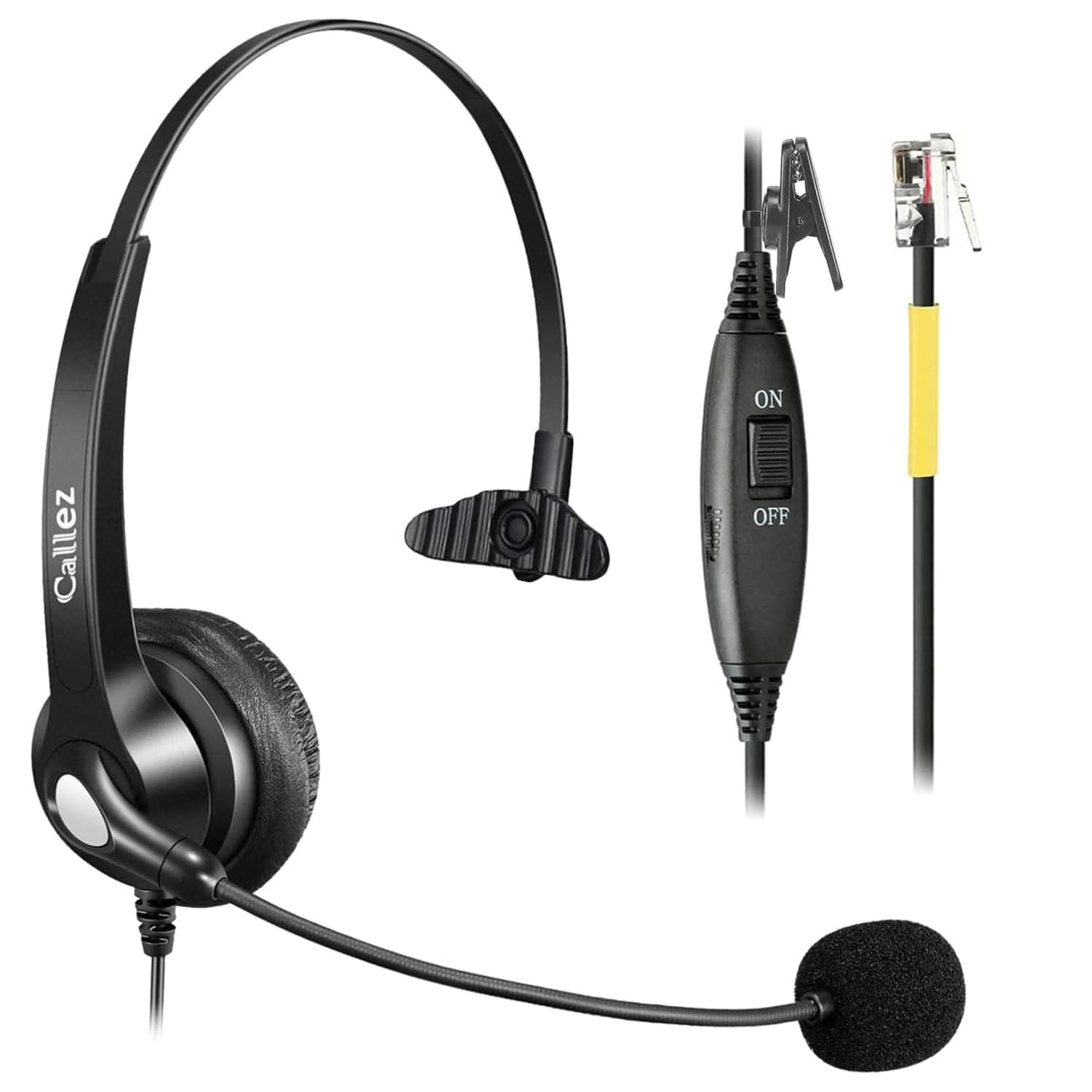
This is the headset to consider when you're working from a desk phone. It uses a wired RJ9 connection that's compatible with Yealink IP phones like the T4 series, T5 series, and other VoIP systems. The noise-cancelling microphone helps reduce background noise, and the built-in volume and mute controls let you manage calls without reaching for the handset. The retractable, tangle-free cable keeps your workspace organized, while the cushioned ear pad keeps you comfortable on long calls. It also includes acoustic shock protection, which is a nice safety touch. One limitation: it's not made for cellphones or computer audio, so it won't work as a universal headset. For desk-phone users, the compatibility and features make it a solid fit, and it comes with a 2-year warranty.
USB Headset & Audio Arm: Computers or Tablets Online Office Work Ear Phone Gear
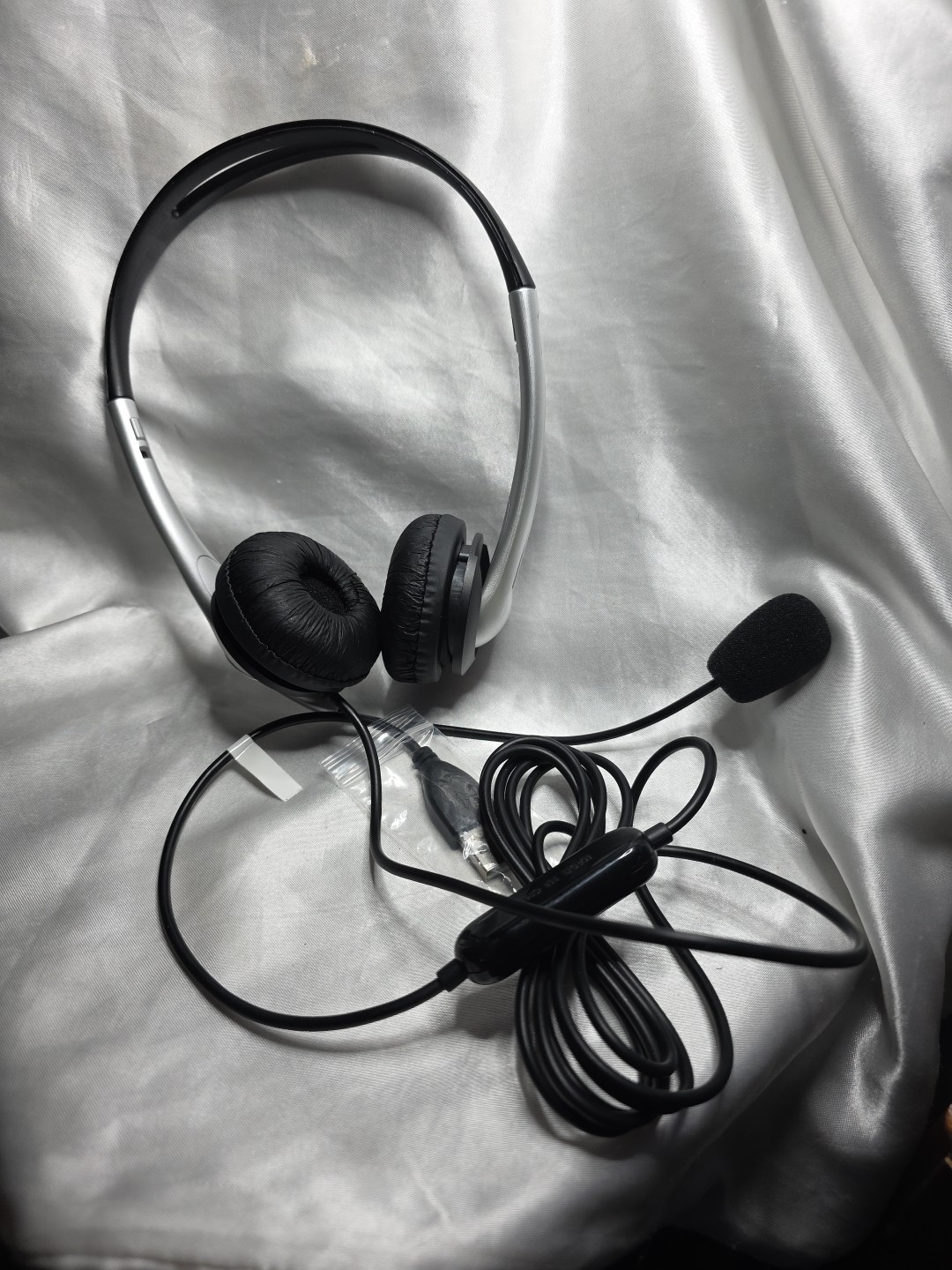
This headset is all about simplicity for the modern, computer-based worker. Just plug the USB connector into a laptop, desktop, or tablet, and you're ready for your next online meeting. The gray, over-the-ear design keeps things comfortable during extended sessions, and the talking drop-down mic moves into place when you need it. At $14.99, it's an easy way to add a dedicated headset to your setup. The main limitation is that it won't plug into a desk phone's RJ9 jack, so if your office relies on Yealink handsets exclusively, this isn't the one. For anyone who takes calls from a computer or tablet, this headset offers a practical route to hands-free communication.
Final Choice by Use Case
If your calls go through a Yealink or comparable VoIP desk phone, the Phone Headset for Yealink Office Phone with Noise Cancelling Mic, RJ9 Mono Te is the right tool. It matches the phone's connection, adds noise cancelling, and includes the controls you need during conversations. If your calls happen on a computer or tablet, the USB Headset & Audio Arm is the pick - it costs far less and does the job without extra complexity.
