Choosing among printers scanners is less about finding one universal winner and more about matching the machine to the work you actually do: color documents, black-and-white reports, copying, scanning, faxing, or wireless printing. The four options here all combine more than one office task, but they split clearly by print technology, color versus monochrome output, condition, and listed price.
Quick take
- Choose the Epson EcoTank L3250 Wireless All-in-One Ink Tank Printer Print Scan Copy if you want a new wireless ink tank model with print, copy, and scan functions plus high listed print resolution.
- Choose the Canon imageCLASS MF273dw Wireless Black-and-White All-In-One Laser Printer if your main need is a new wireless monochrome laser all-in-one with automatic document feeding and automatic 2-sided printing mentioned in its description.
- Choose the Epson Color Inkjet All-In-One Printer Scanner Copier Multifunction if you want the lowest listed price and can work with a used color inkjet that includes scanner, copier, and fax features.
- Choose the HP LaserJet M140w Wireless Black & White All-in-One Laser Printer if you want a compact wireless monochrome laser option for print, scan, and copy needs.
Listed price comparison
The price spread runs from USD 50.00 to USD 186.19, with the lowest listed option sitting about 73% below the highest listed option.
| Product | Listed price | Price bar |
|---|---|---|
| Epson EcoTank L3250 Wireless All-in-One Ink Tank Printer Print Scan Copy | USD 186.19 | |
| Canon - imageCLASS MF273dw Wireless Black-and-White All-In-One Laser Printer | USD 129.00 | |
| HP LaserJet M140w Wireless Black & White All-in-One Laser Printer, Scan, Copy, B | USD 90.45 | |
| Epson Color Inkjet All-In-One Printer Scanner Copier Multifunction | USD 50.00 |
Decision matrix
| Shopper priority | Stronger fit | Why it stands out |
|---|---|---|
| Lowest listed cost | Epson Color Inkjet All-In-One Printer Scanner Copier Multifunction | It is the least expensive option in the group and includes color input plus copier, fax, and scanner features. |
| New ink tank all-in-one | Epson EcoTank L3250 Wireless All-in-One Ink Tank Printer Print Scan Copy | It is listed as new, wireless, and built around an ink tank design with print, copy, and scan functions. |
| New monochrome laser with document handling | Canon - imageCLASS MF273dw Wireless Black-and-White All-In-One Laser Printer | Its description mentions a 35-sheet automatic document feeder and automatic 2-sided printing. |
| Compact monochrome laser all-in-one | HP LaserJet M140w Wireless Black & White All-in-One Laser Printer, Scan, Copy, B | It focuses on black-and-white output with wireless connectivity, scanning, and copying. |
| Color document and image flexibility | Epson Color Inkjet All-In-One Printer Scanner Copier Multifunction or Epson EcoTank L3250 Wireless All-in-One Ink Tank Printer Print Scan Copy | Both Epson models list color-oriented inkjet or ink tank details and high maximum resolution. |
Concise product notes
Epson EcoTank L3250 Wireless All-in-One Ink Tank Printer Print Scan Copy
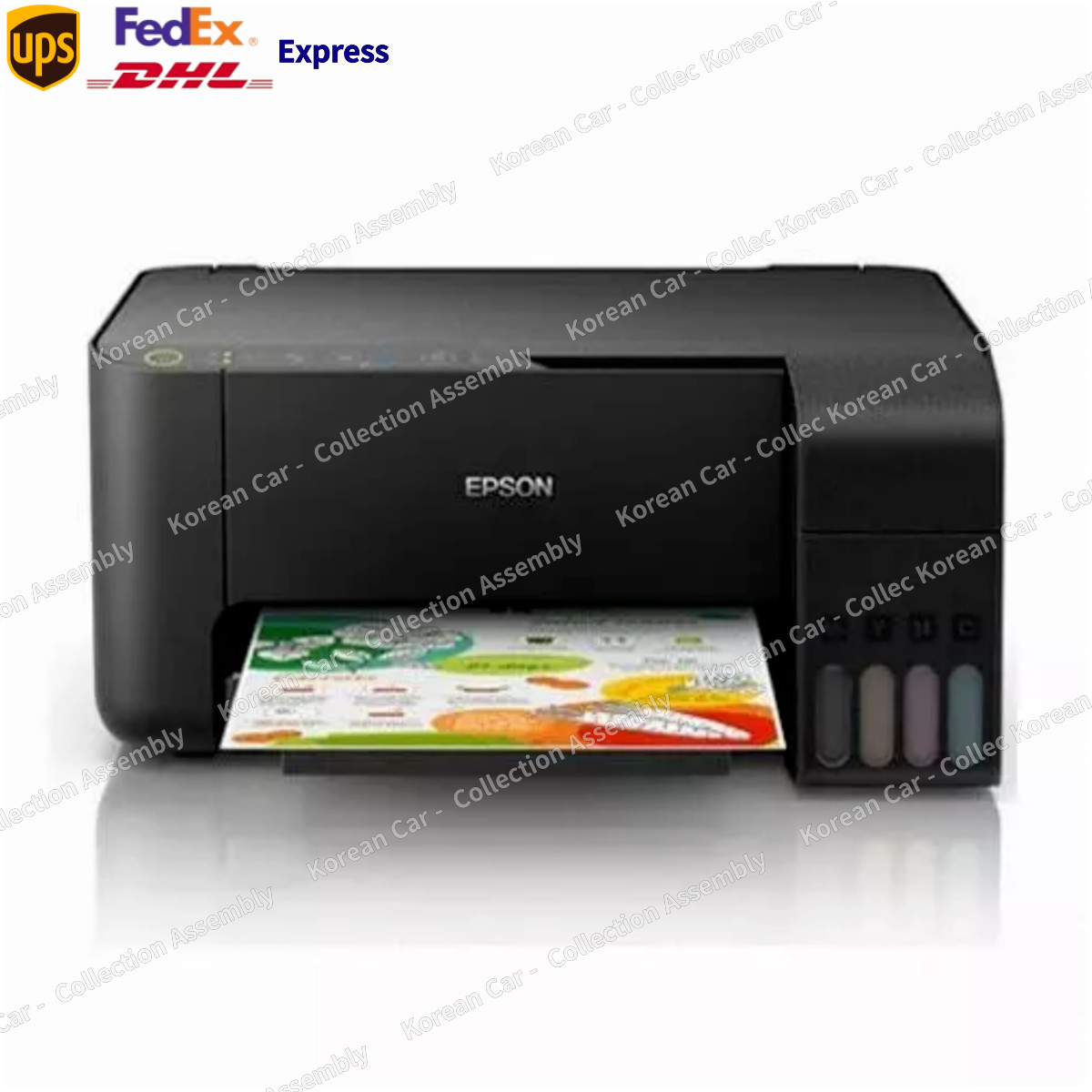
The Epson EcoTank L3250 is the most complete fit here for shoppers who want a new wireless all-in-one ink tank machine rather than a monochrome laser. It brings together print, copy, and scan functions, and its listed maximum resolution of 5760 x 1440 DPI is a useful marker if color output detail matters in your decision. The description also calls out USB 2.0 and Wi-Fi Direct support, giving it more connection language than a basic single-purpose printer. The tradeoff is price: at USD 186.19, it is the highest listed model in this comparison, so shoppers focused only on basic black-and-white paperwork may not need to spend this much.
Canon - imageCLASS MF273dw Wireless Black-and-White All-In-One Laser Printer
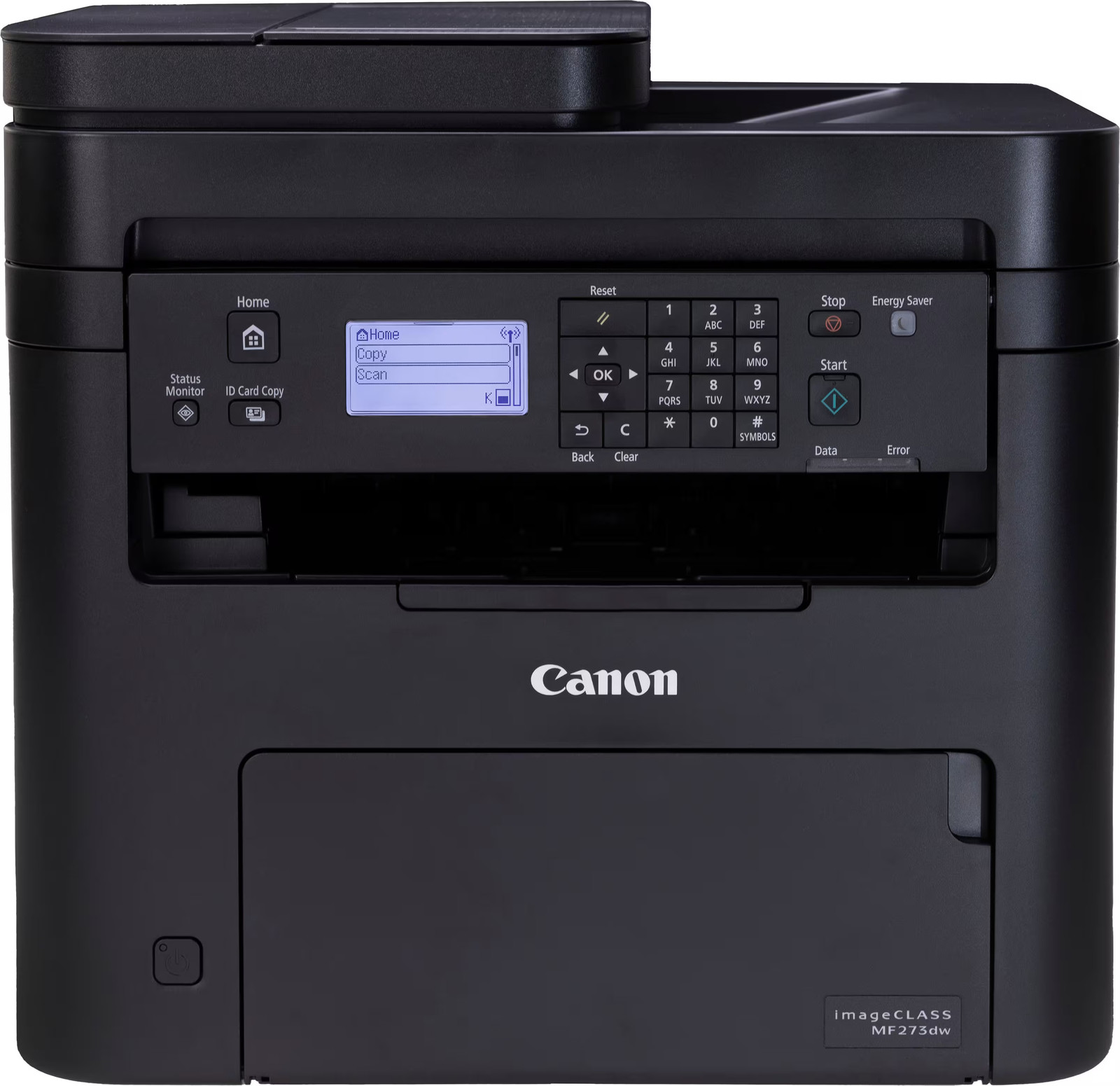
The Canon imageCLASS MF273dw makes sense for offices or home workspaces centered on black-and-white documents. Its title identifies it as a wireless black-and-white all-in-one laser printer, while the description adds print, copy, and scan functions, up to 30 pages per minute, a 150-sheet paper tray, a 35-sheet automatic document feeder, and automatic 2-sided printing. That combination is especially practical when repeated document jobs matter more than color. The main limitation is also clear from the title: it is a black-and-white printer, so it is not the pick for color graphics, photo-style output, or mixed color handouts.
Epson Color Inkjet All-In-One Printer Scanner Copier Multifunction
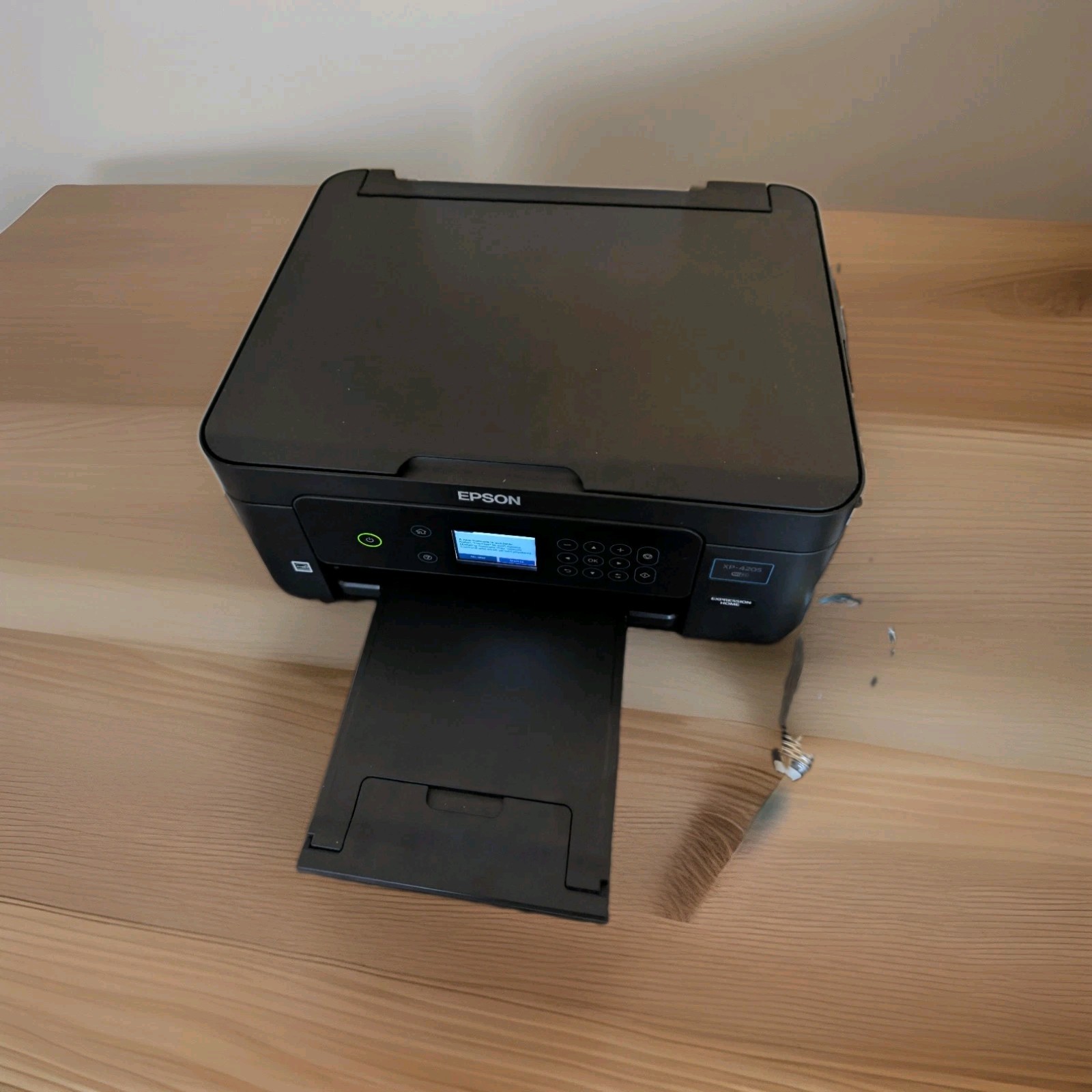
The Epson Color Inkjet All-In-One Printer Scanner Copier Multifunction is the lowest-cost route into this group and is the only option here listed as used. It is still appealing if you want one device that covers color printing, scanning, copying, and faxing, and the attributes list wireless connectivity, a Contact Image Sensor, 48-bit color depth, and 5760 x 1440 DPI maximum resolution. Those details make it the most feature-varied low-price choice. The limitation is condition: because it is used, shoppers who specifically want a new printer should look instead at the Epson EcoTank, Canon imageCLASS, or HP LaserJet models.
HP LaserJet M140w Wireless Black & White All-in-One Laser Printer, Scan, Copy, B
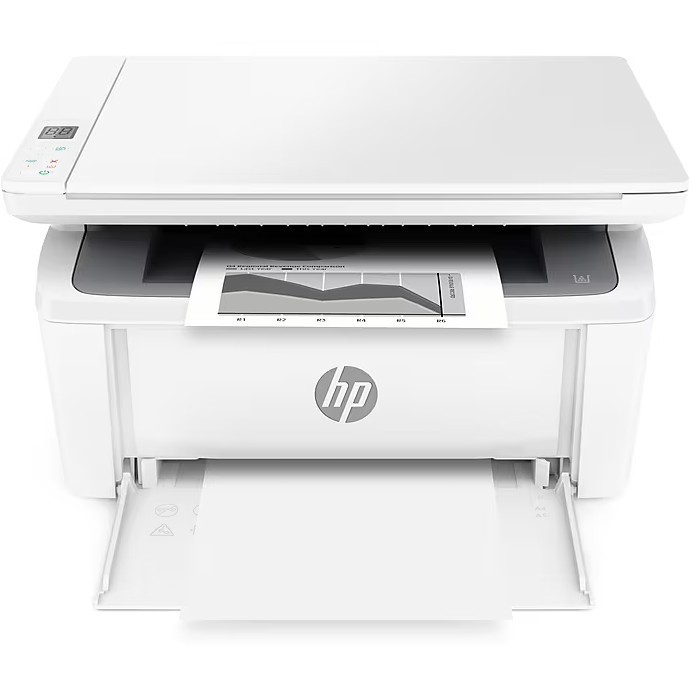
The HP LaserJet M140w is a straightforward choice for shoppers who want wireless black-and-white laser printing with scan and copy functions in the same device. The title and attributes center on monochrome output, and the description positions it for a home office or small business setting with black-and-white documents and reports. It also lists 64 MB memory and 600 x 600 DPI maximum resolution. The compromise is that it is not a color printer and does not list fax as a feature here, so the used Epson color inkjet is more flexible if fax and color output are part of the same shopping need.
How to choose between them
Start with output type. If color matters, the decision narrows quickly to the two Epson choices. The EcoTank L3250 is the new wireless ink tank route, while the Epson Color Inkjet All-In-One Printer Scanner Copier Multifunction is the lower-cost used route with copier, fax, and scanner features. If black-and-white documents are the main job, the Canon and HP laser models are the more focused choices.
Next, consider document handling. The Canon imageCLASS MF273dw has the clearest document workflow language in this set, including the automatic document feeder and automatic 2-sided printing mentioned in its description. That makes it stand out if copying or scanning multi-page paperwork is part of the routine. The HP LaserJet M140w keeps the feature set simpler, with wireless print, scan, and copy for monochrome work.
Finally, weigh condition against price. The used Epson color inkjet costs far less than the new Epson ink tank model, but the L3250 adds a new condition, ink tank design, and the highest listed price. The price gap is meaningful, so the right call depends on whether lower cost, new condition, color capability, or monochrome laser focus is most important.
Final recommendation
For the broadest color-capable all-in-one pick, choose the Epson EcoTank L3250 Wireless All-in-One Ink Tank Printer Print Scan Copy because it combines new condition, wireless connectivity, ink tank language, and print, copy, and scan functions. For black-and-white document productivity, the Canon imageCLASS MF273dw is the stronger laser choice thanks to its automatic document feeder and automatic 2-sided printing. If the main goal is the lowest listed cost, the Epson Color Inkjet All-In-One Printer Scanner Copier Multifunction is the clear price play at the bottom of the range. For a simpler monochrome laser all-in-one, the HP LaserJet M140w sits between the lowest and higher-priced picks with wireless scan and copy capability.
