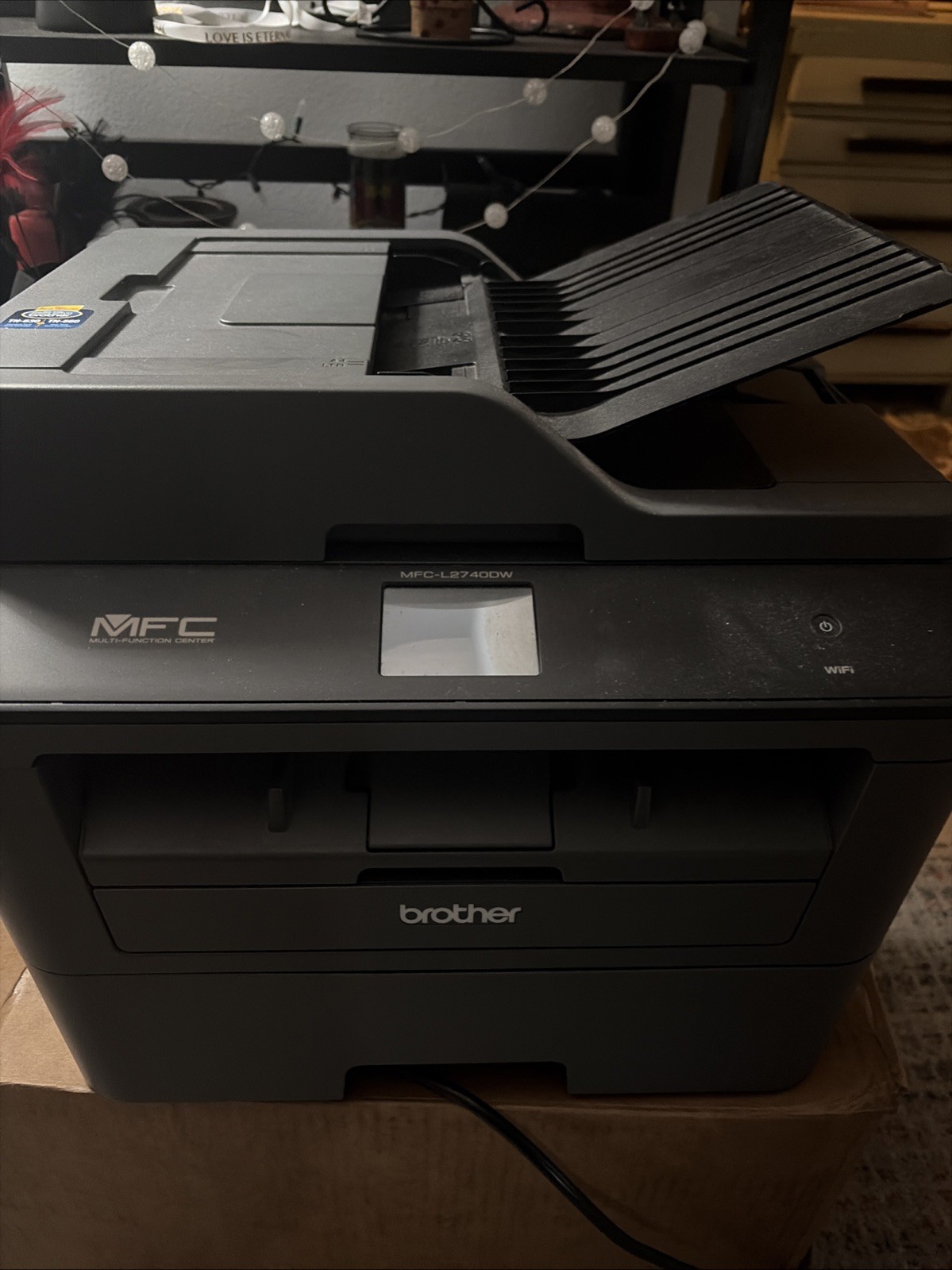
Quick Take
Choosing a monochrome laser printer and scanner starts with a simple question: do you need a print-only workhorse or an all-in-one that also scans, copies, and faxes? The four models here range from a compact Canon all-in-one to a high-volume Lexmark, with two Brother models in between. The Canon is the lowest-priced route into scanning and copying, the Lexmark is built for sustained output with a 150,000-page duty cycle, and the Brother models split the difference between single-function printing and used all-in-one convenience.
Listed-Price Comparison
| Product | Listed Price | Price Bar | What It Is |
|---|---|---|---|
| Brother HL-L2405W | USD 106.79 | Single-function wireless monochrome laser printer | |
| Brother MFC-L2740DW | USD 129.95 | Wireless all-in-one with scan, copy, and fax | |
| Canon imageCLASS MF273dw | USD 90.20 | Wireless all-in-one with copier and scanner | |
| Lexmark MX611dhe | USD 499.99 | High-volume mono laser all-in-one, refurbished |
Decision Matrix
- If you want a print-only desk laser with duplex and a 250-sheet tray, choose the Brother HL-L2405W.
- If you need a new all-in-one at the lowest upfront cost, choose the Canon imageCLASS MF273dw.
- If you need faxing and are willing to buy used, choose the Brother MFC-L2740DW.
- If your office runs high-volume mono jobs and needs expandable paper capacity, choose the Lexmark MX611dhe.
Product Notes
Brother HL-L2405W
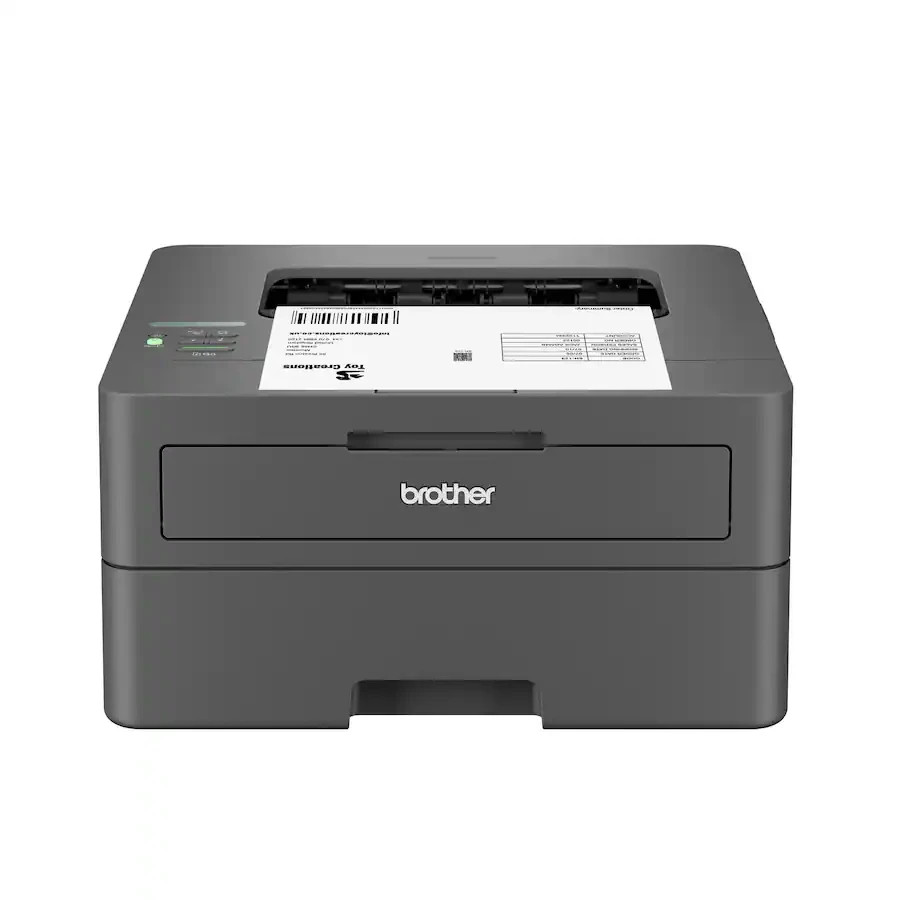
The HL-L2405W is the straightforward print-only option in this group. It delivers up to 30 ppm in black-and-white, has a 250-sheet paper tray, and includes built-in duplex for automatic two-sided printing. Wireless and USB connectivity cover both shared and single-device setups, so you can skip the network cable if you prefer. At USD 106.79, it costs more than the Canon all-in-one but less than the used Brother all-in-one. The limitation is that it is a single-function laser printer: if your workflow needs copying or faxing, you will need to look at the all-in-one models below.
Brother MFC-L2740DW
The MFC-L2740DW packs print, scan, copy, and fax into one wireless unit and runs at 32 ppm, a bit faster than the two 30-ppm models. A 30-bit color depth gives the scanner some headroom for document capture, and the connection options include wireless, Ethernet, and USB 2.0. Its USD 129.95 price sits above the Canon and the HL-L2405W, and it is the cheapest way to get faxing in this comparison. The main limitation is the condition: it is listed as Used, so the lower cost comes with the uncertainty of a pre-owned machine rather than a new one. If you need fax and can accept that condition, this Brother balances speed and function.
Canon imageCLASS MF273dw
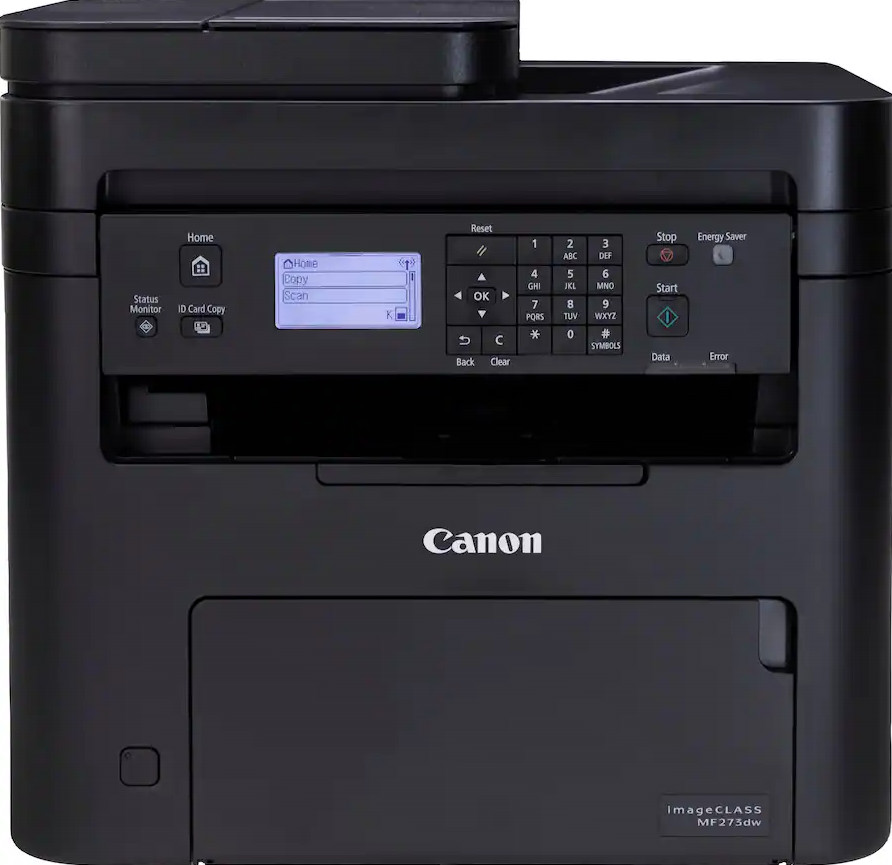
The Canon is the least expensive model in the lineup at USD 90.20, and it arrives as a new wireless all-in-one. It prints up to 30 ppm and includes copier and scanner functions, plus a 35-sheet automatic document feeder that makes multi-page scans easier. The 5-line adjustable screen and 1-year manufacturer warranty are useful conveniences at this price. The trade-off is paper capacity: the main tray holds 150 sheets, so you will refill it more often than on the HL-L2405W or the Lexmark. For a small or home office with light printing and scanning, this is the most direct way to get a new all-in-one without paying for speed or capacity you do not need.
Lexmark MX611dhe
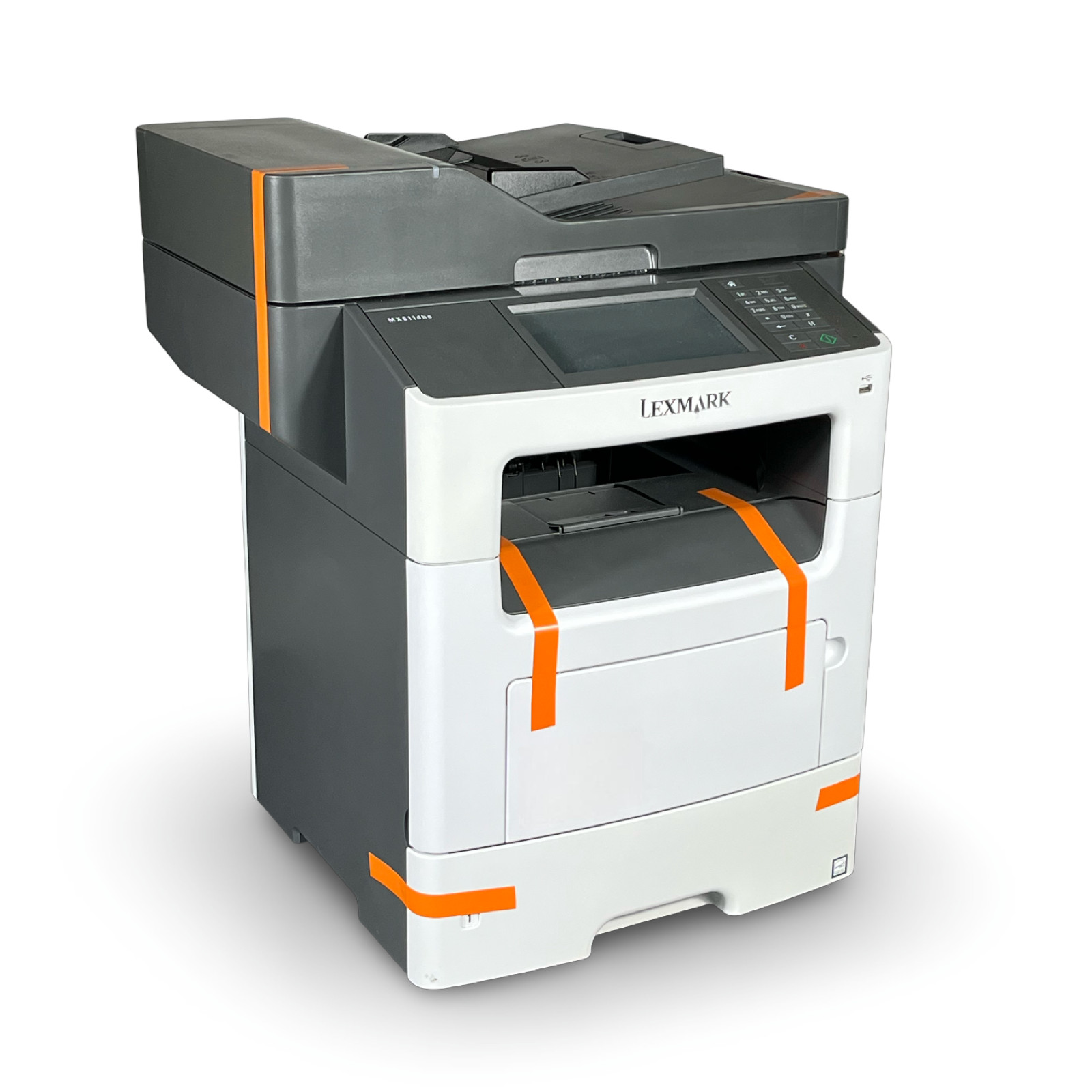
The Lexmark MX611dhe is the high-volume option, priced at USD 499.99 and listed as Excellent - Refurbished. It prints at 38 ppm and has a 150,000-page monthly duty cycle, plus a 650-sheet paper capacity that can be expanded to 2,300 sheets. The 50-sheet automatic document feeder and 7-inch color touchscreen make it easy to run copy, scan, fax, and e-mail jobs from the front panel. Gigabit Ethernet, USB 2.0, and USB Host connections keep it tied into an office network. The limitations are the upfront cost and the refurbished condition with only a 3-month warranty, so this is a machine for offices that will actually use its speed and capacity.
Final Recommendation by Use Case
Start with the workload: print-only, occasional copying, or high monthly volume. If you are still torn, the condition and warranty differences matter as much as the price tag.
- Choose the Canon imageCLASS MF273dw when you want a new, low-cost all-in-one for light printing, scanning, and copying.
- Choose the Brother HL-L2405W when you already have separate scanning or copying tools and just need a lower-priced print-only laser with duplex.
- Choose the Brother MFC-L2740DW when you need an all-in-one with fax and want to stay near the lower end of the price range, even if that means accepting a used unit.
- Choose the Lexmark MX611dhe when your office demands a high monthly print volume, expandable paper input, and a large touchscreen, and the refurbished condition is acceptable.