A printer-scanner choice gets harder when you need more than occasional documents. A home office may call for copying and scanning alongside printing, while fax capability and connection options can matter for specific workflows. The HP OfficeJet Pro 8139e Wireless All-in-One Printer is aimed at shoppers who want those functions gathered into one unit rather than separate devices.
Quick verdict
At USD 279.99, the HP OfficeJet Pro 8139e is a focused all-in-one choice for document-oriented workspaces that need to print, copy, scan, and fax. Its listed Ethernet and Hi-Speed USB 2.0 connections give it a more wired-friendly setup than a printer limited to a single physical connection. The title also includes one full year of Instant Ink, a detail that may appeal to shoppers who specifically want that inclusion.
The central trade-off is physical space and setup expectations. With listed dimensions of 18.120 inches long, 13.290 inches wide, and 9.170 inches high, the OfficeJet Pro 8139e deserves a deliberate place on a desk, table, or printer stand. Internet access is also listed as required.
Who the HP OfficeJet Pro 8139e suits
Choose the OfficeJet Pro 8139e when your routine includes a mix of paper tasks instead of printing alone. Copying a form, scanning a document, and sending a fax can all be handled by the same machine, which makes its feature set relevant for administrative work at home or in a small office setting.
It also fits shoppers working with a compatible macOS or Windows computer environment. The listed minimum requirements name macOS 11 Big Sur, macOS 12 Monterey, macOS 13 Ventura, macOS 14 Sonoma, macOS 15 Sequoia, and Microsoft Windows 11.
What stands out in the listed details
The useful distinction here is breadth of function. Print, copy, scan, and fax are each named, so the OfficeJet Pro 8139e can cover several recurring office jobs without adding a separate scanner or fax machine. That is a practical match for people who handle documents in different formats over the course of a week.
The connection selection is another point to weigh. Ethernet can be useful for a wired network placement, while the listed device and host Hi-Speed USB 2.0 connections provide additional physical connectivity options. The wireless designation in the title adds another consideration for shoppers planning a less cable-dependent printer location.
Meaningful trade-offs
An all-in-one design is not automatically the right answer for every desk. If your needs are limited to a few simple print jobs, paying for printing, copying, scanning, and faxing together may be more capability than your routine calls for. The 18.120-by-13.290-inch footprint also makes the machine less suited to a very narrow work surface.
The listed operating-system requirements and internet requirement matter most for shoppers who prefer a straightforward, offline-only arrangement. Build those requirements into your decision rather than treating the OfficeJet Pro 8139e as a basic standalone printer.
HP OfficeJet Pro 8139e Wireless All-in-One Printer with 1 Full Year Instant Ink
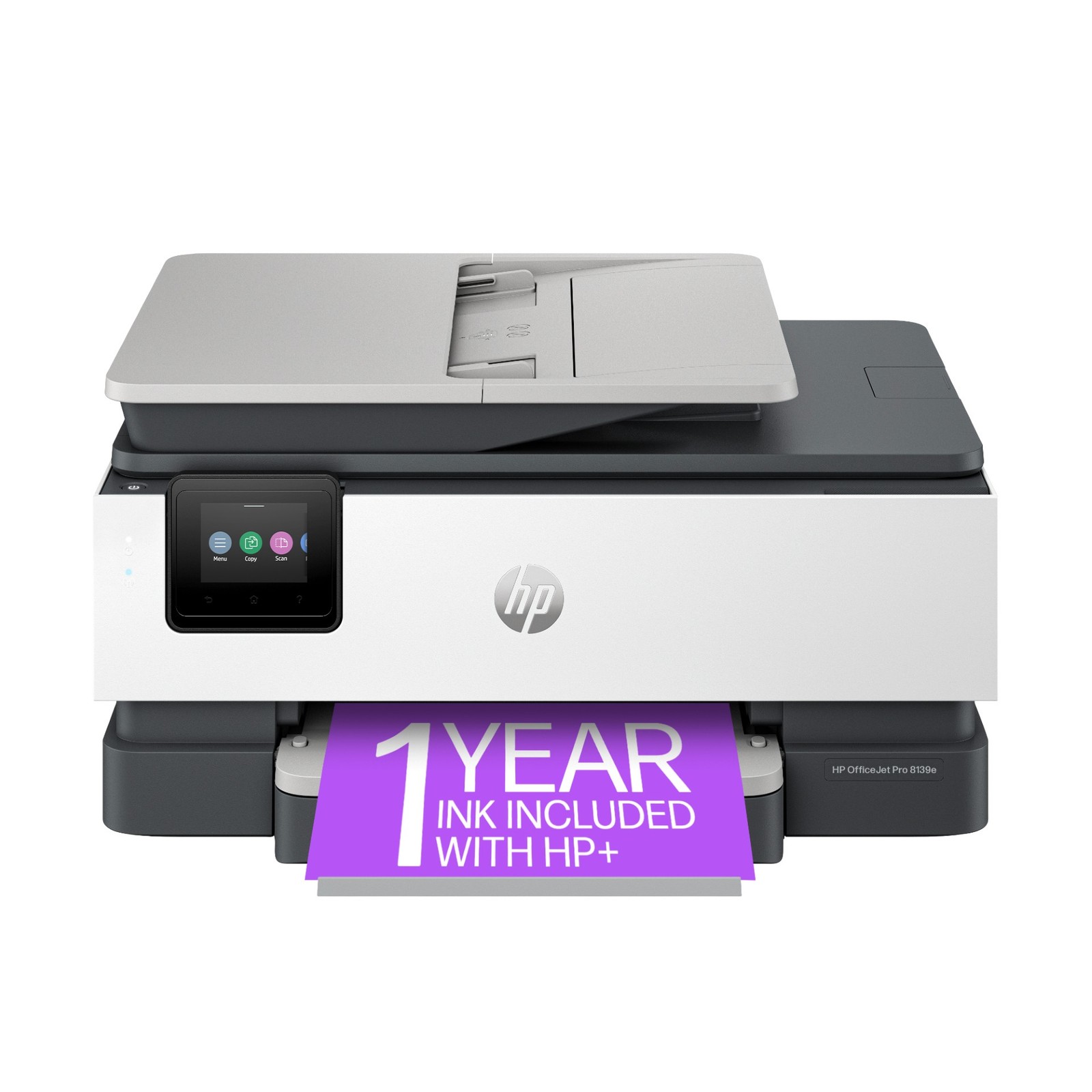
The strongest reason to choose the OfficeJet Pro 8139e is its four-function setup: printing, copying, scanning, and faxing are all named in one model, with Ethernet and USB connectivity listed alongside its wireless title. At USD 279.99, it is best approached as a dedicated document-workstation purchase rather than a minimal printer. Its main limitation is the space and internet requirement: the listed 18.120-inch length and required internet access may not align with every compact or offline-first workspace.
Bottom line
The HP OfficeJet Pro 8139e makes the most sense when scanning, copying, and faxing are genuine parts of your workflow, not occasional extras. If you have room for its listed dimensions and want an all-in-one with wired connection options as well as wireless positioning, its feature mix is clear and purposeful.
