Choosing between these HP all-in-one printers comes down to a practical home-office question: is new condition and paper capacity more important, or do you prioritize a slightly higher listed black print speed? Both models print, copy, scan, and fax, with Ethernet and Hi-Speed USB 2.0 connections. The listed prices are only $5 apart, so their specific trade-offs matter more than a wide price gap.
Quick verdict
The HP OfficeJet Pro 8135e All-in-One Printer w/3 Months Instant Ink free w/ HP is the clearer choice for a home office that wants a new machine with a stated 225-sheet paper capacity. Its listed 20 ppm black and 10 ppm color speeds suit routine documents, reports, and color work.
Choose the HP OfficeJet Pro 9125e All-in-One Printer if 22 ppm black printing is the priority and a used-condition printer fits your needs. It also lists 512MB of memory and covers the same core print, copy, scan, and fax tasks.
| Decision point | HP OfficeJet Pro 8135e | HP OfficeJet Pro 9125e |
|---|---|---|
| Listed price | USD 119.99 | USD 124.99 |
| Condition | New | Used |
| Listed black print speed | Up to 20 ppm | 22 ppm |
| Core functions | Print, copy, scan, fax | Print, copy, scan, fax |
| Notable listed detail | 225-sheet paper capacity | 512MB memory |
Where each printer wins
- HP OfficeJet Pro 8135e: Choose it for new condition, the lower listed price, and its stated 225-sheet paper capacity. Its description also positions it for home-office printing.
- HP OfficeJet Pro 9125e: Choose it for its listed 22 ppm black print speed, compared with up to 20 ppm on the 8135e, plus 512MB of memory.
- Shared ground: Either model handles printing, copying, scanning, and faxing. Both also list Ethernet and Hi-Speed USB 2.0 connectivity, so those connections do not separate the two choices.
Product notes
HP OfficeJet Pro 8135e
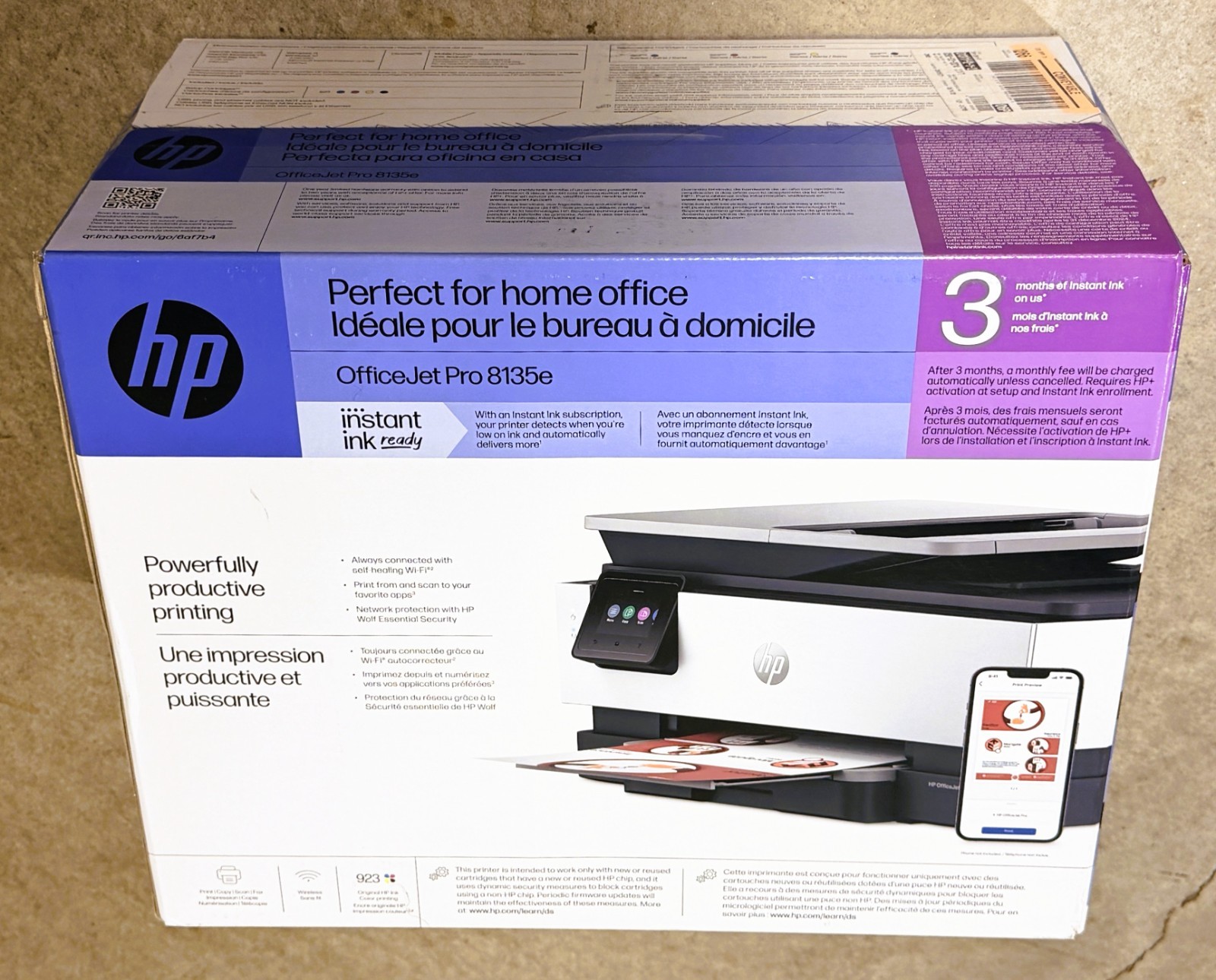
At USD 119.99, the HP OfficeJet Pro 8135e is the focused pick for someone who wants a new all-in-one printer for home-office tasks. The stated 225-sheet paper capacity is especially useful for keeping a stack of paper ready for frequent reports, business documents, copies, and scans. It lists print, copy, scan, and fax functions, along with up to 20 ppm black printing and 10 ppm color printing. The title also includes three months of Instant Ink. Its concrete limitation is black print speed: the 20 ppm figure is lower than the 22 ppm listed for the OfficeJet Pro 9125e. Pick the 8135e when condition and paper capacity take precedence over that small speed difference.
HP OfficeJet Pro 9125e
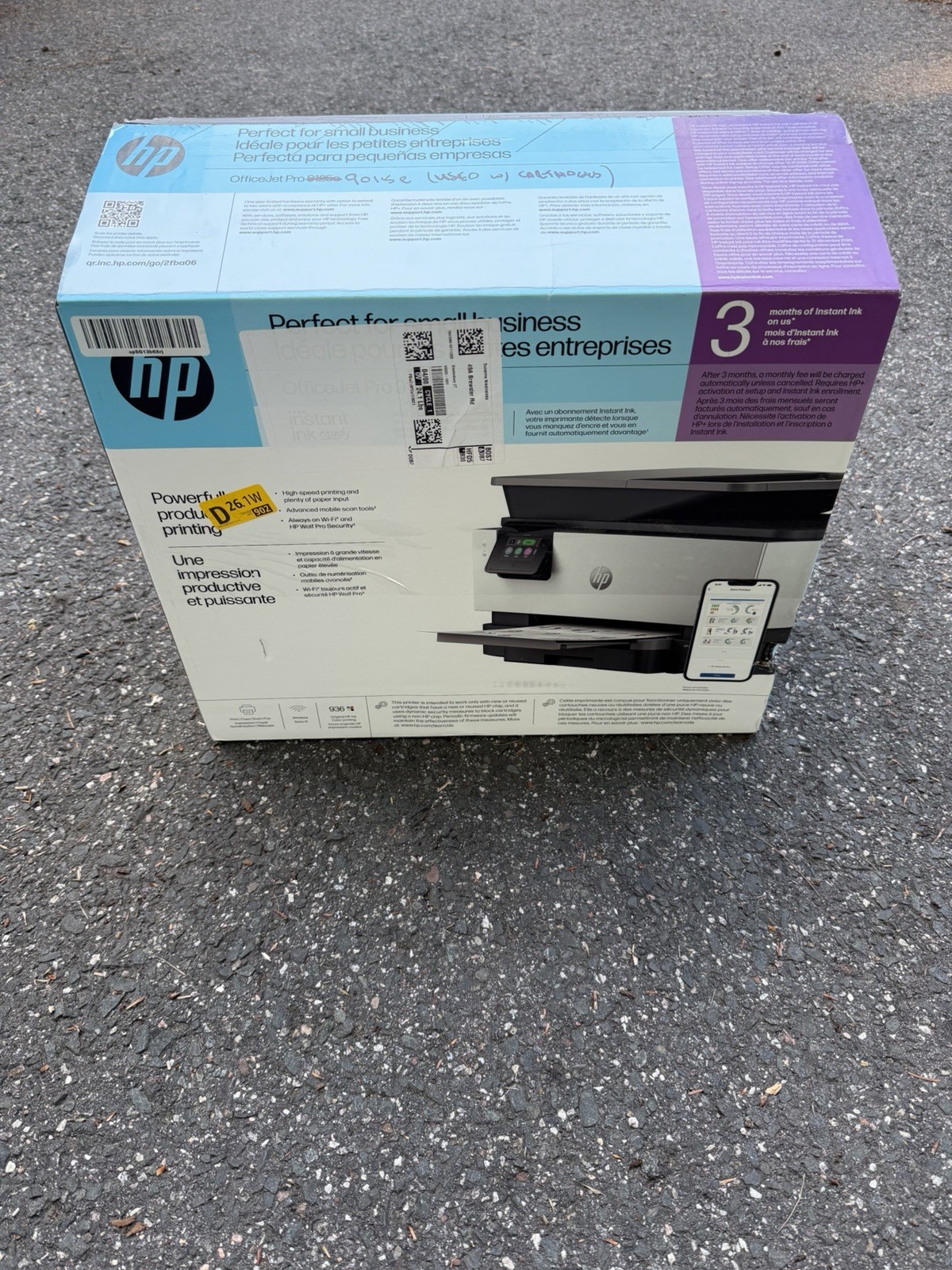
The HP OfficeJet Pro 9125e is listed at USD 124.99 and suits print-heavy black-document tasks where its 22 ppm black print speed is the deciding detail. It retains the same broad all-in-one role, with color printing, copying, scanning, and faxing, while the listed 512MB memory adds another stated specification for office-oriented work. Three months of Instant Ink are also included in its description. The trade-off is direct: this model is marked Used, while the 8135e is marked New. It also costs $5 more than the 8135e. Select the 9125e when its 22 ppm black-print figure and 512MB memory matter more to your routine than choosing a new-condition unit.
Final choice by use case
For a home office that values a new printer and wants the stated 225-sheet capacity, go with the HP OfficeJet Pro 8135e. For routine office work centered on black documents, choose the HP OfficeJet Pro 9125e when 22 ppm black printing and 512MB memory outweigh the used-condition designation. Both cover the essential all-in-one functions, making condition, capacity, and black-print speed the meaningful deciding factors.
