Choosing an all-in-one printer gets more complicated when one model centers on mobile print, scan, and copy while the other adds fax and a different connection set. The HP OfficeJet 250 and HP OfficeJet Pro 8139e both handle routine document tasks, but their condition, connectivity, and listed functions point to different work routines.
Quick verdict
Choose the HP OfficeJet 250 Mobile All-in-One Printer when a lower listed price and the model's mobile-oriented print, scan, and copy focus match your needs. Choose the HP OfficeJet Pro 8139e when new condition, fax, and its listed Ethernet and USB connections take priority. The listed-price spread is $59.99, making the function set and condition the main decision points.
At-a-glance comparison
| Detail | HP OfficeJet 250 Mobile All-in-One Printer | HP OfficeJet Pro 8139e Wireless All-in-One Printer |
|---|---|---|
| Listed price | $220.00 | $279.99 |
| Condition | Used | New |
| Listed input tasks | Print, copy, scan | Print, copy, scan, fax |
| Connections named | Wireless | Wireless in the title; Ethernet and Hi-Speed USB 2.0 device and host entries |
| Physical details listed | 3.600-inch item height | 9.170-inch height; 18.120-inch length; 13.290-inch width |
Where each printer wins
- HP OfficeJet 250 Mobile All-in-One Printer: Its Mobile title directly suits shoppers looking for a print, copy, and scan model with a mobile emphasis. The description also says it will be sold with ink and a case.
- HP OfficeJet Pro 8139e Wireless All-in-One Printer: Fax is included among its listed tasks, and it is marked New. Its connection list also includes Ethernet plus Hi-Speed USB 2.0 device and host entries.
Product notes
HP OfficeJet 250 Mobile All-in-One Printer
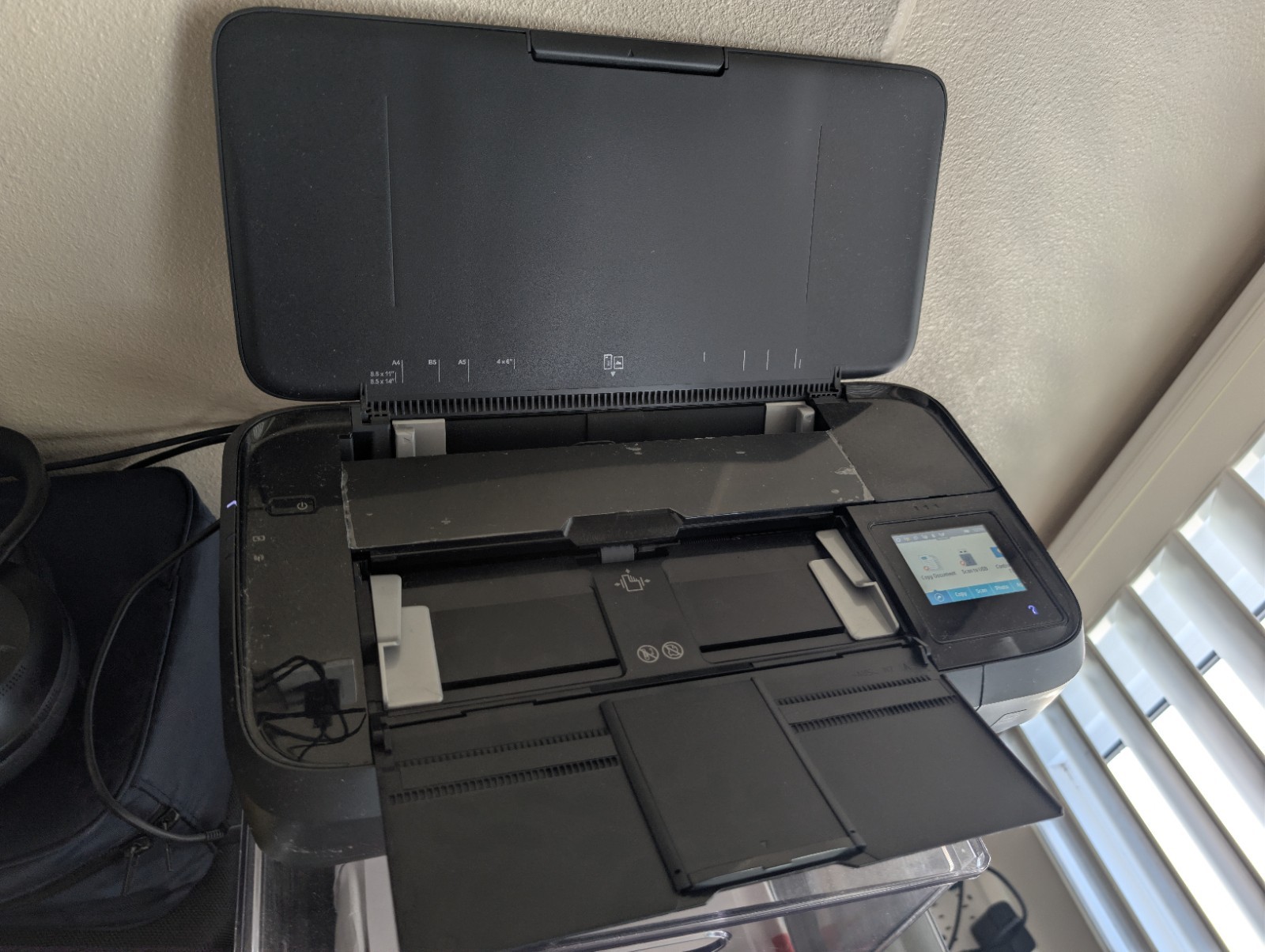
The reason to choose the HP OfficeJet 250 is its specific black-output specification of 10 ppm. That gives a shopper a stated pace for black pages rather than leaving speed entirely to the model name. It also lists 32 Bit color depth, while the description says ink and a case are included with the sale. Its concrete tradeoff is condition: this model is listed as Used. It fits a shopper comfortable with that condition who wants the print, copy, and scan task scope named in the title, rather than a model whose listed tasks extend to fax.
HP OfficeJet Pro 8139e Wireless All-in-One Printer
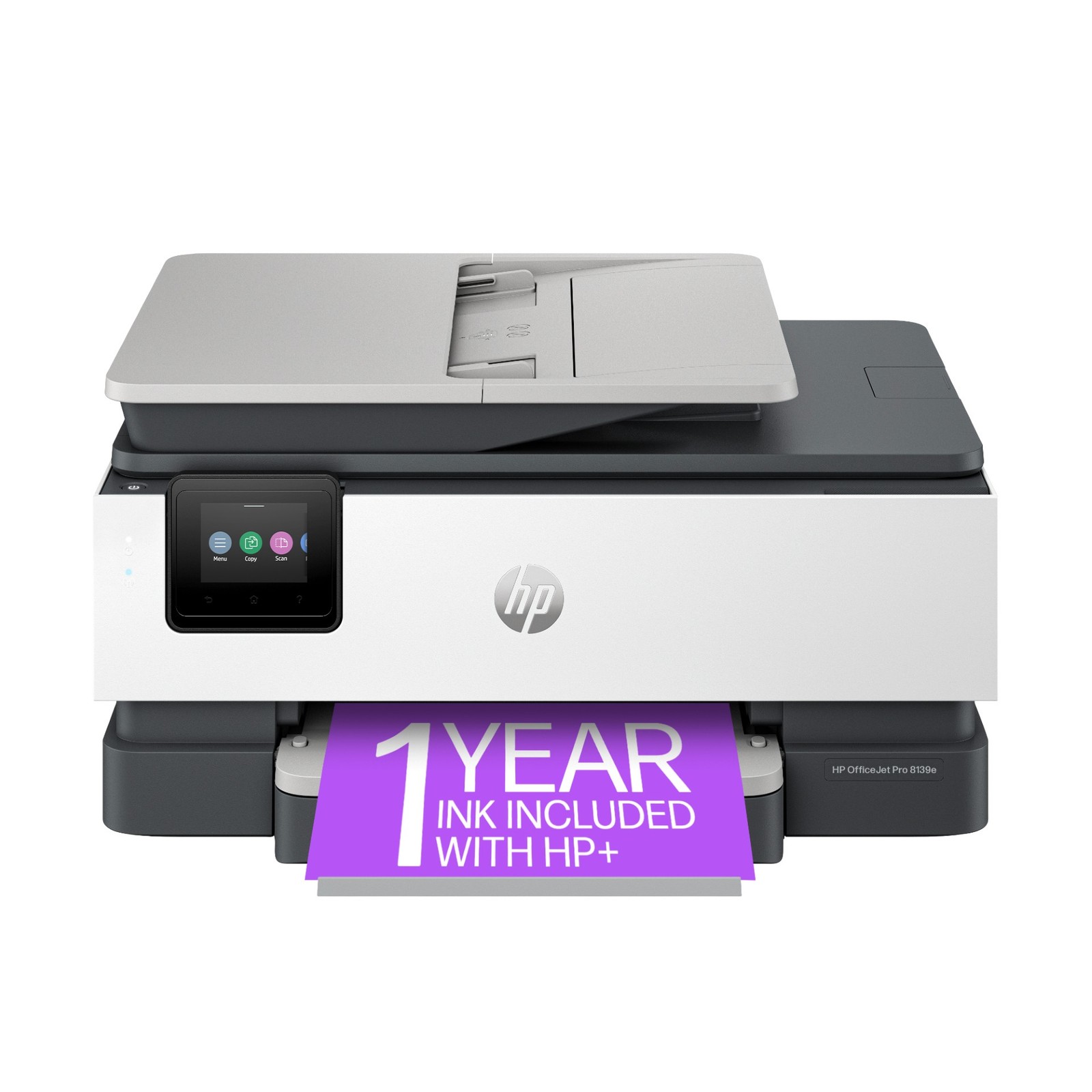
The HP OfficeJet Pro 8139e is a strong match for a shopper using one of the operating systems named in its requirements: macOS 11 Big Sur through macOS 15 Sequoia, or Windows 11. Its title also includes the phrase "with 1 Full Year Instant Ink." For physical planning, the listed 9.170-inch height, 18.120-inch length, and 13.290-inch width provide a concrete size reference. Its limitation is the higher listed price, so the added fax task and wired connection entries should be relevant to how you expect to use the printer.
Final choice by use case
For routine print, copy, and scan work where the lower listed price and Mobile framing lead the decision, choose the HP OfficeJet 250. For work that includes fax, or for shoppers who prefer an item listed as New, the HP OfficeJet Pro 8139e is the clearer match. If the core tasks matter equally, the Ethernet and USB entries on the Pro 8139e can be the deciding detail.
