Choosing between these HP all-in-one printers comes down to where and how you plan to print. The HP OfficeJet 250 Mobile is aimed at print, scan, and copy needs with a mobile focus, while the HP OfficeJet Pro 9125e adds fax capability and is described for small-office and home use. The larger decision is whether the OfficeJet 250's used condition, included case, and Wireless connectivity fit your routine better than the 9125e's new condition and office-oriented feature set.
Quick verdict
Pick the HP OfficeJet Pro 9125e if your priority is a new all-in-one for print, copy, scan, and fax, especially for a home or small-office workspace. At USD 99.99, it is listed $120.01 below the HP OfficeJet 250.
Choose the HP OfficeJet 250 Mobile if a Mobile All-in-One format, Wireless connectivity, and the included ink and case are more important to you. Its listed price is USD 220.00, and it is offered in used condition.
At-a-glance comparison
| Detail | HP OfficeJet 250 Mobile (CZ992A) | HP OfficeJet Pro 9125e |
|---|---|---|
| Listed price | USD 220.00 | USD 99.99 |
| Condition | Used | New |
| Black print speed | 10 ppm | 22 ppm |
| Stated connectivity | Wireless | Ethernet and Hi-Speed USB 2.0 |
| Listed functions | Print, copy, scan | Print, copy, scan, fax |
Where each printer wins
HP OfficeJet 250 Mobile: This is the more direct fit for someone drawn to a mobile-focused printer. The listing includes both ink and a case with the printer, giving the Mobile All-in-One framing added relevance. Wireless connectivity is another clear consideration for a setup that does not center on a wired connection.
HP OfficeJet Pro 9125e: This model makes more sense for a desk-based home or small-office role. Its new condition and business ink printer description suit that use, while the added fax function can matter for document workflows that require more than printing, copying, and scanning.
Product notes
HP OfficeJet 250 Mobile (CZ992A)
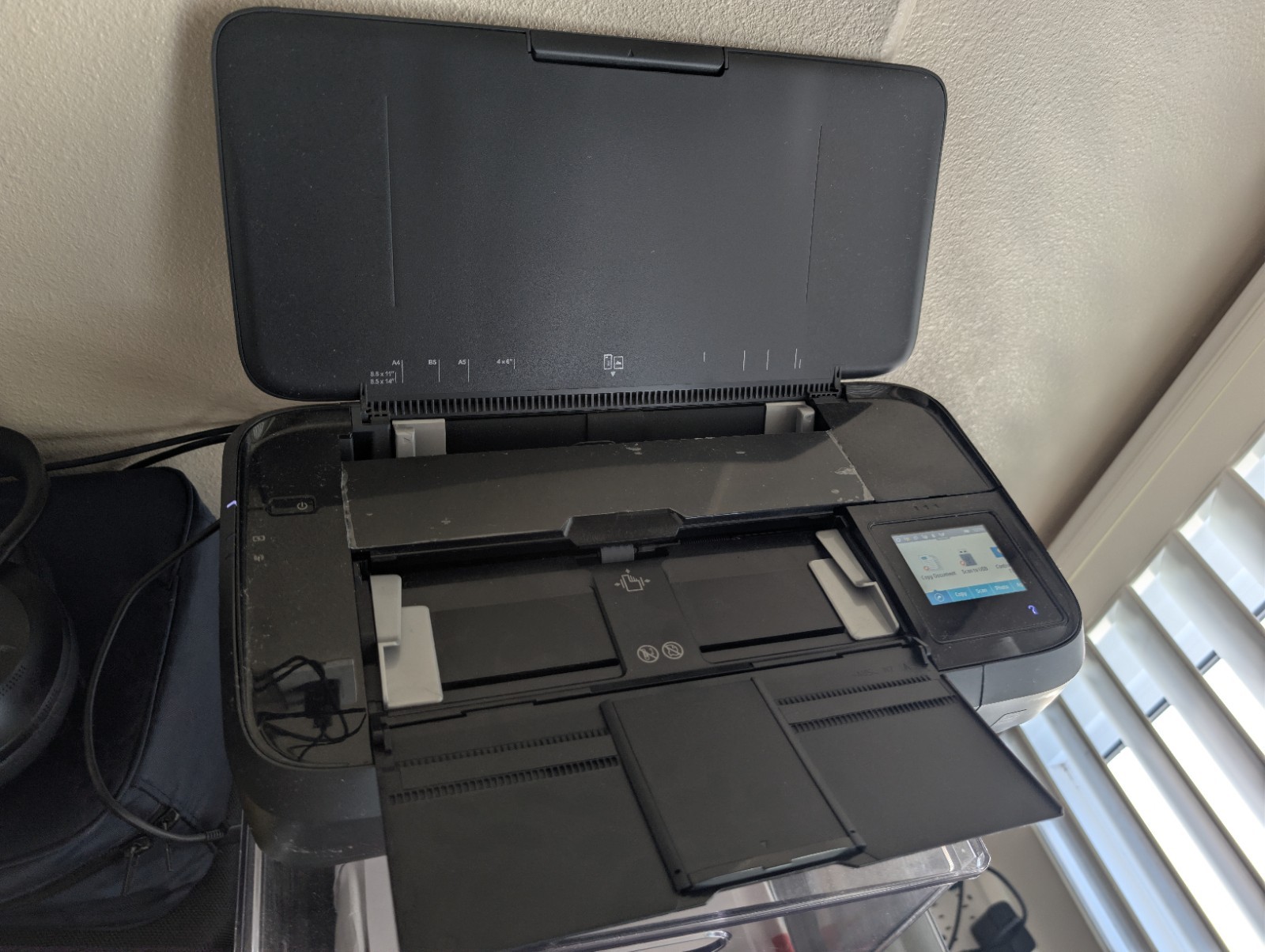
The HP OfficeJet 250 Mobile is the one to choose when its mobile-printing focus matches your day-to-day needs. It handles print, copy, and scan tasks, and its Wireless connectivity is a practical match for users who want that connection type stated outright. The included case and ink also give this particular offering a clear reason to consider it for a mobile-oriented setup. Its key tradeoff is the used condition, alongside a listed black print speed of 10 ppm. That makes it a more specialized choice: compelling when the Mobile All-in-One identity and included case are central to your decision, but less compelling when quicker black-document output is the priority.
HP OfficeJet Pro 9125e
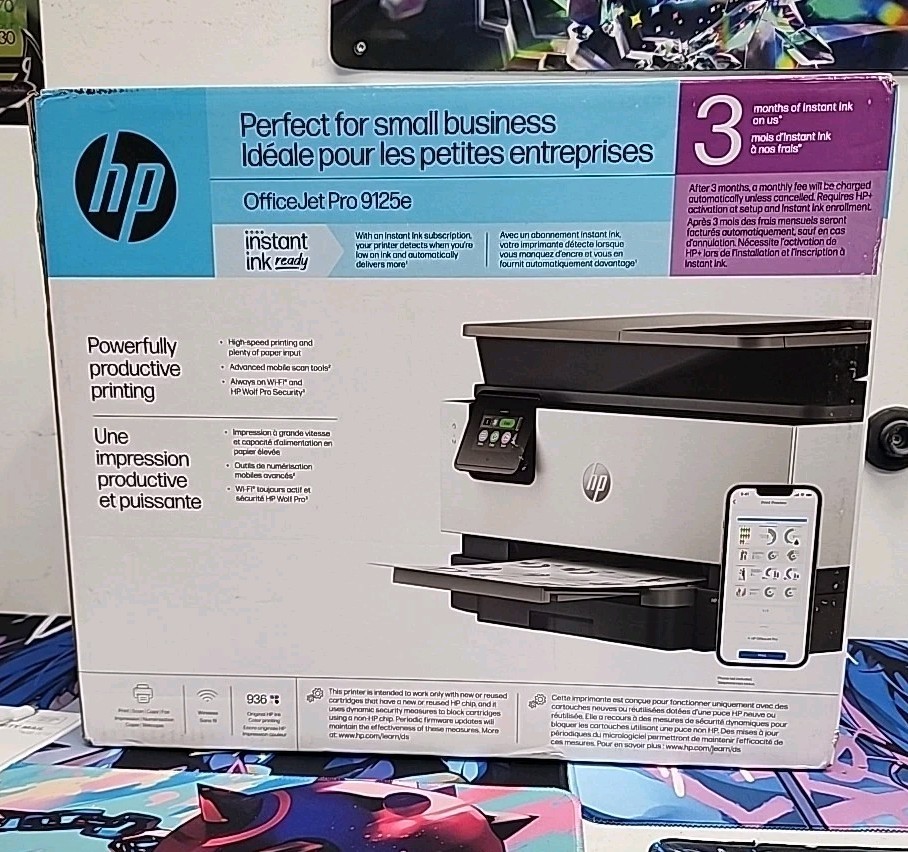
The HP OfficeJet Pro 9125e is the clearer pick for shoppers who want a new printer for home or small-office paperwork. It combines print, copy, scan, and fax functions, and its listed black print speed of 22 ppm is higher than the OfficeJet 250's 10 ppm. Its compact dimensions are described as 17.3 by 10.9 by 13.5 inches, which supports its home and small-office positioning. The limitation is its stated Ethernet and Hi-Speed USB 2.0 connectivity: for a setup that specifically calls for Wireless connectivity, the OfficeJet 250 is the more direct match. Select the 9125e when fax capability, new condition, and faster listed black printing outweigh the Mobile model's case and Wireless connection.
Final choice by use case
Choose the HP OfficeJet 250 Mobile for a mobile-focused print, scan, and copy setup where the included case and Wireless connectivity are deciding factors. Choose the HP OfficeJet Pro 9125e for a new home or small-office all-in-one with fax capability and the higher listed black print speed. For most stationary document tasks, the 9125e has the broader function set at the lower listed price; the OfficeJet 250 is the better-targeted choice when its Mobile All-in-One design is the reason you are shopping.
