Quick take
Choosing an ergonomic office mouse is less about finding a single universal shape and more about matching the mouse to how and where it will be used. The three M103 models center on 2.4G and Bluetooth 5.1 dual-mode connections, while the Kocan T-50 takes a wired, vertical approach with a larger control count. The listed range runs from USD 18.01 to USD 41.98, a USD 23.97 spread. Start with the M103 group for wireless flexibility; move to the Kocan when a wired PC mouse and expanded controls are the priority.
Listed-price comparison
| Mouse | Listed price | Price position |
|---|---|---|
| M103 Wireless Dual-mode Mouse - SXMN | USD 18.82 | |
| M103 Wireless Dual-mode Mouse - ERPM | USD 18.01 | |
| M103 Dual-mode Ergonomic Office Mouse - Q6W0 | USD 18.35 | |
| Kocan T-50 Vertical Gaming Mouse | USD 41.98 |
Decision matrix
- Start at the lowest listed price: The M103 Wireless Dual-mode Mouse - ERPM is the entry point for a lower-cost M103 choice.
- Want connection flexibility and quiet operation: The SXMN, ERPM, and Q6W0 M103 models list 2.4G plus Bluetooth 5.1 connections and silent-button design.
- Prefer a rechargeable M103 with an explicitly described hand-fitting curve: Choose the M103 Dual-mode Ergonomic Office Mouse - Q6W0, which lists a 500mAh rechargeable battery and five buttons including the wheel.
- Need a wired vertical mouse for a PC setup: The Kocan T-50 is the distinct choice, with PC compatibility, a vertical format, and nine keys.
Product notes
M103 Wireless Dual-mode Mouse - SXMN
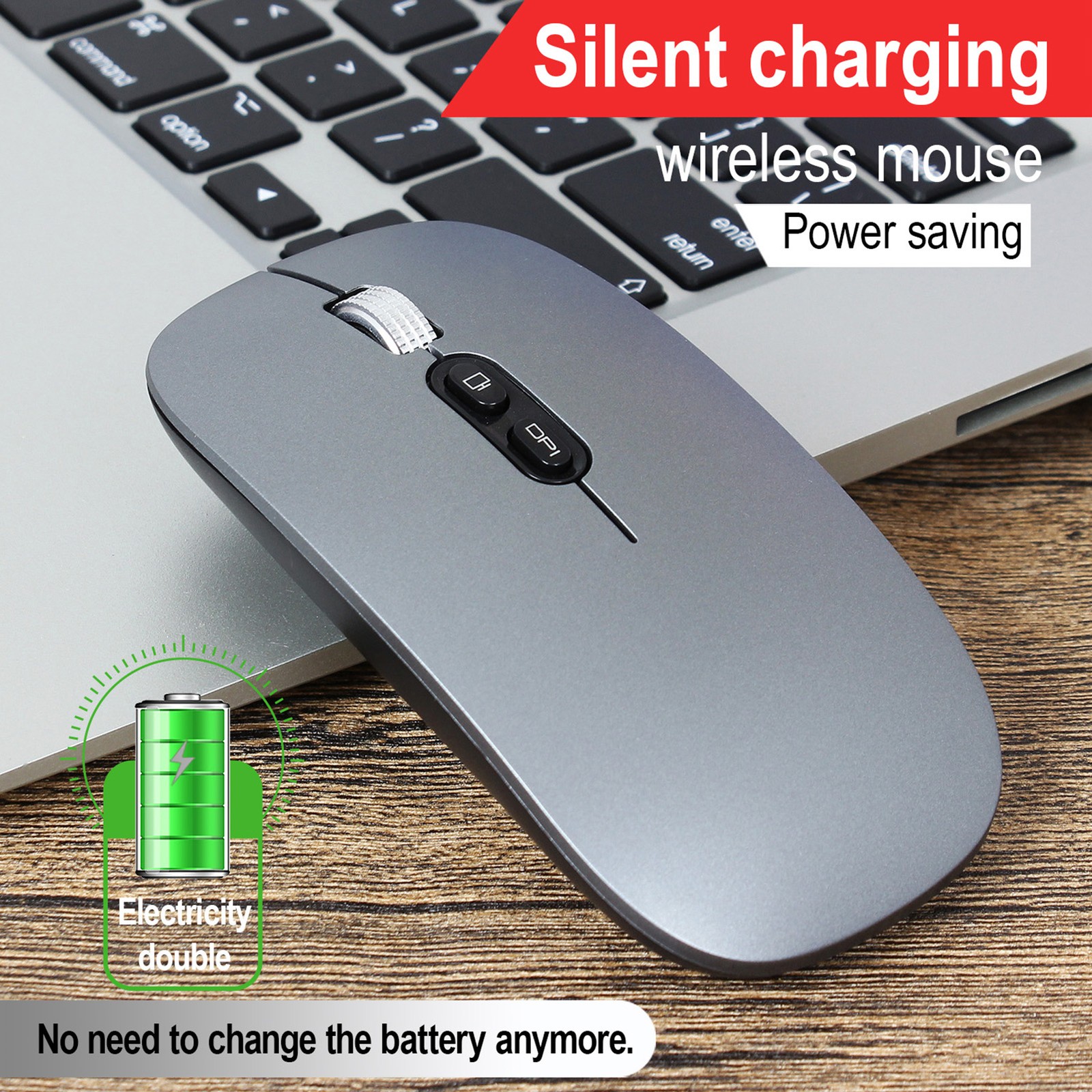
The SXMN version suits someone who wants an M103 mouse centered on quiet everyday work. Its 2.4G plus Bluetooth 5.1 dual-mode connection is paired with a stated transmission distance of up to 15m, while the silent-button design and slim, lightweight format make its purpose clear: mobile office and general computer use. Three adjustable DPI levels cover basic switching between cursor speeds. The trade-off is its position above the ERPM in listed price despite the two versions sharing the same central dual-mode, silent-button, and three-level DPI description. Pick SXMN when its particular M103 variant is the preferred match.
M103 Wireless Dual-mode Mouse - ERPM

ERPM is the natural first M103 to consider when the listed cost is the main deciding factor. It carries the same 2.4G and Bluetooth 5.1 connection format as SXMN, along with silent buttons, a slim lightweight design, and three adjustable DPI levels for office and entertainment use. That combination makes ERPM a straightforward wireless pick without moving into the Kocan T-50's wired vertical category. Its constraint is the three-level DPI setup: shoppers seeking the six adjustable DPI settings named in the Kocan T-50 should look toward that wired model instead. ERPM works best for a simple, quiet M103-style desk mouse.
M103 Dual-mode Ergonomic Office Mouse - Q6W0
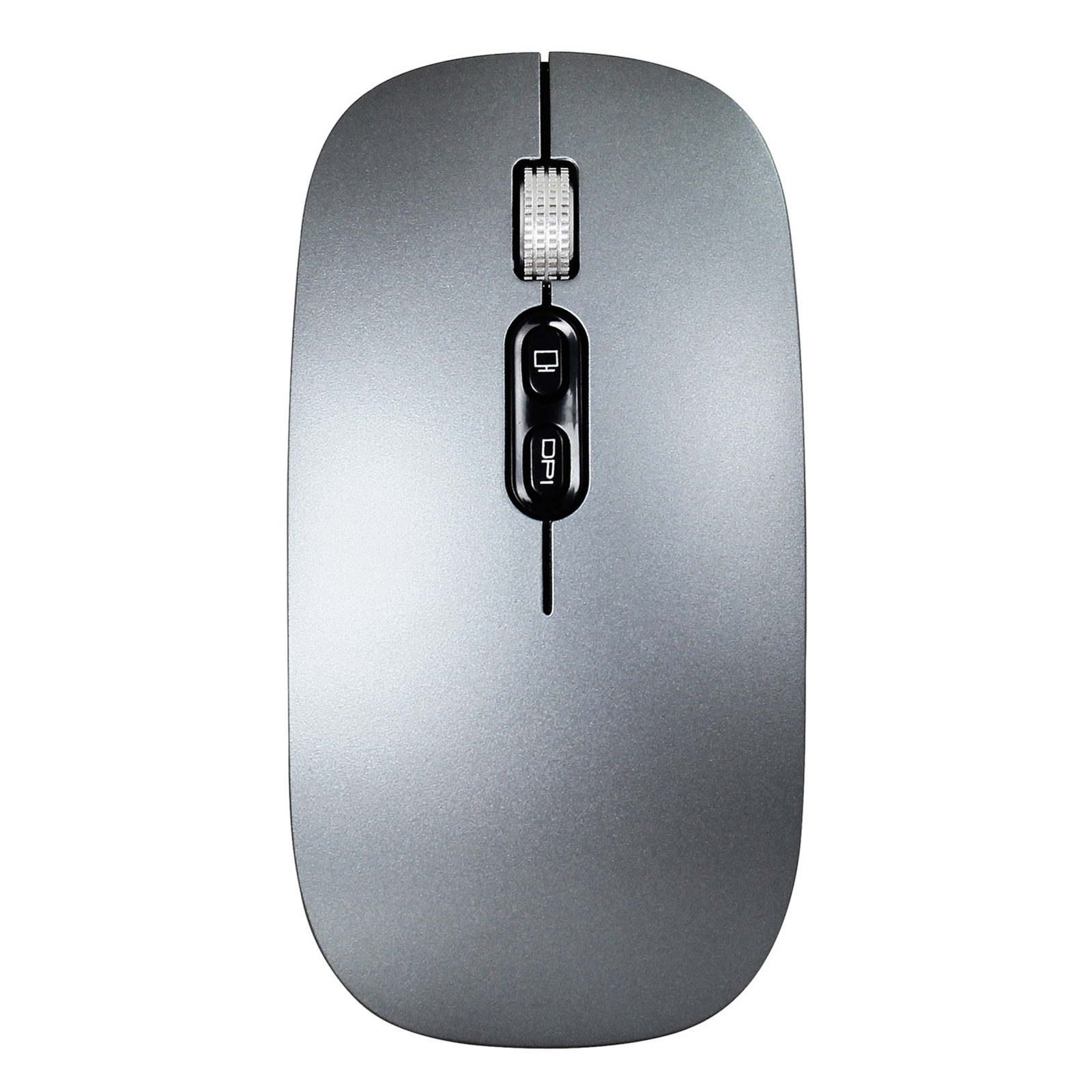
The Q6W0 gives the M103 concept its most explicit ergonomic and rechargeable framing. Its curved design is described as fitting the hand, and the built-in 500mAh rechargeable battery distinguishes it from the other two M103 descriptions. It also lists 2.4G plus Bluetooth 5.1 connectivity, silent buttons, five buttons including the scroll wheel, and three DPI settings: 800, 1200, and 1600. The limitation is its stated five-button count, which is less extensive than the nine keys on the Kocan T-50. Choose Q6W0 when rechargeable operation and its hand-contoured ergonomic description matter more than having a larger set of controls.
Kocan T-50 Vertical Gaming Mouse
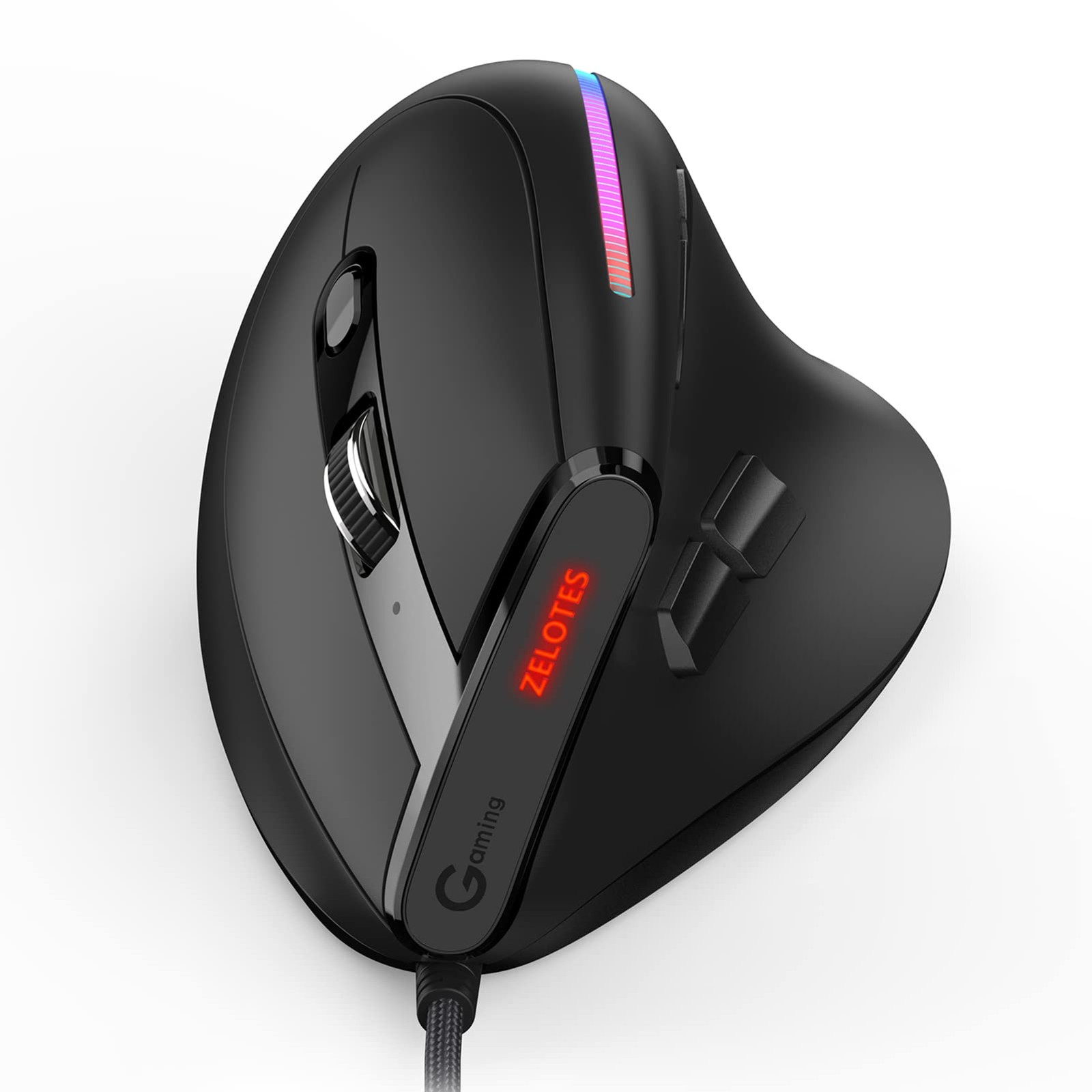
The Kocan T-50 is the clearest departure from the M103 trio. It is a wired black mouse for PC-compatible use, with a vertical ergonomic layout, nine buttons, optical movement detection, and six adjustable DPI settings. Its stated maximum sensitivity is 12800, giving it a broader control-oriented profile for office work or gaming at a fixed desk. The main limitation is also the major divide: the T-50 is wired, unlike the M103 models' 2.4G and Bluetooth 5.1 dual-mode setup. Pick the Kocan when a vertical format, extra keys, and a cable-connected PC mouse fit the work area better than wireless portability.
Final recommendation by use case
Choose M103 Wireless Dual-mode Mouse - ERPM when the lowest listed price leads the decision. Choose M103 Wireless Dual-mode Mouse - SXMN for a slim, silent M103 format. Choose M103 Dual-mode Ergonomic Office Mouse - Q6W0 for the rechargeable battery and explicitly described ergonomic curve. Choose Kocan T-50 Vertical Gaming Mouse when a wired vertical PC mouse with more controls is the defining requirement.
