Every checkout lane needs a receipt printer that prints fast, cuts cleanly, and keeps up with a steady stream of transactions. If you're shopping POS retail supplies on a used-market budget, the choice often narrows to Epson's workhorse thermal models. With four variations in front of you-a Square-oriented TM-T20III and three TM-T88V versions with different connection options-it's easy to pick the wrong port or pay for a feature you don't need.
Quick Take
The four used Epson printers here split into two families: the TM-T20III and the TM-T88V. The main decision is the connection type each unit brings to your checkout counter. One TM-T88V is set up for a network connection, one is described as checked and working, and one adds an older-port option. The TM-T20III has the most specific checkout-register compatibility in the group. All four are used, Windows-compatible thermal printers with jam-free auto-cutters.
Listed-Price Comparison
| Product | Listed Price | Price Bar | Connection / Kit |
|---|---|---|---|
| Epson TM-T20III | $69.99 | USB; printer and OEM Epson C1 power supply only, no USB cable | |
| Epson TM-T88V M244A USB/Ethernet | $39.99 | USB/Ethernet; AC adapter and USB cable included | |
| Epson TM-T88V M244A USB (Tested) | $53.95 | USB; power cord and USB cable included, described as tested | |
| Epson TM-T88V M244A USB/Serial | $39.99 | USB/Serial; AC adapter and USB cable included |
Decision Matrix
Use these as decision shortcuts:
- Register-specific checkout? Choose the Epson TM-T20III.
- Need a wired network port on a TM-T88V? Choose the TM-T88V M244A USB/Ethernet.
- Want a used unit with all functions checked? Choose the TM-T88V M244A USB (Tested).
- Need a legacy connection for older POS hardware? Choose the TM-T88V M244A USB/Serial.
Product Notes
Epson TM-T20III
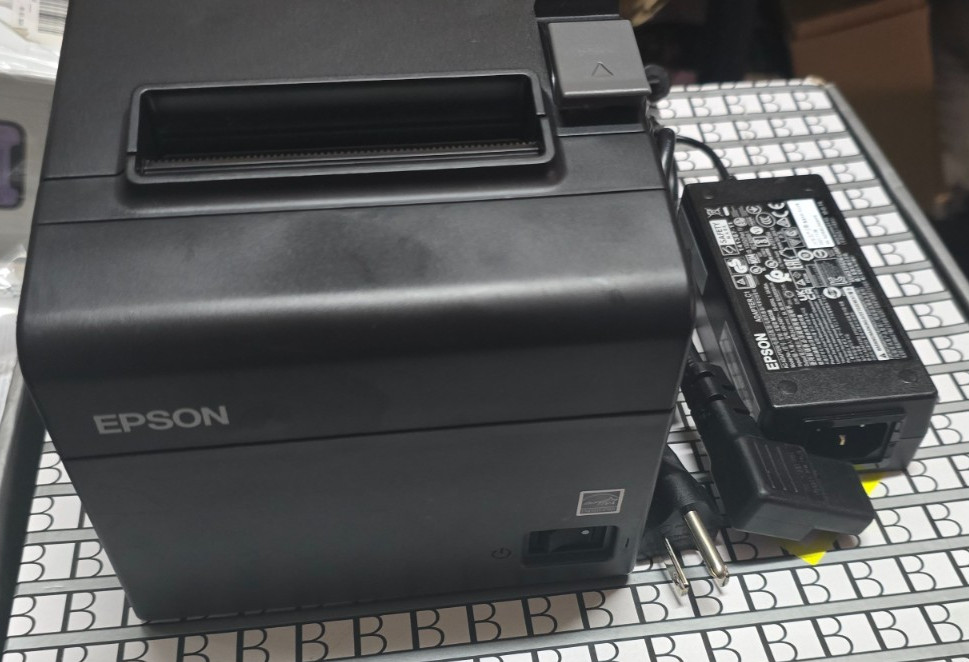
If your register is a Square Stand or Square Register, this is the model that's explicitly described for that setup. The TM-T20III uses a USB connection only, so you'll use the Square app and the supplied OEM Epson C1 power supply; the listing notes that no USB cable is in the box, so plan for one if you don't have a spare. Its higher listed price reflects the more specific checkout-register compatibility. For a counter that already runs Square hardware, this is the most straightforward of the four to match to that workflow.
Epson TM-T88V M244A USB/Ethernet
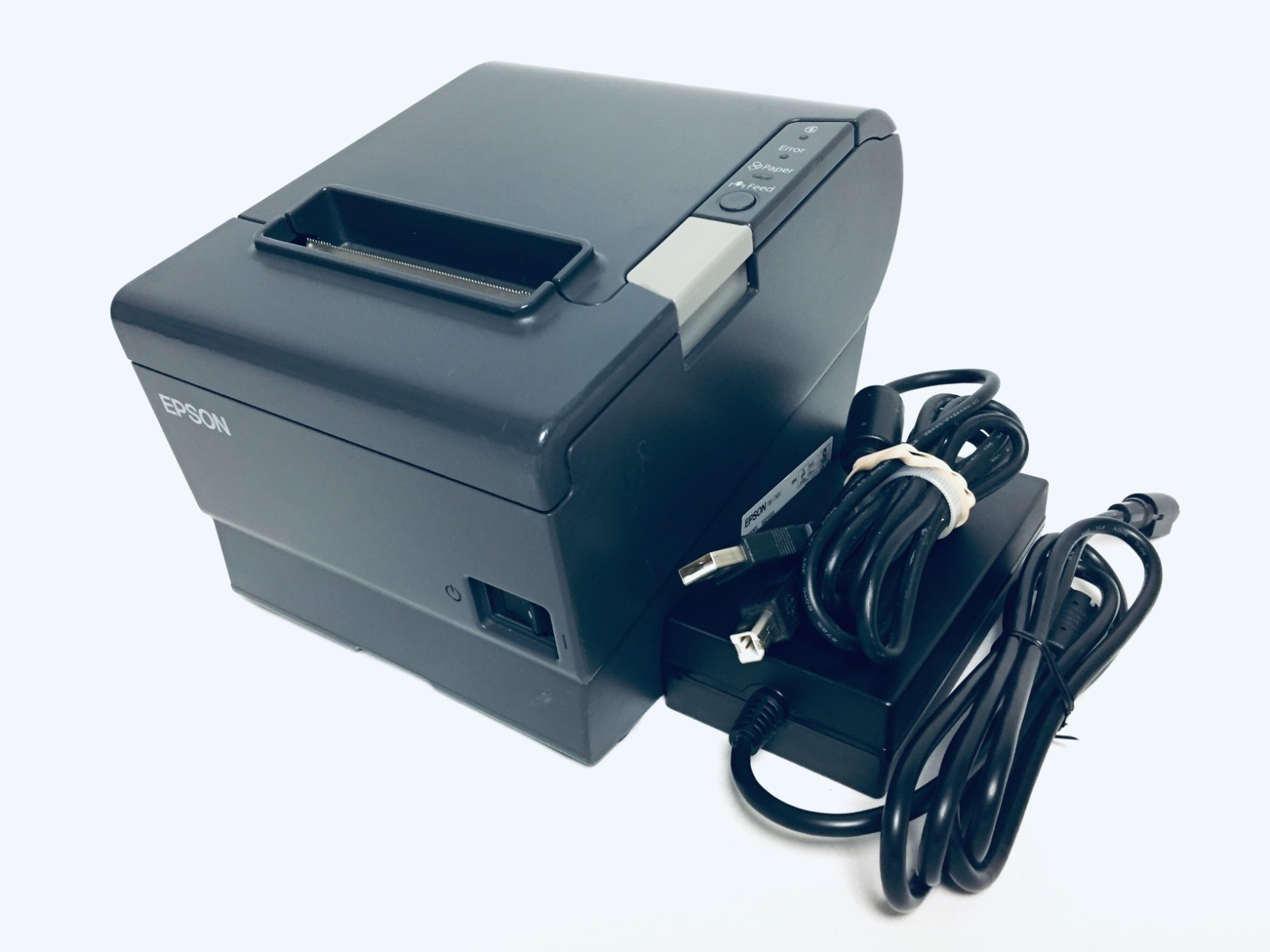
If your counter already has a network drop for the printer, this TM-T88V is the one that works with that setup. The unit was recently retired from a store, according to the listing, and it's ready to print once you connect it. The case shows several scratches, so if cosmetics matter, this is the tradeoff. What it offers is a familiar, widely used receipt printer for a spare register or a small retail counter, with the network option in its title. It's a straightforward choice when you want USB and a wired network connection in the same unit.
Epson TM-T88V M244A USB (Tested)
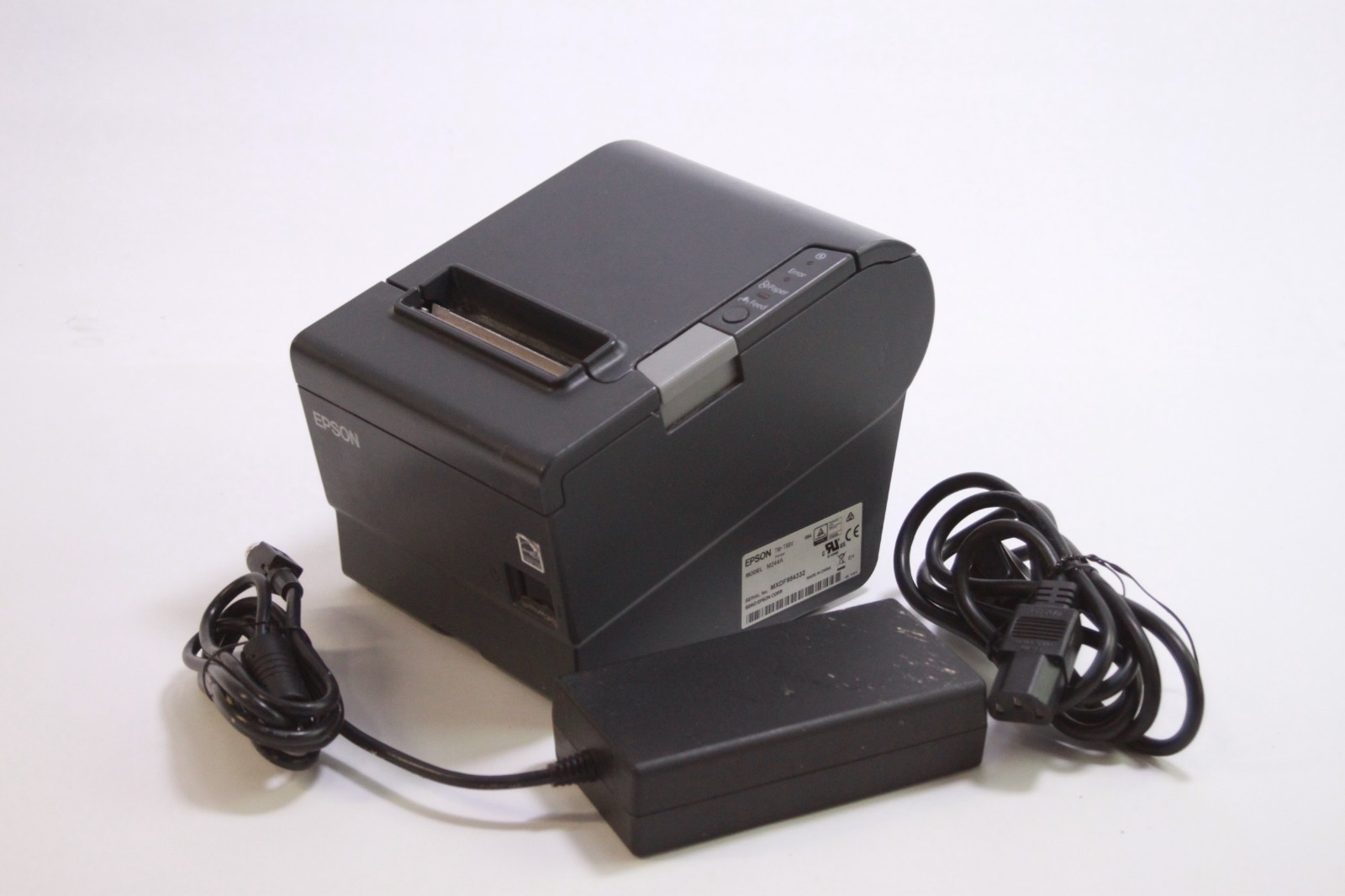
If the word tested makes the difference, this TM-T88V is described as having all functions tested and working. It comes with a power cord and USB cable, and the main limitation is cosmetic: the unit shows scuffs and signs of use. No paper or extra accessories are included, so you'll need thermal roll stock on hand. If you prefer extra assurance and don't need a network or older-port option, this is the model to choose. That tested claim is the main reason to consider it over the other TM-T88V versions.
Epson TM-T88V M244A USB/Serial
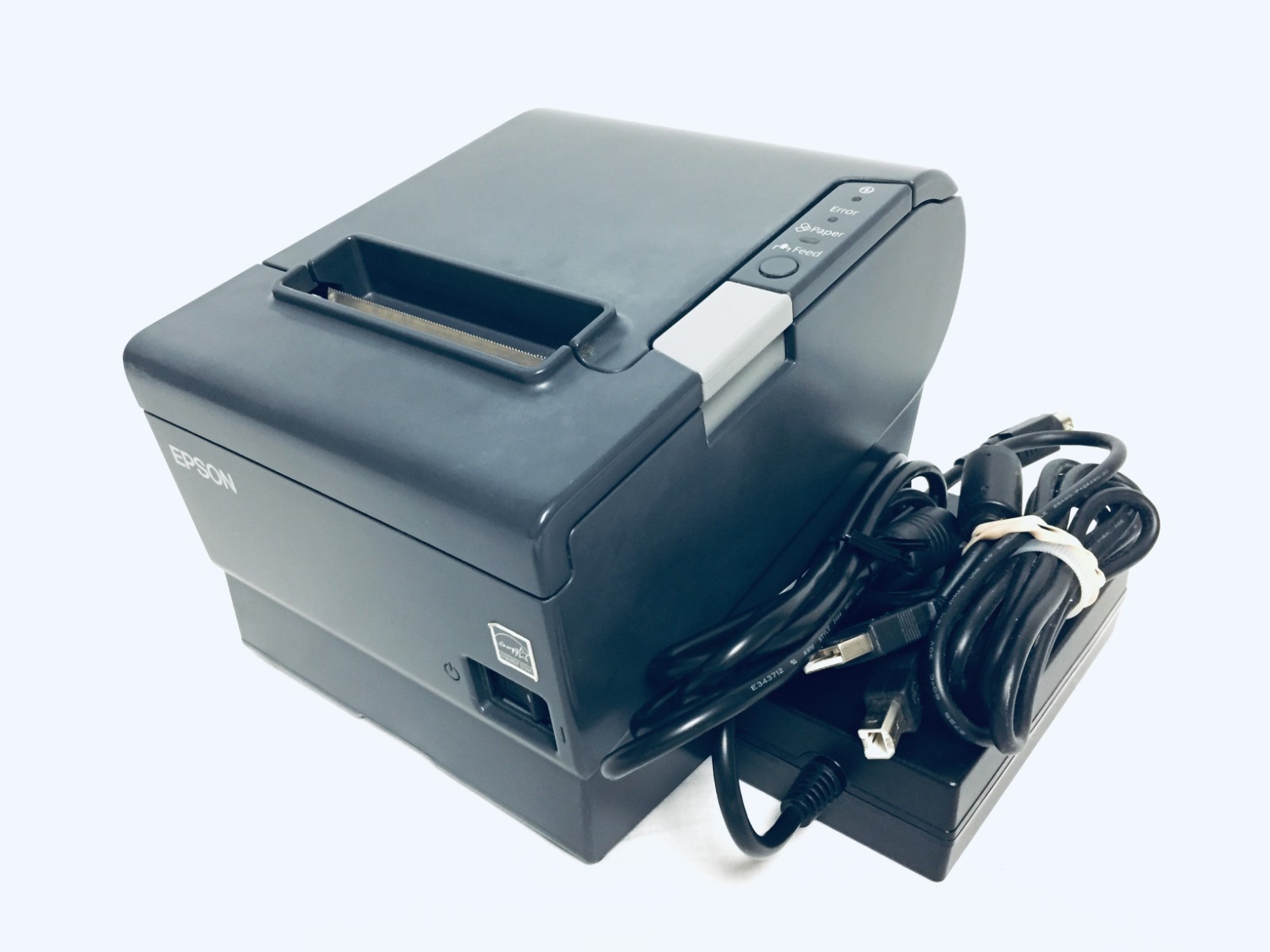
For older POS systems that still use a serial connection, this TM-T88V pairs USB with a legacy port. The external case shows wear from store use, but the listing says it prints well. If serial is what your register or cash drawer needs, this is the practical match. This is the version to reach for when you need the older connection type without giving up a standard USB hookup. If serial isn't a requirement, one of the USB-only models may be a better fit.
Final Recommendation
By use case:
- Square-based checkout: Epson TM-T20III
- Wired-network TM-T88V: Epson TM-T88V M244A USB/Ethernet
- Working-check TM-T88V: Epson TM-T88V M244A USB (Tested)
- Legacy-port TM-T88V: Epson TM-T88V M244A USB/Serial
If you only need a dependable USB thermal printer and want the lowest listed price, either the USB/Ethernet or USB/Serial TM-T88V at $39.99 gives you an AC adapter and USB cable included. Pay more only if you need the TM-T20III's Square-ready setup or the unit with the working-condition check.
