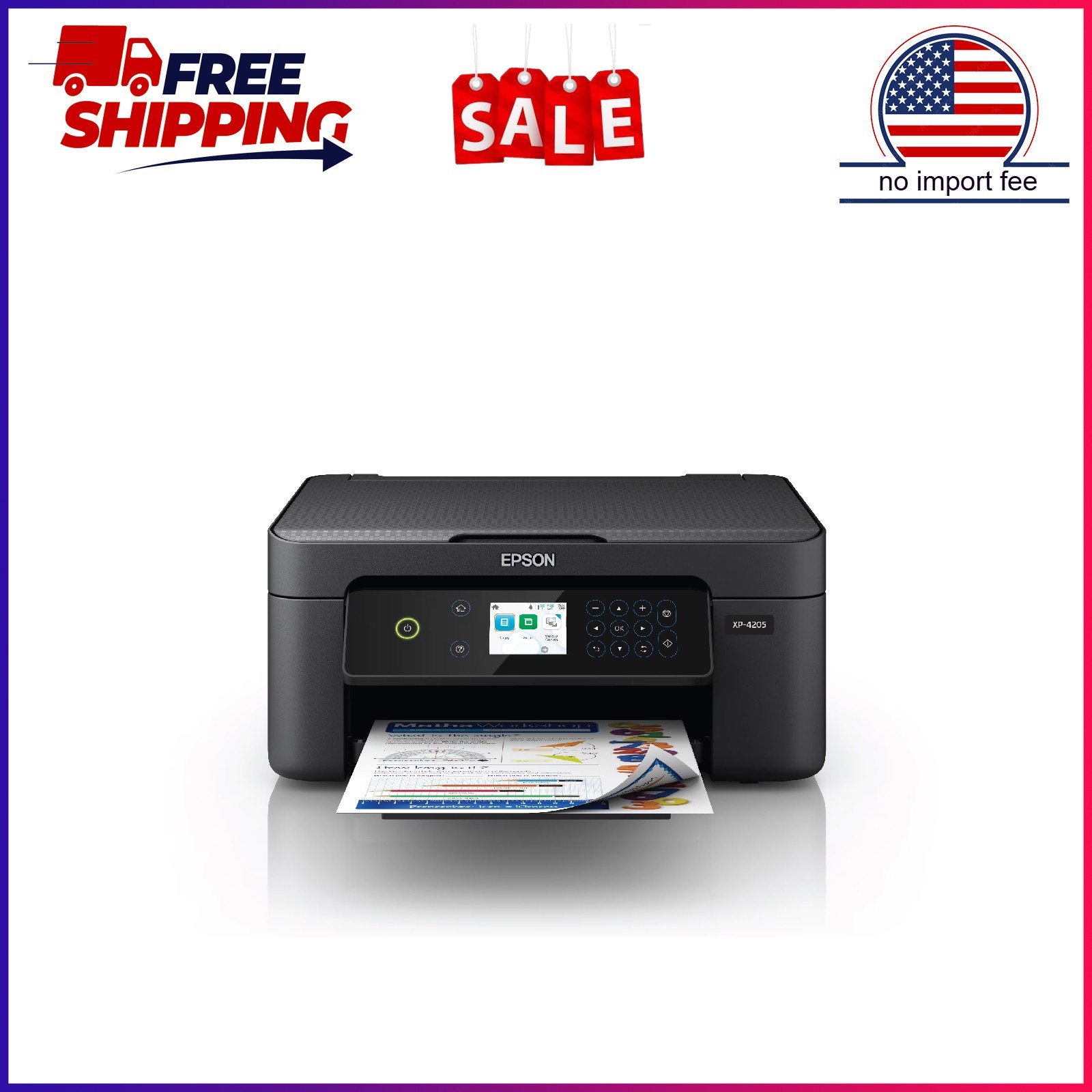
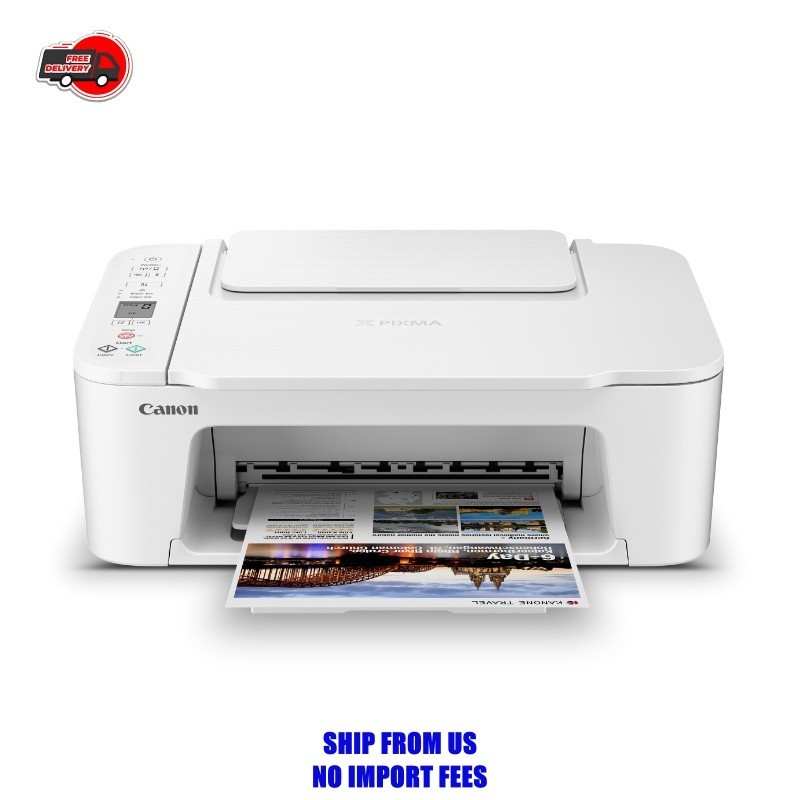
When you're choosing among printers and scanners, the hard part isn't finding a model-it's deciding which extras are worth paying for. The Epson Expression Home XP-4205 and the Canon PIXMA TS3722 are both wireless all-in-ones aimed at home offices, but they take different paths. One model packs in more convenience features, while the other focuses on affordability.
Both are new and connect wirelessly, so your choice hinges on whether you want a printer that does more automatically or one that keeps the upfront cost low. To help you decide, we'll look at the price difference, the features each model brings, and the kinds of tasks each handles best.
Quick Verdict
Choose the Epson if you want a printer with extra conveniences that speed up your daily routine. Choose the Canon if you prefer a simpler printer that covers the basics for everyday documents and photos.
Comparison Table
| Product | Price | Price Bar | Color Depth | Standout Features |
|---|---|---|---|---|
| Epson Expression Home XP-4205 | USD 56.12 | 24 Bit | Automatic 2-sided printing; voice-activated printing; scanner and copier | |
| Canon PIXMA TS3722 | USD 35.20 | 16 Bit | Hybrid ink system; prints on photo paper, envelopes, banners; compact wireless design |
Price and Feature Balance
The prices tell the story: the Epson sits at $56.12 and the Canon at $35.20, a spread of a little more than $20. That gap buys the Epson's added printing conveniences, while the Canon keeps its cost low. The Epson is positioned as the more complete all-in-one, with a wider set of listed functions. The Canon focuses on printing essentials and keeps things simple. If you print frequently, the Epson's extra capabilities will get more use; if you print only now and then, the Canon's simplicity may be all you need.
Where Each Product Wins
- The Epson is the stronger choice when you want a printer that takes care of more steps for you.
- The Canon is the more practical choice when your printing routine is simple and you'd rather not pay for extras you won't use.
Epson Expression Home XP-4205 Wireless Color Printer with Scanner and Copier
This Epson model is built for people who print frequently and don't want to fuss with manual settings. Automatic two-sided printing cuts down on paper waste, and voice-activated printing through Alexa or Siri lets you send a print job without touching the machine. Individual ink cartridges mean you only swap out the color that runs out, which keeps ongoing costs in check. The scan and copy functions are clearly listed on this model, so you get a complete home-office workhorse. The main limitation is that its feature set may be more than you need if you only print occasionally. For a home office that prints regularly and values convenience, this is the more capable choice.
Canon PIXMA TS3722 Wireless All-In-One Inkjet Printer for Home Office
This Canon printer uses a hybrid ink system, with pigment black for crisp text and dye-based colors for vivid images, and it can handle a variety of media, including photo paper, envelopes, banners, and borderless prints up to 8.5 x 14 inches. That flexibility makes it a good fit for home projects and everyday documents. The compact size is another plus for smaller desks. The trade-off is the 16-bit color depth, which is shallower than the Epson's 24-bit depth, so very subtle color transitions might not look as smooth. If you want a straightforward printer for mixed document and photo use, this Canon model does the job.
Final Choice by Use Case
If you print in volume and want to minimize the effort per page, the Epson is the better match. If you print less often and prefer a no-fuss setup, the Canon covers your needs.