If you're shopping for a wide-format machine, the first question is what kind of output you actually need. Wide format can mean printing bigger pages, or it can mean cutting vinyl into signs and decals. These two tools point in opposite directions: the Epson EcoTank ET-15000 is a wide-format all-in-one, while the 53in Vinyl Cutter Plotter is a dedicated sign-making machine that cuts vinyl into signs and decals. Here's how to decide which one belongs in your workspace.
Quick Verdict
Choose the Epson EcoTank ET-15000 if you need low ongoing ink costs and a machine that can handle a small office workload. Choose the 53in Vinyl Cutter Plotter if your main job is producing cut vinyl signs, decals, and stickers. The price gap is about $10: $439.99 for the Epson, $449.99 for the vinyl cutter. The real difference is printed pages versus cut vinyl.
At a Glance
| Product | Price | Best For | Key Detail |
|---|---|---|---|
| Epson EcoTank ET-15000 | $439.99 | Printing, scanning, and copying up to 13 x 19 | Supertank ink system with 250-sheet front tray |
| 53in Vinyl Cutter Plotter | $449.99 | Cutting vinyl signs and decals | Optical eye for contour cutting with SignMaster software |
Where the Epson EcoTank ET-15000 Wins
- It is cartridge-free, using supersized ink tanks with replacement bottles that Epson says can print up to 6,000 pages per set.
- It handles a full office workflow in one device.
- A 2.7-inch color touchscreen and voice-activated printing make it easy to run.
- The 250-sheet front tray and rear specialty-paper feed give you room for different paper types.
Where the 53in Vinyl Cutter Plotter Wins
- It is built for sign making, cutting vinyl into signs, decals, and stickers.
- Cutting pressure from 20 to 500 g and cutting speed from 20 to 800 mm/s let you match the cutter to different vinyl materials.
- The large control panel, LED display, and ARM motherboard with 4 MB cache help with long jobs and bulk files.
Product Notes
Epson EcoTank ET-15000
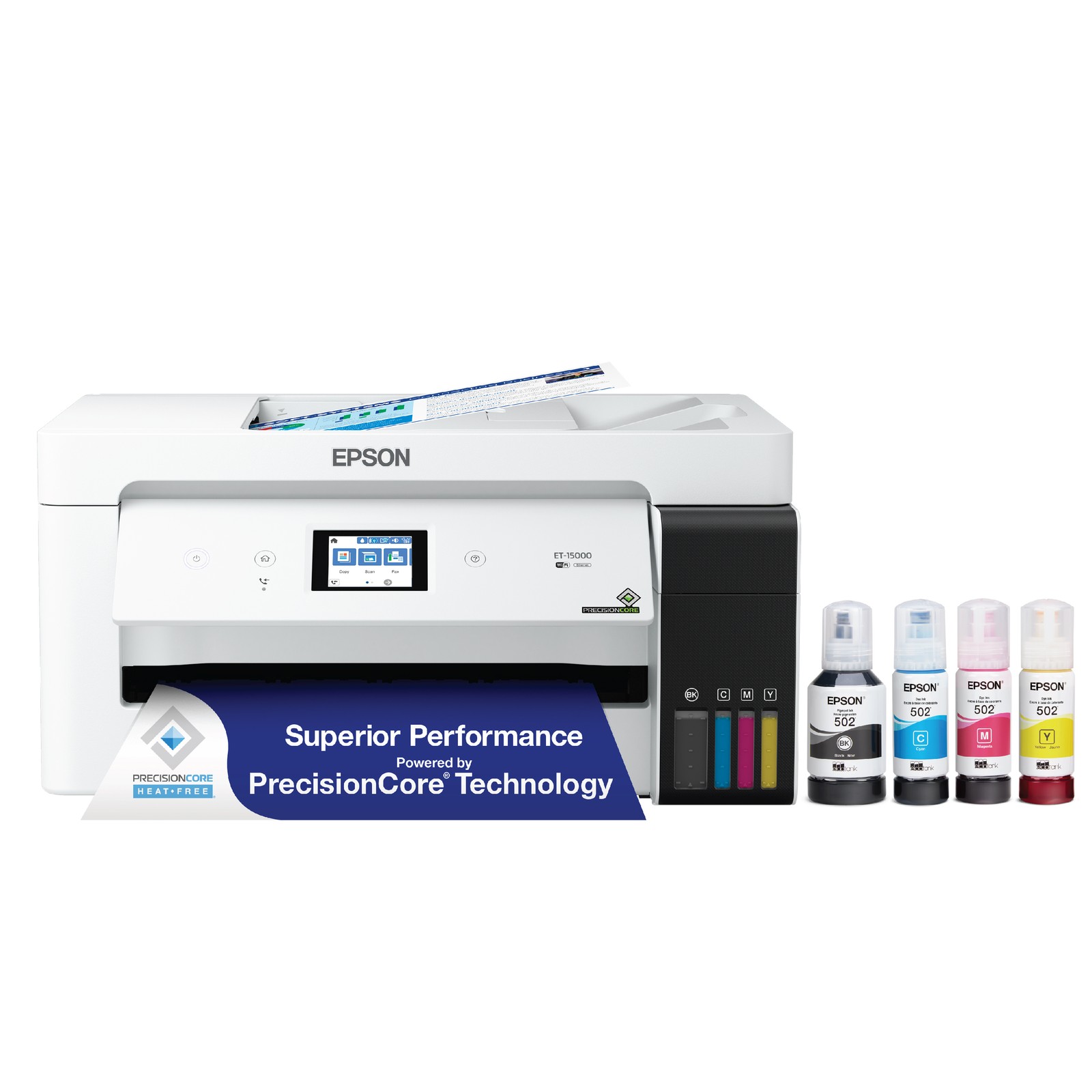
The ET-15000 is a wide-format all-in-one that replaces cartridges with refillable supersized ink tanks. Epson says the included or replacement bottle set can print up to 6,000 pages, which the company compares to roughly 80 individual cartridges. For a small office or busy home studio, that means fewer replacements and less waste. It prints up to 13 x 19-inch pages through the rear-feed tray and scans up to 8.5 x 14-inch documents through the automatic document feeder. A 2.7-inch color touchscreen and voice-activated printing make it convenient. The main trade-off is that it is a printer, not a vinyl cutter, so it won't produce die-cut shapes or stickers. If your output is printed pages, this is the practical choice; if your output is cut vinyl, keep looking.
53in Vinyl Cutter Plotter
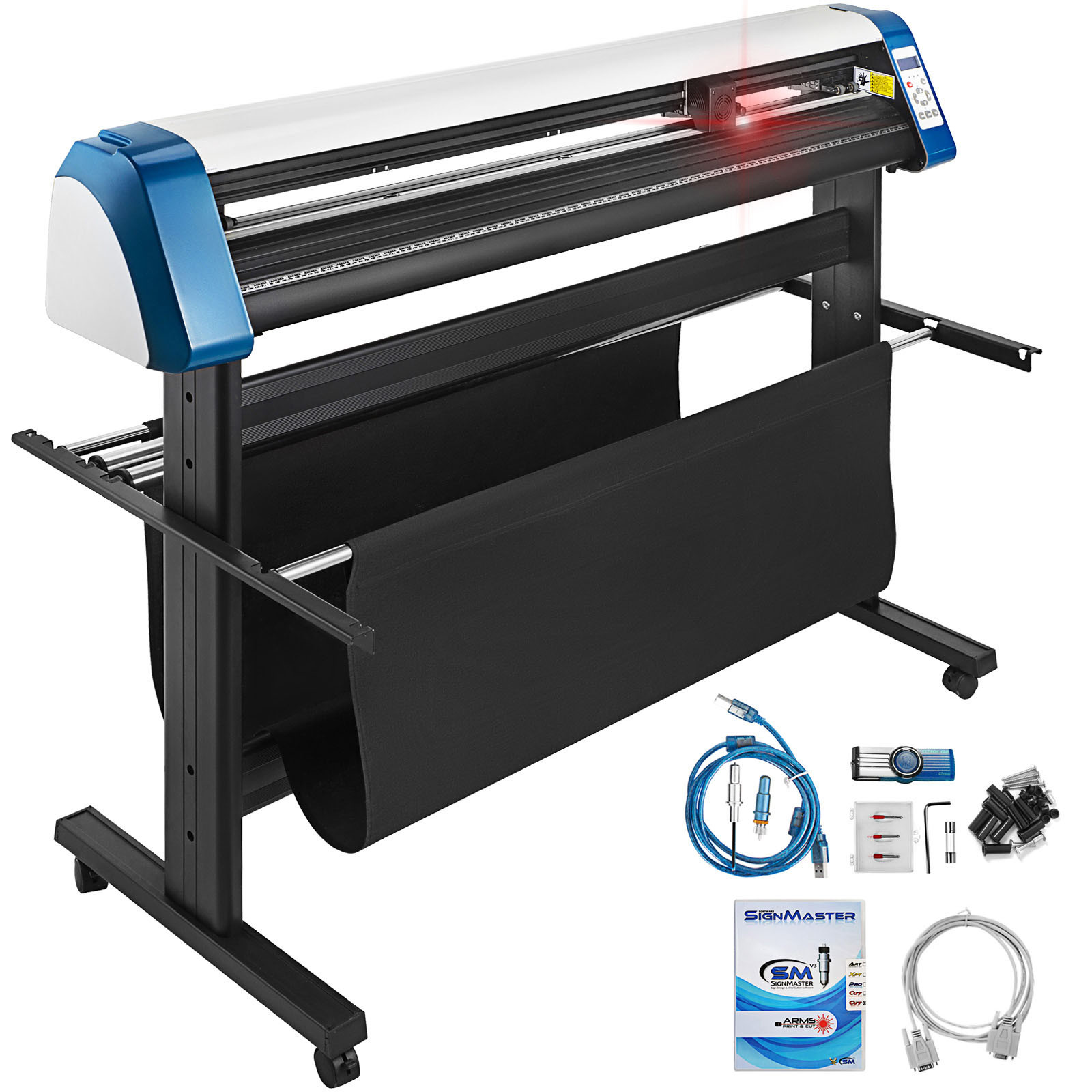
This Uimoso vinyl cutter is a dedicated sign-making tool. The optical eye is a manual pointing device for semi-automatic contour cutting, and it is supported by SignMaster software, so you can cut around a design rather than trimming by hand. Adjustable cutting pressure from 20 to 500 g and speed from 20 to 800 mm/s give you room to work with different vinyl materials. A large control panel with an LED display makes the controls clear, and the ARM motherboard with 4 MB cache handles bulk files without input lag. The trade-off: this plotter only cuts. It won't print, scan, or copy, so you'll still need a separate printer for everyday office tasks.
Final Choice by Use Case
- Everyday office printing: Go with the Epson EcoTank ET-15000 for low ongoing ink costs.
- Vinyl sign work and decals: Go with the 53in Vinyl Cutter Plotter.
- A studio that does both: You'll want both tools. The Epson handles the printed base, and the vinyl cutter handles the cut shape.
