When you're shopping for printers scanners, the choice comes down to more than price. One option is a Canon with a high-resolution spec sheet; the other is an HP with a lower price and a longer list of included extras. If print quality and convenience are your priorities, the Canon is the one to weigh; if you just need a cheap way to scan and copy at home, the HP deserves a look.
Quick Verdict
The Canon PIXMA MX922 is the better choice if the sharpest possible print output matters most. The HP PhotoSmart 7520 is the smarter pick if you want to spend less up front and don't mind a used printer that will need some maintenance.
At a Glance
| Product | Listed Price | Condition | Connectivity |
|---|---|---|---|
| Canon PIXMA MX922 | $350 | Open box | Wireless |
| HP PhotoSmart 7520 | $175 | Used | Cable |
Where Each Printer Wins
- Canon PIXMA MX922: The stronger spec sheet for detail-driven jobs. The print resolution reaches 9600 x 2400 DPI, and the 48-bit color depth helps with colorful documents and photos. It also comes with a one-year manufacturer warranty.
- HP PhotoSmart 7520: The lower entry price and a bigger pile of accessories. The unit includes a new black ink cartridge, setup guide, data cable, power cord, and a driver CD for older macOS and Windows versions.
Product Notes
Canon PIXMA MX922 Wireless All-In-One Inkjet Printer
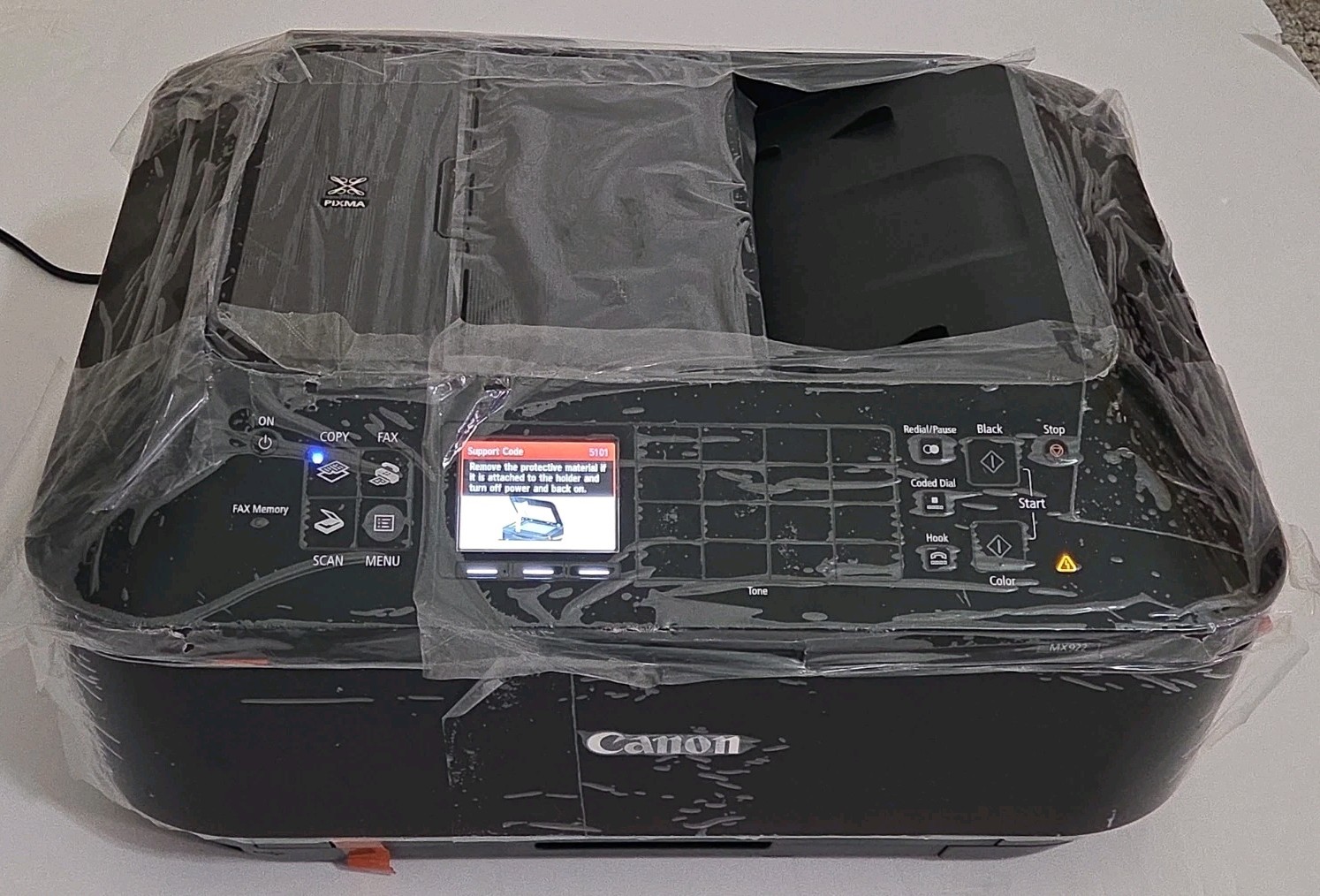
At $350, this all-in-one carries the higher list price in this matchup, but it also brings the stronger performance sheet. The print resolution goes up to 9600 x 2400 DPI, and the built-in scanner resolves up to 2400 x 4800 DPI with 48-bit color depth. That combination makes it a good match for anyone who prints colorful charts, school projects, and the occasional photo. It is an open-box unit, so the packaging has been opened. The wireless connectivity means you can tuck it onto a shelf and send jobs from your laptop. A one-year manufacturer warranty covers the printer, which is reassuring for an open-box buy. The trade-off is the price: this is the more expensive of the two options, and you should budget accordingly.
HP PhotoSmart 7520 e-ALL-IN-ONE Photo Printer and Scanner with Accessories
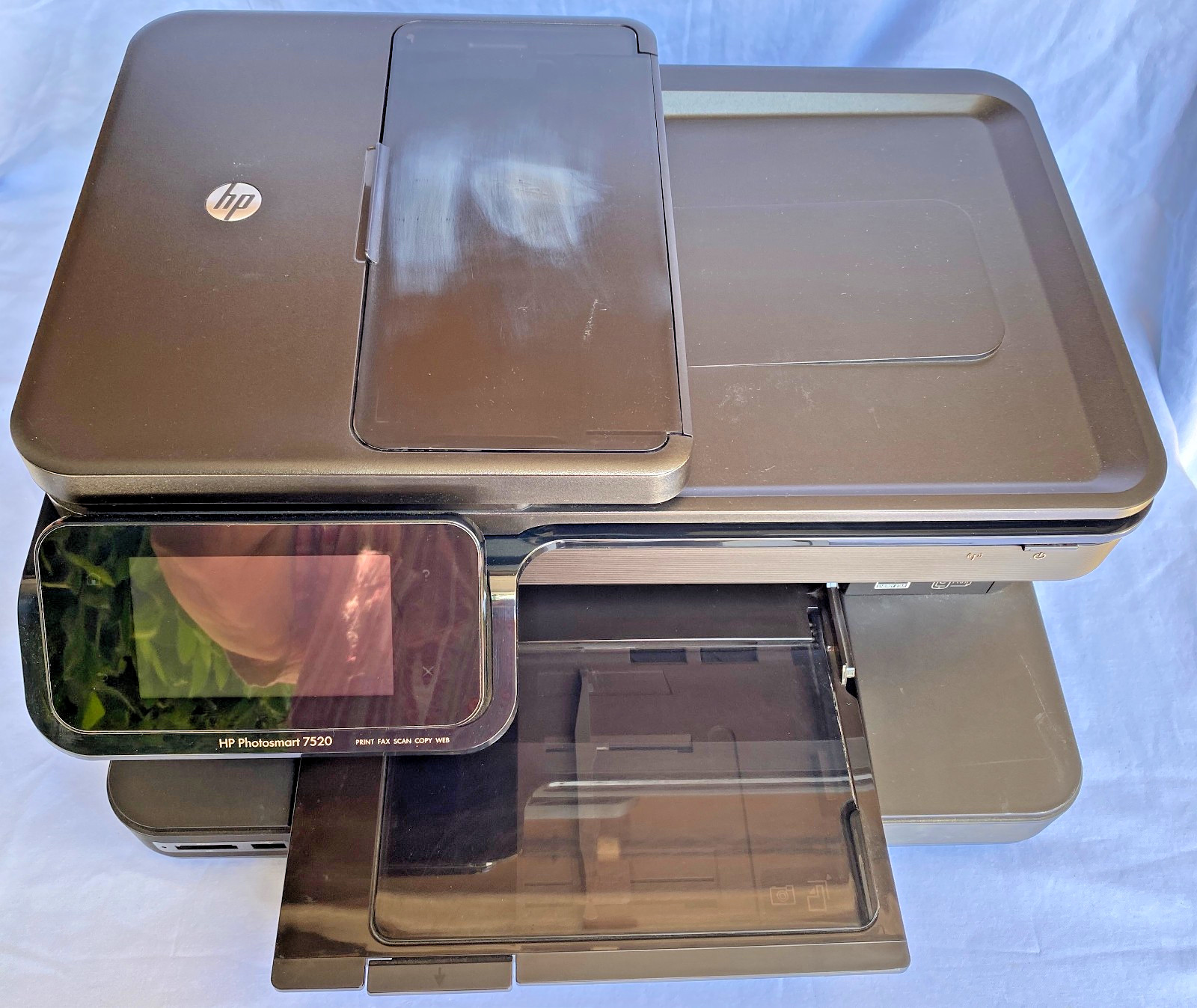
The HP is the budget pick at $175, and the used condition explains most of that price. It has been lightly used, turns on and works, and the scanner works, but the print head and cartridge likely need to be replaced. That's the main thing to plan for if you're handy with inkjet maintenance. On the plus side, the accessory package is generous: a new black ink cartridge still in its original box, a printed setup guide, a data cable, a power cord, and a driver CD for older macOS and Windows versions. Connectivity is Cable, so clear a spot near your computer rather than relying on Wi-Fi. It also carries the Portable feature, suggesting a lighter home-office footprint. If you're comfortable swapping a print head and cartridge, the HP is a low-cost way to get a working home-office combo.
Final Choice by Use Case
- Choose the Canon PIXMA MX922 if your workspace is away from the router and you want sharper text and photo output.
- Choose the HP PhotoSmart 7520 if keeping the upfront spend low matters more and you're willing to handle the likely maintenance.
