Choosing between two capable all-in-one printers and scanners often comes down to detail versus throughput. The Canon PIXMA MX922 is listed at $350, while the HP PageWide Pro MFP 577dw is priced at $239.99, a $110.01 gap. The HP costs less, but the Canon makes its case with more detailed resolution specs.
Quick verdict
If your priority is detailed prints and scans, the Canon PIXMA MX922 is the stronger match. If your workspace needs to handle larger print jobs, faxing, and shared use, the HP PageWide Pro MFP 577dw is the more practical buy for a busy office.
At a glance
| Consideration | Canon PIXMA MX922 | HP PageWide Pro MFP 577dw |
|---|---|---|
| Listed price | $350.00 | $239.99 |
| Price position | ||
| Condition | Open box | Excellent - Refurbished |
| Print resolution | 9600 x 2400 DPI | 1200 x 1200 DPI |
| Scanner resolution | 2400 x 4800 DPI | - |
| Connectivity | Wireless | Wireless, Wi-Fi Direct, NFC, Ethernet, USB |
That table captures the core tension: the Canon asks you to pay more and gets you closer to photo-grade output, while the HP asks for less and brings a longer list of office conveniences. Neither machine is a bad fit; they are simply aimed at different days.
Where each printer wins
The Canon PIXMA MX922 wins on image quality. Its resolution and color-depth specs make it the better fit for photo prints, graphics, and documents with fine details.
The HP PageWide Pro MFP 577dw wins on office workflow. It adds faxing and document-handling tools that a shared workgroup printer needs, and it keeps more connection options available.
Product notes
Canon PIXMA MX922
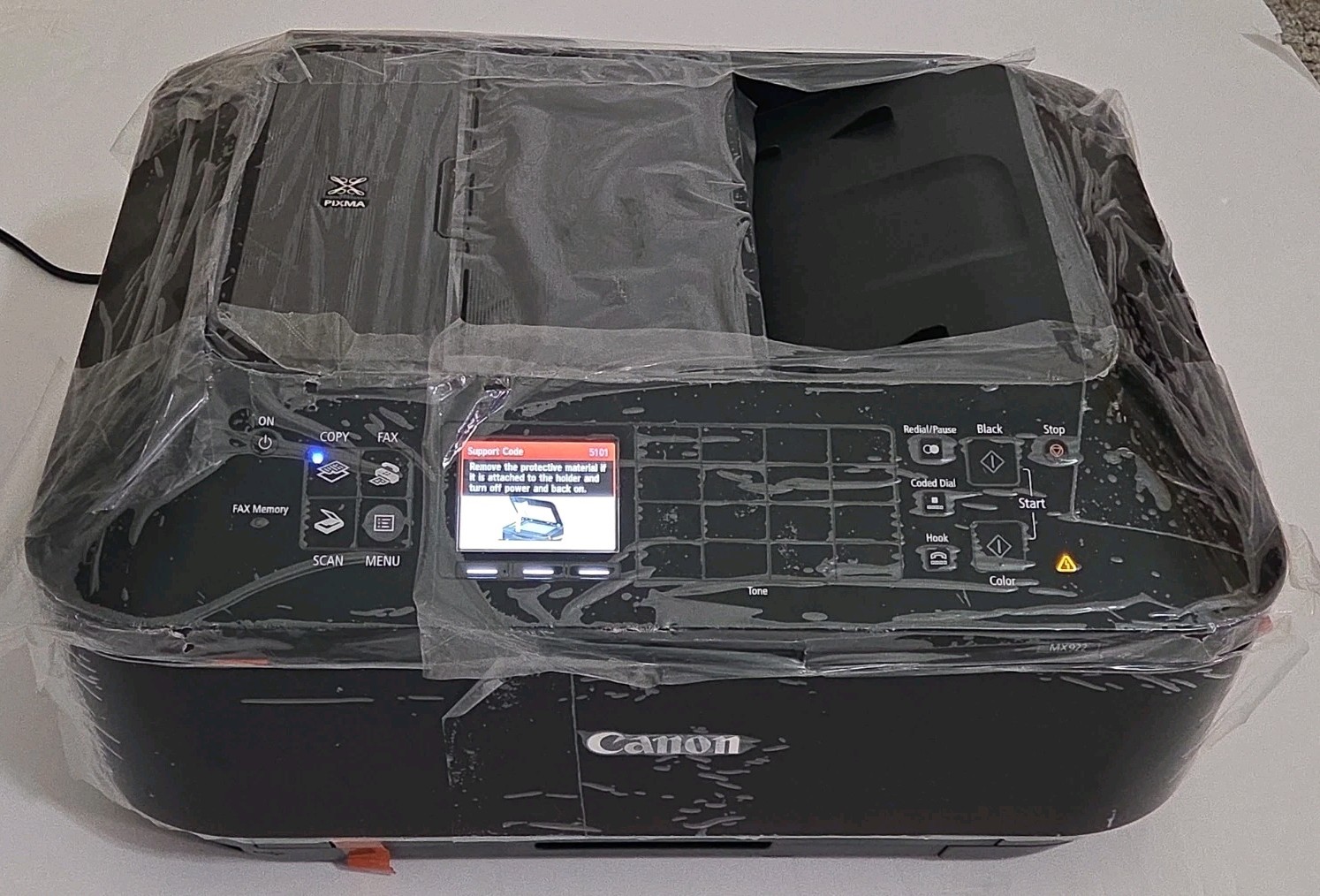
The Canon PIXMA MX922 is the one to choose when image detail sits at the top of your list, with 48-bit color depth that helps smooth subtle tones. That makes it a reasonable match for photo prints, graphics, and documents with fine lines. The limitation is that its listed feature set is leaner than the HP's: the Canon's listed features center on copying and scanning, while the HP goes further with faxing, automatic two-sided printing, and an automatic document feeder. If you primarily send one job at a time to a printer beside your desk, this Canon keeps the process simple.
HP PageWide Pro MFP 577dw
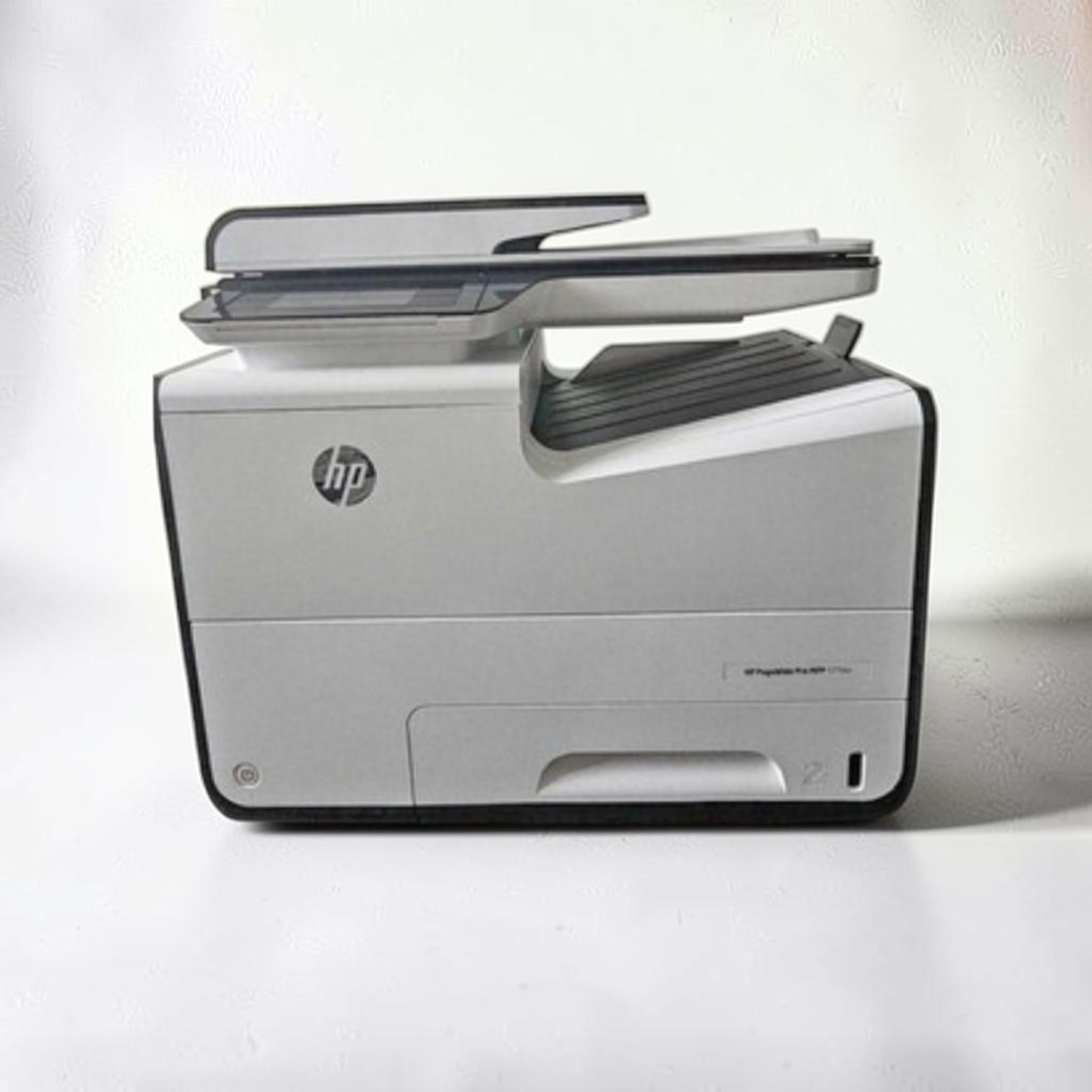
The HP PageWide Pro MFP 577dw is the one to choose when output speed and shared workspaces matter. It lists a general-office print speed up to 70 ppm and combines print, scan, copy, and fax in one unit. The automatic document feeder and automatic two-sided printing reduce the handling needed for multi-page jobs, and the color touchscreen gives you one place to control routine tasks. The trade-off is the lower listed print resolution of 1200 x 1200 DPI, so it is not aimed at photo-quality prints the way the Canon is. For text-heavy documents and busy workgroups, the HP's efficiency carries more value.
Final choice by use case
Choose the Canon PIXMA MX922 when photos, graphics, and high-resolution scans are your main projects. Choose the HP PageWide Pro MFP 577dw when you work in a busy office, print long documents, or need faxing and two-sided output as part of your routine.
Think about the last week of printing you did: if it was photos and scan-and-save documents, the Canon's higher resolution will justify its higher position. If it was routine text and multi-page reports, the HP's speed and document handling matter more than a higher DPI number.
