When you're choosing between a color inkjet all-in-one and a color laser all-in-one, the printers scanners question comes down to what you print most. Both are all-in-one models, so the decision is less about features and more about which trade-off you can live with. The Canon PIXMA MX922 and the HP Color LaserJet Pro MFP 3301FDW both cover copying, scanning, and wireless printing, but one leans toward image detail while the other leans toward speed and convenience. Here's how to pick the one that fits your routine.
Quick verdict
Choose the Canon PIXMA MX922 when you value print and scan detail over everything else. Choose the HP Color LaserJet Pro MFP 3301FDW when your day is dominated by text-heavy work.
Comparison at a glance
| Feature | Canon PIXMA MX922 | HP Color LaserJet Pro MFP 3301FDW |
|---|---|---|
| Listed price | USD 350.00 | USD 229.99 |
| Print type | Inkjet all-in-one | Color laser all-in-one |
| Color depth | 48-bit | 24-bit |
| Grayscale depth | 16-bit | 8-bit |
| Connectivity | Wireless | Wireless, Ethernet (RJ-45), USB 2.0 |
| All-in-one features | Copier, scanner | Copier, duplex, fax, scanner |
The Canon offers deeper color and grayscale handling, while the HP brings more connection options and extra office features.
Where each product wins
- The Canon PIXMA MX922 wins for image quality. Its 9600 x 2400 DPI maximum print resolution and 2400 x 4800 DPI scanner give you more headroom for detailed photos, graphics, and document scans.
- The HP Color LaserJet Pro MFP 3301FDW wins for text-heavy productivity. It prints black pages at 25 ppm and adds fax and duplex printing to keep multi-page jobs moving.
Product notes
Canon PIXMA MX922
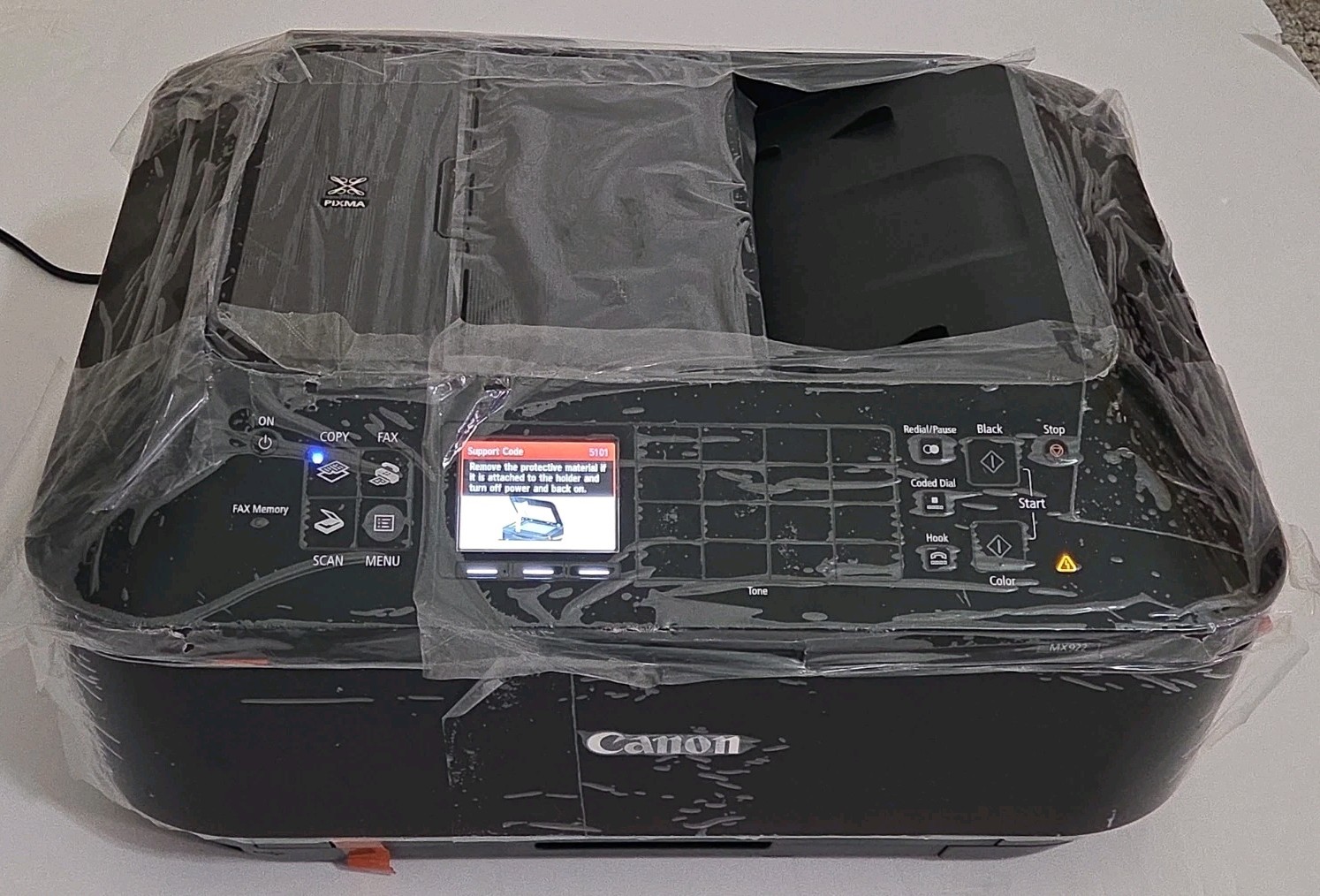
The Canon PIXMA MX922 is the choice when image detail is the main event. Its 48-bit color depth and 16-bit grayscale depth support smooth gradations, while the scanner's 2400 x 4800 DPI resolution captures fine lines and textures. The wireless connection keeps placement flexible on a desk or shelf, and the built-in copier and scanner cover everyday document needs. The catch is the price: at USD 350.00, it costs about $120 more than the HP. If you regularly print photos or scan artwork, that added resolution and color depth can be worth the expense. If your output is mostly text memos, the extra image quality may not pay off.
HP Color LaserJet Pro MFP 3301FDW
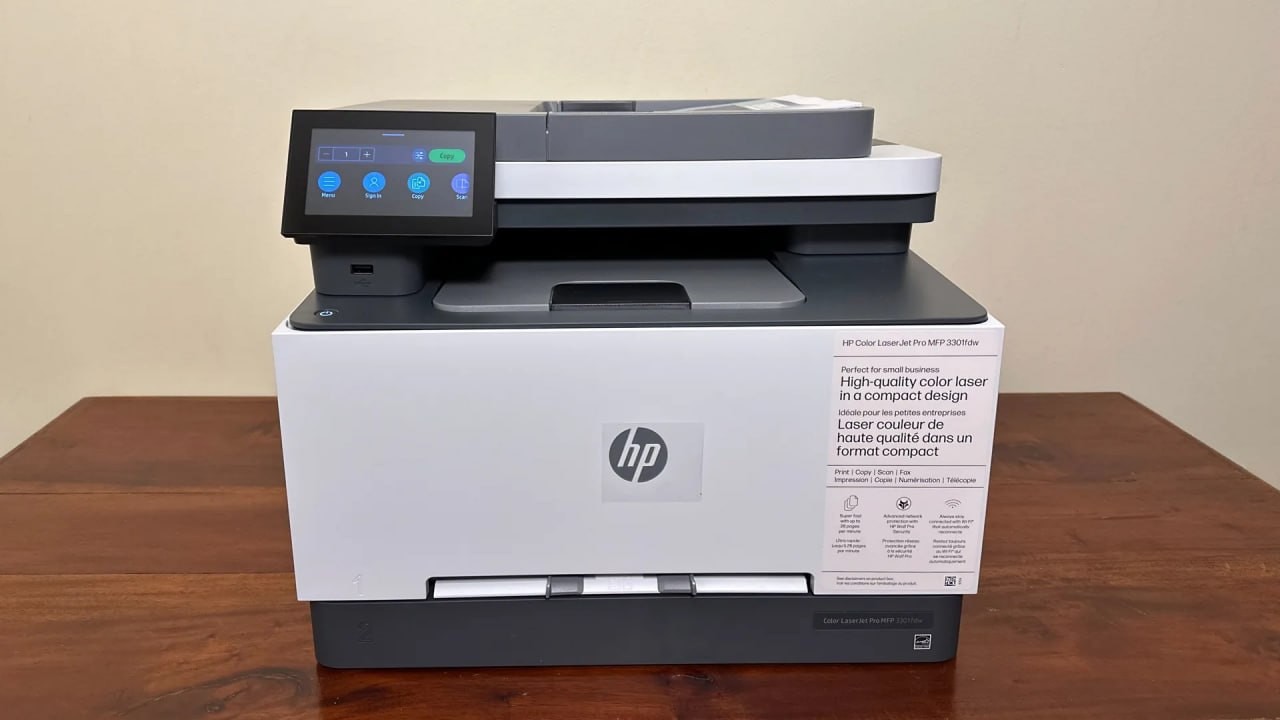
The HP Color LaserJet Pro MFP 3301FDW is built to handle steady document flow without a heavy upfront hit. At USD 229.99, it costs roughly $120 less than the Canon, and it handles the same daily copying and scanning tasks. The 25 ppm black print speed is solid for office printing, and the mix of wireless, Ethernet (RJ-45), and USB 2.0 makes it easy to connect to a single computer or an office network. One thing to remember: toner cartridges and a power cable are not included, so you'll need to source those before the first job.
Final choice by use case
- Photo-heavy projects, artwork, and detailed scans: Canon PIXMA MX922.
- Daily documents and text-heavy work: HP Color LaserJet Pro MFP 3301FDW.
