Choosing among printers scanners for a desk, dorm, or small home office usually comes down to three questions: do you need the lowest listed price, do you want a new-condition unit, and which everyday features matter most for documents, copies, scans, and occasional photos? These two Canon PIXMA all-in-one inkjet models are close enough in cost that the better choice is less about price alone and more about the mix of condition, connectivity, paper handling, and control interface.
Quick take
- Choose the Canon PIXMA TS3722 Wireless All-In-One Inkjet Printer for Home Office Sale if you want the lower-cost Canon option here, a new-condition unit, and a straightforward all-in-one for print, copy, and scan tasks.
- Choose the Canon PIXMA TS6420a Wireless All-In-One Inkjet Printer - Black if you want the black model with wireless plus Bluetooth connectivity, automatic duplex printing, front and rear paper feeding, and a compact everyday setup.
- The price range is narrow: the lowest listed option is 22% below the highest, so the decision should weigh features and condition rather than treating either model as a dramatically different purchase.
Listed price comparison
| Product | Listed price | Price bar |
|---|---|---|
| Canon PIXMA TS3722 Wireless All-In-One Inkjet Printer for Home Office Sale | USD 31.20 | |
| Canon PIXMA TS6420a Wireless All-In-One Inkjet Printer - Black | USD 39.99 |
Decision matrix
| Shopper priority | Better fit | Why it stands out |
|---|---|---|
| Lowest listed price | Canon PIXMA TS3722 Wireless All-In-One Inkjet Printer for Home Office Sale | It is the lower-priced model in this comparison and is listed in new condition. |
| Wireless plus Bluetooth | Canon PIXMA TS6420a Wireless All-In-One Inkjet Printer - Black | Its connectivity includes Wireless and Bluetooth, while the TS3722 is listed with Wireless connectivity. |
| Simple home-office basics | Canon PIXMA TS3722 Wireless All-In-One Inkjet Printer for Home Office Sale | It is described around print, copy, and scan capabilities with an easy setup process and two easy-to-replace cartridges. |
| Two-sided document handling | Canon PIXMA TS6420a Wireless All-In-One Inkjet Printer - Black | Its feature set includes automatic duplex printing for two-sided printing. |
| Scanner and copier in one device | Canon PIXMA TS6420a Wireless All-In-One Inkjet Printer - Black | Its listed features include Scanner and Copier, and its description centers on print, scan, and copy use. |
| Wider media flexibility language | Tie, with different emphasis | The TS3722 mentions photo paper, envelopes, borderless photos, and banners; the TS6420a mentions plain paper, photo paper, envelopes, and more. |
Concise product notes
Canon PIXMA TS3722 Wireless All-In-One Inkjet Printer for Home Office Sale
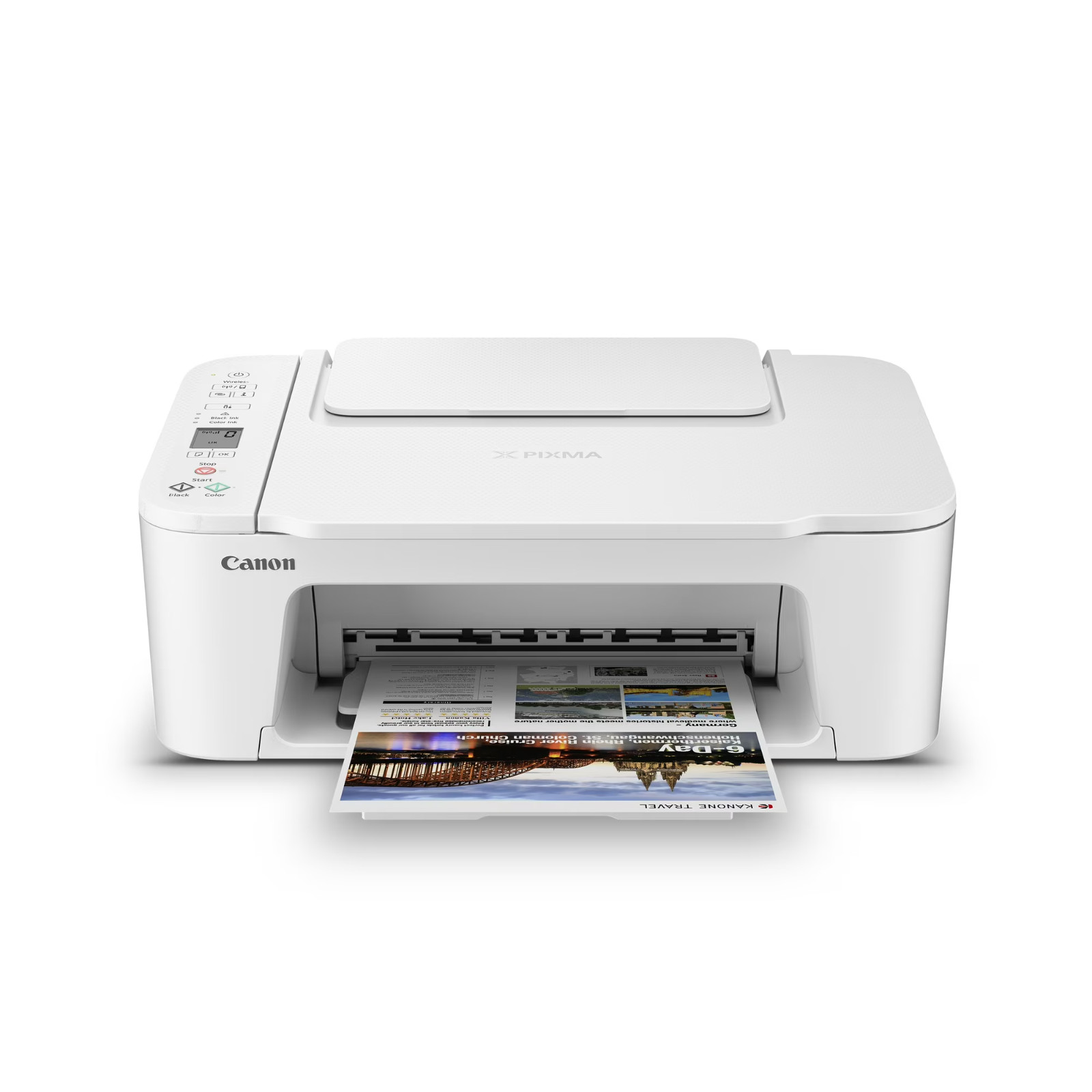
The TS3722 is the more cost-conscious pick in this pair and is listed in new condition, which may matter if you want a basic Canon all-in-one without stepping up to the higher listed price. Its appeal is in everyday home-office coverage: print, copy, and scan functions, wireless connectivity, high-speed USB connectivity, a 1.5-inch segment LCD screen, and support for media such as photo paper, envelopes, borderless photos, and banners. A practical limitation is its single-sided printing description; shoppers who want automatic two-sided output will find that feature associated with the TS6420a instead. It also keeps connectivity simpler, with Wireless listed rather than Wireless and Bluetooth.
Canon PIXMA TS6420a Wireless All-In-One Inkjet Printer - Black
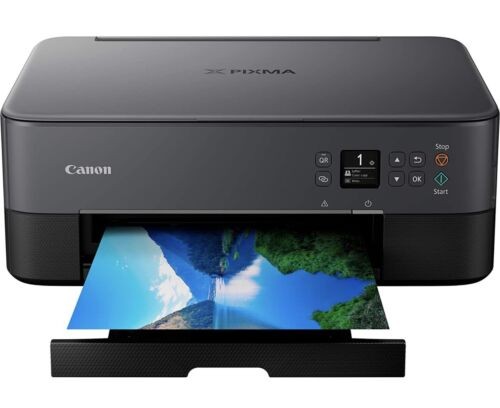
The TS6420a is the stronger fit for a desk setup where convenience features matter more than taking the lowest price. It is described as compact and easy to use, with print, scan, and copy functions, a 1.44-inch OLED display, automatic duplex printing, front and rear paper feeding, and a quiet mode option. Its connectivity includes Wireless and Bluetooth, giving it a broader connection profile than the TS3722. The tradeoff is condition and speed wording: it is listed as used, and the black print speed is 4 ppm. If new condition is the deciding factor, the TS3722 has the clearer advantage.
Which one should you buy?
If the goal is to spend the least among these two printers scanners while still getting a Canon wireless all-in-one for home-office tasks, the Canon PIXMA TS3722 Wireless All-In-One Inkjet Printer for Home Office Sale is the cleaner recommendation. At USD 31.20, it is the lowest listed price, and the comparison snapshot puts it 22% below the highest-priced model. It also fits shoppers who want a new-condition unit and can work with single-sided printing for routine documents, copies, scans, envelopes, photos, or banners.
If the small added cost is acceptable and you care more about paper-handling and connectivity conveniences, the Canon PIXMA TS6420a Wireless All-In-One Inkjet Printer - Black is the more feature-forward choice at USD 39.99. The standout reasons are Bluetooth alongside wireless, automatic duplex printing, an OLED display, front and rear paper feeding, and the black design. Those are concrete advantages if the printer will be used often for schoolwork, household documents, photos, and mixed media jobs.
For most shoppers choosing only between these two, the dividing line is straightforward: pick the TS3722 for the lowest listed price and new condition; pick the TS6420a for Bluetooth, duplex printing, and the extra everyday handling features. Because the listed prices are close, the TS6420a makes sense when those added conveniences are likely to be used. If they are not, the TS3722 keeps the purchase simpler and lower.
