For small offices shopping for printers and scanners, the choice usually comes down to speed versus color. Do you mostly produce text documents, or do your projects need color? The answer separates the Canon imageCLASS MF273dw and the Workforce WF-2950. One is a black-and-white laser all-in-one, and the other is a color inkjet.
Quick verdict
If your daily pile is letters, forms, and text-heavy reports, the Canon imageCLASS MF273dw is the more practical direction: it's a black-and-white laser built around fast, crisp output. If color charts, photos, or marketing handouts are on your calendar, the Workforce WF-2950 is the better fit because it's a color inkjet that can handle color output. The choice really hinges on whether color output is essential for your work.
Comparison table
| Feature | Canon imageCLASS MF273dw | Workforce WF-2950 |
|---|---|---|
| Listed price | USD 90.20 | USD 100.20 |
| Print technology | Black-and-white laser | Color inkjet |
| Monochrome speed | Up to 30 ppm | 10 ppm |
| Scanner / copier | Yes | Yes |
| Automatic document feeder | 35-sheet ADF | ADF included |
| Screen | 5-line adjustable | 2.4-inch |
| Wireless | Wireless | 802.11 b/g/n and Wi-Fi Direct |
Where the Canon imageCLASS MF273dw wins
The Canon is the one to beat when your workflow is mostly black-and-white text. Its laser engine produces crisp, bold documents, and it handles envelopes and other media sizes, which is useful for mailings. For a small office that doesn't print color, this is the simpler, more streamlined choice.
Where the Workforce WF-2950 wins
The Workforce is the color machine. When presentations, product shots, or printed photos are part of your day, an inkjet with 5760 dpi maximum print resolution gives you the versatility a monochrome printer can't. The title also includes fax, so if you need to send and receive documents from the same unit, this is the model that has that capability.
Product notes
Canon imageCLASS MF273dw
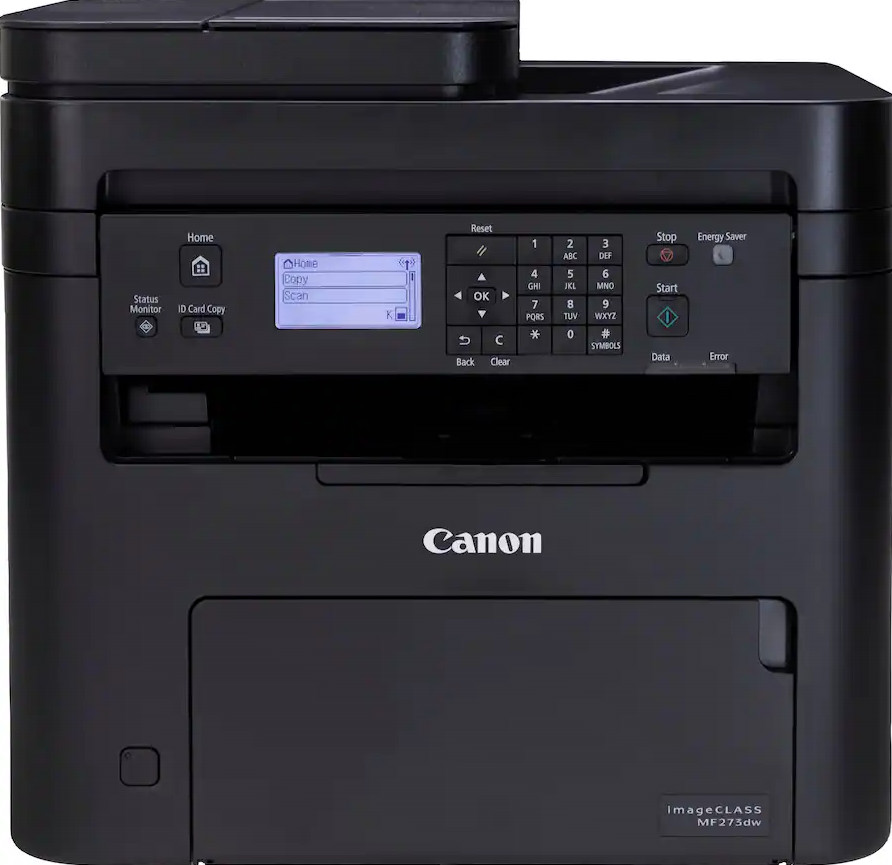
Inside this all-in-one, the Canon imageCLASS MF273dw pairs a 24-bit color-depth scanner with a monochrome laser engine, so scans can capture a broader tonal range even though printed pages stay black-and-white. It also handles envelopes and other media types, which is helpful for mailings. The imageCLASS MF273dw is designed around minimal maintenance and balanced performance, making it a sensible daily driver for a small office. The main catch: as a black-and-white printer, it can't produce color pages. If your work requires color, you'll need to send those jobs elsewhere. For text-heavy work, that trade-off is easy to accept.
Workforce WF-2950
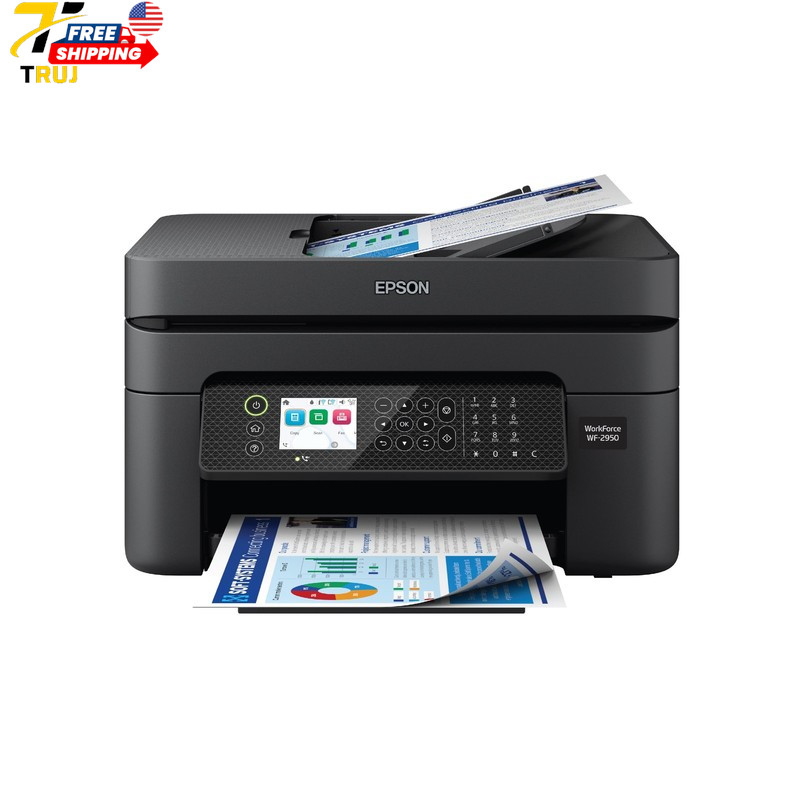
The Workforce WF-2950 is the more colorful route for an all-in-one. It prints in color, and the max resolution of 5760 dpi clearly serves documents where image quality matters. It also works with Windows and macOS, and the 22.8 x 14.8 x 9.5-inch dimensions and 11.5-pound weight give you a sense of its footprint. The trade-off is speed: monochrome printing is rated at 10 ppm, which is slower than the Canon imageCLASS MF273dw for long text runs. If color is essential, slower text speed may be a price you're willing to pay.
Final choice by use case
Choose the Canon imageCLASS MF273dw if your operation is dominated by black-and-white text and you value faster output for routine documents. At $90.20, it's the lower-priced choice between the two. Choose the Workforce WF-2950 if color is a genuine part of your workflow. At $100.20, it costs $10.00 more, but it brings color printing and fax capability to the same machine. Match the machine to the documents you actually print.
