When you're comparing printers and scanners for a small office, the decision usually comes down to a trade-off: new and wireless at a lower price, or used and faster with extra office functions. If your jobs are mostly copy and scan, the Canon imageCLASS MF273dw is the easy fit. If you need speed plus the ability to hook into a wired network, the HP LaserJet Pro MFP 4101fdw is the more complete machine.
Quick verdict
Choose the Canon if you want a new all-in-one for printing, copying, and scanning. Choose the HP if you need faster output and a fuller set of built-in office tools, and you're comfortable with a used unit.
At a glance
| Spec | Canon imageCLASS MF273dw | HP LaserJet Pro MFP 4101fdw |
|---|---|---|
| Price | $90.20 | $280.00 |
| Relative price | ||
| Condition | New | Used |
| Black-and-white print speed | Up to 30 ppm | 42 ppm |
| Connectivity | Wireless | Ethernet (RJ-45), USB 2.0 |
| Key features | Copier, scanner | Scanner, copier, networkable, fax, duplex |
Where each product wins
- The Canon wins on price and condition. It is new and costs $189.80 less than the HP. The 150-sheet tray and 35-sheet automatic document feeder make copy and scan jobs manageable.
- The HP wins on speed and connection options. Its black-and-white print speed is faster, and Ethernet and USB 2.0 give it a stable place on an office network. The HP also brings more built-in functions to the table.
Product notes
Canon - imageCLASS MF273dw Wireless Black-and-White All-In-One Laser Printer
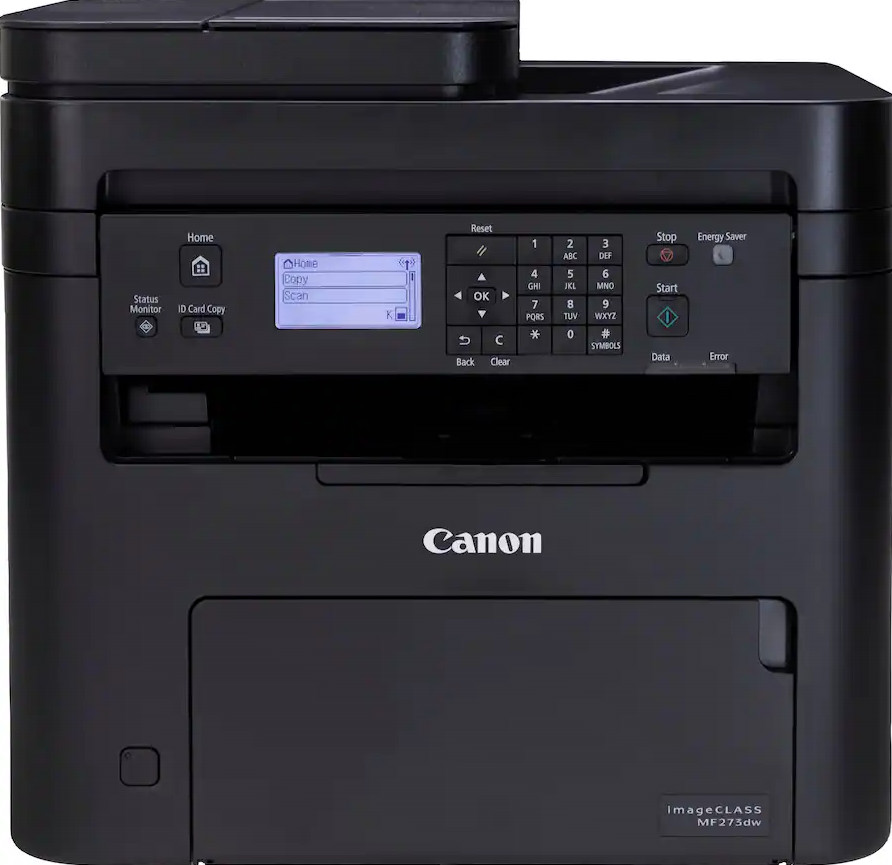
The Canon is the sensible choice when your workload is mostly print, copy, and scan. It's a new unit, and its wireless connection means you can place it near your Wi-Fi without running cables. It prints up to 30 pages per minute and includes a 150-sheet paper tray and a 35-sheet automatic document feeder, so routine multi-page jobs don't require constant reloading. The 5-line adjustable screen keeps the control panel easy to follow. The trade-off is that the listed connectivity is wireless, so this model is best suited to a Wi-Fi setup. For a dedicated copy-and-scan station in a wireless office, the Canon gives you the essentials without the higher price tag.
HP LaserJet Pro MFP 4101fdw All-in-One Printer Copier Scanner and Fax
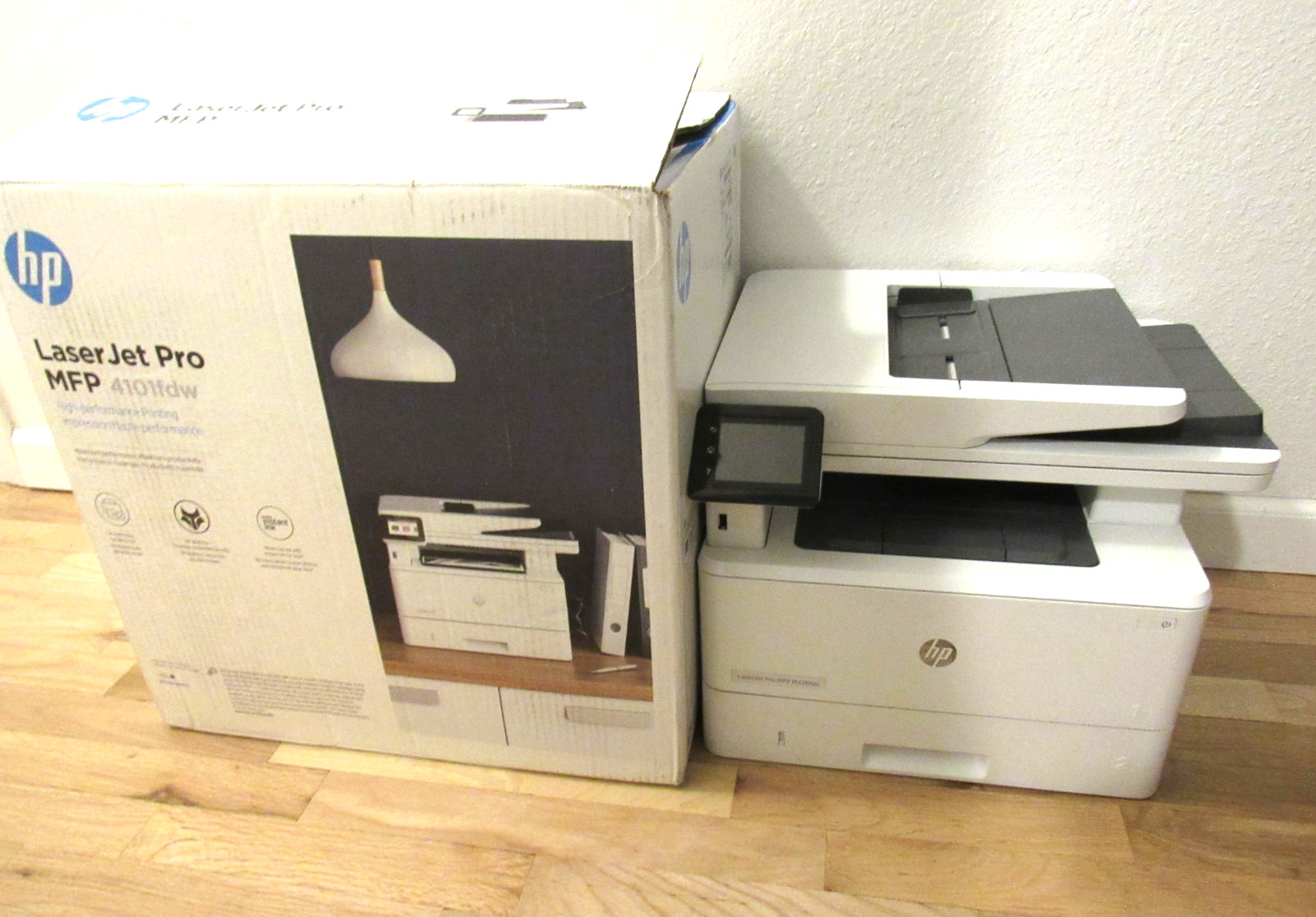
The HP is the feature-packed all-in-one, with the higher price reflecting its faster output and expanded functions. It can connect over Ethernet (RJ-45) or USB 2.0 for reliable wired operation, and its black-and-white print speed is well above the Canon's. It's a used unit that ships in the original box with the printer and power cable only; the copy function was tested and clean copies were printed. Because it's used, its condition is part of the trade-off even with a fuller feature set. If your office regularly runs longer print jobs, relies on wired networking, or needs more built-in office functions, the extra capability can justify the higher price compared with the Canon. For those tasks, the HP LaserJet Pro MFP 4101fdw is the stronger pick.
Final choice by use case
- Pick the Canon imageCLASS MF273dw for a new print-copy-scan unit at $90.20, especially if you never fax.
- Pick the HP LaserJet Pro MFP 4101fdw for faster 42 ppm output with built-in faxing and automatic two-sided printing, plus wired connections, at $280.00; it's a used unit.
