When you're weighing used printers scanners for a home office, the real question is whether you need color or speed. The Brother MFCL2740DW is a laser all-in-one, while the HP PhotoSmart 7520 is a color inkjet with photo-focused features and a bundle of extras. This head-to-head will help you decide which one makes sense for your desk.
Quick Verdict
If your day is mostly text documents, choose the Brother MFCL2740DW at $129.95. It offers a fast 32 ppm print speed and flexible connectivity. If color photos and creative prints matter more, the HP PhotoSmart 7520 at $175.00 is the color-centric pick, though it may need print head and cartridge replacement before heavy use.
Comparison at a Glance
| Product | Listed Price | Price Bar | Output | Best For |
|---|---|---|---|---|
| Brother MFCL2740DW | $129.95 | Monochrome laser | Fast text documents | |
| HP PhotoSmart 7520 | $175.00 | Color inkjet | Photo prints and color projects |
Where Each Product Wins
The Brother MFCL2740DW wins on speed and networking. It prints text pages quickly, and it gives you wireless, Ethernet, and USB 2.0 connections, so it can sit anywhere in a home office or be shared by a few people. It also lists duplex printing among its features.
The HP PhotoSmart 7520 wins on color and included accessories. It's a color printer, so it can handle photos and colorful handouts that a text-only printer can't. This example also comes with a new black ink cartridge, a setup guide, a data cable, and a power cord, which lowers the startup hassle.
Brother MFCL2740DW
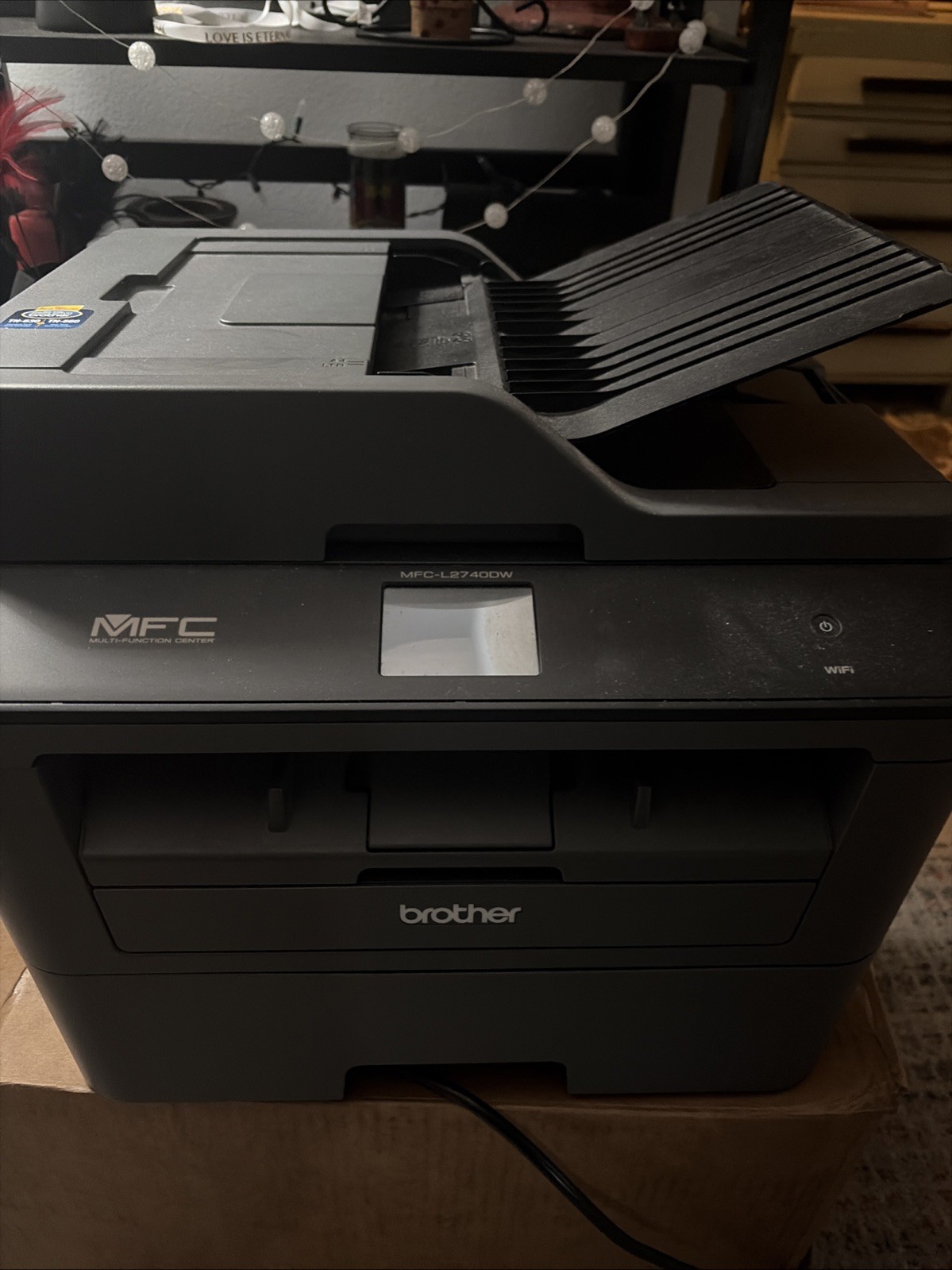
The Brother MFCL2740DW suits text-heavy printing. Its 32 ppm print speed makes quick work of multi-page documents, and the wireless, Ethernet, and USB 2.0 connectivity options mean you can set it up in a corner, share it over a network, or plug in directly. The built-in scanner, copier, and fax capabilities round out a proper small-office machine. The main limitation is the monochrome-only output: you can't print color documents or photos on this printer. It's also listed as a used unit, so it isn't a fresh-out-of-box item. If your workflow is all about text and fast turnaround, this is the sensible choice.
HP PhotoSmart 7520
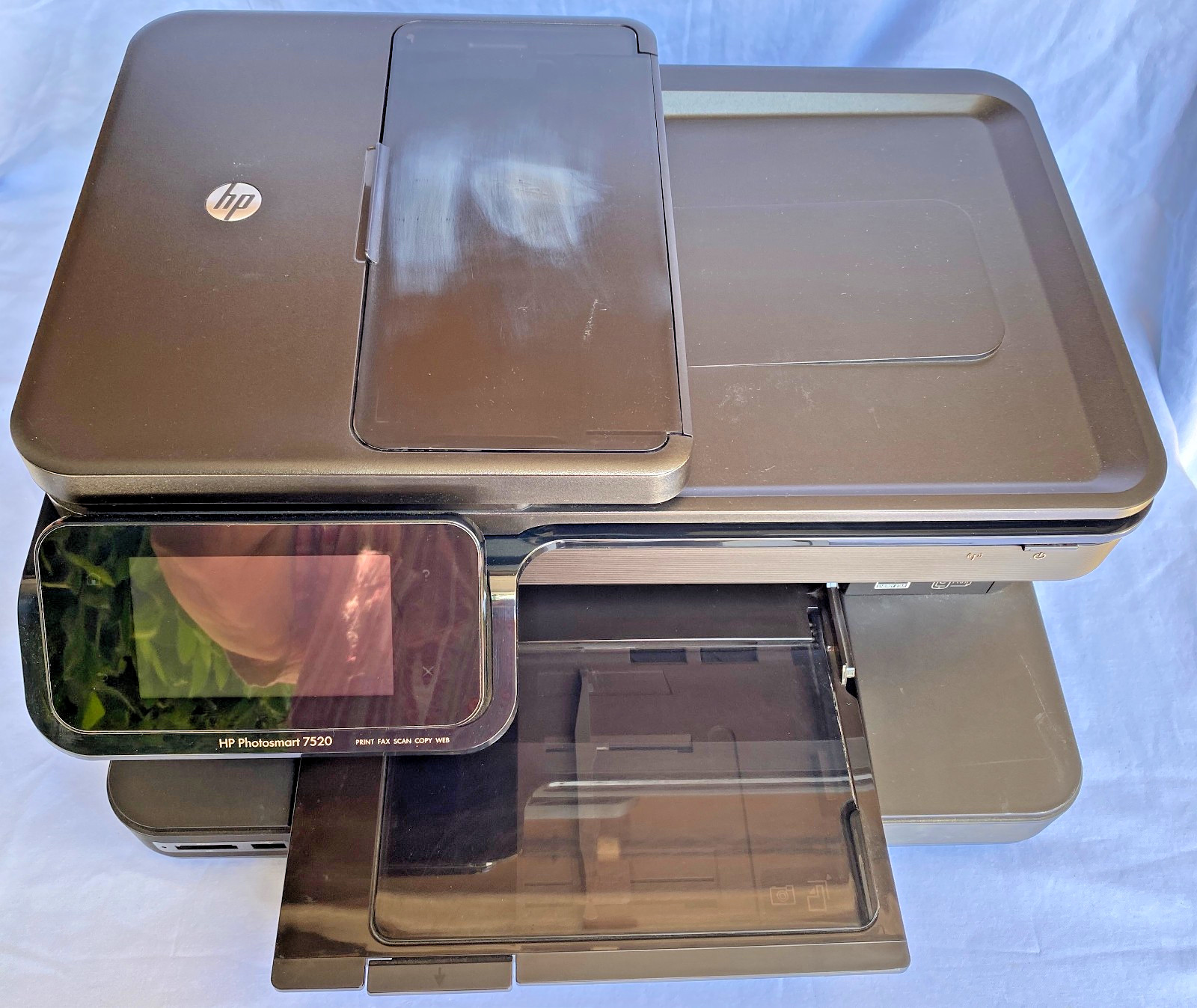
The HP PhotoSmart 7520 is the color-first alternative. As an inkjet, it can produce color prints and photos, and the scanner and copier functions cover everyday jobs. The included extras are a practical plus: an unopened black ink cartridge, a setup guide, a data cable, and a power cord come with the unit, so you won't have to hunt for basics. The trade-off is maintenance: the print head and cartridge likely need to be replaced before you can rely on it for quality output. It also connects via cable, so it needs to sit near your computer or router. If you're ready for a quick fix and want color capability, this is the more creative-friendly pick.
Final Choice by Use Case
For a document-heavy home office that needs fast text prints and flexible networking, the Brother MFCL2740DW is the more practical buy. For someone who wants color photos and creative projects, and who doesn't mind replacing the print head and cartridge, the HP PhotoSmart 7520 fits better. Keep your primary output in mind, and the right printer-scanner will be clear.
