Choosing between the Brother MFCL2740DW and the Honeywell Scanner and Printer Kit is really a question of what you need the hardware to do every day. In the printers scanners category, these two sit at opposite ends of the workflow spectrum. The Brother is a complete monochrome all-in-one for printing, scanning, copying, and faxing documents. The Honeywell kit pairs a barcode scanner with a printer for point-of-sale tasks. Price alone won't settle it because these two belong in different workspaces.
Quick Verdict
If your days involve documents, spreadsheets, and forms, the Brother MFCL2740DW is the practical choice at USD 129.95. It's a complete monochrome all-in-one, and the Honeywell Scanner and Printer Kit, at USD 2,300.00, is aimed at retail checkout transactions. If you don't run a checkout station, you don't need that specialized a kit. Your workflow, not the price tag, should drive the decision.
Comparison at a Glance
| Brother MFCL2740DW | Honeywell Scanner and Printer Kit | |
|---|---|---|
| Price | USD 129.95 | USD 2,300.00 |
| Condition | Used | Used |
| Connectivity | Wireless, Ethernet (RJ-45), USB 2.0 | Wireless |
| Intended Use | Print, scan, copy, fax, duplex for office documents | Barcode scanning and receipt printing for retail |
| Price bar |
Both are used units, but their intended roles are completely different. The Brother is a desktop workhorse for documents, while the Honeywell kit is a checkout companion for scanning and printing.
Where Each Product Wins
The Brother MFCL2740DW wins when you need a multi-function office machine that covers the full range of daily document tasks in one place. The Honeywell Scanner and Printer Kit wins when your workflow is centered on checkout transactions and keeping a sales counter running efficiently. Choosing the right one starts by mapping out what you'll actually use each day.
Product Notes
Brother MFCL2740DW Wireless Monochrome Printer with Scanner, Copier and Fax
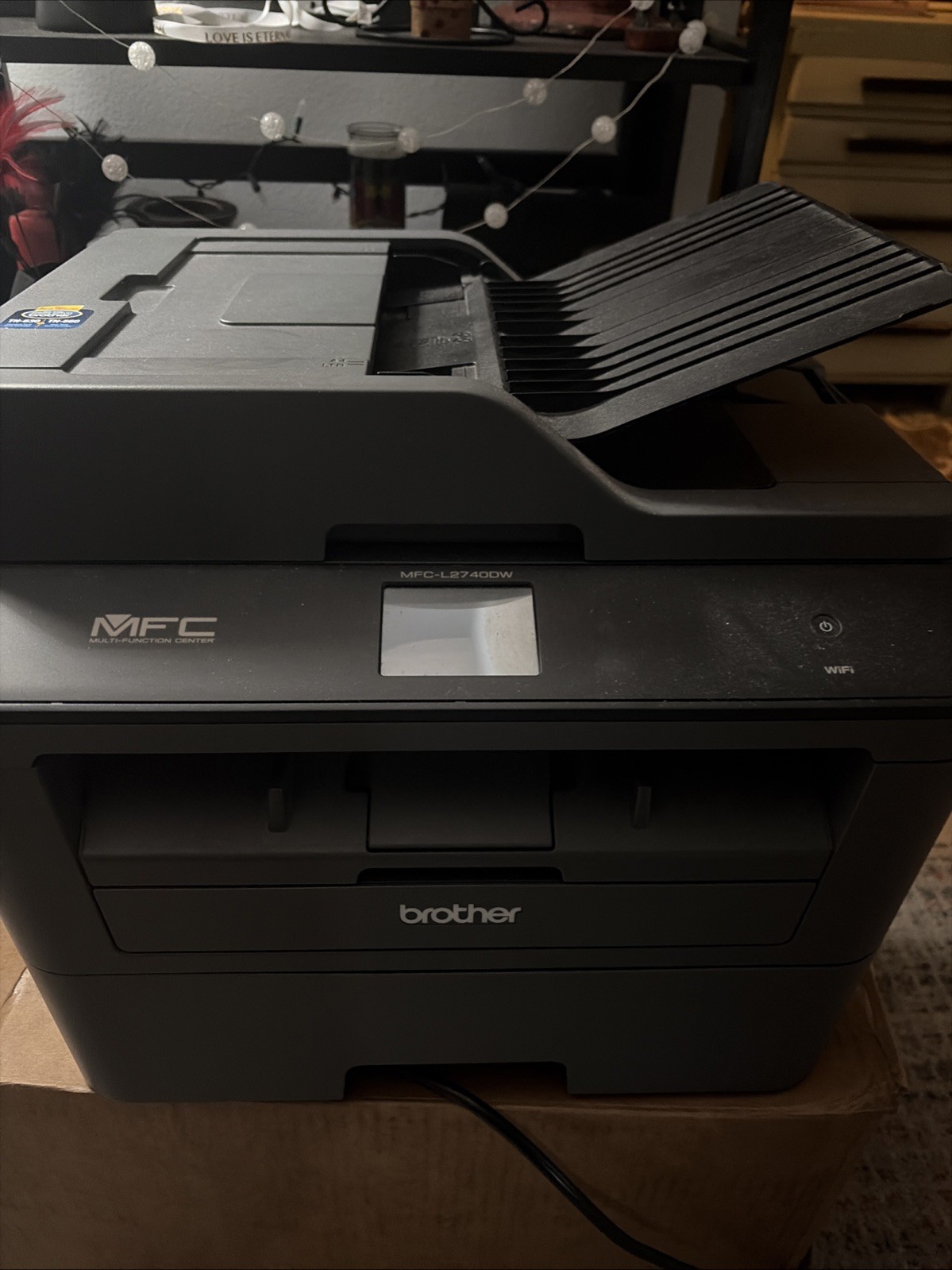
The Brother MFCL2740DW is a strong fit for home offices and small businesses that produce mostly black-and-white documents. It prints at 32 ppm with 600 × 600 DPI output, so text stays sharp for contracts and forms. It also adds scanning, copying, faxing, and automatic duplexing, which makes it a genuine multi-function workstation instead of a single-purpose printer. The 30-bit color depth and CIS image sensor support decent grayscale scan quality for a monochrome unit. The trade-off is that it's a monochrome laser, so any color output isn't part of its job. If your work is text-heavy and you want one machine to cover multiple office tasks, this Brother makes that easy.
Honeywell Scanner and Printer Kit
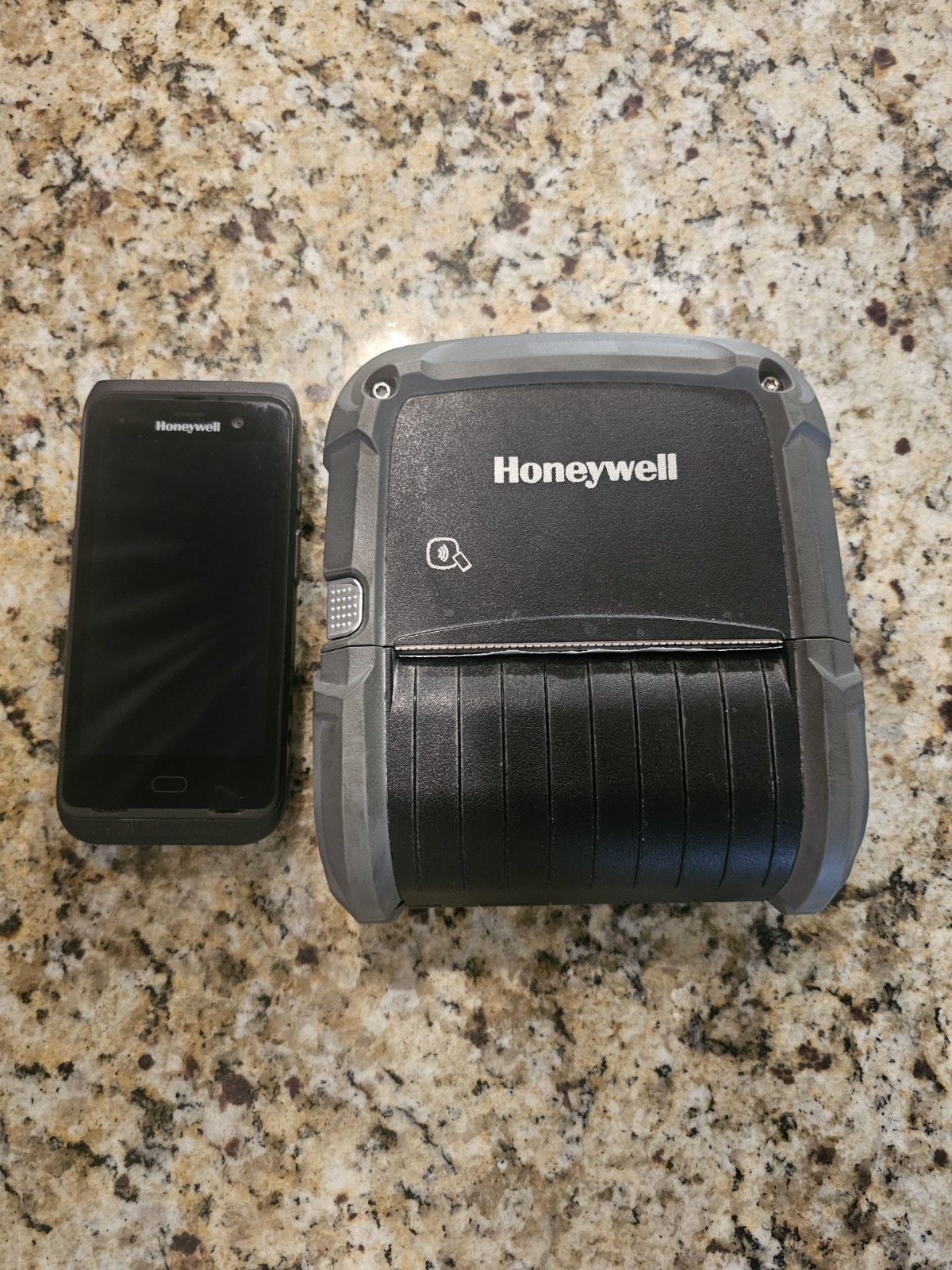
The Honeywell Scanner and Printer Kit is purpose-built for retail and service environments. It combines a barcode scanner with a printer so staff can ring up items and print receipts or labels without juggling separate hardware. For a checkout lane, that pairing means less desk clutter and a faster transaction flow. The catch is that this kit is specialized: it's a parts-and-accessories bundle, and it doesn't try to be a general-purpose office all-in-one. If you need to print regular documents, scan pages, or send faxes, this isn't the tool for those tasks. But if your business runs on point-of-sale scanning and money-handling workflows, the Honeywell kit aligns directly with that work.
Final Choice by Use Case
Choose the Brother MFCL2740DW for a document-driven workspace that needs a hard-working all-in-one. Choose the Honeywell Scanner and Printer Kit for a retail counter or service desk where scanner-and-printer pairing is the core of the job. The right call depends on whether you're staffing an office or running a register.
