Choosing an all-in-one printer for a home office usually comes down to a fundamental trade-off: speed and cost for black-and-white documents, or color depth and detail for images and graphics. The Brother MFCL2740DW and the Canon PIXMA MX922 line up on opposite sides of that trade-off, and the price gap between them is significant. Here's how to pick the one that fits your daily printing.
Quick verdict: If your printing is mostly text pages like forms, contracts, and memos, the Brother gives you fast output and useful document extras at a much lower price. If you need color prints, high-resolution output, and scanning detail, the Canon delivers a higher-resolution print engine and deeper color depth, but it costs about $220 more.
Here's a side-by-side look at the key specs.
| Feature | Brother MFCL2740DW | Canon PIXMA MX922 |
|---|---|---|
| Price | USD 129.95 | USD 350.00 |
| Type | Wireless monochrome laser | Wireless all-in-one inkjet |
| Max print resolution | 600 x 600 DPI | 9600 x 2400 DPI |
| Color depth | 30-bit | 48-bit |
| Grayscale depth | 8-bit | 16-bit |
| Connectivity | Wireless, Ethernet, USB 2.0 | Wireless |
| Condition | Used | Open box (never used) |
Where the Brother MFCL2740DW wins: The Brother has a clear price advantage. It also gives you wired connection options, plus a fax function and automatic duplex printing for a more complete document workflow. Its 32 ppm black print speed suits high-volume text jobs.
Where the Canon PIXMA MX922 wins: The Canon focuses on color output, with a high-resolution print engine, deeper color and grayscale depths, and a scanner that resolves up to 2400 x 4800 DPI. It also comes with a 1-year manufacturer warranty.
Brother MFCL2740DW
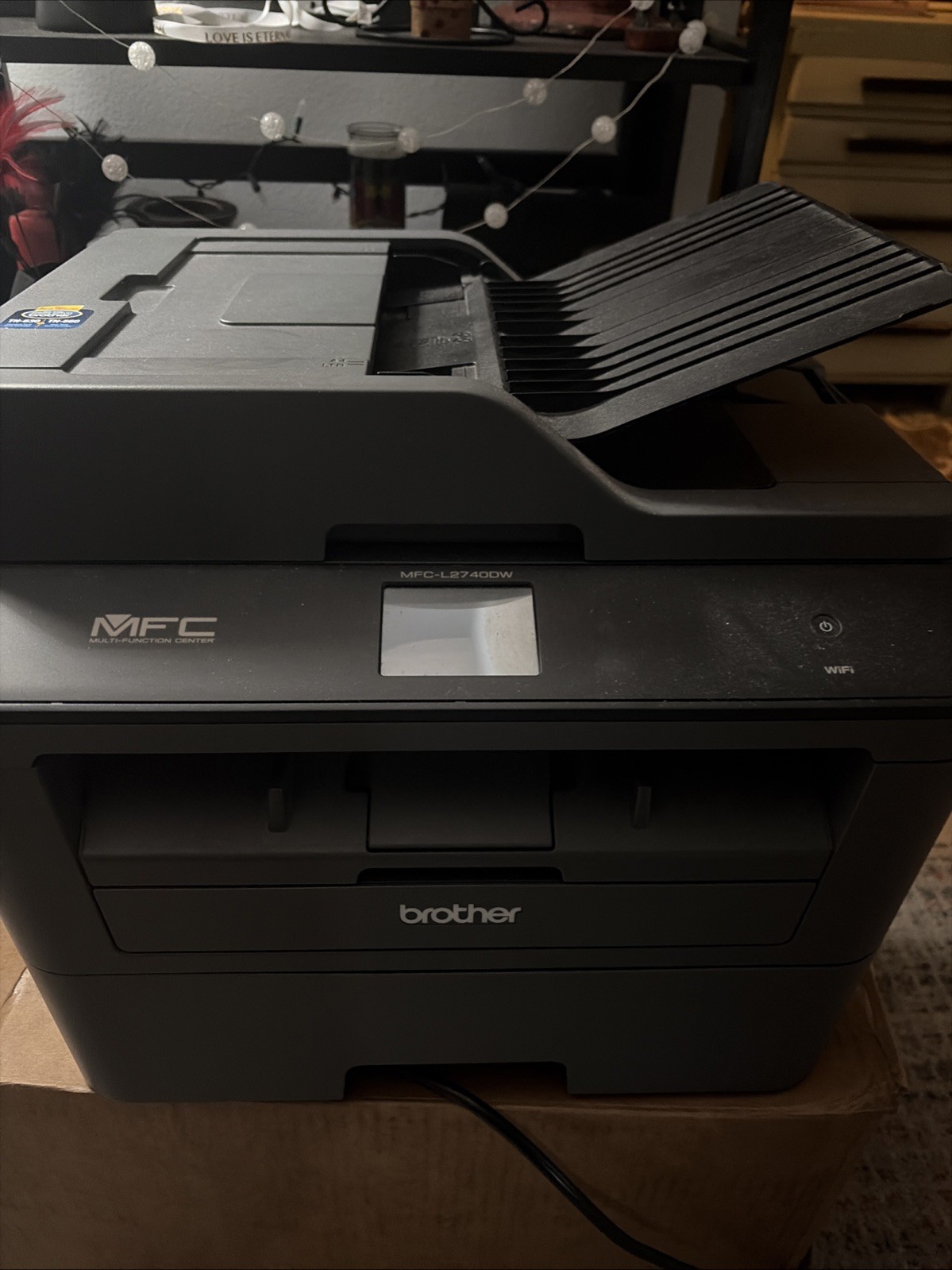
The Brother MFCL2740DW is a workhorse for text-heavy home offices. It prints black-and-white documents at up to 32 ppm, with a 600 x 600 DPI resolution that keeps text crisp. The all-in-one package includes scanning, copying, faxing, and automatic duplex printing, so it can handle multi-page jobs without flipping pages. Connectivity is flexible, with wireless, Ethernet, and USB 2.0 options for desktop or network setup. As the lower-cost option in this matchup, it suits high-volume document printing. The trade-off is that it is a monochrome laser, so you cannot print color documents or photos. If your output is mostly forms, contracts, and memos, that limitation rarely matters. If color is a requirement, this is not the unit for you.
Canon PIXMA MX922
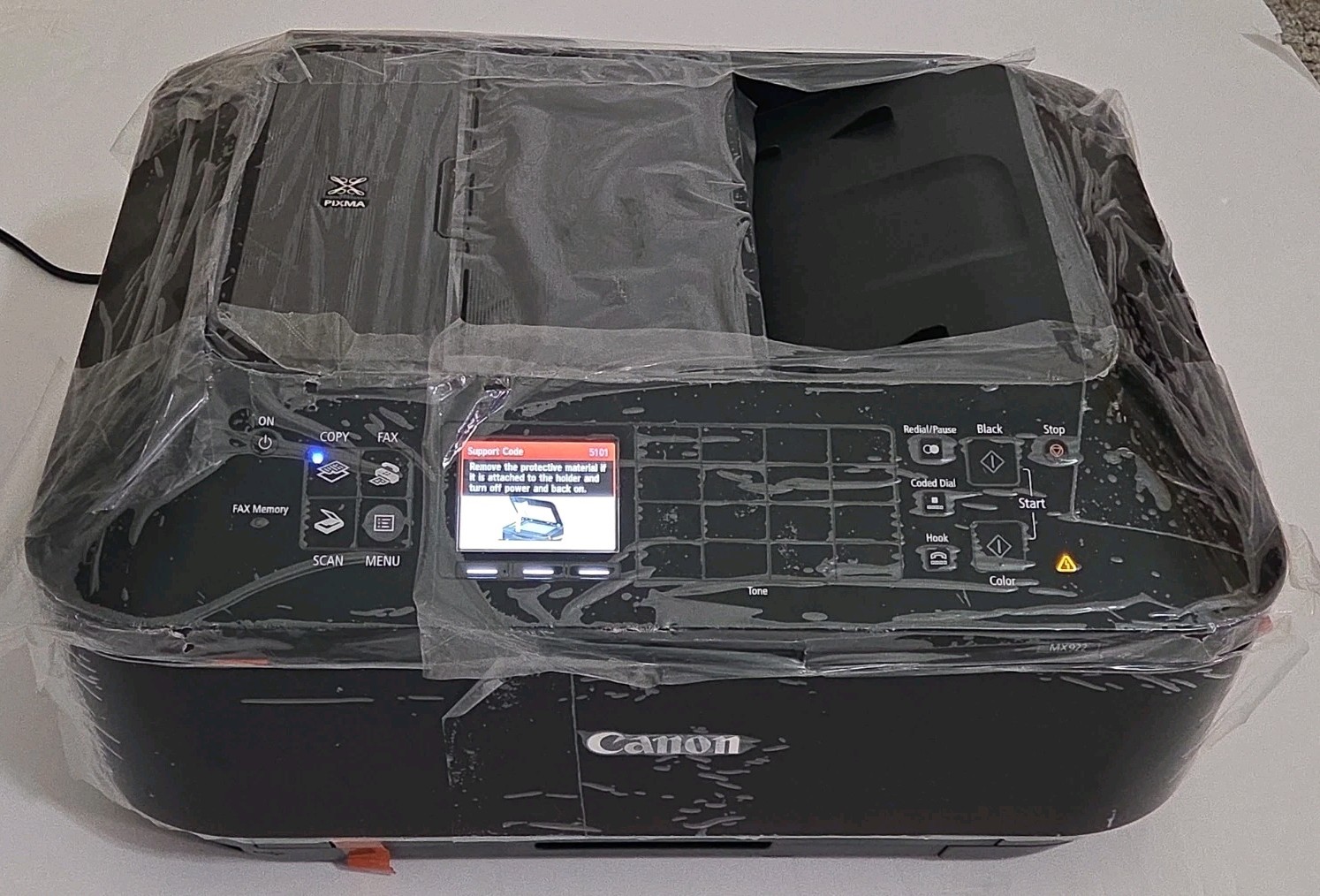
The Canon PIXMA MX922 is aimed at users who want vibrant color and detailed scans. It lists a maximum print resolution of 9600 x 2400 DPI, which is far above the Brother's print resolution, and its 48-bit color depth with 16-bit grayscale makes it better suited for photo prints and graphics. The built-in scanner has a resolution of 2400 x 4800 DPI for clear document and image captures. The unit is described as never used, comes with a 1-year manufacturer warranty, and is part of the higher-priced tier in this comparison. The main hurdle is that higher price. If you need color output and high-resolution scanning, the Canon justifies its cost.
Final choice by use case: For high-volume text document printing and a tight budget, the Brother MFCL2740DW is the clear pick. For color-centric projects, photo prints, and scanning detail, the Canon PIXMA MX922 earns the extra investment.
