Choosing between an all-in-one inkjet and a monochrome laser printer feels like comparing apples to oranges. Do you need color prints, or are you primarily printing text documents? Do you fax regularly, or do you just need something compact for occasional use? The Brother MFC-L2740DW and Canon PIXMA TS3722 sit at very different price points, and the right pick depends on how you plan to use it.
Quick Verdict
If you print mostly black-and-white text, need fax capability, and prefer a wired network connection, the Brother MFC-L2740DW is the obvious pick. If your priority is keeping the upfront cost low and you want to print color photos and creative projects, the Canon PIXMA TS3722 is a strong contender.
Side-by-Side Comparison
| Feature | Brother MFCL2740DW | Canon PIXMA TS3722 |
|---|---|---|
| Price | $129.95 | $35.20 |
| Printer Type | Monochrome laser | Color inkjet |
| Functions | Print, scan, copy, fax | Print, scan |
| Connectivity | Wireless, Ethernet, USB 2.0 | Wireless |
| Condition | Used | New |
| Color Depth | 30-bit | 16-bit |
Where the Brother MFCL2740DW Wins
- It prints black-and-white pages at 32 ppm, making it a fast option for text-heavy workloads.
- It includes fax and copier functions, plus Ethernet and USB 2.0 connectivity, so it can slot into a traditional office setup.
Where the Canon PIXMA TS3722 Wins
- It costs $94.75 less than the Brother, making it an appealing choice for cost-conscious shoppers.
- It's a color inkjet, so you can print photos, borderless images, banners, and envelopes.
- It's listed as new and uses a hybrid ink system with pigment black for sharp text and dye-based colors for vivid photos.
Product Notes
Brother MFCL2740DW Wireless Monochrome Printer with Scanner, Copier and Fax
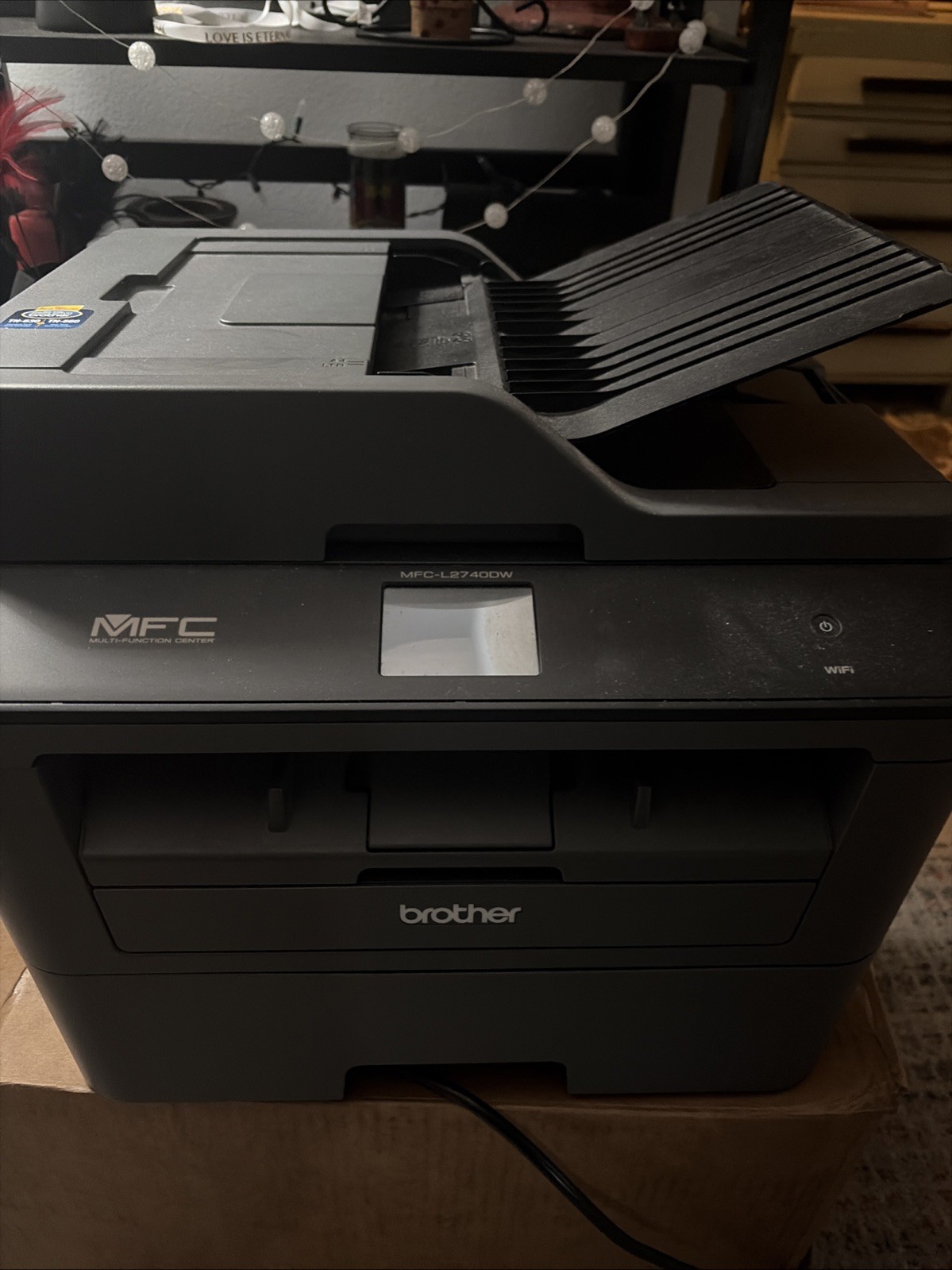
The Brother MFC-L2740DW is the one to choose if your workflow revolves around black-and-white documents. It prints at 32 ppm, has scan, copy, and fax capabilities, and connects via wireless, Ethernet, or USB 2.0. The 600 x 600 DPI print resolution helps keep text crisp and legible, which matters for contracts, letters, and reports. For a home office that needs a networked multi-function device, this is a solid match. The limitations are that it's a monochrome printer, so it won't handle color prints or photos, and it's listed as used, which might affect your decision. If you don't need color and you're okay with a used unit, the Brother gives you a fast, connected all-in-one.
Canon PIXMA TS3722 Wireless All-In-One Inkjet Printer for Home Office
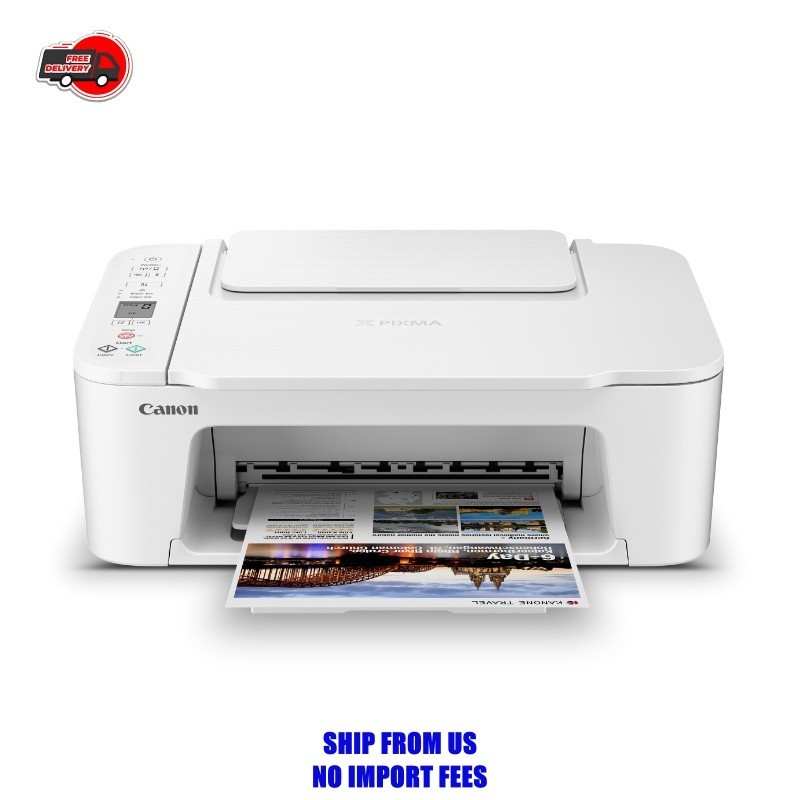
The Canon PIXMA TS3722 is an inkjet that prints in color, including photos and borderless prints up to 8.5 x 14 inches. Its hybrid ink system uses pigment black for text and dye-based colors for images, which suits a mix of document and photo printing. You can also feed photo paper, envelopes, and banners through this printer, giving you flexibility for creative projects. The wireless connection keeps setup simple. The listed features center on printing and scanning, making it a straightforward choice for print-and-scan tasks. A consideration is that connectivity is wireless-only, with no Ethernet or USB port mentioned. If you only occasionally need color and want a compact printer for the home, the Canon delivers.
Final Choice by Use Case
For a busy home office that prints reams of black-and-white documents, sends faxes, and needs dependable wired networking, the Brother MFCL2740DW is the printer to get. For a household or small creative setup that wants color prints and photos, the Canon PIXMA TS3722 is the better fit.
