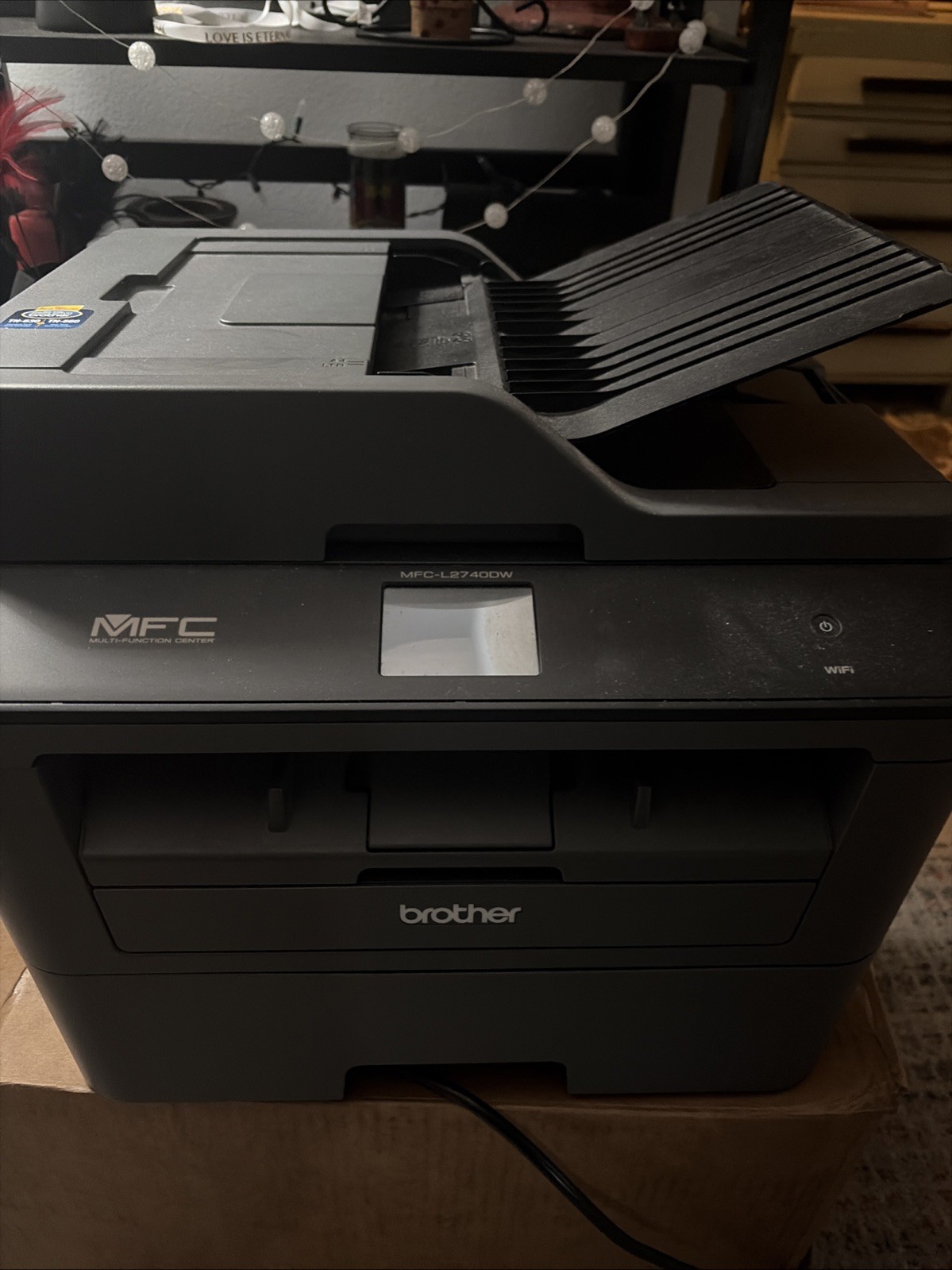
Most all-in-one printer decisions come down to a simple question: what do you print most? The Brother MFC-L2740DW is a laser all-in-one, while the Epson Workforce WF-2950 is an inkjet.
Quick verdict
For heavy text printing, the Brother MFC-L2740DW is the speed-oriented pick. For multi-page scanning and copying convenience, the Epson Workforce WF-2950 is the more flexible alternative.
Comparison at a glance
| Attribute | Brother MFC-L2740DW | Epson WF-2950 |
|---|---|---|
| Listed price | USD 129.95 | USD 100.20 |
| Price bar | ||
| Print technology | Monochrome laser | Color inkjet |
| Black print speed | 32 ppm | 10 ppm |
| Max print resolution | 600 x 600 DPI | 5760 dpi |
| Listed connectivity | Wireless, Ethernet (RJ-45), USB 2.0 | Wireless (802.11 b/g/n), Wi-Fi Direct |
| Condition | Used | New |
The price bar above gives a visual sense of the listed-price spread: the Brother sits at the higher end, and the Epson sits lower. For many buyers, that bar alone may be the first nudge.
Where each printer stands out
- Brother MFC-L2740DW: Duplex printing is listed as a feature, which helps when you want double-sided pages without manually flipping stacks. It is a practical addition for report-heavy routines.
- Epson Workforce WF-2950: A 2.4-inch display screen is included for on-printer navigation. That can make menu scrolling and settings changes easier at the machine itself.
Think about how a typical week goes. Some users print dozens of pages of black text and only need the occasional scan or copy. Others juggle flyers, printed photos, and longer documents. The Brother's configuration suits the first group, while the Epson's configuration reaches a broader set of tasks.
Brother MFC-L2740DW
The Brother MFC-L2740DW is listed at USD 129.95 in used condition, so the main appeal is its performance rather than a fresh-out-of-box status. It prints black-and-white pages at 32 ppm with a 600 x 600 DPI resolution, and the scanner, copier, and fax functions cover standard office workflows. The CIS image sensor and 8-bit grayscale depth are part of the scanning setup, while the 30-bit color depth supports color scans. The unit is networkable, meaning multiple computers on a small office network can share it. Connection choices include wireless, Ethernet (RJ-45), and USB 2.0, so you can hook it up to a router or a single workstation. If you mostly produce text documents and the used condition is acceptable, this is the faster black-and-white option.
Epson Workforce WF-2950
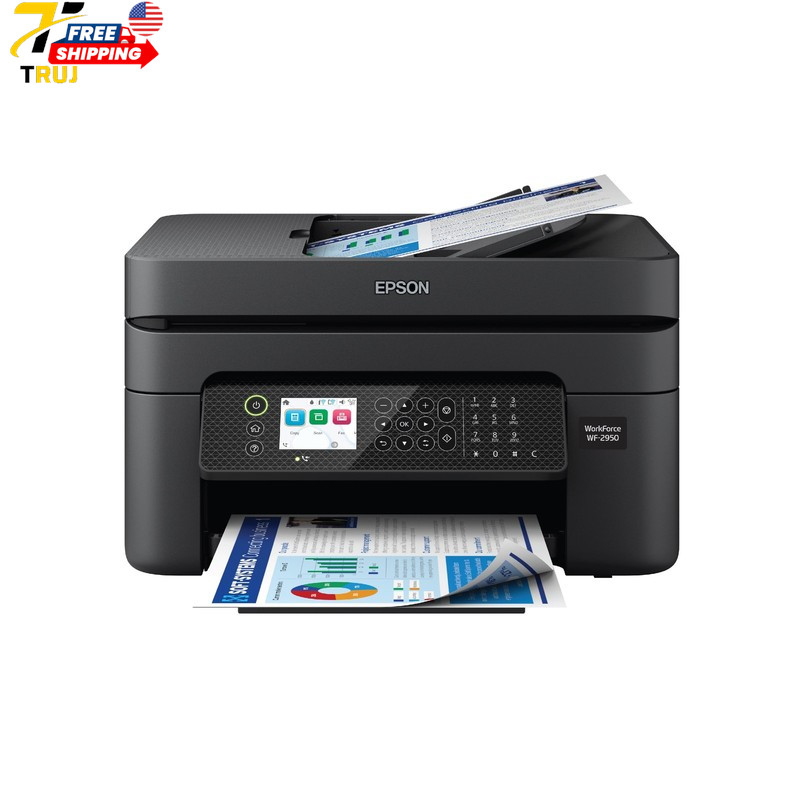
The Epson Workforce WF-2950 is listed at USD 100.20 in new condition, which gives it a lower listed price and a new-condition listing compared with the Brother. Its 5760 dpi maximum resolution puts graphics and photos within range. An automatic document feeder is useful for multi-page scanning or copying, and its black-and-white speed is rated at 10 ppm with copy speed at 7 ppm. A 2.4-inch display screen is part of the on-printer interface, and the assembled dimensions are 22.80 x 14.80 x 9.50 inches, so it needs a steady desktop footprint. It is compatible with Windows and macOS, so it can sit on a mixed-platform desk. Wireless connectivity covers 802.11 b/g/n and Wi-Fi Direct. If your jobs go beyond plain text, this is the flexible pick.
Final choice by use case
Choose the Brother MFC-L2740DW when your workflow centers on text documents. Choose the Epson Workforce WF-2950 when your tasks go beyond plain text.