Choosing between the Brother HL-L2405W and the HP Color LaserJet Pro MFP 3301FDW starts with a simple printers scanners question: are you printing mostly black-and-white documents, or do you want a machine that can also handle pages with graphics and photos? The Brother is listed at $106.79, and the HP is listed at $229.99, leaving roughly $120 between them. That extra money buys a more capable all-in-one and broader office features, but it also comes with an open-box listing and some setup before your first print.
Quick verdict
If you mostly print text documents and want a new machine at a lower price, choose the Brother. It prints black-and-white pages quickly and keeps things simple. If you need an all-in-one with broader office functions, the HP is the more capable choice, but you'll need to buy toner and a power cable separately.
At a glance
| Brother HL-L2405W | HP Color LaserJet Pro MFP 3301FDW | |
|---|---|---|
| Listed price | $106.79 | $229.99 |
| Output type | Monochrome laser | Color laser |
| Black print speed | 30 ppm | 25 ppm |
| Condition | New | Open box |
| Office functions | Duplex, networkable, scanner | Copier, fax, duplex, scanner |
| Connections | Wireless, USB 2.0, Ethernet (RJ-11) | Wireless, USB 2.0, Ethernet (RJ-45) |
Where each product wins
- Choose the Brother when your priority is a lower upfront price, faster black-and-white prints, and straightforward setup. Its 250-sheet paper tray also cuts down on refills.
- Choose the HP when you want an all-in-one that covers more office tasks, and you're comfortable with a unit that needs setup before the first print.
What each model offers
Brother HL-L2405W Wireless Monochrome Laser Printer
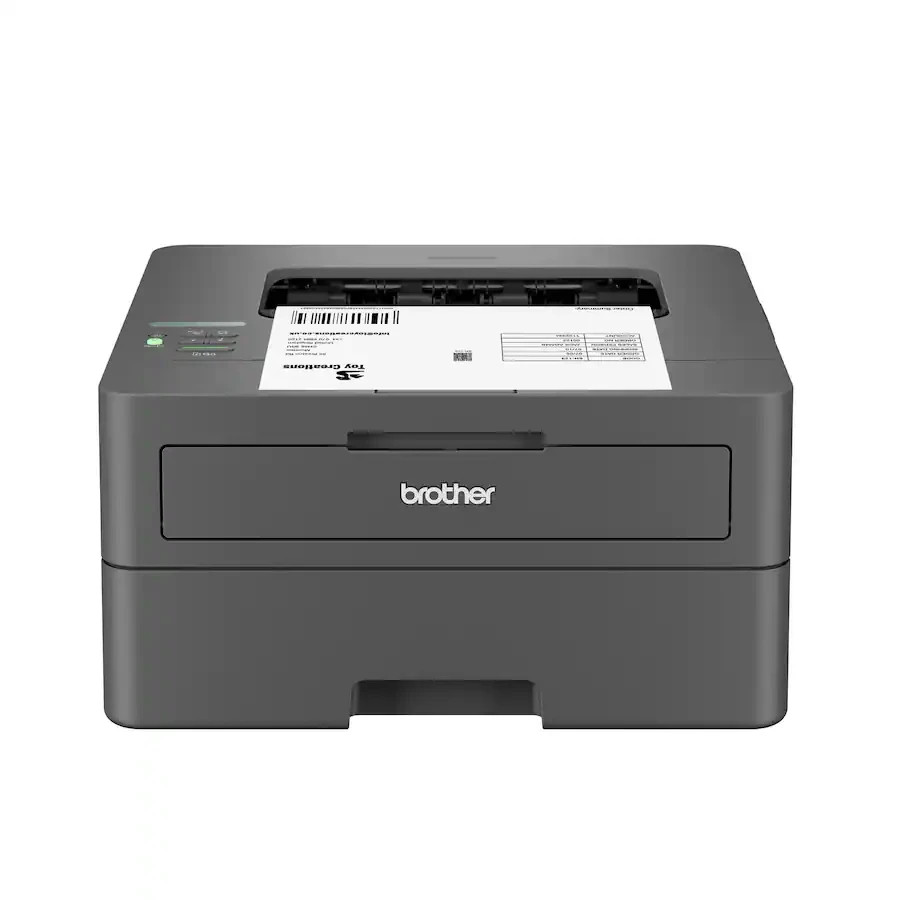
The Brother HL-L2405W is a dependable monochrome laser printer for homes and home offices. It produces crisp black-and-white pages at up to 30 ppm, and the 250-sheet paper tray means fewer trips to refill paper. Built-in dual-band wireless lets multiple devices connect, while the USB 2.0 port covers a direct hookup. If you print two-sided documents, the automatic duplex feature is already there. The main limitation is that this is a monochrome printer, so anything with graphics or photos won't look right. For someone whose daily output is text-based, that trade-off is easy to accept.
HP Color LaserJet Pro MFP 3301FDW Wireless Printer
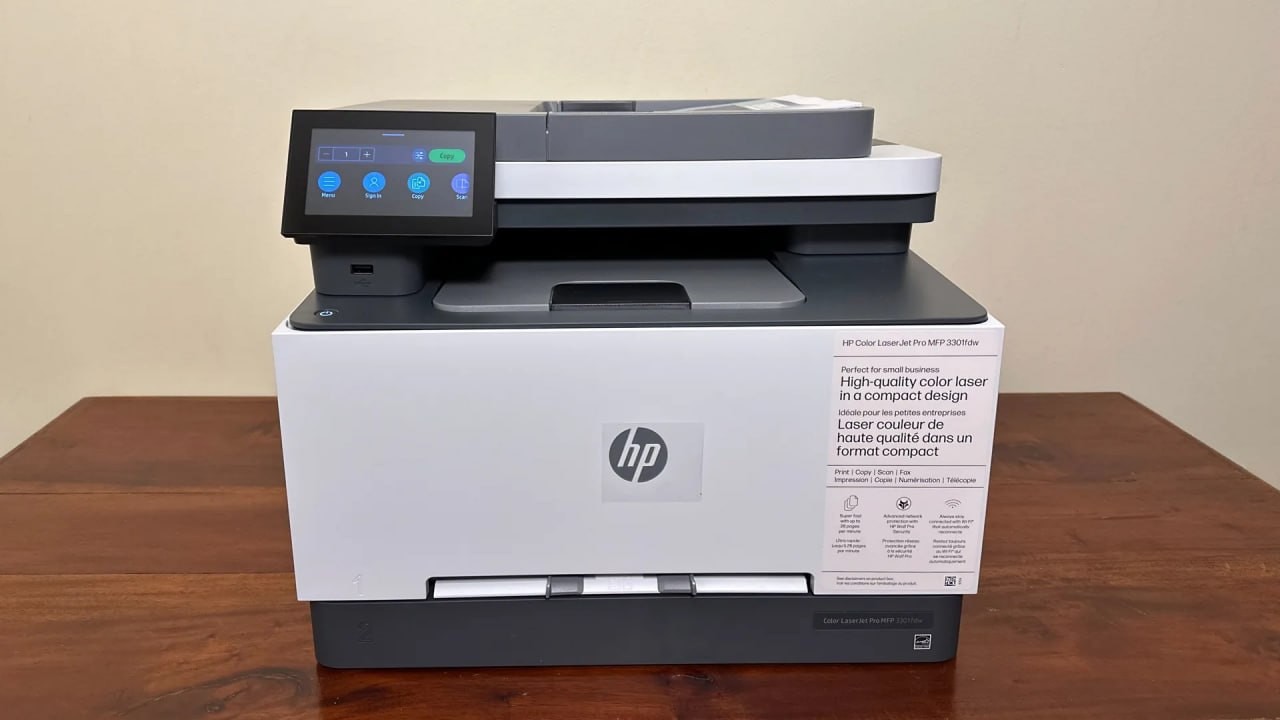
The HP Color LaserJet Pro MFP 3301FDW is a color laser all-in-one that has been fully tested and confirmed to be in clean working order. It prints black-and-white text at up to 25 ppm, a little slower than the Brother, but it also produces color documents, which the Brother cannot do. The 24-bit color depth gives it room for pages that need more than simple text. Along with printing, it includes copier, fax, and scanner functions, so a small office can consolidate several devices. The catch is what's not in the box: toner cartridges and a power cable are not included. Replacement toner typically costs $20 to $60 per cartridge, and a compatible power cable can be found for under $10.
Final choice by use case
Choose the Brother HL-L2405W if your work is mostly black-and-white text and you want a lower price. It's the simple, efficient pick for text-heavy offices. Choose the HP Color LaserJet Pro MFP 3301FDW if you need an all-in-one that handles more than black-and-white pages, and you're prepared for the extra setup it requires.
