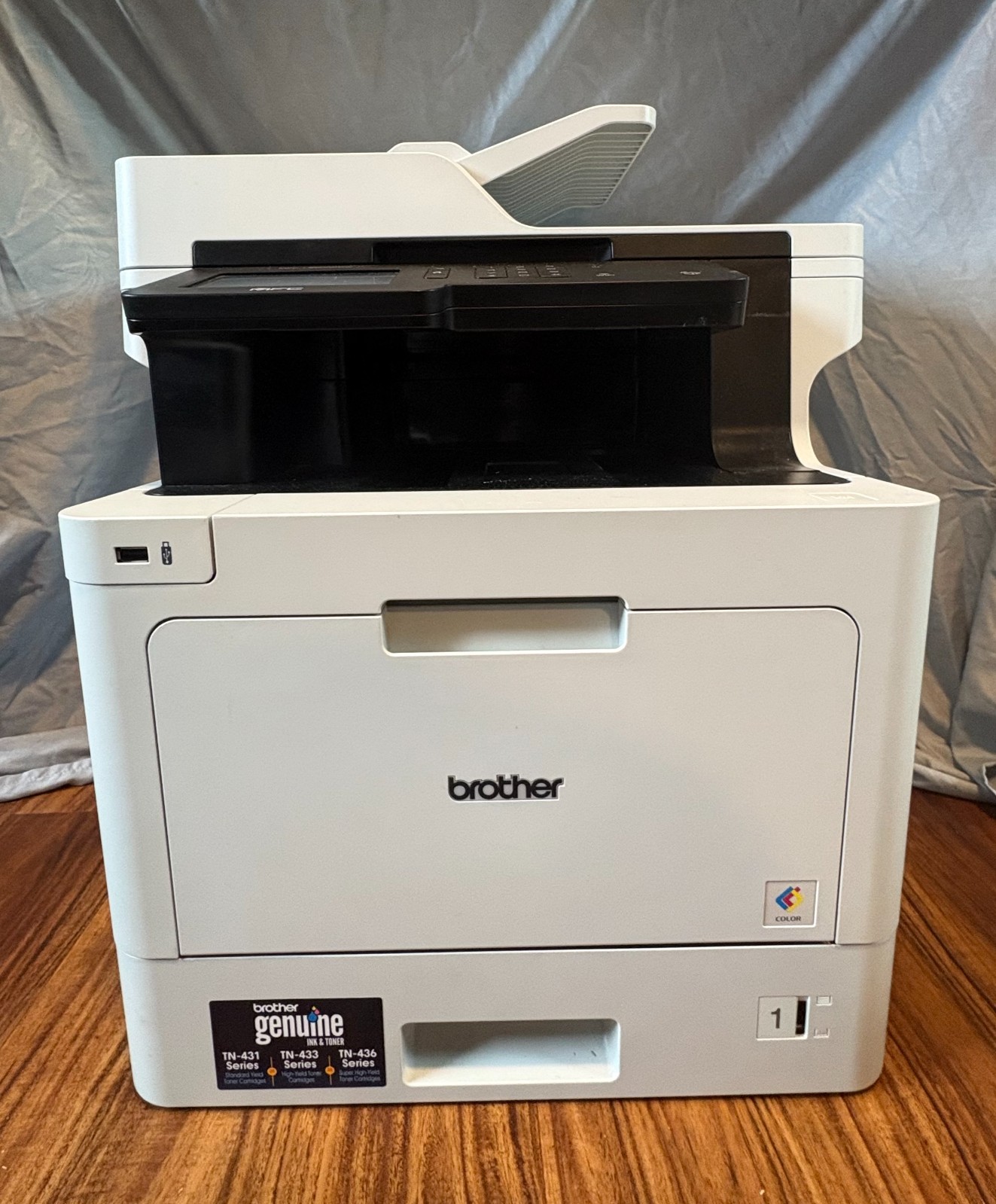

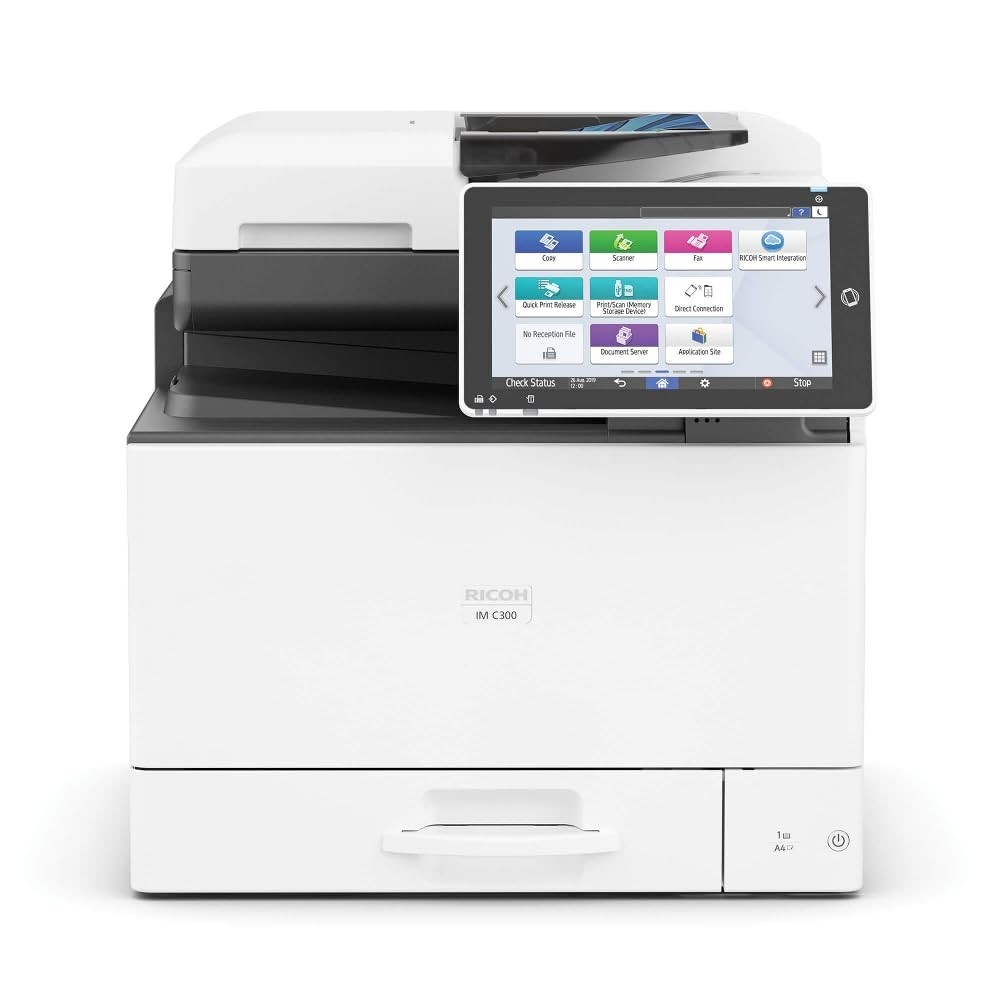
Photos from current listings. Actual item, color, and included accessories may vary.
Brother MFC-L8900CDW Buying Guide
The Brother MFC-L8900CDW is a color laser all-in-one designed for mid-volume workgroups, combining print, copy, scan, and fax with a 50-sheet ADF and duplexing across all functions. Its primary trade-off is between the durability of a genuine Brother laser engine and the hidden costs of third-party toner or a used unit with unknown consumable life. The decision rule is simple: buy only if you need legal-size scanning and 33 ppm color output, and avoid if your monthly volume exceeds 3,000 pages or you require tabloid printing.
Key takeaways
- Print speed is 33 ppm in both black and color, with a 2-sided print/copy/scan/fax workflow and a 50-sheet auto document feeder that scans up to 28 ipm.
- Genuine Brother TN-436 toner yields approximately 6,500 pages black and 6,500 color at 5% coverage; third-party cartridges often deliver 30–50% less and risk drum damage.
- Paper handling includes a 250-sheet main tray, a 50-sheet multipurpose tray, and an optional 500-sheet add-on tray; maximum input is 800 sheets with the accessory.
At a glance
- Category
- Commercial Printers & Copiers
- Status
- Listings available
- Last updated
- Nov 24, 2026
Current offers
Highlights
- Print speed is 33 ppm in both black and color, with a 2-sided print/copy/scan/fax workflow and a 50-sheet auto document feeder that scans up to 28 ipm.
- Genuine Brother TN-436 toner yields approximately 6,500 pages black and 6,500 color at 5% coverage; third-party cartridges often deliver 30–50% less and risk drum damage.
- Paper handling includes a 250-sheet main tray, a 50-sheet multipurpose tray, and an optional 500-sheet add-on tray; maximum input is 800 sheets with the accessory.
- Connectivity covers USB 2.0, Ethernet, Wi-Fi 802.11b/g/n, and Wi-Fi Direct, but the unit lacks NFC and does not support 11x17 tabloid output.
Best use cases
- Best fit: a 5–15 person office printing 1,000–2,500 pages per month needing color laser output, legal-size scanning, and duplex copying—buy the MFC-L8900CDW with genuine TN-436 toner.
- Wrong fit: a print shop or department exceeding 3,000 pages monthly—skip the L8900CDW and choose a heavier-duty model with a higher-yield toner cartridge and a monthly duty cycle above 50,000 pages.
- Wrong fit: anyone needing 11x17 tabloid prints or scans—this unit maxes out at legal (8.5x14), so select a tabloid-capable A3 color laser instead.
- Best fit: a home office that occasionally prints legal contracts and needs a 50-sheet ADF for batch scanning—the L8900CDW is the right tier over the cheaper MFC-L3770CDW because of its higher duty cycle and legal-size ADF.
Buying tips
- Choose the L8900CDW over the MFC-L3770CDW only if you need legal-size ADF scanning and a 250-sheet base tray; the L3770CDW has a 50-sheet tray and letter-only ADF.
- Insist on genuine Brother TN-436 or TN-433 toner for the L8900CDW; third-party cartridges frequently underfill and can void the drum unit warranty.
- For used units, verify the drum unit page count—the DR-436 drum is rated for 30,000 pages—and replace it if the counter exceeds 25,000 pages.
- Budget for the optional LT-5500 paper tray only if your monthly volume exceeds 1,500 pages; otherwise the standard 250-sheet tray plus 50-sheet bypass is sufficient.
Specs
| Print Technology | Color laser / LED electrophotographic |
|---|---|
| Print Speed | 33 ppm black & color |
| Max Paper Size | Legal 8.5x14 (no tabloid) |
| Toner Yield | TN-436: ~6,500 pages black/color |
Alternatives to compare
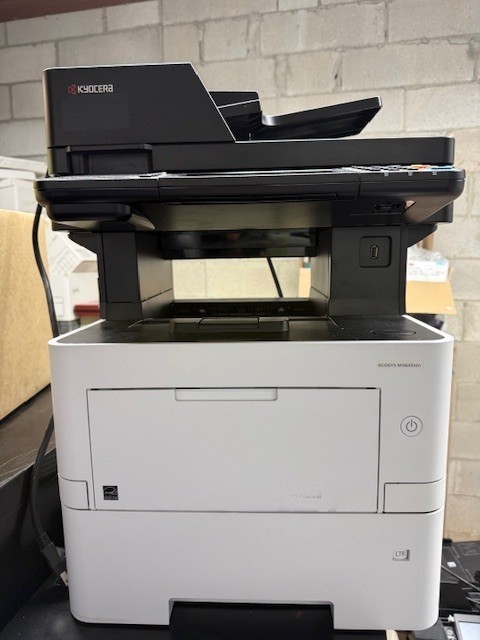
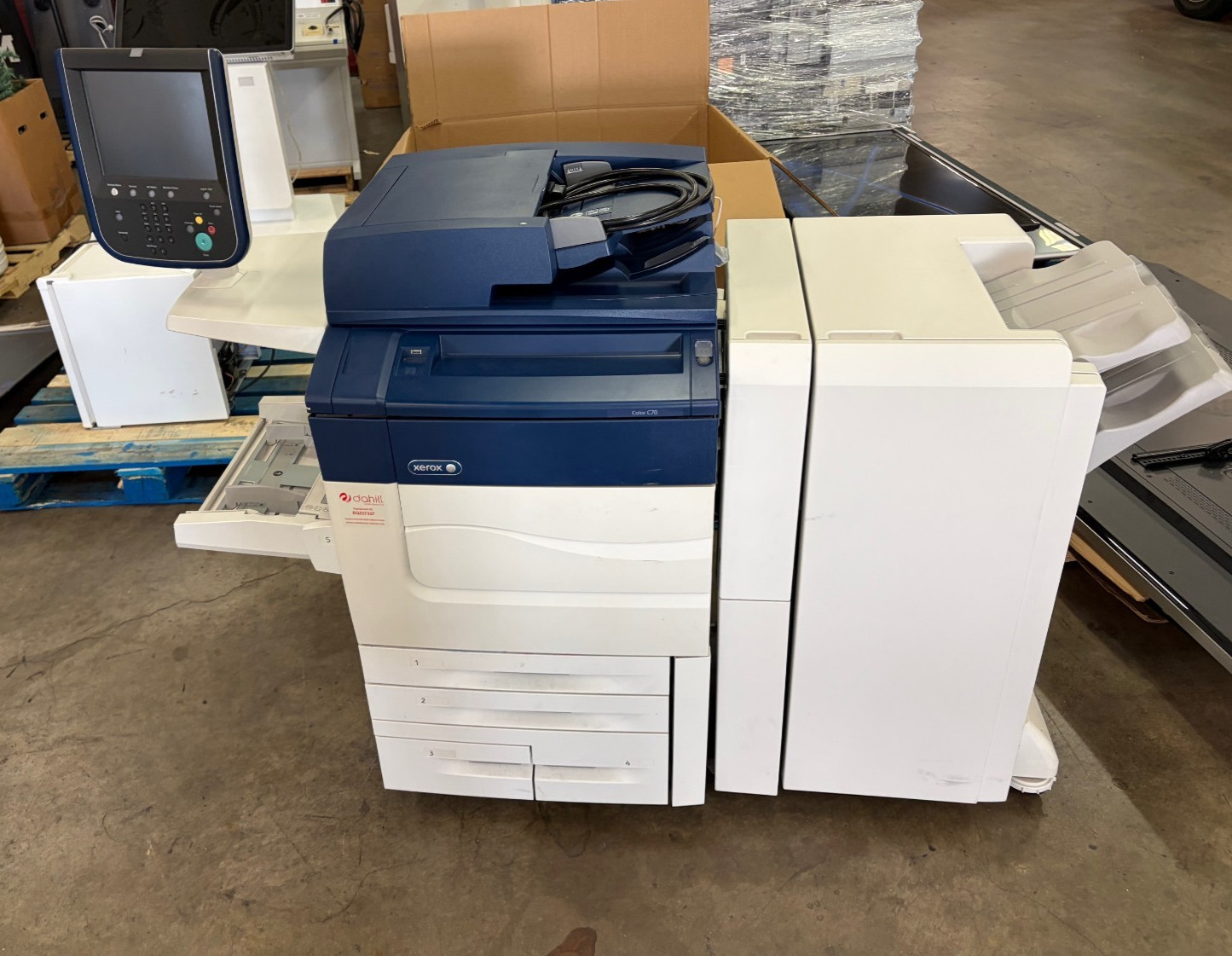
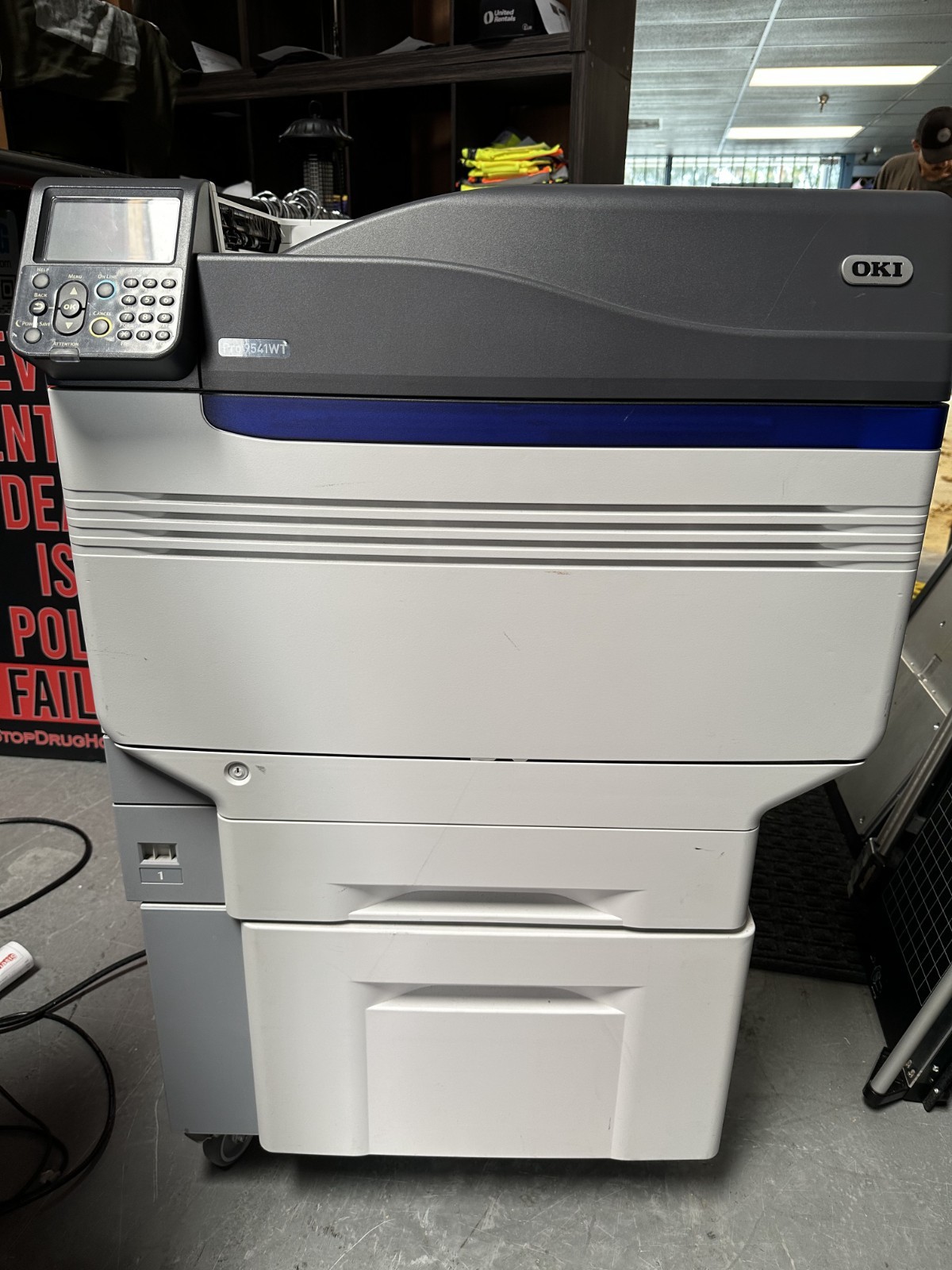
Related searches
What to check before buying
- Measure your desk or floor space: the L8900CDW requires 19.5 x 20.7 inches of footprint and leaves a 4-inch rear clearance for cable and airflow.
- Confirm your network has an available Ethernet port or stable 2.4 GHz Wi-Fi band; the unit does not support 5 GHz Wi-Fi.
- Check that your standard voltage is 120V/60Hz for North American models; the L8900CDW is not dual-voltage.
- Ensure you have a USB-B cable for direct connection; the printer does not include one in the box, and USB 2.0 is the only wired local option.
FAQ
Data sources: eBay / Amazon listings and product attribute feeds. Updated Nov 24, 2026.
Some links on this page are affiliate links. If you buy after clicking one, we may earn a commission at no extra cost to you. This does not change which products appear here or their order. Affiliate disclosure.